

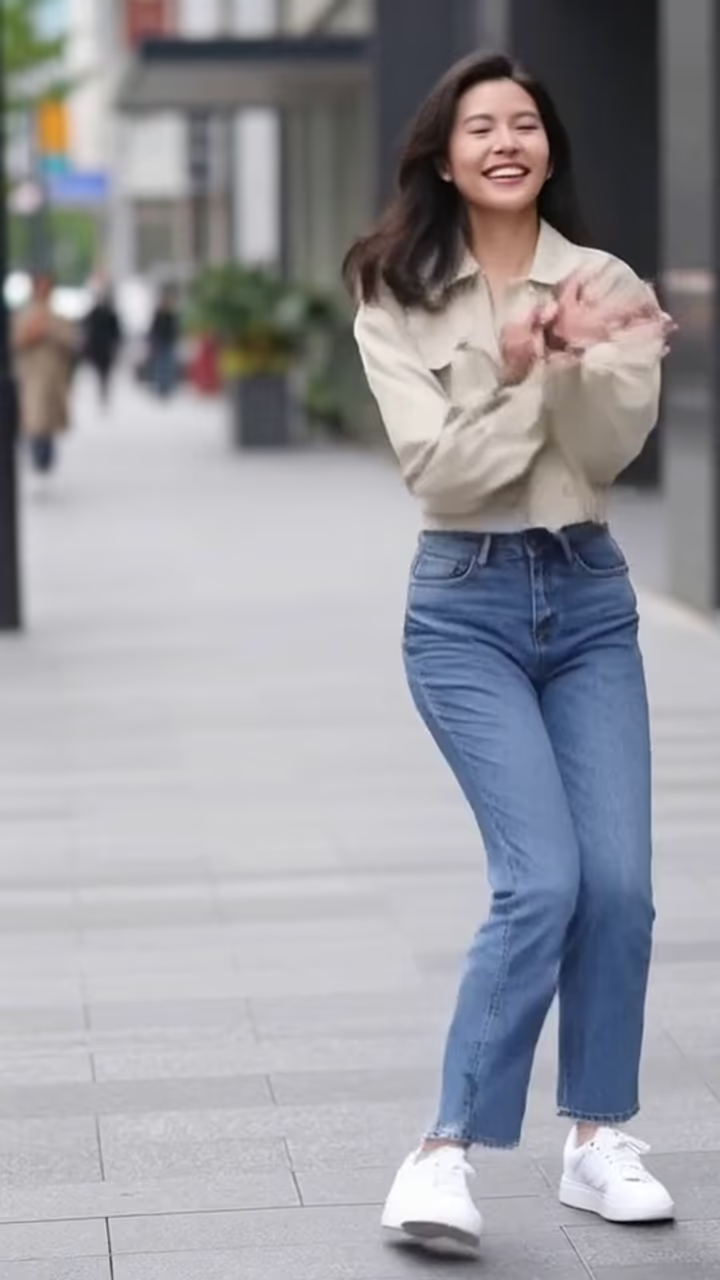

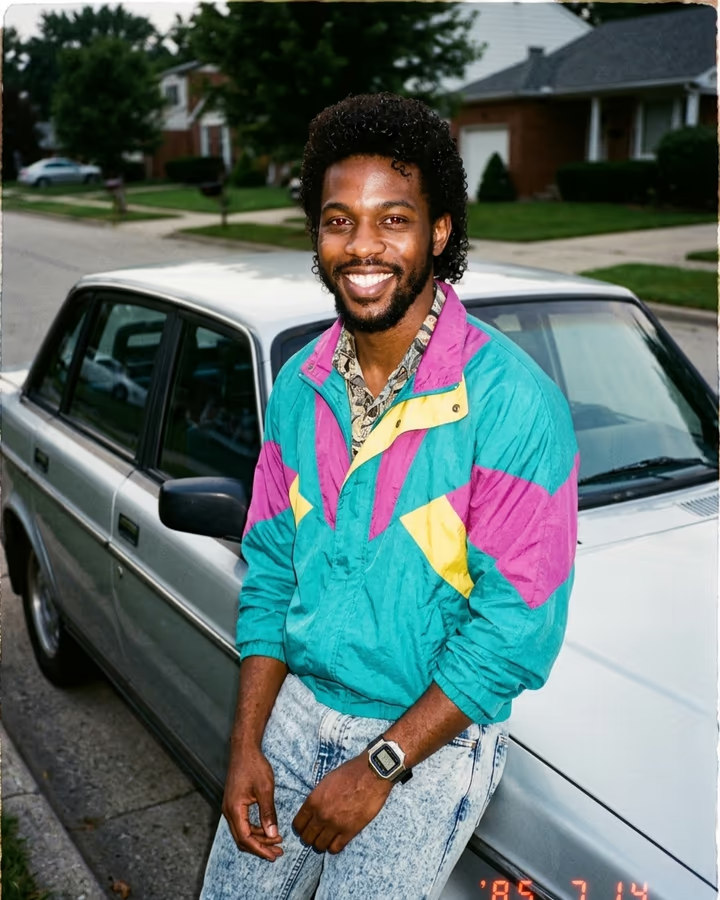
What is the AI Ceiling Fan Outfit Transition?
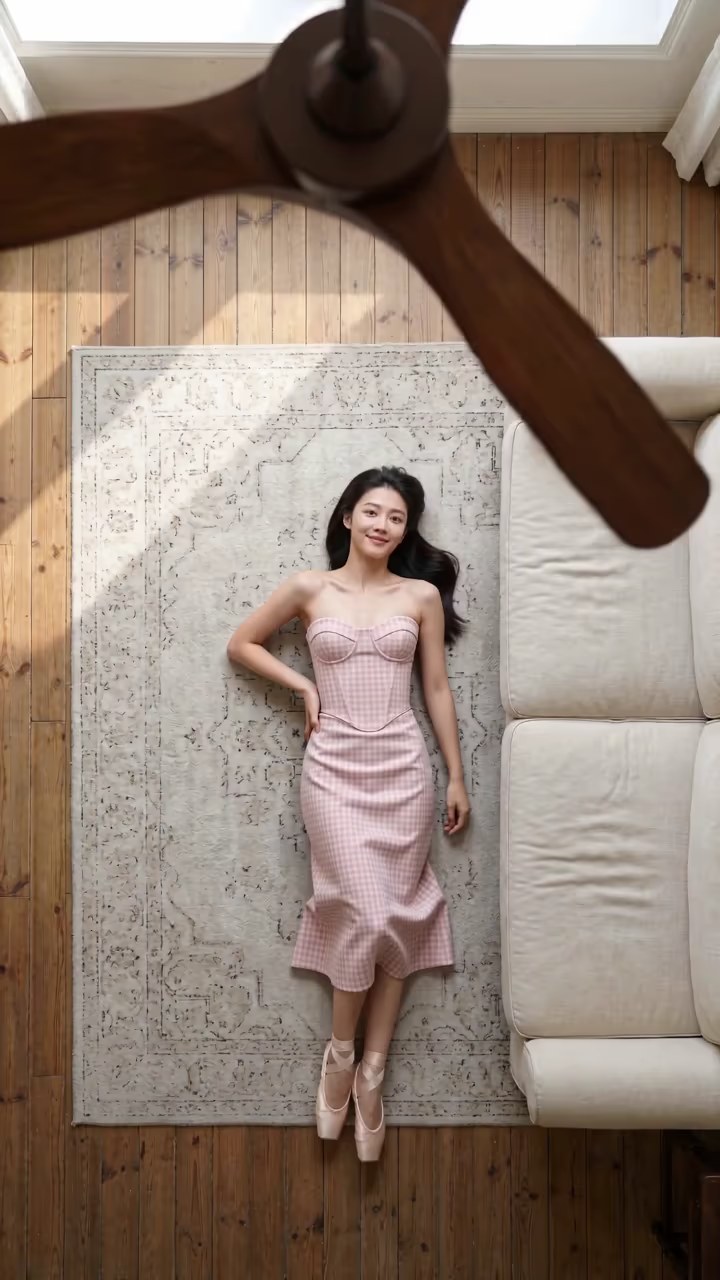
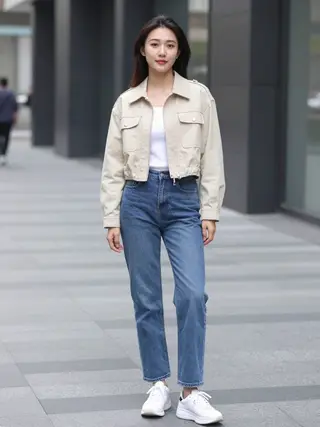
The ceiling fan outfit transition is shot from straight above. You lie on your back on a vintage rug next to a cream sofa, looking up at the lens, while a dark wooden ceiling fan spins slowly right in front of the camera. Every time a blade sweeps across and fills the frame, you reappear in the same spot in a new outfit. Five looks in 10 seconds: the outfit from your photo, a pink gingham corset midi dress with ballet flats, a cream knit sweater with a brown pleated mini skirt and knee-high boots, a black satin slip dress with gold jewellery, and a tan linen suit with loafers. Between wipes you settle into a relaxed pose and smile up.
Fashion creators on TikTok made the fan-blade wipe a favourite transition in autumn 2026, because the blade hides the cut perfectly. Doing it for real means climbing on furniture with a phone mount and changing five times; this template does it from one photo.
An image model sets up the overhead shot with you in your own outfit, then a video model renders the five-look transition with a chill R&B-style track. Expect about three minutes per run, no watermark. The outfit set is womenswear, so this template is written for photos of women. Examples use AI-generated fictional people.
Why the fan blade works
A transition looks seamless when something covers the whole frame for a moment. In the real trend, creators mount the phone on the ceiling and let a fan blade pass right in front of the lens; the outfit change happens behind it. The template recreates that: the blades are close and out of focus, and each full sweep is where the outfit switches.
Because the camera is locked overhead and you stay in the same spot, the only thing that changes is the outfit, which is what makes it satisfying to watch.
The five looks
1. Your own outfit from the photo. 2. A pink gingham corset midi dress with ballet flats. 3. A cream knit sweater, brown pleated mini skirt and knee-high brown boots. 4. A black satin slip dress with gold jewellery. 5. A tan linen suit with loafers.
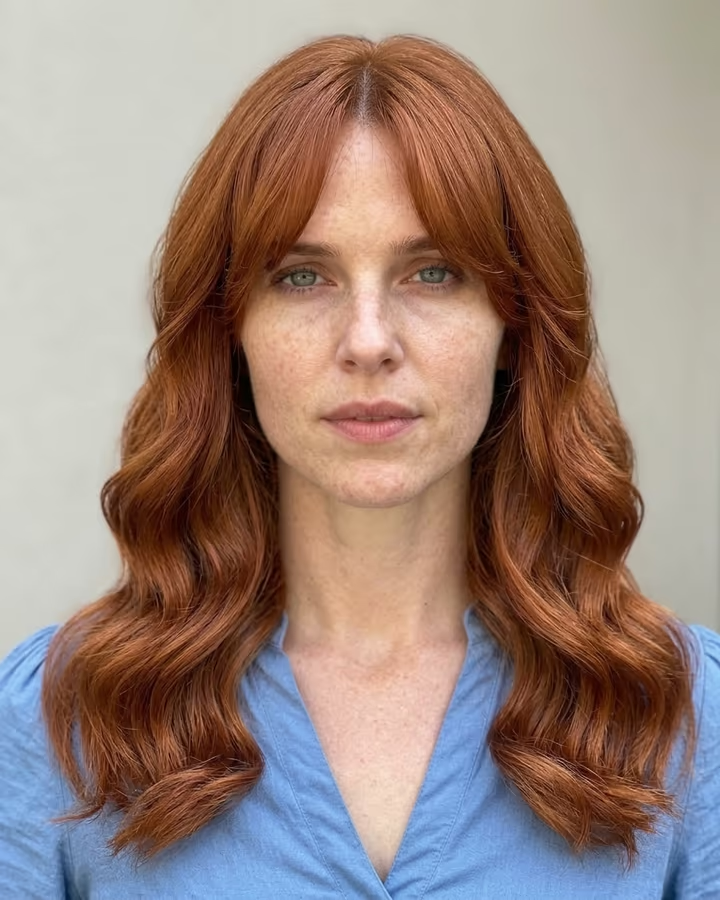
The lineup is a fixed womenswear set. If you want to try different hairstyles instead of outfits, the AI hairstyle template changes your hair on a photo.