Skip to content

AI Portrait Generator

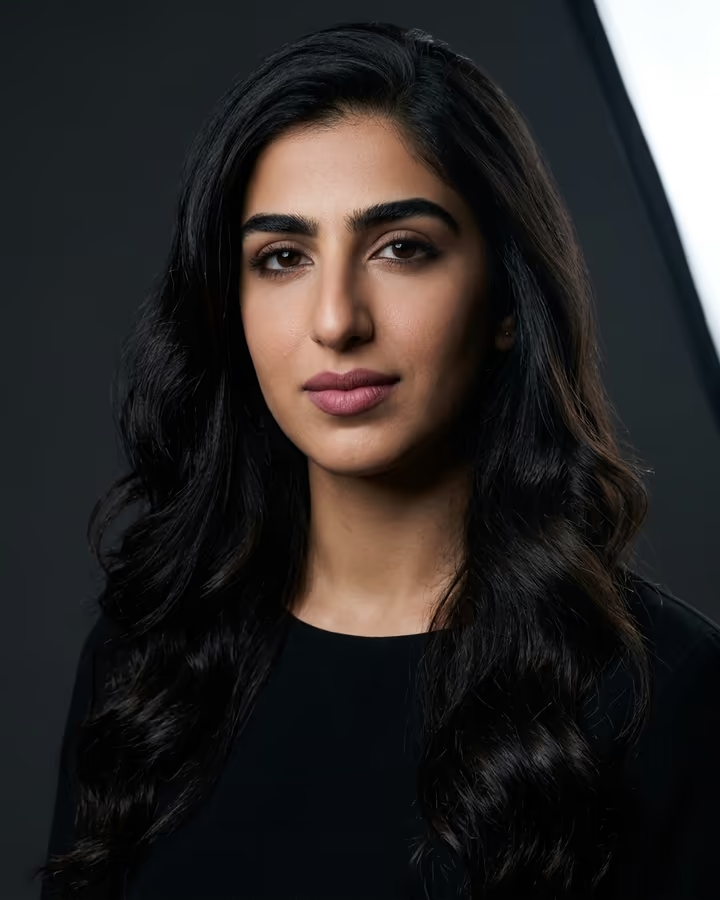
A magazine-style studio portrait from one photo: dramatic softbox light, charcoal backdrop, editorial styling.

Studio Portrait · switch effect

Your photo

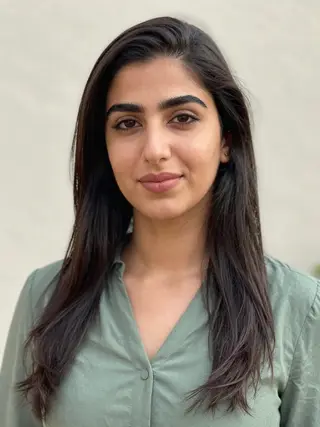
One person, face clearly visible, neutral expression or soft smile

Cost shown before you run · failed runs are refunded

  • Ready in ~15 s
  • No watermark
  • Failed runs refunded
  • Uploads never published

How to use the AI Portrait Generator

  1. 01

    Upload a photo

    Your photo: One person, face clearly visible, neutral expression or soft smile. Extra details (optional): e.g. red lipstick, slicked-back hair, white silk blouse.

  2. 02

    Press Generate

    The Studio Portrait effect runs on its own tuned settings. It costs 10 credits, shown on the button before you run it.

  3. 03

    Download

    Your photo is ready in about 15 seconds. Download it without a watermark.

AI Portrait Effects

What is the AI Portrait Generator?

This AI portrait generator restages your photo as a high-end studio shoot. One large softbox lights you from the side in the classic Rembrandt pattern, with a small triangle of light on the shadowed cheek. Behind you is a deep charcoal backdrop, you wear an elegant black outfit, and your hair and makeup are polished in an editorial style. The framing is a three-quarter view with the compressed look of an 85mm portrait lens.

The template started as one of the most-used trend pages on Soracai, built around the "AI portrait studio" prompts that spread once Google's Nano Banana image models could keep a person's face consistent while changing everything else. People shared before-and-after pairs of a plain selfie next to what looked like a paid studio session, and the format stuck because it works for almost anyone.

The difference from the headshot template is the mood. Headshots aim for approachable and corporate. This one is moodier and more fashion-led, closer to a beauty campaign or a magazine profile.

Why Rembrandt lighting flatters most faces

Rembrandt lighting puts a single soft source above and to one side of the subject, about 45 degrees off-axis, so one side of the face is lit and the other falls into shadow apart from a small triangle under the eye. It adds depth to cheekbones and jawlines without the flat, overlit look of a phone flash. Photographers have used it for portraits for well over a century, and it is named after the painter whose portraits it resembles.

Paired with a charcoal backdrop and a dark outfit, the light pulls attention to your face. That is also why the source photo matters so much: the template keeps your features and moves the light around them.

Studio portrait or headshot: which to pick

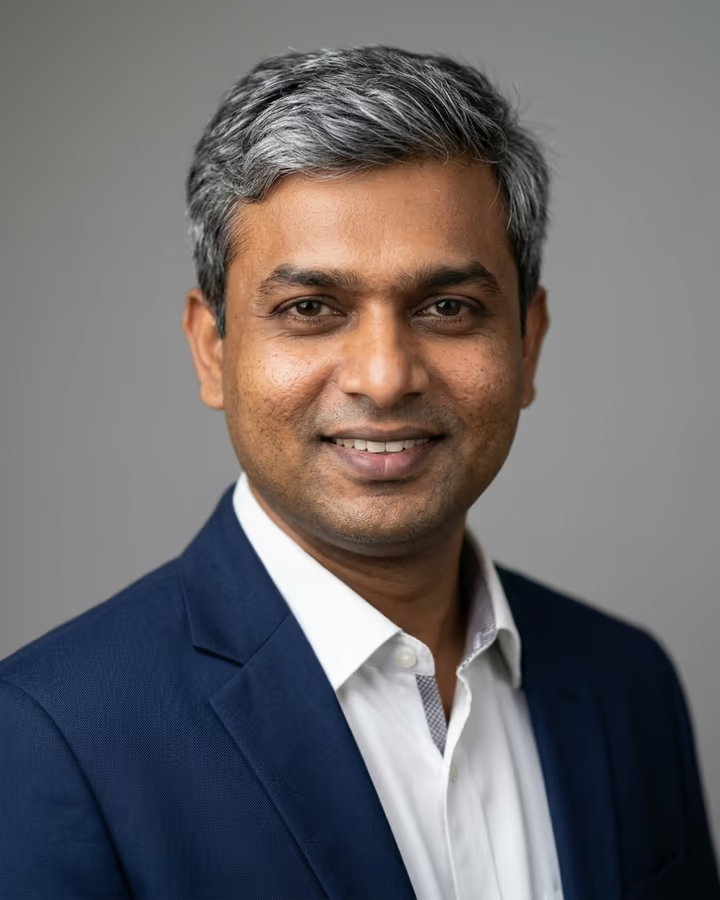
Choose the AI headshot generator when the photo is going somewhere professional, like LinkedIn, a resume or a company team page. It uses a blazer, a grey backdrop and even light, which reads as friendly and trustworthy.

Choose the studio portrait when you want the photo to have a mood: a creative profile, a portfolio cover or a social post. The darker palette and editorial styling would look out of place on a bank's team page, but work well anywhere personality matters more than convention. You can run both templates on the same photo and compare.

AI Portrait Generator FAQ

How do I turn a selfie into a professional-looking portrait?

Upload a clear selfie with your face visible and generate. The template relights you with a single softbox, adds a charcoal backdrop and editorial styling, and keeps your face the same. A selfie taken near a window gives the best starting point.

Is this the Nano Banana Pro portrait trend?

It is the same idea: a studio portrait prompt that keeps your identity while changing light, wardrobe and backdrop. The template runs on Nano Banana 2, which keeps faces consistent at a lower cost per image.

Can I change the outfit or makeup?

Yes. Use the optional details field to describe the outfit, hair or makeup you want, and the model applies it on top of the studio setup.

Will it make me look like a different person?

It is told to keep your face, identity and skin tone exactly the same. Styled hair and makeup will change the overall look, so if a result feels too far from you, describe a more natural look in the details field.

Is it free to try?

New accounts get free credits to try photo templates, including this one. Results have no watermark.

What happens to my uploaded photo?

It is stored in Firebase Storage (Google Cloud), tied to your account, so the image can be generated and kept in your creations. It is not public. You can email support to have uploads deleted.

More AI effects

Try the AI Portrait Generator

Upload a photo and get your photo in seconds.

Upload photo