Skip to content

AI Pixie Haircut Filter: Try the Viral Pixie Layered Cut on Your Photo

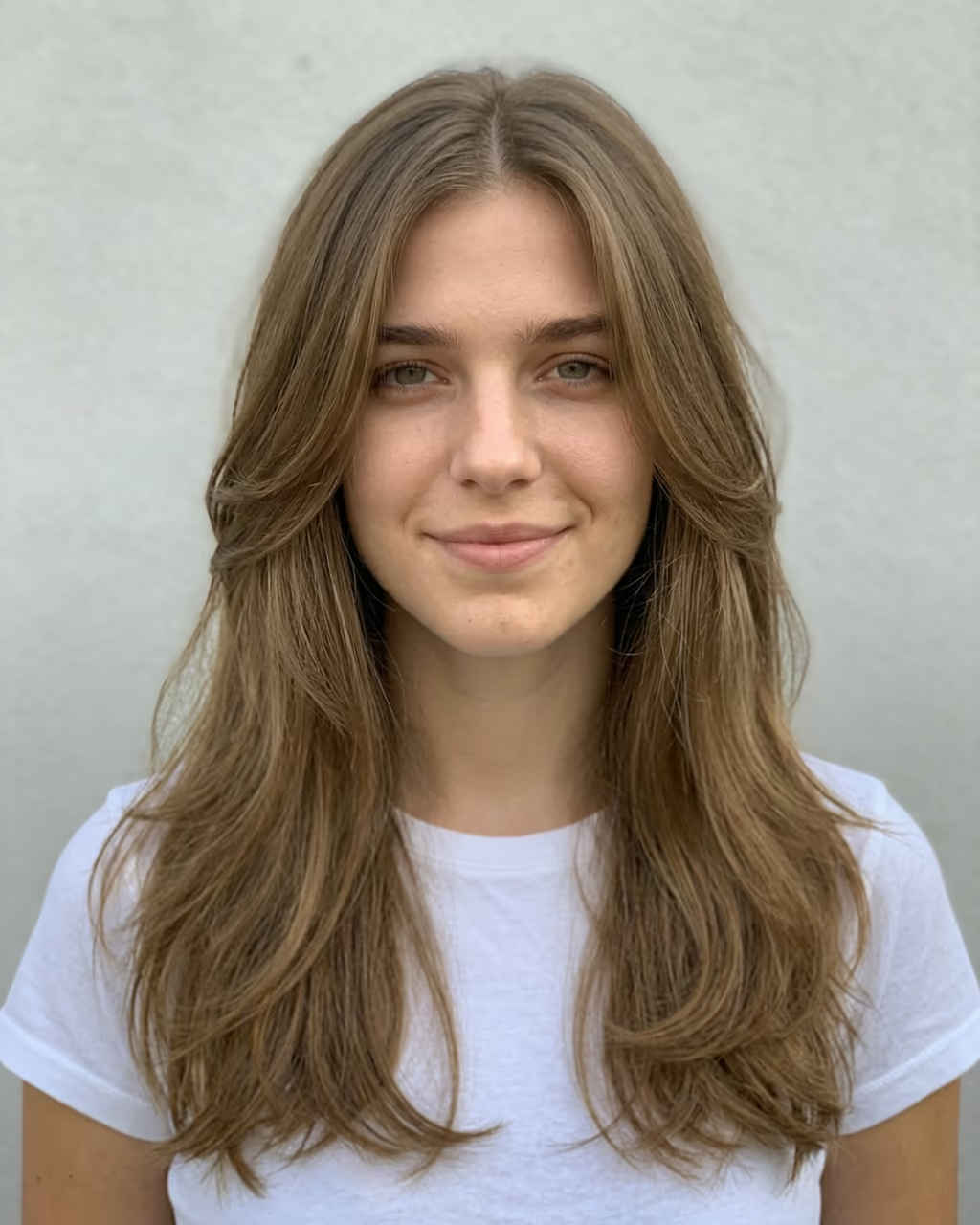
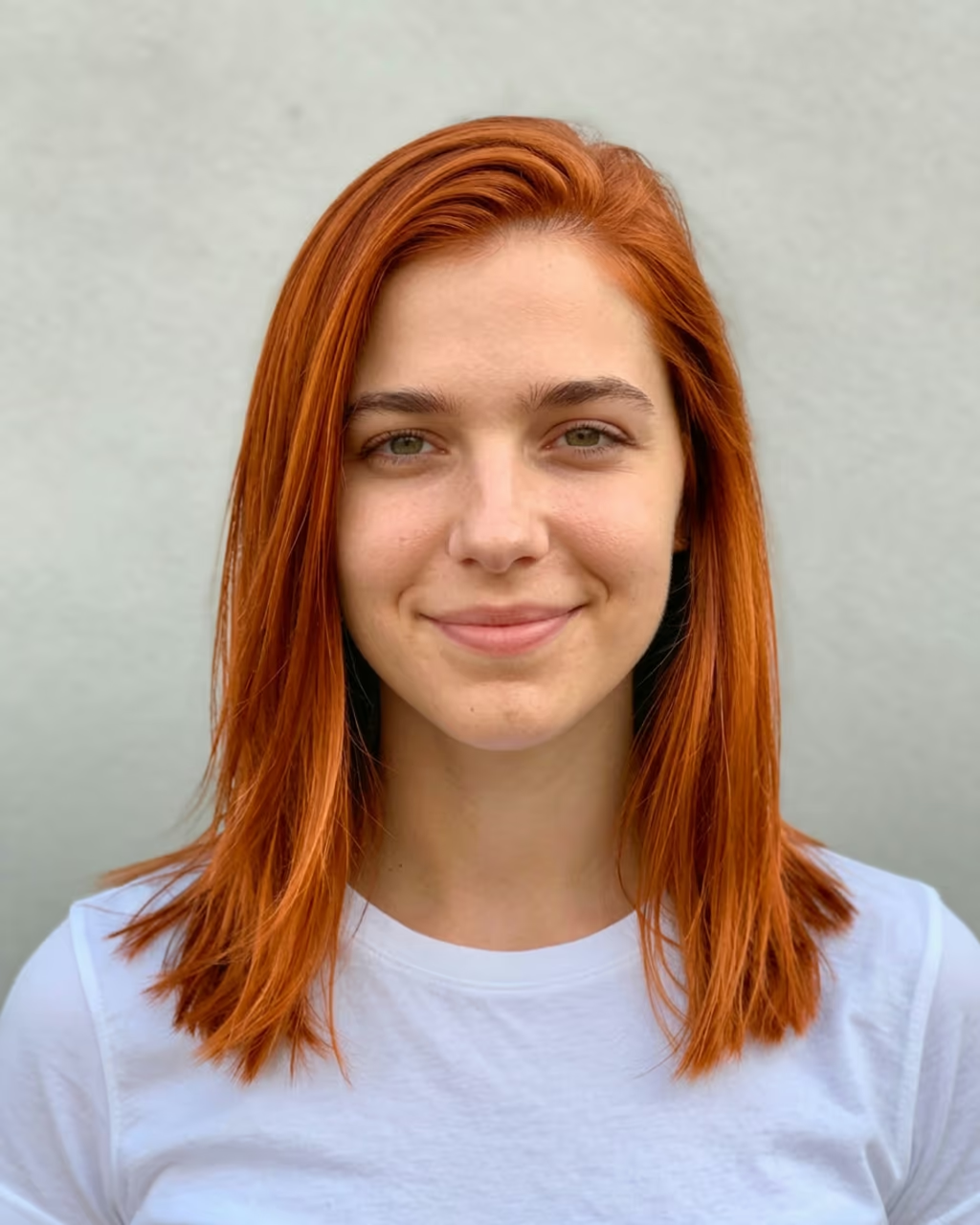
Upload one selfie and see yourself with the short, layered pixie cut everyone is trying: wispy side-swept bangs, feathered layers around the ears and a soft tapered nape, with your own face, hair colour and outfit. The viral pixie layered haircut trend, without cutting a single strand.

Pixie Haircut Filter · switch effect

Your selfie

One adult, face clear and toward the camera, shoulders in view, in good light. Any hair length works.

Cost shown before you run · failed runs are refunded

  • Ready in ~15 s
  • No watermark
  • Failed runs refunded
  • Uploads never published

This trend on Instagram & TikTok

The most-watched videos of this trend, shown with credit and a link to each original post. Videos belong to their creators; they were not made with Soracai.

  1. 1

    @farhanikeda

    Trend video

    TikTok

    2.63M views · 78K likes · November 3

    Pixie layered haircut how-to: 2.6M

    Watch on TikTok ↗
  2. 2

    @lisa602275

    Trend video

    TikTok

    2.13M views · 19K likes · November 3

    The before-and-after reveals: 2.1M

    Watch on TikTok ↗
  3. 3

    @dreamina_tao

    Trend video

    TikTok

    1.39M views · 28K likes · November 2

    The first pixie post past a million: 1.4M

    Watch on TikTok ↗

How to use the AI Pixie Haircut Filter: Try the Viral Pixie Layered Cut on Your Photo

  1. 01

    Upload a photo

    Your selfie: One adult, face clear and toward the camera, shoulders in view, in good light. Any hair length works..

  2. 02

    Press Generate

    The Pixie Haircut Filter effect runs on its own tuned settings. It costs 10 credits, shown on the button before you run it.

  3. 03

    Download

    Your photo is ready in about 15 seconds. Download it without a watermark.

What is the AI Pixie Haircut Filter: Try the Viral Pixie Layered Cut on Your Photo?

The pixie layered haircut is the AI hair trend of November 2026: you upload a selfie, AI gives you a short, layered pixie cut with wispy bangs, and you post the before and after to see if it suits you before you go anywhere near a salon. Upload one photo and this template does the same in one tap, with no prompt to copy and no app to install.

The trend started in the Philippines in the first days of November, after a Filipina actress showed off a new short layered pixie and fans wanted to see the cut on their own faces. Nobody wanted to cut their hair just to find out, so they asked AI. A how-to by @dreamina_tao on 2 November was the first to pass a million views (1.4 million). The next day two more took off: @lisa602275's reached 2.1 million views and @farhanikeda's 2.6 million, with 78,000 likes and 35,000 shares. The prompt spread word for word through captions and comments, and Filipinos abroad carried the before-and-after reveals to the Gulf, Greece and Singapore.

The template runs on Nano Banana 2. It keeps your face, hair colour, makeup and outfit and changes only the haircut: soft side-swept bangs, feathered layers over the ears and a tapered nape. Run it again for a slightly different version of the cut. The trend videos on this page are credited to their creators; the poster image is AI-generated.

What you get

One vertical photo of you with a short layered pixie haircut: wispy side-swept bangs, feathered layers around the ears and a tapered nape. Your face, hair colour, makeup and outfit stay the same.

Pixie, bob or long layers?

This template is the short layered pixie from the November trend. For a chin-length cut, try the bob haircut filter; for other lengths and colours, the hairstyle try-on.

Which photo to use

One adult, face clear and toward the camera, shoulders in view, in good light. Use your own photo or one of someone who said yes, never a celebrity, a stranger or a child.

AI Pixie Haircut Filter: Try the Viral Pixie Layered Cut on Your Photo FAQ

How do I try the pixie layered haircut with AI?

Upload one selfie and press Generate. You get a photo of yourself with a short layered pixie cut and wispy bangs, with your own face and hair colour.

Is it free?

New accounts get free credits for photo templates, so you can try it at no cost. More runs use credits from a pack or plan, and the cost is shown before you generate.

Do I need the ChatGPT pixie cut prompt?

No. The prompt is built in. Upload your photo and the template does the rest.

Does it change my face?

No. Only the haircut changes. Your face, skin tone, makeup, hair colour and clothes are kept.

Is this affiliated with the creators of the trend?

No. Soracai is not affiliated with TikTok, ChatGPT, Hypic, CapCut or any creator or actress linked to the trend. "Pixie layered haircut" is the name of the trend, used because that is what people search for.

Is there a watermark?

No. Images download without a watermark.

Where is my photo stored?

Uploads are stored in Firebase Storage (Google Cloud) under your account so the run can happen and the result appears in Creations. They are not public, and you can email support to request deletion. To run the effect, a copy is sent to our AI model provider (kie.ai); result files are kept for 14 days, so download what you want to keep.

More AI effects

Try the AI Pixie Haircut Filter: Try the Viral Pixie Layered Cut on Your Photo

Upload a photo and get your photo in seconds.

Upload photo