



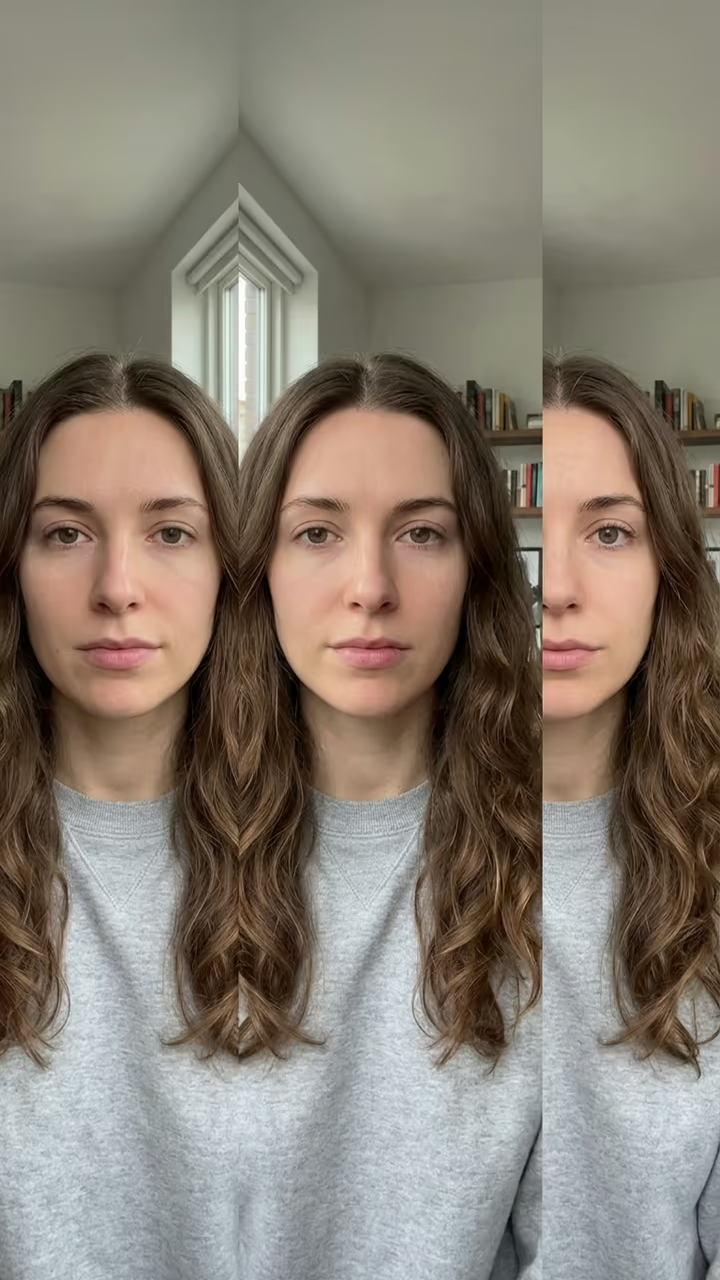
What is the Gender Swap AI: See Yourself as the Opposite Gender?
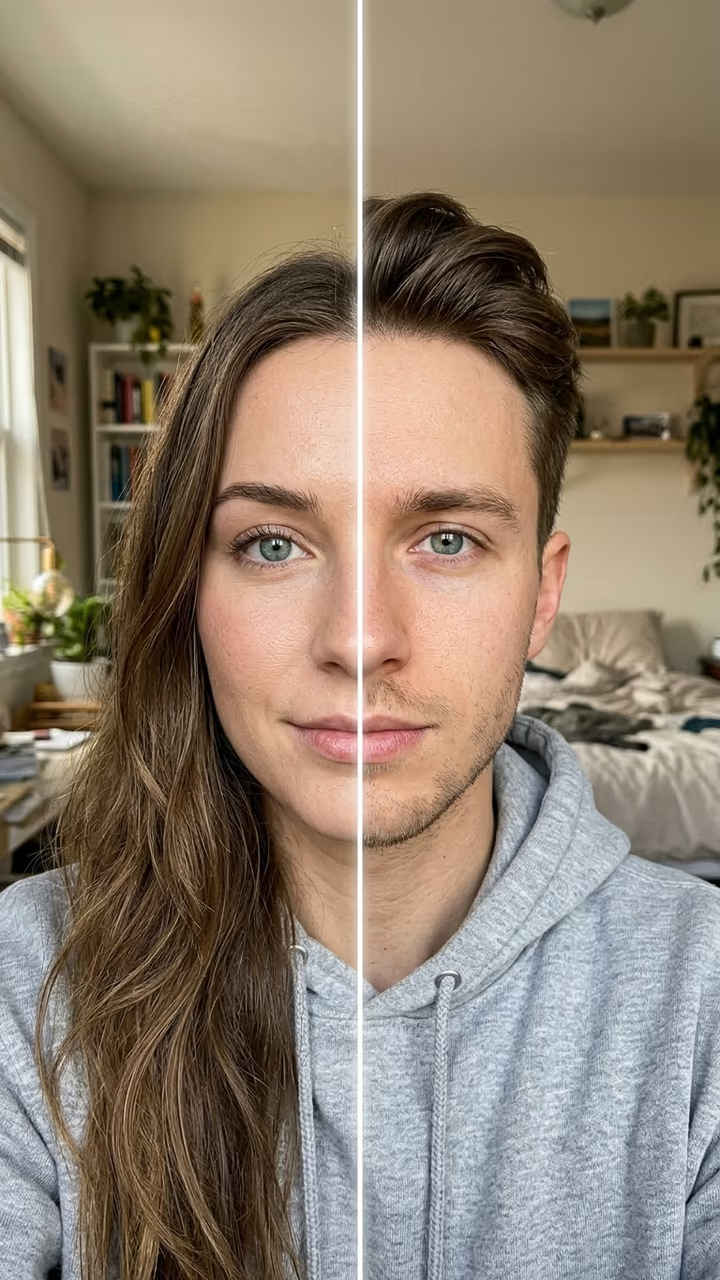
Gender swap AI shows you as the opposite gender from one selfie. Upload a photo and press Generate: in about 15 seconds you get the same picture with you as a man or a woman, keeping your eyes, eye colour, skin tone, smile, clothes and background, so it is obviously still you. It works both ways, male to female and female to male, and picks the direction from your photo.
Three looks change the styling. Natural gives an everyday version of you with a hairstyle that suits the new face. Glam goes polished: styled hair and soft makeup for a woman, a sharp groomed cut and neat stubble for a man. Keep my hair leaves your hair length, colour and texture as they are and changes only the face, which is often the most surprising version.
Gender swap filters come back every year, from the first face apps to TikTok's "would you date your opposite self?" trend, where people post their swapped self and answer the question in the caption. This is the photo version: quick, cheap, and easy to post or send to friends. If you want the TikTok-style video with a wipe across your face, use the Gender Swap Filter video template.
Use your own photo, or a photo of an adult who agreed. New accounts get free credits for photo templates, so the first swap costs nothing.
Why it still looks like you
The template keeps the parts of a face people recognise first: eyes, eye colour, skin tone and expression, plus everything around you, clothes, room and light. It changes the jawline, brows, facial hair and hairstyle, so the result reads like your sibling rather than a stranger.
Photo or video?
This page makes a still photo in about 15 seconds on photo credits. The Gender Swap Filter template makes the TikTok-style 8-second video, where a line wipes across your selfie and reveals your opposite self. Start with the photo; make the video when you want to post the reveal.