
What is the AI Melt Effect?
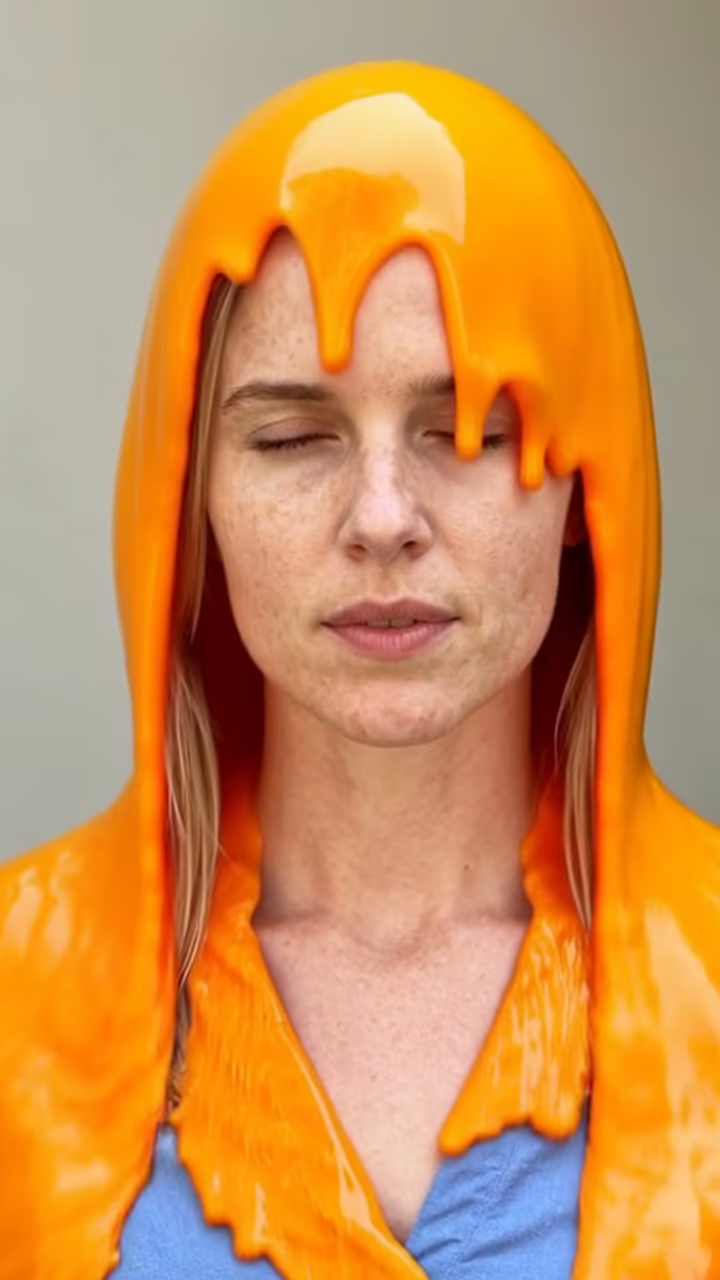
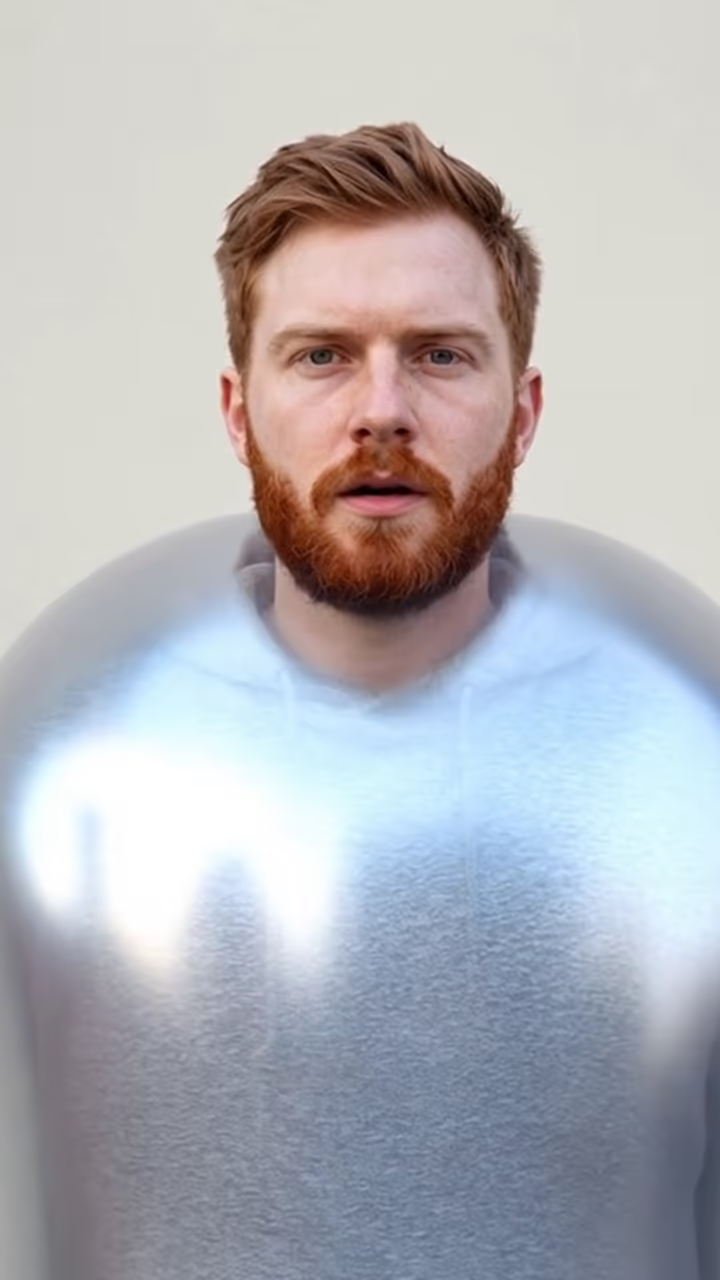
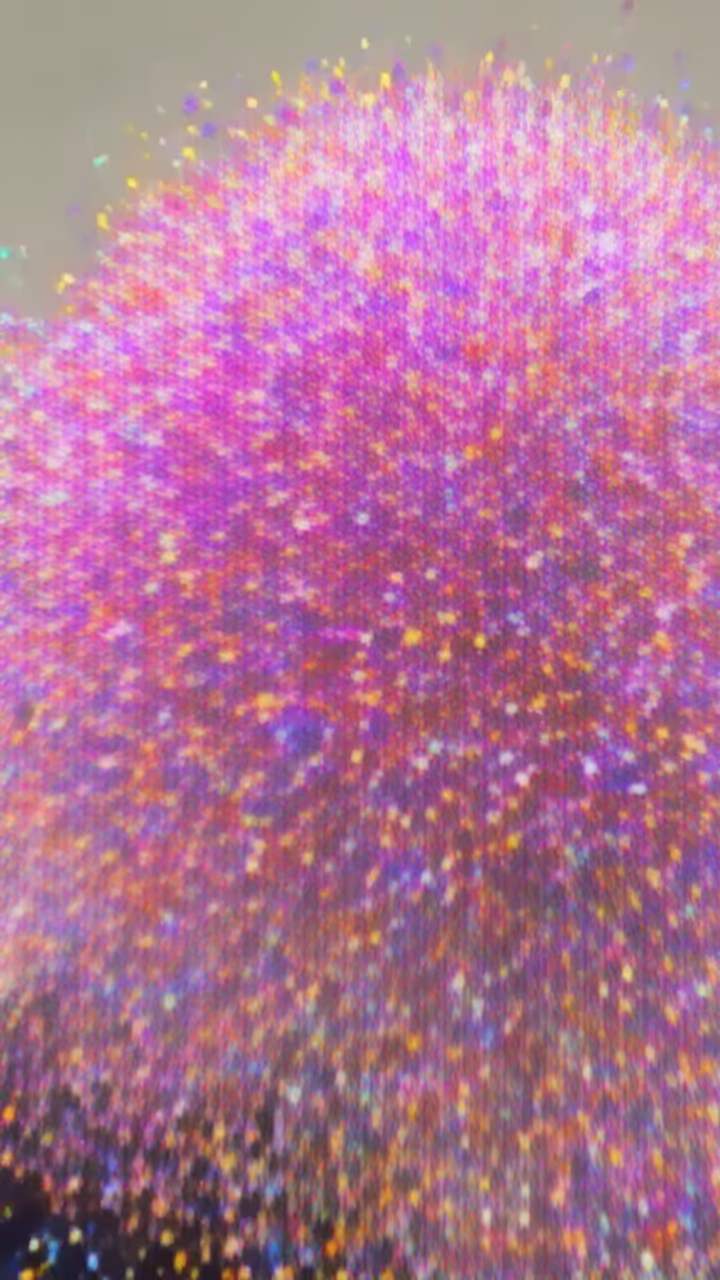
The AI melt effect turns a still portrait into a slow, surreal clip. The person softens like a wax candle in the sun: head, shoulders and clothes drip downward in glossy, colorful liquid that pools at the bottom of the frame. The prompt keeps it dreamy rather than scary, closer to a melting painting than a horror scene.
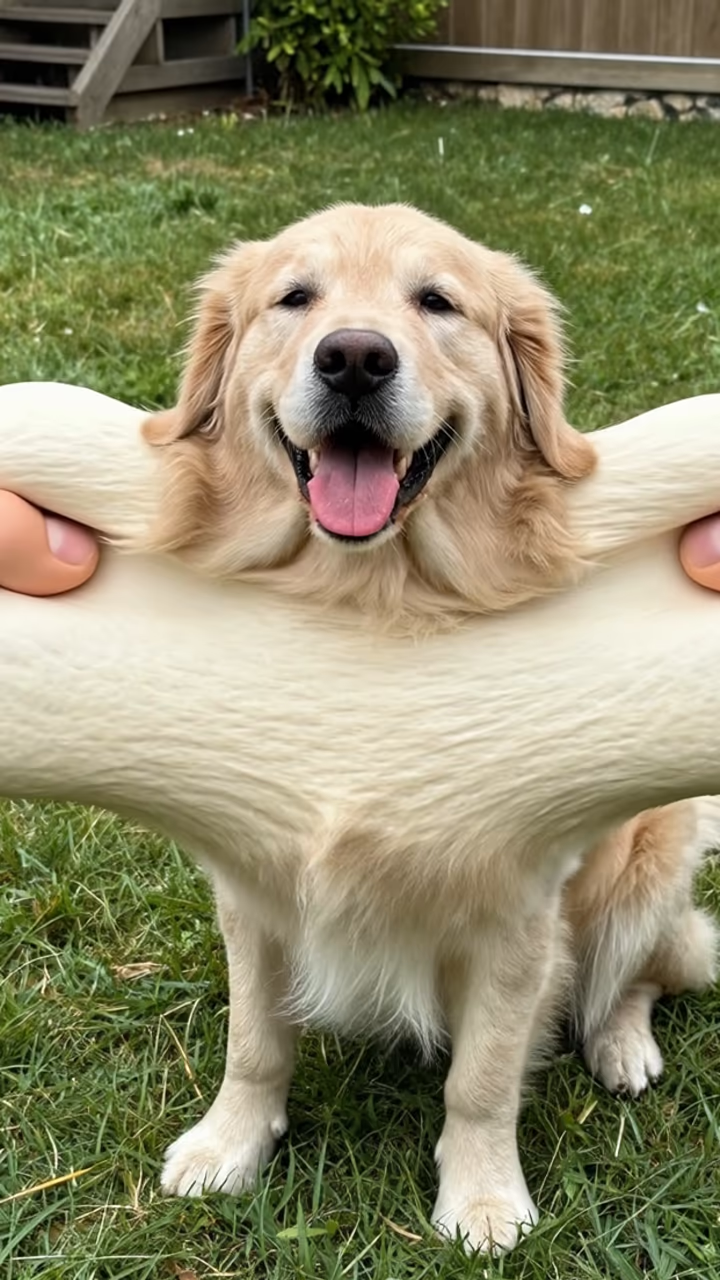
Melting is one of the classic AI video effects. Along with inflate, squish and explode, it was among the one-tap presets that video apps rolled out in 2024 and 2025, and "melting" clips of people, pets and artworks became a recurring format on TikTok and Reels. It plays especially well with slow, ambient music and on accounts that lean into surreal or art-style content.
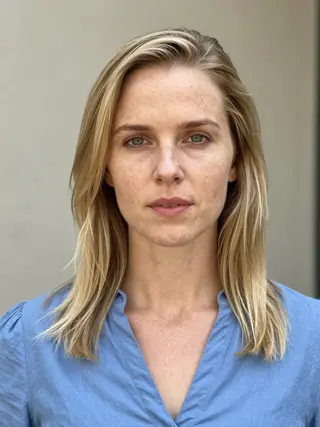
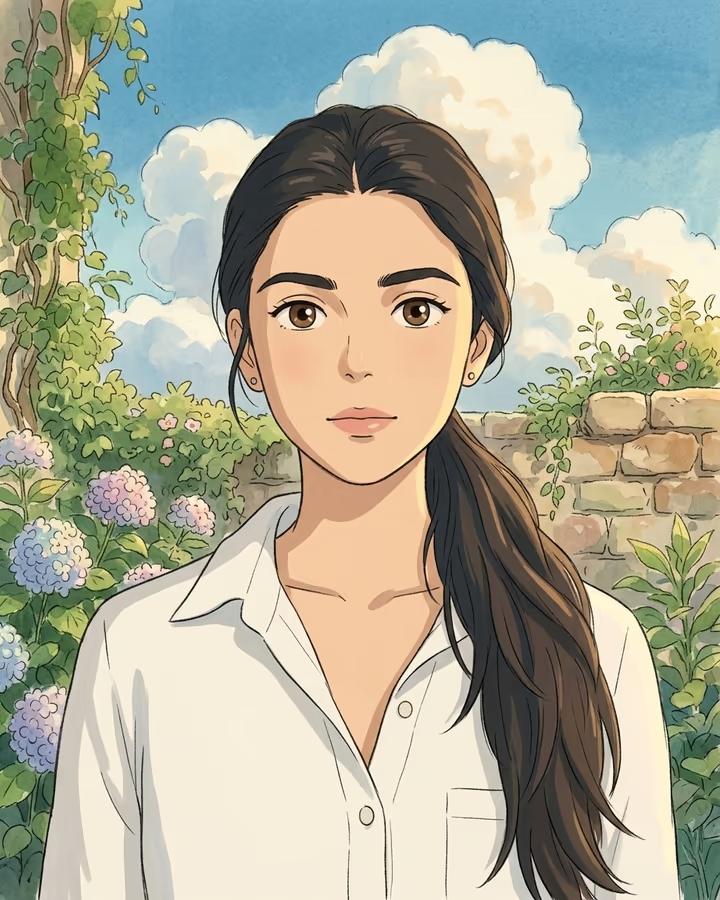
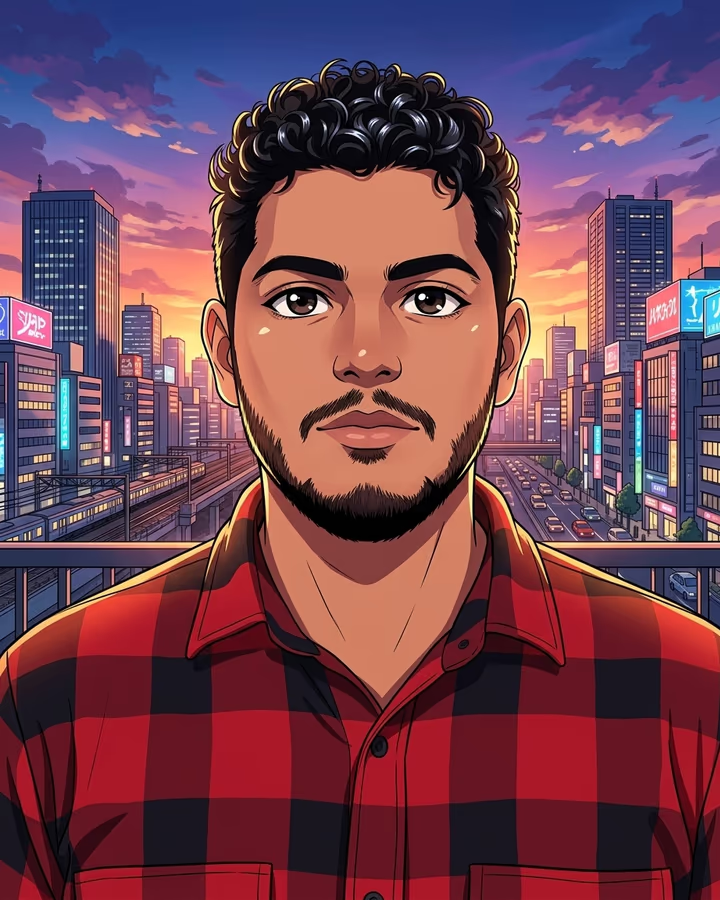
This template runs on Hailuo 2.3, an image-to-video model, with a fixed prompt and a locked camera, so the only thing moving is the melt. The example on this page was made from an AI-generated photo of a fictional person.
Videos take about one to three minutes to generate, last six seconds and download without a watermark. Upload only photos of yourself or of adults who agreed.
Dreamy, not horror
Melting effects can easily tip into body horror, which is not what most people want for a post. The prompt steers away from that: it describes wax in the sun, glossy colorful liquid and a dreamy mood, and says "not scary" outright. The result tends to look like a liquid painting.
If you do want something spookier for Halloween, the Halloween photo template is a better starting point, and you can animate a still from there separately. For everyday posts, the default mood fits slow songs, pastel color grades and art accounts. The melt also runs at a steady pace, which makes it easy to time to a beat drop or a lyric.
Photos that melt well
Image-to-video models need to understand the subject before they can transform it. A single person in good, even light, framed from the chest up against a simple background, gives the cleanest melt. Sunglasses, hats and hair are fine and usually melt along with everything else.
If the first take looks too fast or too subtle, generate again: each run is slightly different, and the second or third take is often the one you keep. A slightly higher-resolution photo also helps the drips look glossy instead of smudged. Avoid heavy beauty filters on the starting photo, since smoothed skin can make the melt look flat.