Skip to content

Reaching Out Cat AI: Your Pet in the Viral Reaching Out Trend

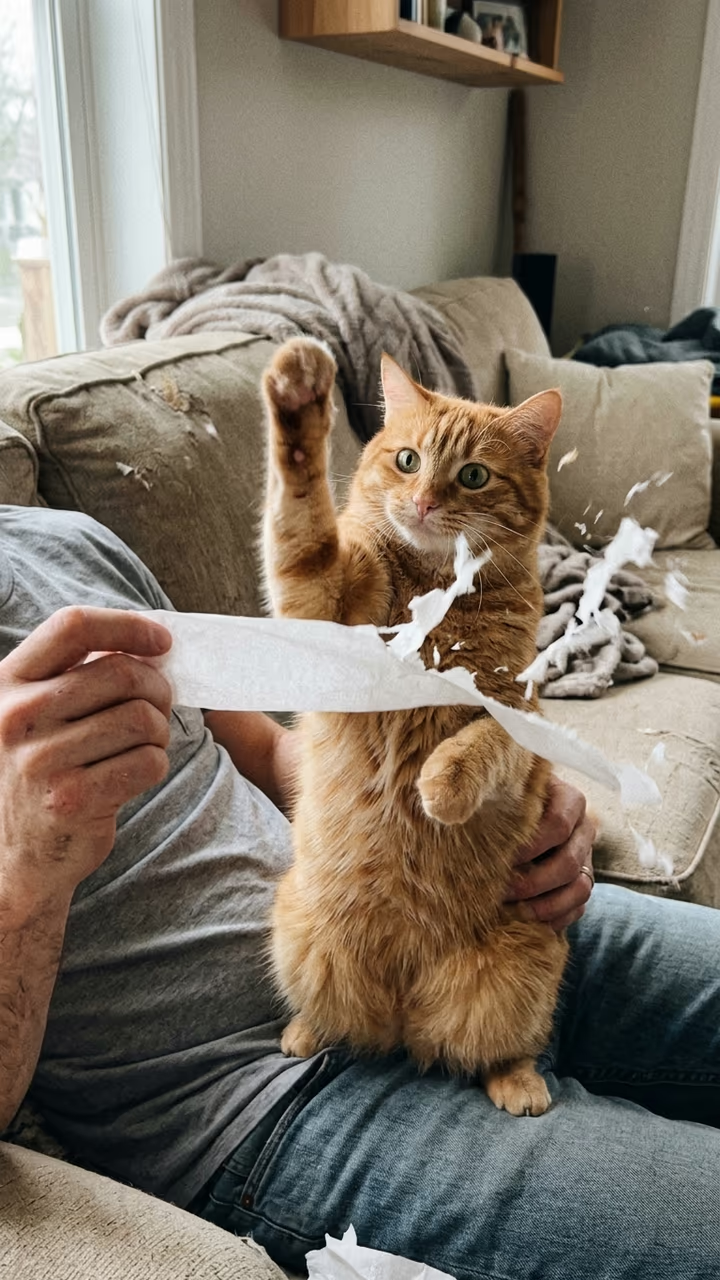
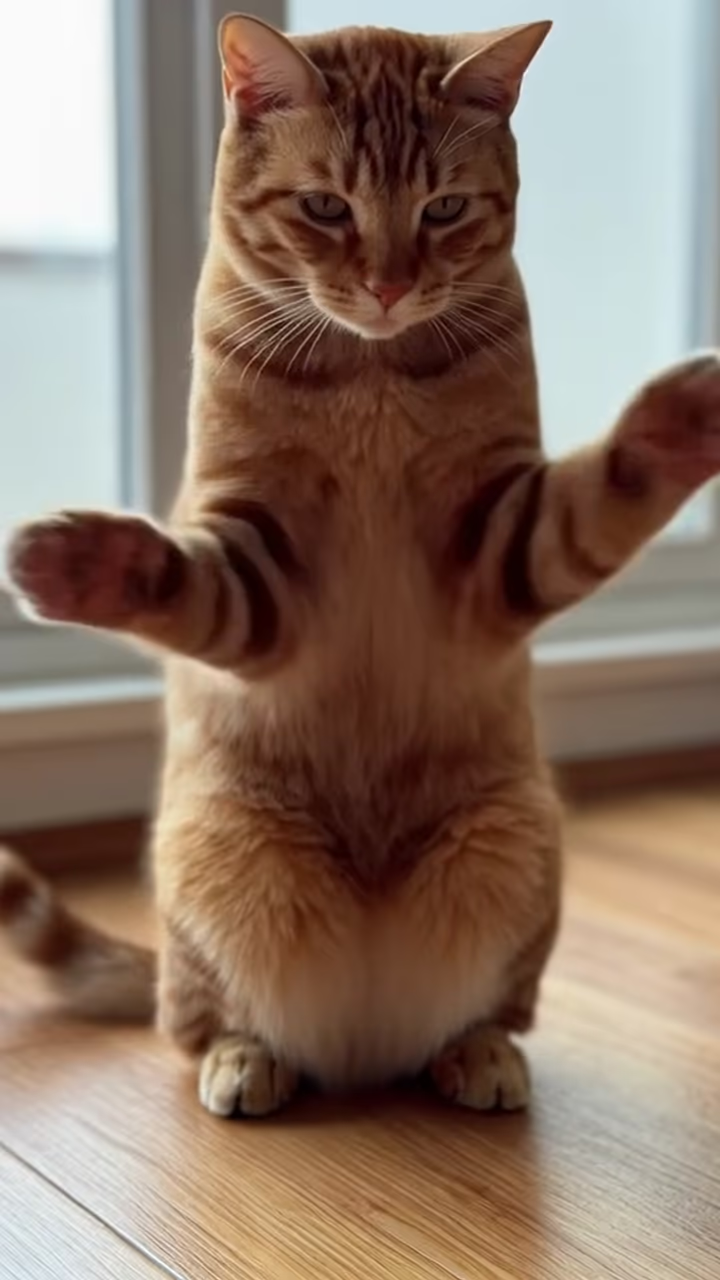
From one photo of your cat (or dog), a hand reaches up to the ceiling, the camera finds your pet sitting calmly on the floor, and on the beat an arm swoops in and scoops it out of the shot: the viral "reaching out" cat clip, starring your own pet, and your real pet never gets picked up.

Reaching Out Cat · switch effect

Your cat or dog

Your own pet, sitting if you can, the whole body in view, eyes open, sharp and in good light.

Cost shown before you run · failed runs are refunded

  • Ready in 1–3 min
  • No watermark
  • Failed runs refunded
  • Uploads never published

This trend on Instagram & TikTok

The most-watched videos of this trend, shown with credit and a link to each original post. Videos belong to their creators; they were not made with Soracai.

  1. 1

    @thehurtfam

    Trend video

    TikTok

    4.77M views · 1.32M likes · November 10

    “No cats were harmed in the making”: 4.8M

    Watch on TikTok ↗
  2. 2

    @slyerstar_

    Trend video

    TikTok

    4.34M views · 1.25M likes · November 8

    “IM CRYING (she's ok)”: the one that started the wave, 4.3M

    Watch on TikTok ↗
  3. 3

    @basic_orange_cats

    Trend video

    TikTok

    3.96M views · 1.31M likes · November 12

    “Simba's turn”: nearly 4M in three days

    Watch on TikTok ↗
  4. 4

    @laysiah_

    Trend video

    TikTok

    1.53M views · 434K likes · November 10

    Another cat, same swoop: 1.5M

    Watch on TikTok ↗

How to use the Reaching Out Cat AI: Your Pet in the Viral Reaching Out Trend

  1. 01

    Upload a photo

    Your cat or dog: Your own pet, sitting if you can, the whole body in view, eyes open, sharp and in good light..

  2. 02

    Press Generate

    The Reaching Out Cat effect runs on its own tuned settings. It costs 140 credits, shown on the button before you run it.

  3. 03

    Download

    Your video is ready in one to three minutes. Download the MP4 without a watermark.

AI Pet Effects

What is the Reaching Out Cat AI: Your Pet in the Viral Reaching Out Trend?

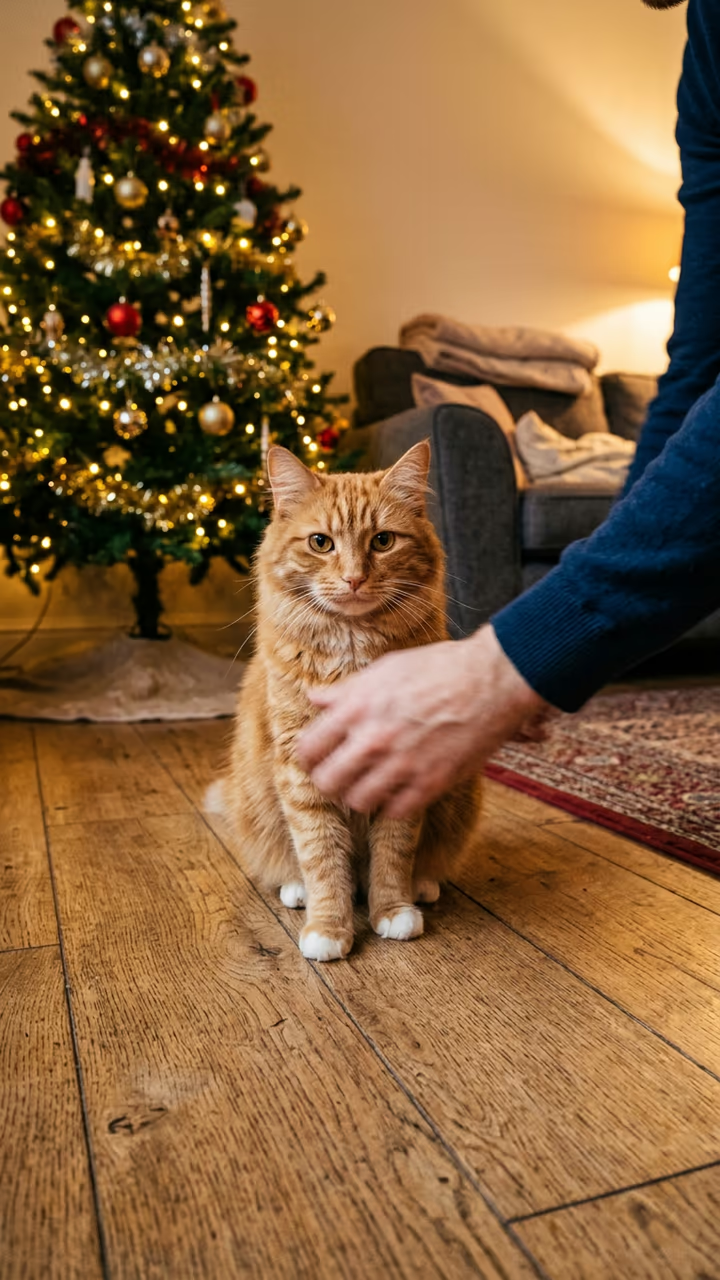
The phone lies on the floor and films the ceiling. A hand reaches up, slowly, dramatically. Cut to the family cat, sitting in the middle of the room and staring into the lens, and right on the beat an arm swoops in and the cat is gone. That is the reaching out trend, and in November 2026 it took over cat TikTok. Upload one photo of your cat or dog and this template makes your pet the star, without anybody picking up your real pet.

The sound is a short "reaching out" line that was first posted as an original sound on 23 July 2026, where it got about half a million views on a selfie clip. In late October cat owners found it. On 8 November @slyerstar_ posted her cat getting swooped, captioned "IM CRYING (she's ok no kitty's were harmed)", and it passed 4.3 million views and 1.2 million likes. Two days later @thehurtfam's "NO CATS WHERE HARMED IN THE MAKING" reached 4.7 million views, @laysiah_'s take passed 1.5 million, and on 12 November @basic_orange_cats posted "Simba's turn", which hit nearly 4 million views in three days. Every comment section asks the same thing: is the cat okay? With AI, the answer is easy.

The template runs in two steps: an image model sits your pet on a living-room floor from a low phone angle, then a video model plays 6 seconds of the reach, the stare and the swoop, with an original beat. The trend videos on this page are credited to their creators; the poster image is AI-generated.

What happens in the video

0-2 s: from a phone on the floor, a hand reaches slowly up to the ceiling. 2-4 s: your pet sits in the middle of the room and stares into the lens. 4-5 s: on the beat an arm swoops in and gently scoops your pet out of the shot. 5-6 s: the empty floor stays in frame.

Is it safe for my pet?

Yes, because your real pet is never touched. You only upload a photo; the swoop happens in the AI video, and the pet in it stays relaxed and is carried out softly.

Which photo to use

Your own pet, sharp, eyes open, ideally sitting with the whole body in view. One animal per photo works best, and dogs work as well as cats.

Reaching Out Cat AI: Your Pet in the Viral Reaching Out Trend FAQ

How do I make the reaching out cat video with AI?

Upload one photo of your cat or dog and press Generate. You get a 6-second vertical clip of the hand reaching up, your pet staring at the camera and the swoop out of the shot.

Is it free?

Video templates use paid credits. New accounts get free credits for photo templates only. The exact cost is shown on the Generate button before you confirm.

Does the video include the reaching out song?

No. The clip comes with an original beat. Add the trending sound in TikTok when you post, so your video joins the trend.

Can I use my dog?

Yes. The template keeps the species, fur colour and markings from your photo, so a dog gets swooped just the same.

Is this affiliated with the creators of the trend?

No. Soracai is not affiliated with @slyerstar_, @thehurtfam, @basic_orange_cats, @laysiah_, TikTok, the artist behind the sound or any creator shown on this page. "Reaching out" is the name of the trend, used because that is what people search for.

Is there a watermark?

No watermark is added to the video.

Where is my photo stored?

Uploads are stored in Firebase Storage (Google Cloud) under your account so the run can happen and the result appears in Creations. They are not public, and you can email support to request deletion. To run the effect, a copy is sent to our AI model provider (kie.ai); result files are kept for 14 days, so download what you want to keep.

More AI effects

Try the Reaching Out Cat AI: Your Pet in the Viral Reaching Out Trend

Upload a photo and get your video in a couple of minutes.

Upload photo