


What is the Photo to Anime?
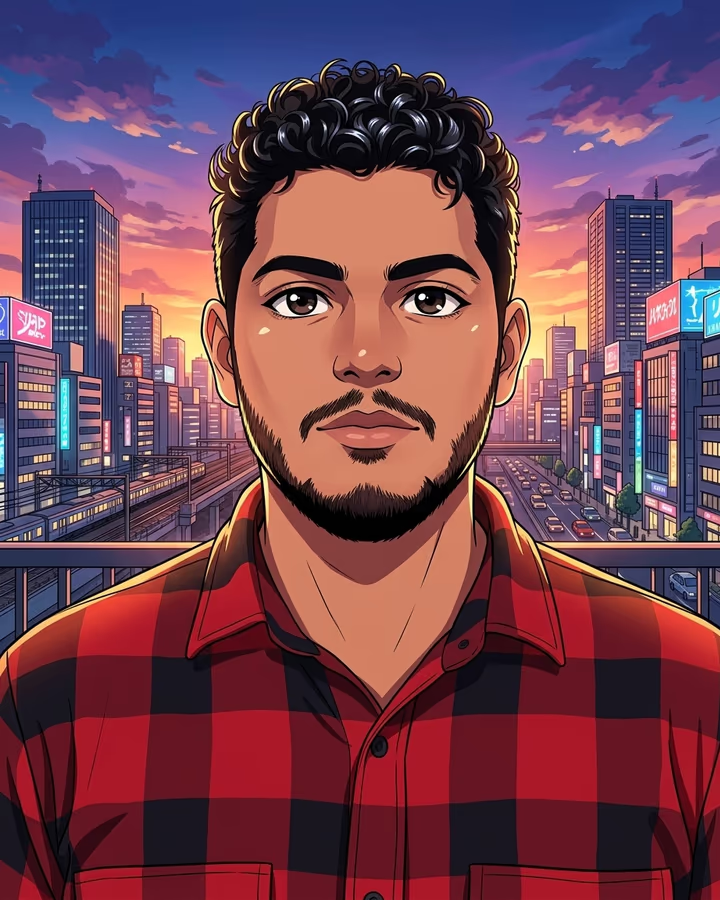
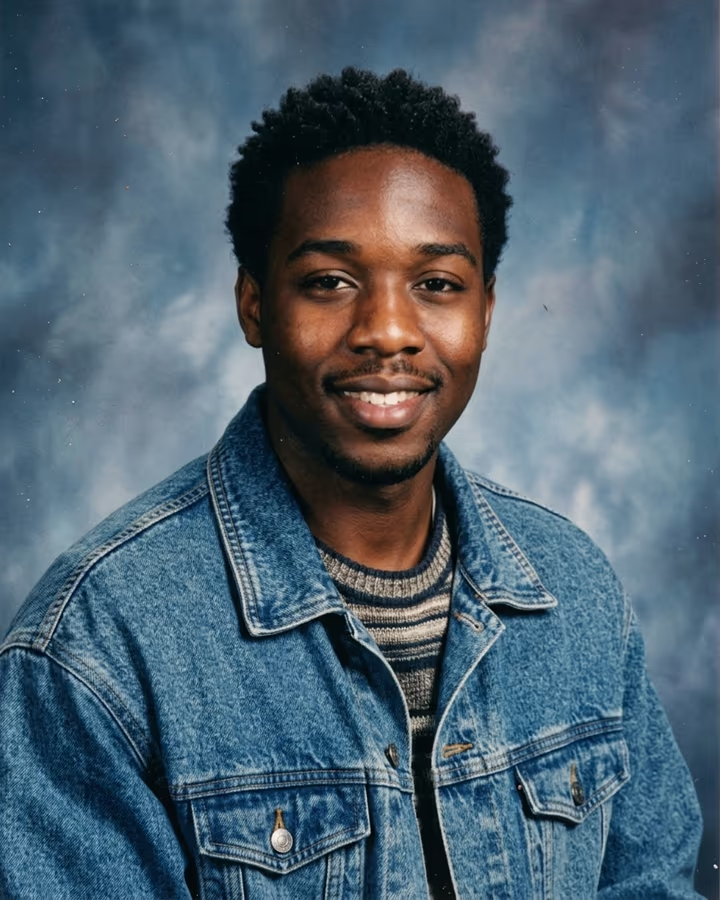
Photo to anime takes an ordinary picture of you and redraws it as a modern anime illustration: crisp line art, bright cel shading, large expressive eyes, shiny highlights in the hair and a detailed city skyline glowing at sunset behind you. Your hairstyle, hair color, outfit and pose carry over, so friends can tell it is you at a glance, but the image reads like a poster or key visual for a current TV series rather than a filter on top of a photo.
Anime filters have been one of the most consistent photo trends on social media. Snapchat, TikTok and various apps have offered cartoon and anime lenses for years, but early versions mostly painted over the original image, which often left faces looking smeared. Recent image-editing models, including Google's Nano Banana family used here, can actually redraw the picture in a new style while keeping identity details, which is why anime self-portraits made in 2025 and 2026 look far more like real illustrations.
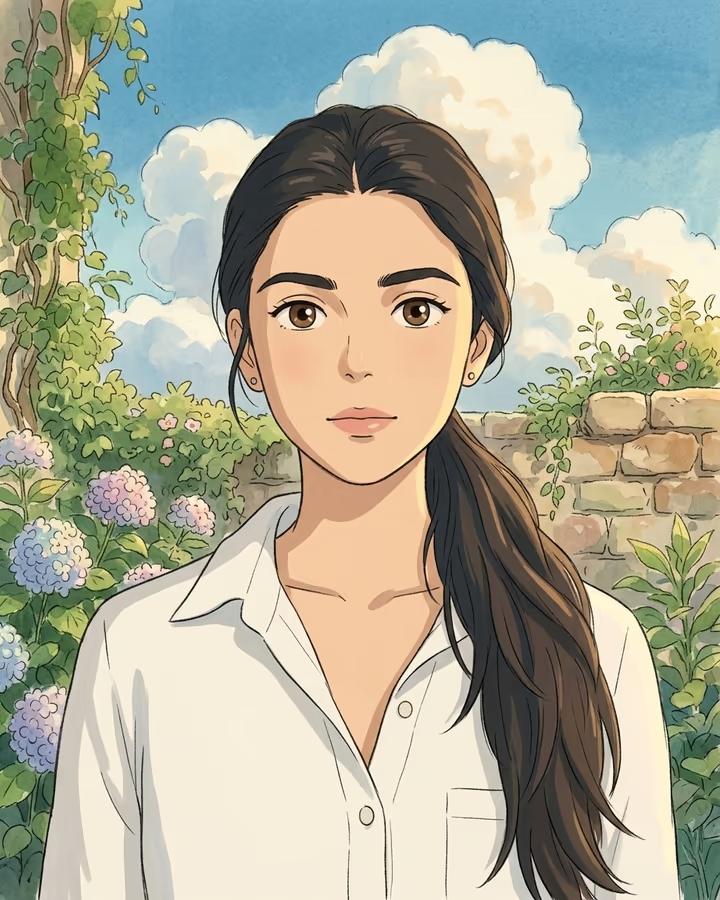
This template is the sharper, more contemporary option. If you prefer soft watercolor backgrounds and a gentle, nostalgic feel, try the hand-painted Ghibli AI style instead. Both run from a single upload with no prompt to write. Example images here use AI-generated fictional people.
What the anime conversion changes and what it keeps
The template changes the rendering, not the person. Line art is added around shapes, skin and clothing are flattened into a few clean tones of cel shading, eyes become larger and more expressive, and hair gets the glossy highlight bands typical of modern anime. The background is replaced with a detailed anime-style city at sunset, which gives every result a consistent, poster-like look.
What stays is the information that makes you recognizable: hairstyle and hair color, the outfit and its colors, your pose and the overall framing of the photo. That is why a clear photo matters. If your face is small, turned away or in shadow, the model has less to work from and the anime version can drift toward a generic character.
Choosing between anime, hand-painted and clay styles
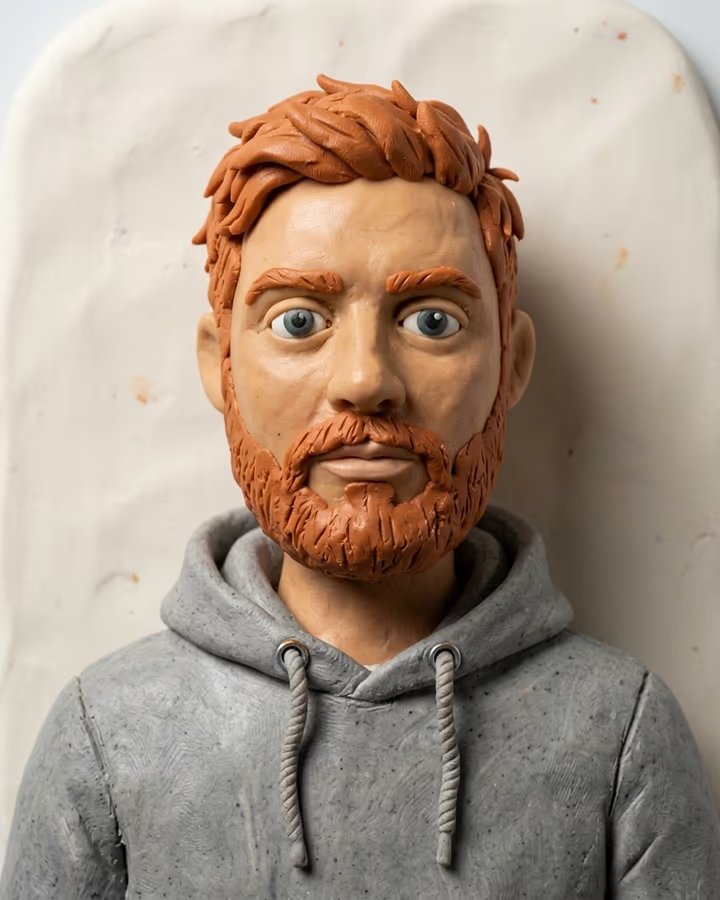
Soracai has three stylized looks that people often compare. Photo to anime is the crispest: strong lines, saturated colors, a contemporary TV-anime finish. Ghibli AI is softer and more painterly, with watercolor skies and warm light, and it keeps your original setting instead of swapping in a city. The AI clay filter goes three-dimensional and handmade, like a plasticine stop-motion puppet.
If you are making an avatar that will be shown small, the anime style usually reads best because of its strong outlines. For prints and gifts, the hand-painted style tends to feel more personal. For something funny to share, clay is hard to beat.