

Skip to content

Sky Traffic Jam AI Video

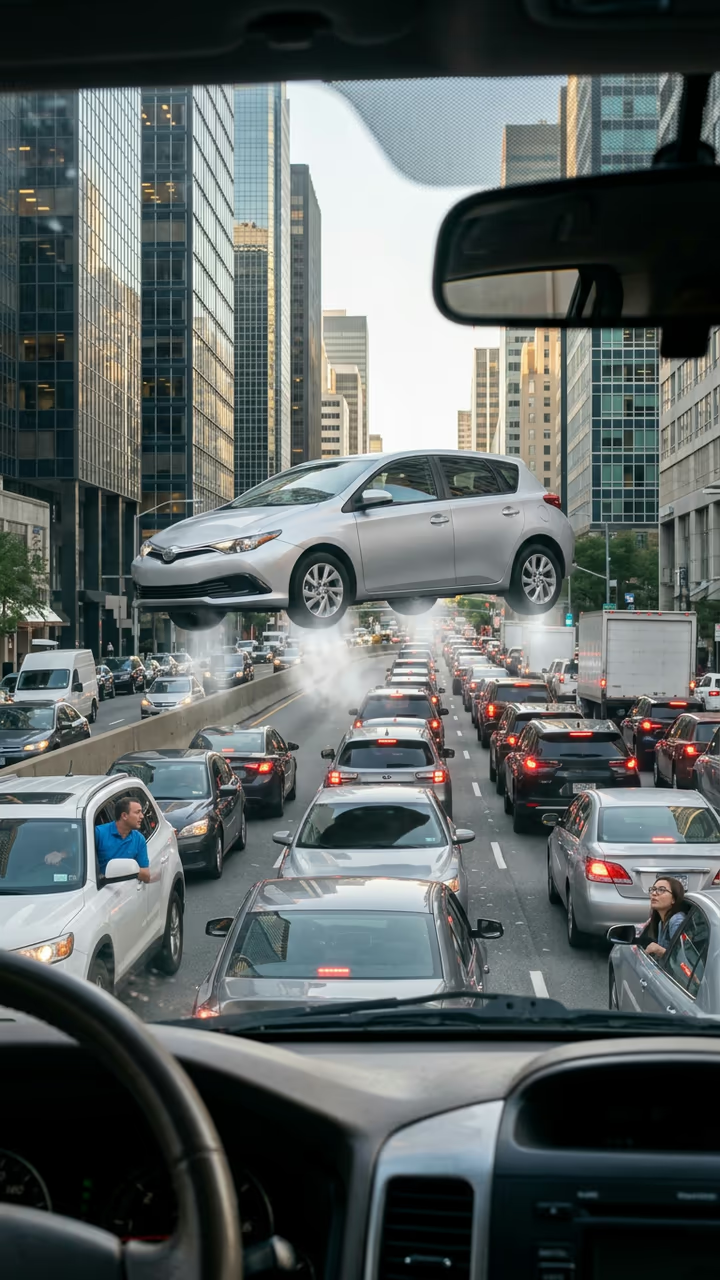
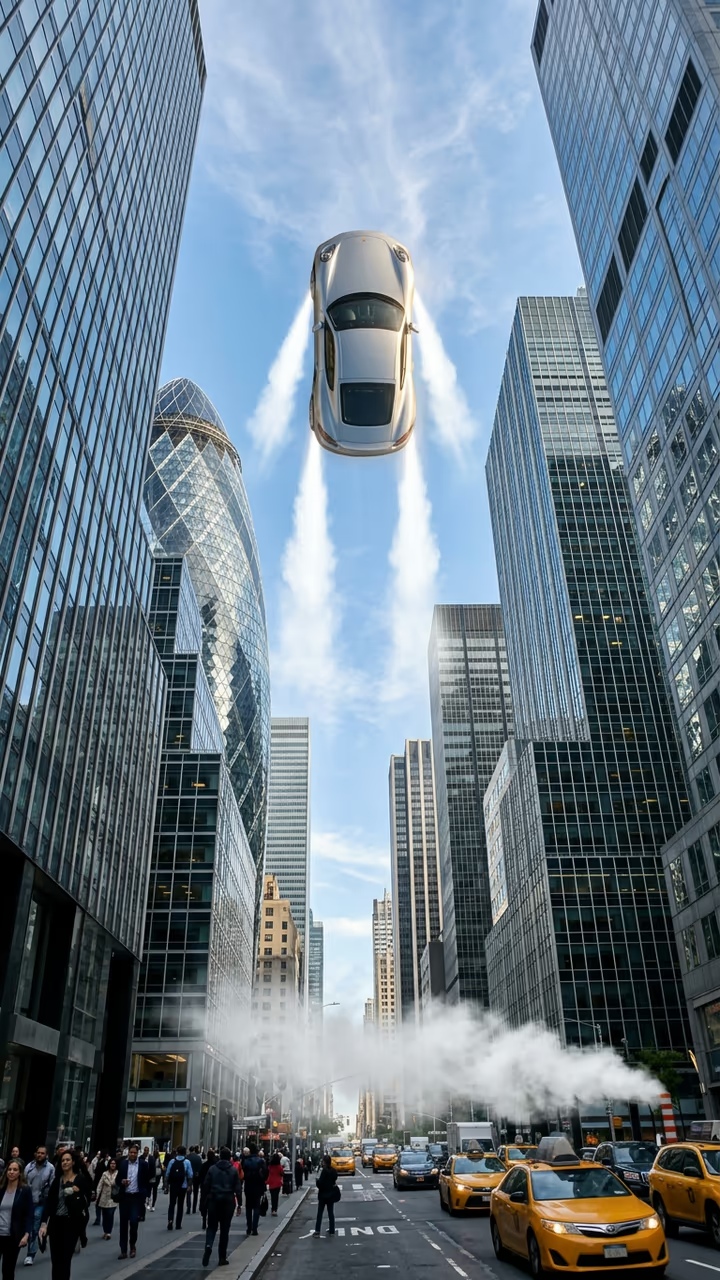
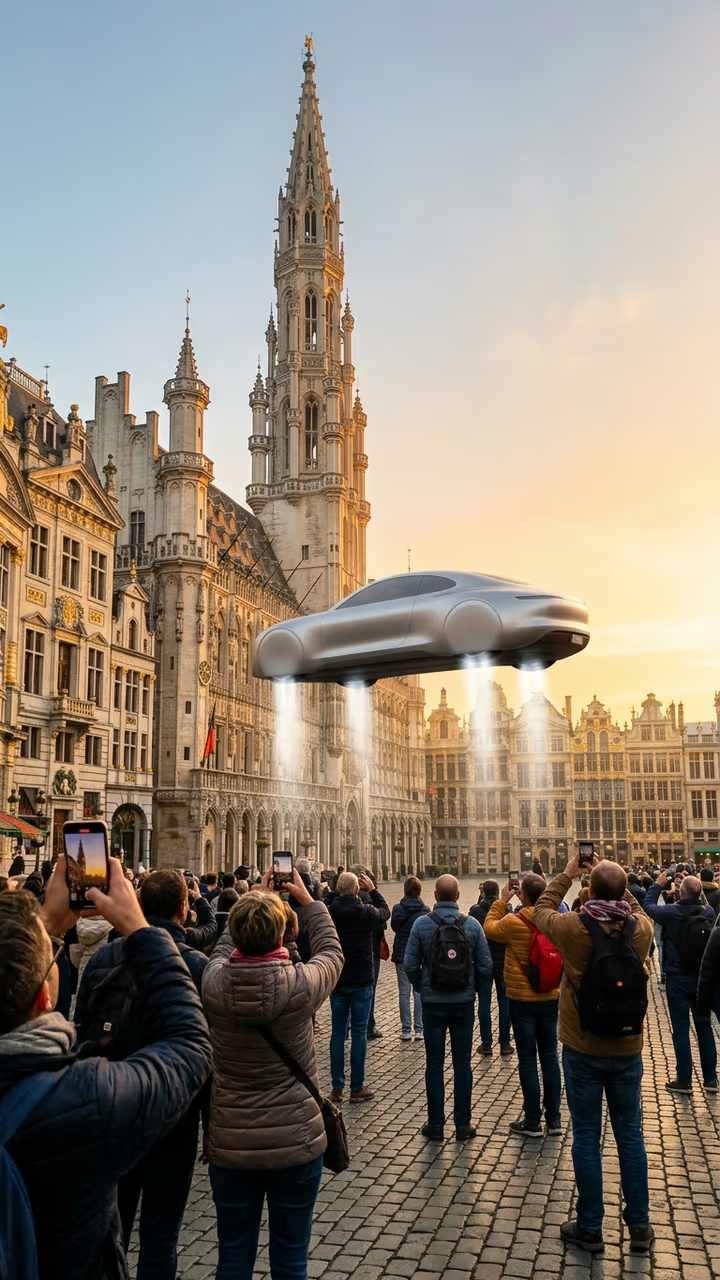
Traffic in 2030: every car on the highway is flying, stacked in layers above the road, and yours lifts off to join the jam.

Sky Traffic Jam · switch effect

Your car

Your car from the side or back, whole car in frame

Cost shown before you run · failed runs are refunded

  • Ready in 1–3 min
  • No watermark
  • Failed runs refunded
  • Uploads never published

This trend on Instagram & TikTok

The most-watched videos of this trend, shown with credit and a link to each original post. Videos belong to their creators; they were not made with Soracai.

  1. 1

    @xander.sgc

    Trend video

    TikTok

    4.72M views · 437K likes · October 16

    If everyone had a flying car, the old car wins

    Watch on TikTok ↗
  2. 2

    @anetteen

    Trend video

    TikTok

    1.28M views · 123K likes · October 17

    “Traffic in 2 years”

    Watch on TikTok ↗
  3. 3

    @fung.ai5

    Trend video

    TikTok

    1.03M views · 105K likes · October 16

    A sky traffic jam on the in-car screen

    Watch on TikTok ↗

How to use the Sky Traffic Jam AI Video

  1. 01

    Upload a photo

    Your car: Your car from the side or back, whole car in frame.

  2. 02

    Press Generate

    The Sky Traffic Jam effect runs on its own tuned settings. It costs 140 credits, shown on the button before you run it.

  3. 03

    Download

    Your video is ready in one to three minutes. Download the MP4 without a watermark.

AI Fantasy Effects

What is the Sky Traffic Jam AI Video?

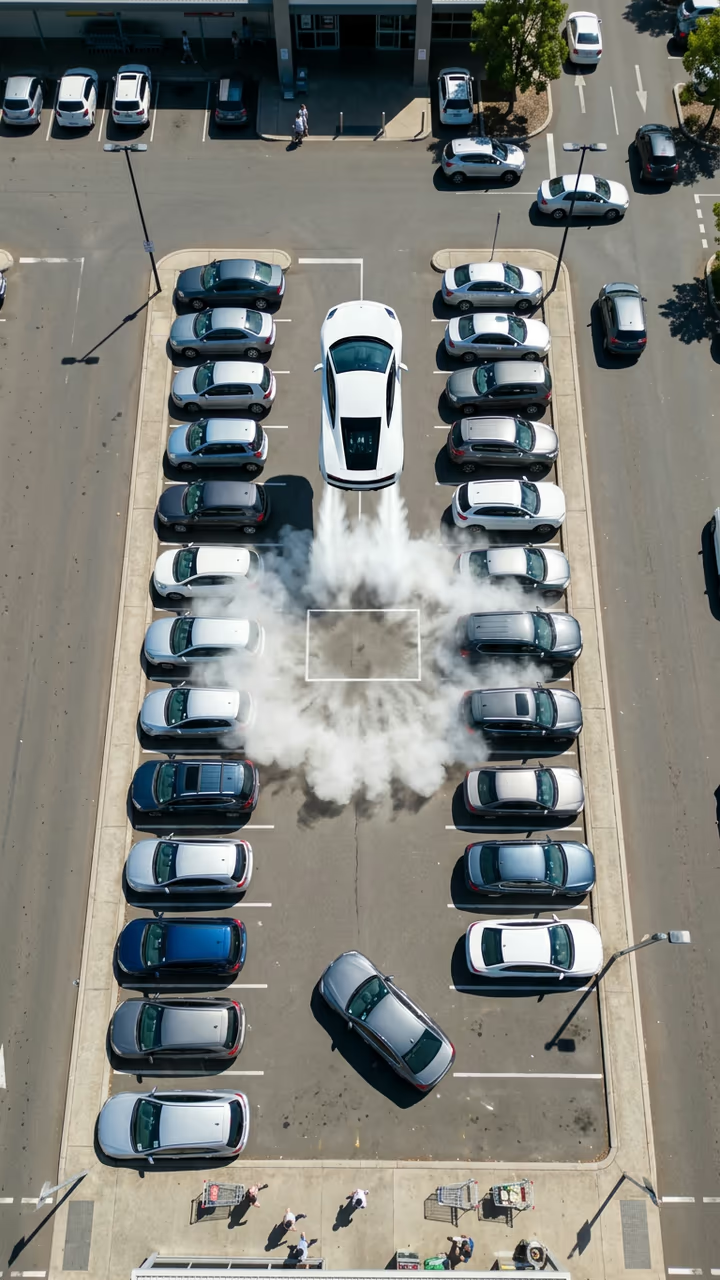
The sky traffic jam is the flying car trend's punchline: if everyone gets a flying car, the traffic simply moves upstairs. Upload a photo of your car and you get a handheld phone clip filmed through the windshield on a wide city highway at golden hour. Above the road, dozens of ordinary cars hover in stacked layers, honking and nudging into gaps. Then your car, right ahead in the lane, lets out a burst of white vapour, lifts off and squeezes into the flying queue, where it gets stuck like everyone else.

Also known as "traffic in 2030", "if everyone had the flying Roadster" and the flying car traffic jam. After a flying sports car was unveiled on 16 October 2026, the idea spread fast: a clip of a sky packed with identical flying cars, where an old hatchback on the empty road below wins, passed 4.7 million views, a "traffic in 2 years" version passed 1.2 million, and one shown on an in-car screen passed 1 million.

The template runs in two steps: an image model builds the crowded sky around your own car, then a video model sets the jam in motion with sound. The clip is 8 seconds, vertical and watermark-free. The trend videos on this page are credited to their creators; the poster image is AI-generated.

One car or the whole sky?

Flying Car Over Traffic is the escape: only your car flies and leaves the jam behind. Sky Traffic Jam is the twist: everyone already flies, so your car lifts off and gets stuck again, one layer up. Pick the one that matches your joke.

Sky Traffic Jam AI Video FAQ

How do I make the sky traffic jam video?

Upload a photo of your car and press Generate. The template builds a highway with a sky full of hovering cars and lifts yours into the jam.

Is it free?

Video templates use paid credits. New accounts get free credits for photo templates only. The exact cost is shown on the Generate button before you confirm.

Is this the Tesla Roadster traffic meme?

Yes, it is the "if everyone had the flying Roadster" joke, but with ordinary cars and your own car in the middle of it.

Is this made by or affiliated with Tesla?

No. Soracai is not affiliated with, sponsored or endorsed by Tesla. "Tesla Roadster" is named only because that is what people search for this trend. The template animates your own car and adds no logos or badges.

Will it show my number plate?

No. The plate is blurred and badges are left out.

Is there a watermark?

No watermark is added to the video.

Where is my photo stored?

Uploads are stored in Firebase Storage (Google Cloud) under your account so the run can happen and the result appears in Creations. They are not public, and you can email support to request deletion. To run the effect, a copy is sent to our AI model provider (kie.ai); result files are kept for 14 days, so download what you want to keep.

More AI effects

Try the Sky Traffic Jam AI Video

Upload a photo and get your video in a couple of minutes.

Upload photo