
Skip to content

Giant Bed AI Video

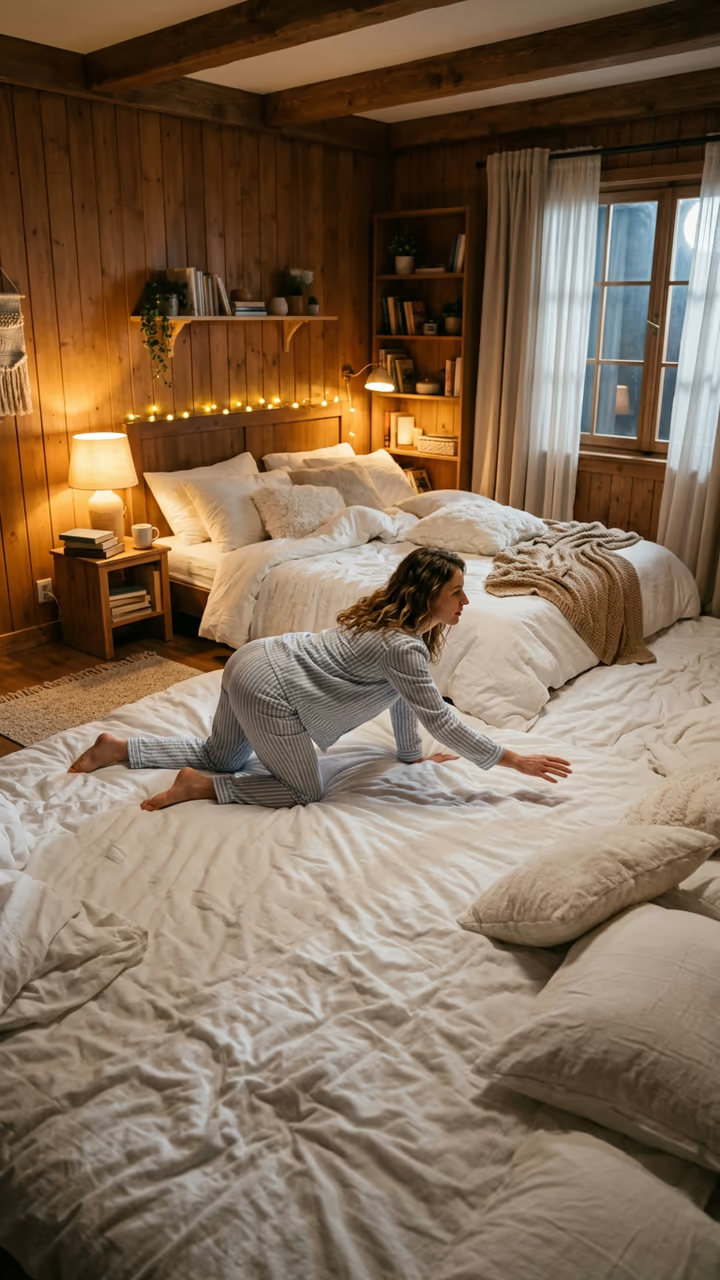
You climb onto a white bed so big it fills the room, crawl across it for ages and flop into the pillows.

Giant Bed · switch effect

Your photo

One person or pet, whole body if possible

Cost shown before you run · failed runs are refunded

  • Ready in 1–3 min
  • No watermark
  • Failed runs refunded
  • Uploads never published

This trend on Instagram & TikTok

The most-watched videos of this trend, shown with credit and a link to each original post. Videos belong to their creators; they were not made with Soracai.

  1. 1

    @valentinloiseau.ai

    Trend video

    TikTok

    69.5M views · 5.87M likes · August 30

    The original “bed of my dreams” video

    Watch on TikTok ↗
  2. 2

    @warpedreality99

    Trend video

    TikTok

    156K views · 6,962 likes · September 18

    Pick a giant fantasy bedroom for a year

    Watch on TikTok ↗
  3. 3

    @impossiblescale

    Trend video

    TikTok

    69K views · 2,559 likes · September 17

    Walking across a huge bed in a storm

    Watch on TikTok ↗

How to use the Giant Bed AI Video

  1. 01

    Upload a photo

    Your photo: One person or pet, whole body if possible.

  2. 02

    Press Generate

    The Giant Bed effect runs on its own tuned settings. It costs 140 credits, shown on the button before you run it.

  3. 03

    Download

    Your video is ready in one to three minutes. Download the MP4 without a watermark.

AI Fantasy Effects

What is the Giant Bed AI Video?

The giant bed AI template is the "bed of my dreams" video. Your photo becomes a cosy bedroom seen from the doorway, except the whole floor is one enormous white bed that runs wall to wall, with a row of fluffy pillows far away at the back. You stand at the near edge in pyjamas, one knee on the mattress. Then you climb on and crawl. And crawl. The duvet sinks under every step, you stop once to look back at the camera and laugh, and at last you reach the pillows and flop face-first into them with a happy sigh.

The trend started on TikTok at the end of August 2026, when a clip captioned as the bed of someone's dreams passed 69 million views and nearly 6 million likes. The creator credited Seedance as the video model. Cousins followed quickly, including a giant fruit bedroom, but the plain white version is the one people keep copying, because it looks calm, soft and a little absurd at the same time.

The template runs in two steps: an image model builds the bedroom with you in it, then a video model films the crawl in one static shot with soft sound. The clip is 8 seconds and has no watermark. It also works with a photo of a cat or dog. The trend videos on this page are credited to their original creators; the poster image is AI-generated.

Why it is one static shot

The viral clip works because the camera never moves. It sits in the doorway like a phone on a shelf, and the only thing that changes is how far you have crawled. That makes the size of the bed believable: you get smaller as you go, and the pillows stay far away for a long time.

The template asks the video model for exactly that: a tripod shot, one continuous take, no cuts and no zoom.

Sound

The video model generates soft sound with the clip: rustling sheets, a muffled laugh, a sigh and quiet dreamy music. Many creators replace it with a slowed-down trending song. Mute the original in TikTok, CapCut or Reels and add your track.

Giant Bed AI Video FAQ

How do I make the giant bed AI video?

Upload one photo, ideally full body, and press Generate. The template builds the giant bedroom and animates the crawl. It takes a few minutes.

Is it free?

Video templates use paid credits. New accounts get free credits for photo templates only. The exact cost is shown on the Generate button before you confirm.

Does it work with my pet?

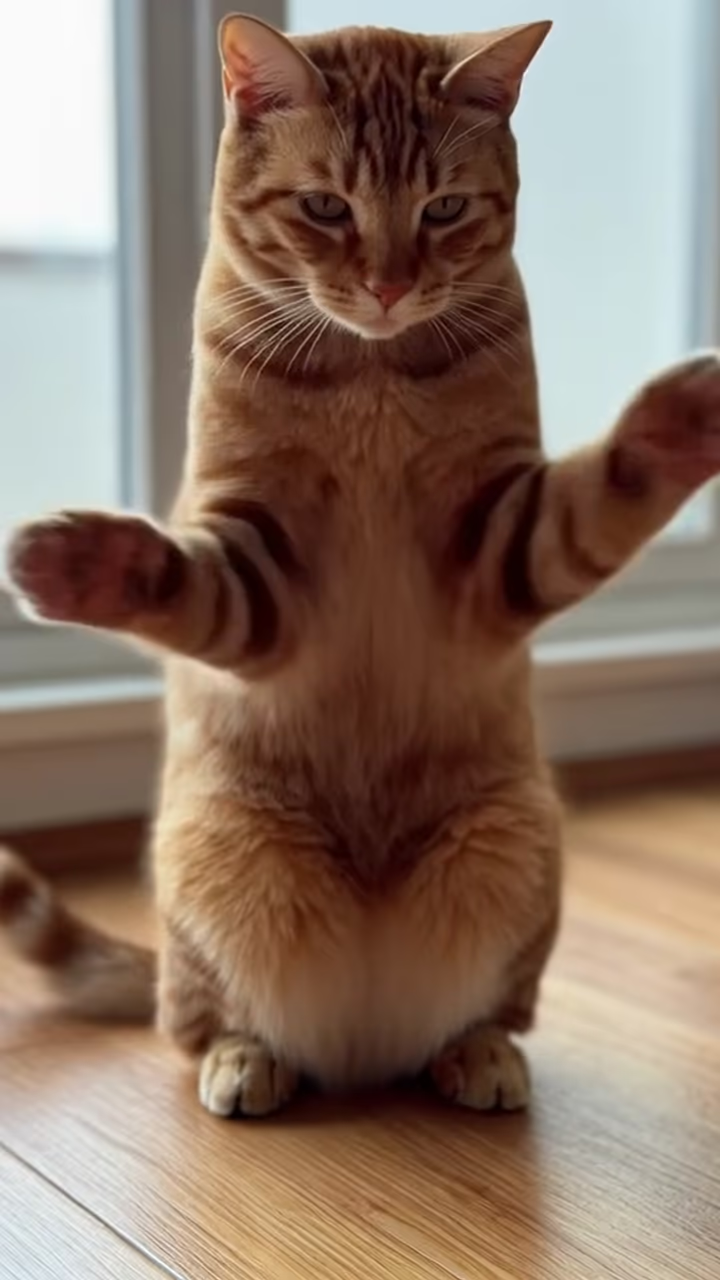
Yes. Upload a whole-body photo of your cat or dog. Results vary more with pets, so try a second run if the first one is off.

How long is the video?

8 seconds, vertical 9:16, with generated sound.

Can I change the bedroom?

The bedroom, bed and lighting are fixed to match the trend. Each run varies the details a little.

Is there a watermark?

No watermark is added to the video.

Where is my photo stored?

Uploads are stored in Firebase Storage (Google Cloud) under your account so the run can happen and the result appears in Creations. They are not public, and you can email support to request deletion. To run the effect, a copy is sent to our AI model provider (kie.ai); result files are kept for 14 days, so download what you want to keep.

More AI effects

Try the Giant Bed AI Video

Upload a photo and get your video in a couple of minutes.

Upload photo