


What is the AI Crying Video?
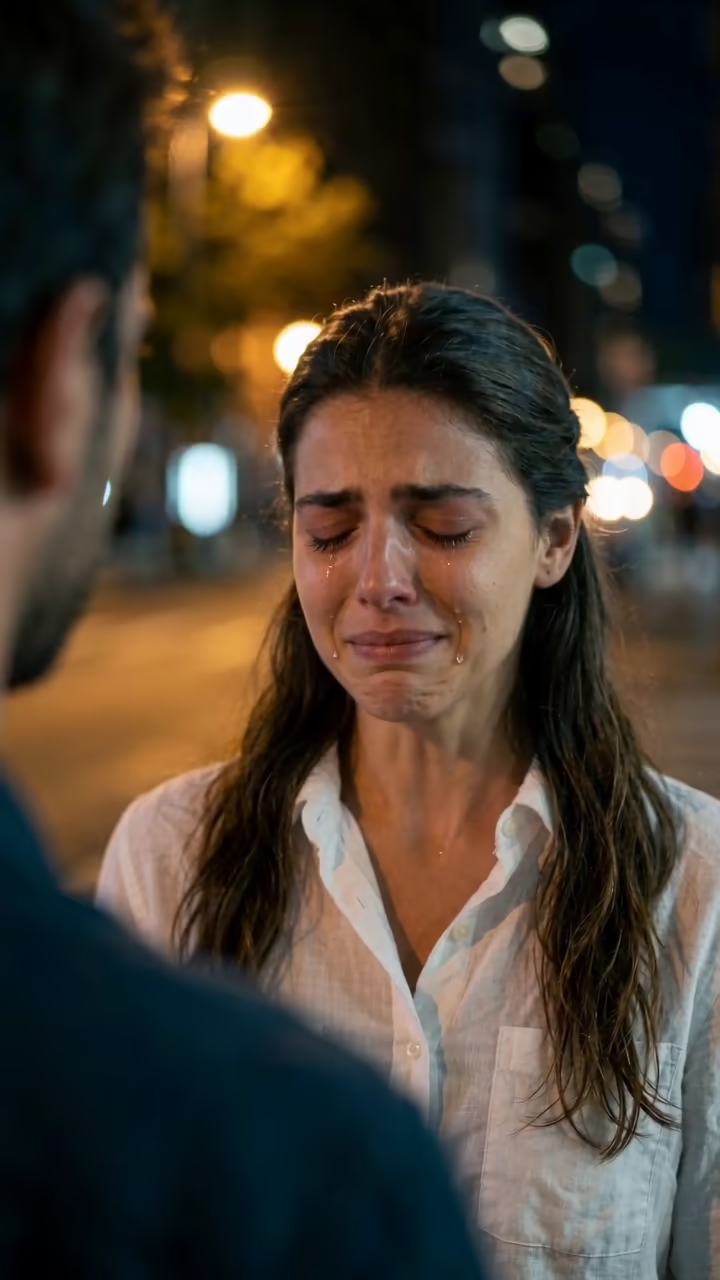
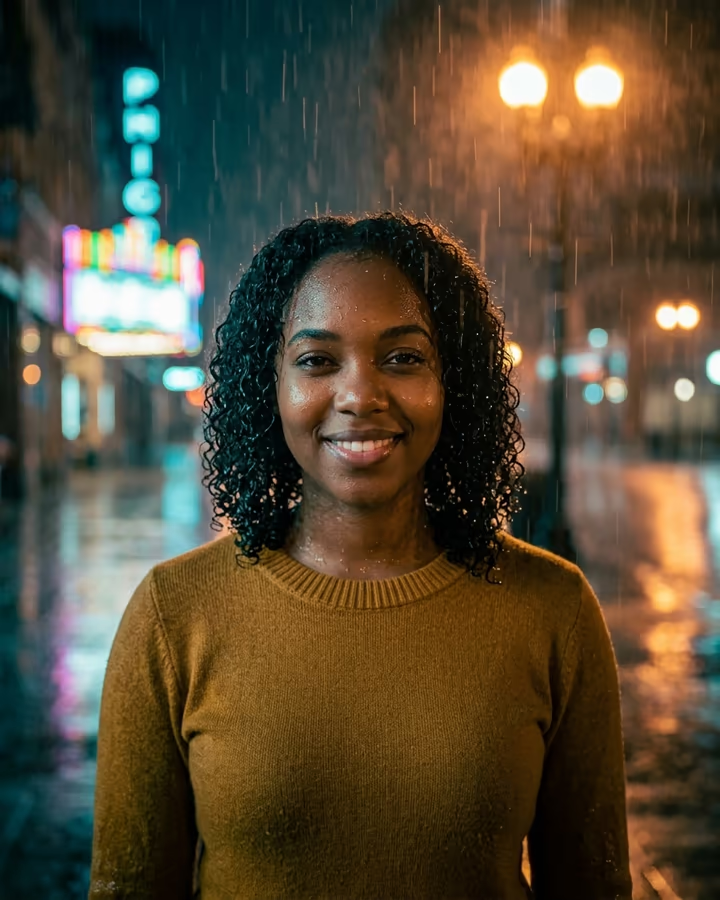
The AI crying template puts you in the middle of a breakup scene from a film. Your selfie becomes the opening frame: a city street at night, warm street lamps blurred behind you, and the back of someone's shoulder out of focus in the foreground. You look at them with a small, hopeful smile. Then the smile fades, your lip trembles, your eyes fill up and tears run down both cheeks. You close your eyes, lower your head, turn around and walk away down the street. The clip is 6 seconds long and comes with a generated soundtrack: a sad piano and strings ballad with a sniffle in it.
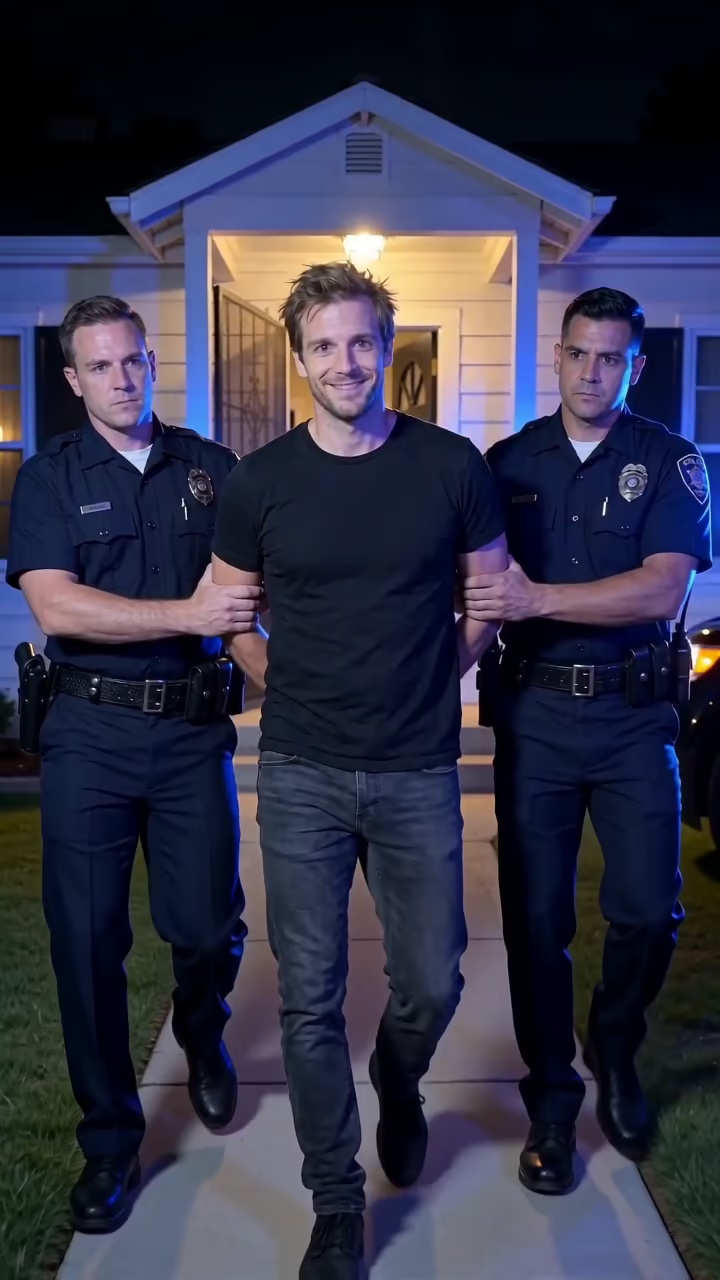
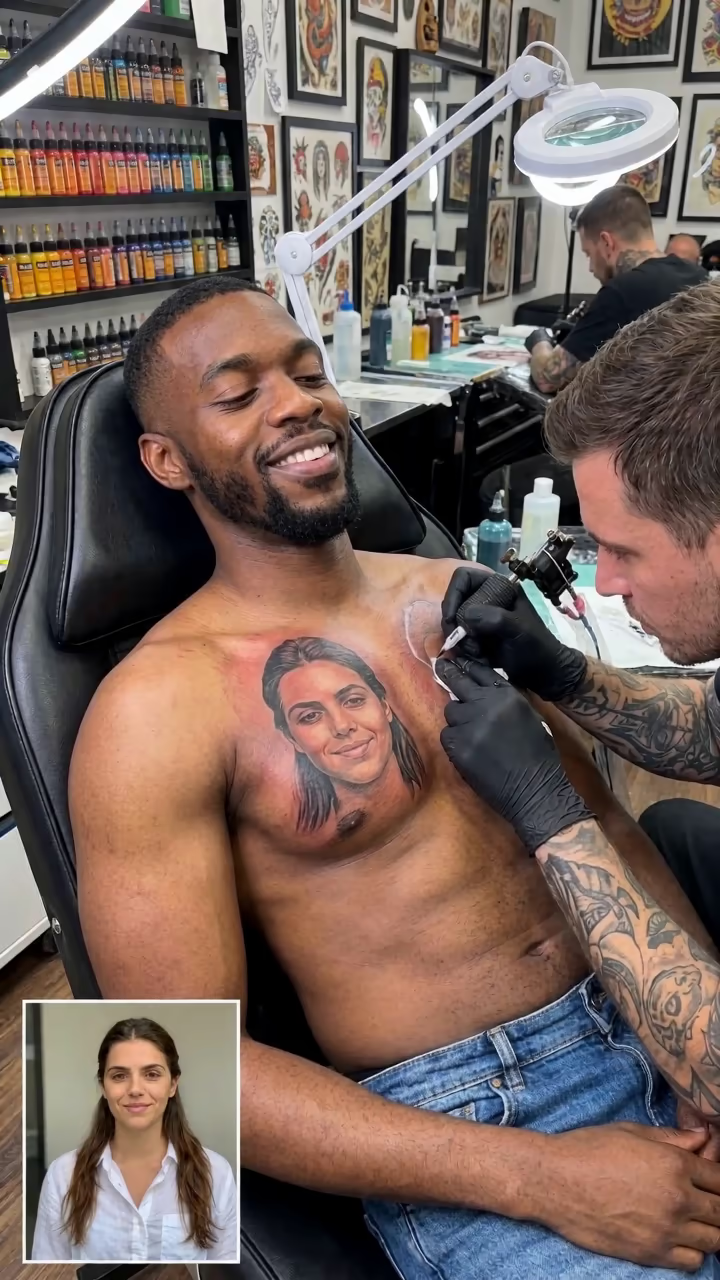
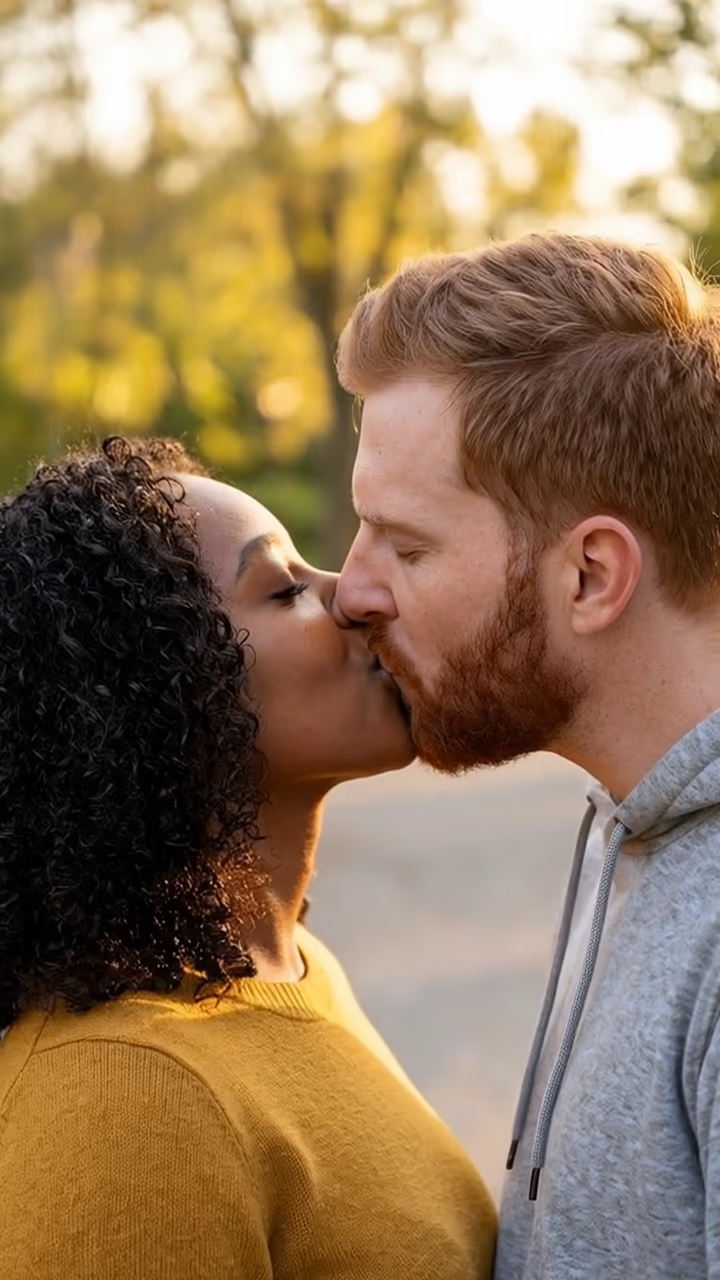
Clips like this, where an ordinary photo turns into an over-the-top emotional acting moment, pulled millions of views on TikTok in autumn 2026. Most of the popular ones are short and dramatic, built on a romantic ballad, and they work because the person in them is usually not someone who cries on camera. People post them as jokes about a lost parcel, a cancelled plan or a team that lost on Sunday.
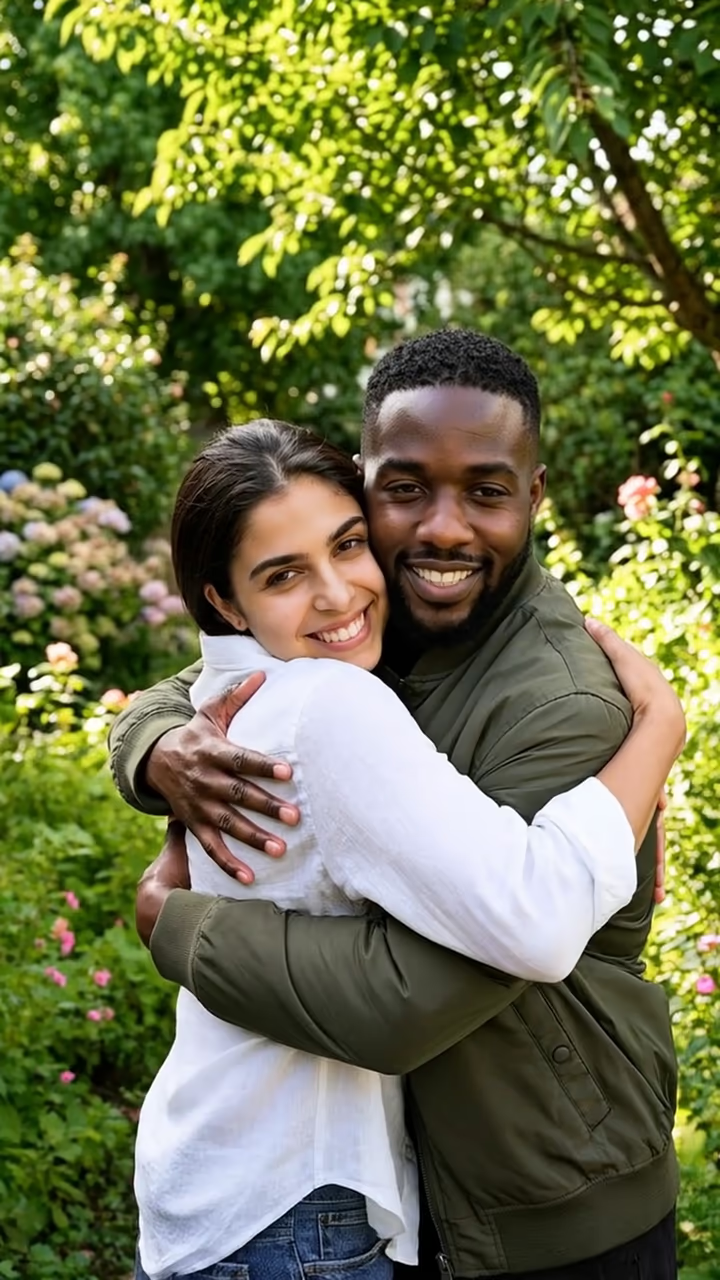
This page runs it in two steps. First an image model builds the night-street start frame from your photo, then a video model acts out the scene. You do not write a prompt or pick settings. A run takes about two to three minutes and the video has no watermark. The examples on this page were made from AI-generated fictional people.
What happens in the scene
The start frame is an over-the-shoulder shot at night: you are in focus from the chest up, the other person is only a blurred shoulder at the edge of the frame, and the background is a soft bokeh of street lamps. That framing is what makes it read as a film still rather than a filter.
In the video, the camera pushes in very slowly. The smile fades first, then the eyes redden and fill, then the tears spill over. The template asks for the build-up to be slow, because a sudden switch looks fake. The last beat is the turn away: you lower your head and walk off down the street with your back to the camera.
Sound and length
The video model generates its own audio, so the clip arrives with a sad ballad and a sniffle already in it. If you want to post it with a trending sound instead, mute the original in TikTok, CapCut or Reels and add your track. The clip is 6 seconds, which loops well and leaves room for a caption at the start.
If the face looks less like you at the very end, that is because you are walking away from the camera; identity is strongest in the close-up part of the clip.