Skip to content

AI Photo with Celebrity

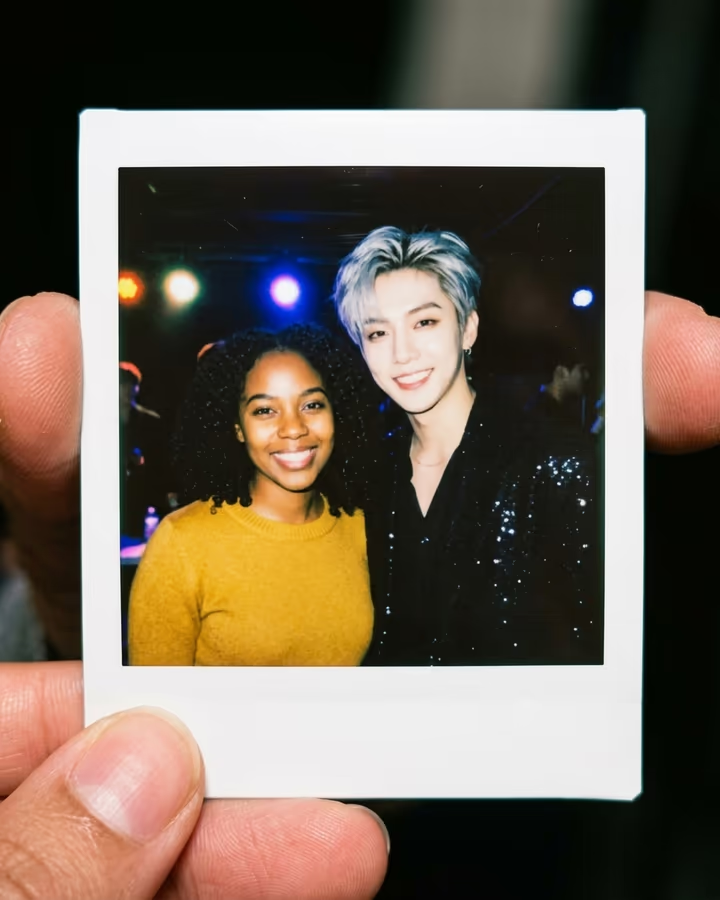
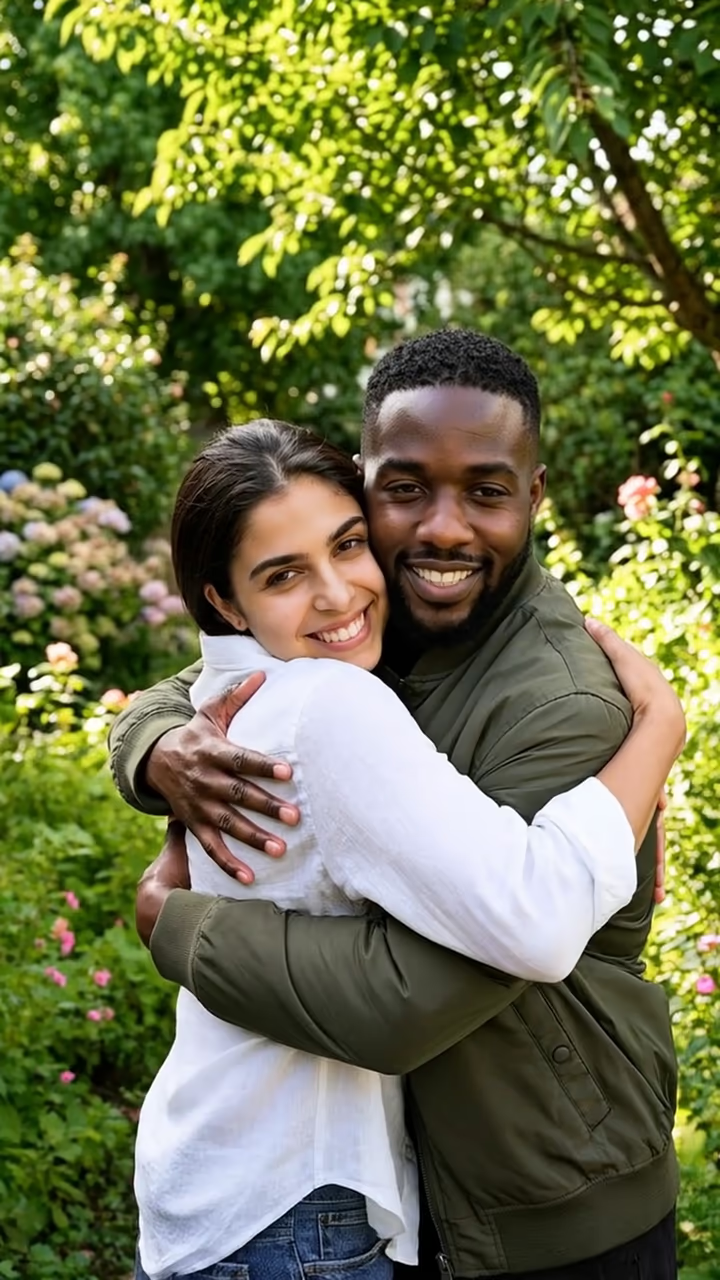
Your photo plus a photo of your idol who agreed, merged into one backstage fan Polaroid.

Polaroid with Your Idol · switch effect

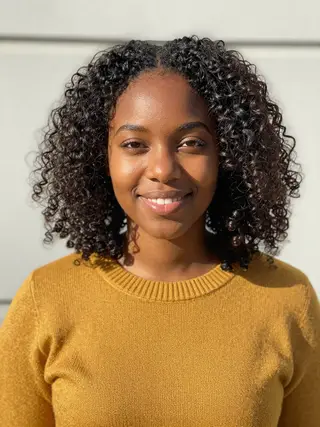
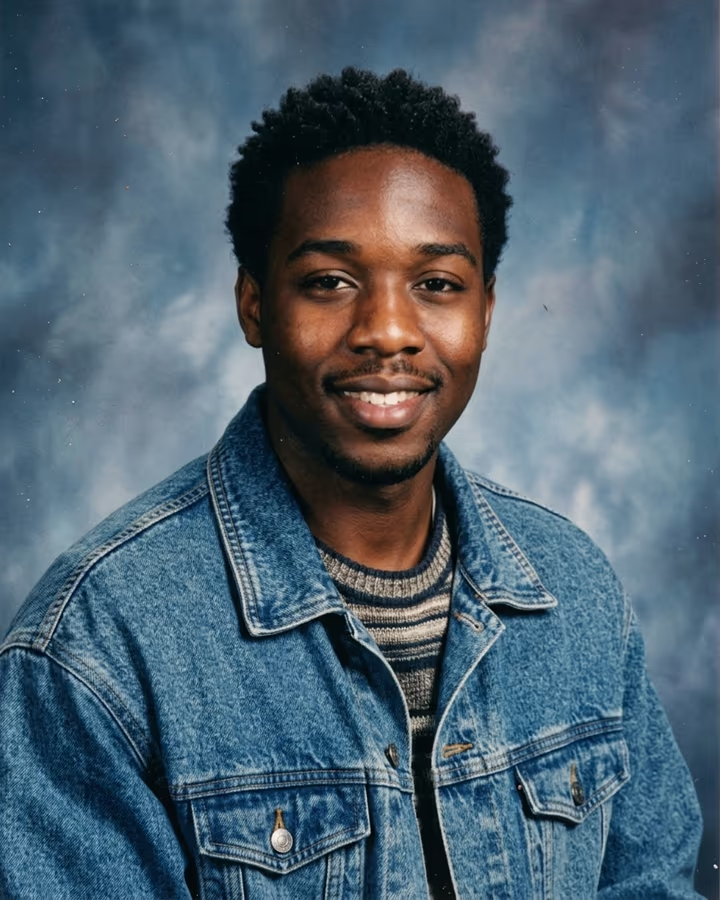
Your photo

One person, face clearly visible, good light

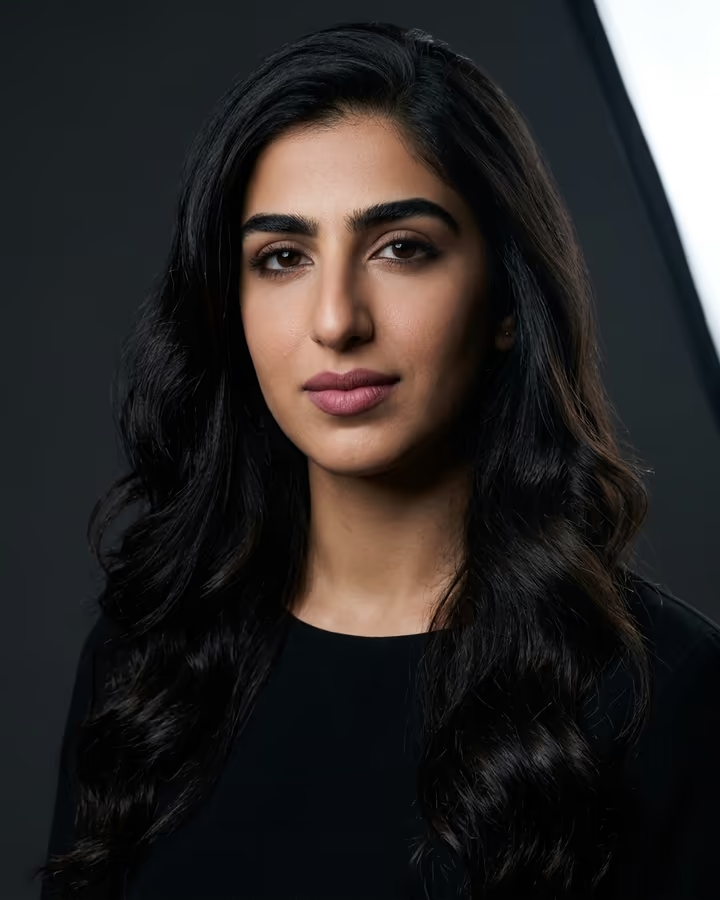
Your idol's photo (a person who agreed)

One person, face visible; a photo you have the right to use

Cost shown before you run · failed runs are refunded

  • Ready in ~15 s
  • No watermark
  • Failed runs refunded
  • Uploads never published

How to use the AI Photo with Celebrity

  1. 01

    Upload your photos

    Your photo: One person, face clearly visible, good light. Your idol's photo (a person who agreed): One person, face visible; a photo you have the right to use.

  2. 02

    Press Generate

    The Polaroid with Your Idol effect runs on its own tuned settings. It costs 10 credits, shown on the button before you run it.

  3. 03

    Download

    Your photo is ready in about 15 seconds. Download it without a watermark.

What is the AI Photo with Celebrity?

This template turns two photos into a backstage fan Polaroid: you and your idol standing shoulder to shoulder, lit by a camera flash, with blurred stage lights behind you and the white instant-film frame held between two fingers. It is the format fans use after a meet-and-greet, recreated from two separate pictures.

The idea grew out of the 2025 AI Polaroid trend on Instagram and TikTok. Once Gemini's image model made it easy to merge people from different photos into one convincing print, fans started making Polaroids with the singers, streamers and creators they follow. It caught on in fandom communities such as K-pop, where photocards and Polaroids are already collected and traded.

We run it with one firm rule: the second photo has to be of someone who agreed to it, and you need the right to use it. That can be a local musician who said yes, a creator friend, a band member at your school, or a performer who shares photos for fan edits with permission. Our own example uses a fictional singer generated by AI, not a real celebrity, and we do not publish examples of real public figures.

The result is AI-made, and it should be shared that way. Label it as an AI edit when you post it, and never use it to claim you met someone you did not meet. Used honestly, it is a fun keepsake: the photo you would have taken if you had been backstage.

Our policy on real people

We do not use real celebrities' names or faces in our examples, and you should not upload photos of public figures who have not agreed to this. Merging a real person into a photo without consent can mislead people and can violate that person's rights, even when the intention is harmless.

The rule is simple: upload yourself, and a second person who said yes and whose photo you have the right to use. Do not use the result to suggest a relationship, endorsement or meeting that did not happen, and do not use it to harass or impersonate anyone. When you share it, say it is an AI image.

How the backstage look is built

The template asks for a specific set of details: the Polaroid held between fingers, flash lighting from the camera, colorful stage lights blurred in the background, and the grain and slight softness of instant film. Those details make the two people look like they were photographed at the same moment, even if the source photos came from different places and cameras.

Both faces, hairstyles and skin tones are kept as close to the originals as the model allows. If one face looks off, the usual fix is a sharper, front-facing source photo with even light.

AI Photo with Celebrity FAQ

Can AI make a photo of me with a celebrity?

Technically, yes, but we do not support using real celebrities or public figures who have not agreed. This template is for you and a person who consented, such as a creator, performer or friend, and our examples use AI-generated fictional people.

Is it legal to make an AI photo with a famous person?

It depends on where you live and how you use it, but using someone's likeness without consent, especially in a way that implies endorsement or a real meeting, can break laws and platform rules. Only use photos of people who agreed and that you have the right to use.

How do I make a Polaroid with my idol?

Upload your photo, upload a photo of the person (who agreed), and press Generate. The template returns a backstage fan Polaroid in about 20 to 40 seconds.

Do I have to say it is AI when I post it?

You should. Label it as an AI edit, and never present it as proof that you met someone. Many platforms also ask you to mark realistic AI images.

Is it free?

New accounts get free credits that can be used on photo templates like this one. After that, runs use credits from a pack or plan, with the cost shown before you generate.

What happens to the photos I upload?

Uploads are stored in Firebase Storage (Google Cloud) under your account so the run can happen and your result appears in Creations. They are not public, and you can email support to request deletion. To run the effect, a copy is sent to our AI model provider (kie.ai); result files are kept for 14 days, so download what you want to keep.

More AI effects

Try the AI Photo with Celebrity

Upload two photos and get your photo in seconds.

Upload photos