

What is the AI Ghostface Trend?
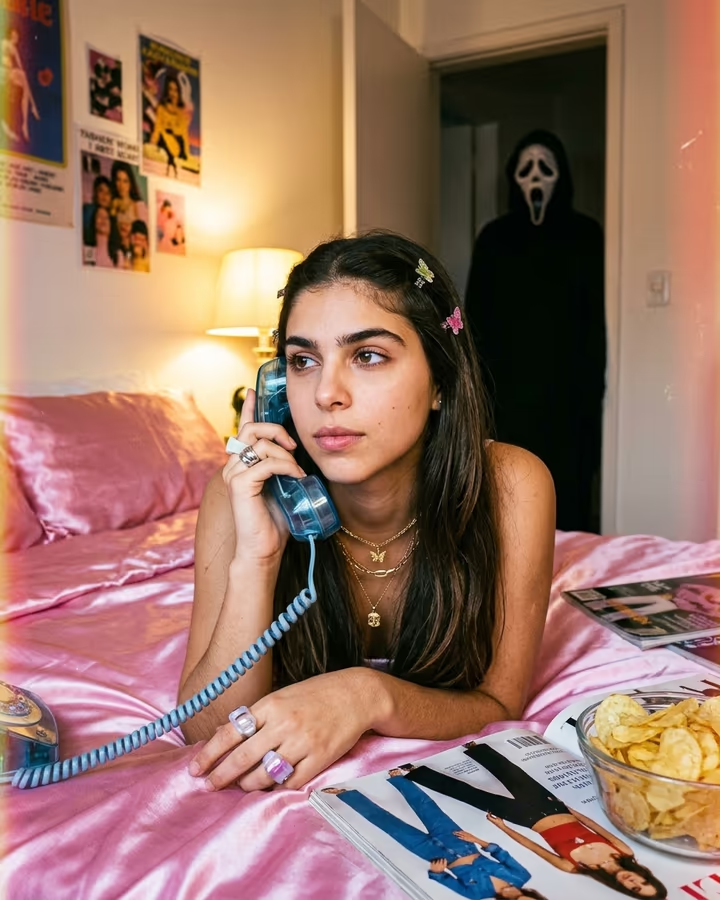
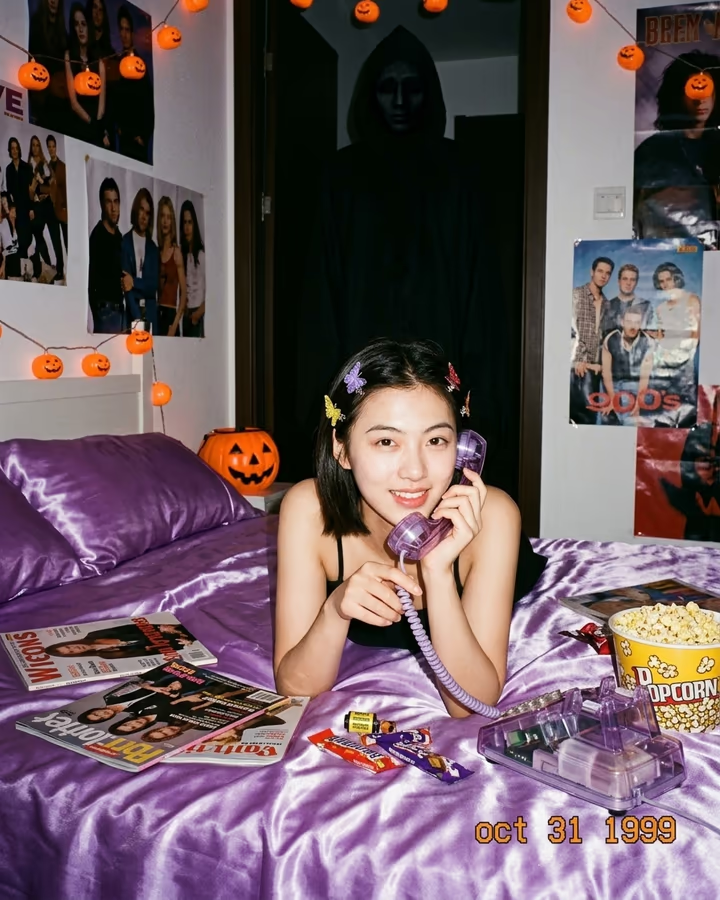
The AI Ghostface trend puts you in a late-90s teen bedroom: shiny pink satin sheets, a corded phone held to your ear, gold jewelry, magazines and a bowl of chips, all lit by a warm lamp. It looks like a cozy throwback portrait until you notice the doorway, where a cloaked figure in a white ghost mask stands half in shadow. The whole image has the grain and color of a disposable-camera print.
The format took off on TikTok and Instagram in 2025, when people started using Gemini's image model to drop themselves into this exact scene. It borrows the mood of 90s slasher films, where the phone call is the scary part, and mixes it with the soft Y2K bedroom aesthetic that was already popular on social media. The contrast is the point: the person in the photo is relaxed and daydreaming while the viewer can see what they cannot. It has stayed popular around Halloween and spooky-season content ever since.
This template is a port of the Ghostface trend page soracai already ran, using the same scene prompt. Upload one clear selfie and the model builds the bedroom, styling and lighting around you while keeping your face the same. You do not have to write a prompt or fix the details by hand. Photo templates take roughly 20 to 40 seconds, and new accounts can try this one with their free credits. The masked figure is a generic costume character, not a specific film's licensed design.
Why the scene works
Most viral AI photos are simply flattering. This one tells a tiny story. You are in the foreground on the phone, calm and a little bored; the figure in the doorway is small and dark, so many people only notice it on the second look. That delayed reaction is what makes viewers comment and share.
The details carry the era: the corded phone, glossy magazines, posters on the wall, chunky rings, and grainy 90s film color. Keeping those consistent is what makes the image read as a deliberate throwback instead of a random bedroom.
Keep it fun, not harmful
The trend is a costume-party joke. Use it on your own photo, or on a friend who is in on it. Do not use someone's picture to frighten, harass or mislead them, and do not post it in a way that suggests a real threat.
The masked figure is a generic cloaked character with a white ghost mask, described in plain words rather than copied from a specific film. That keeps the image in parody territory, and it is why we ask the model for no readable text or logos anywhere in the room.