
What is the Halloween AI Photo?
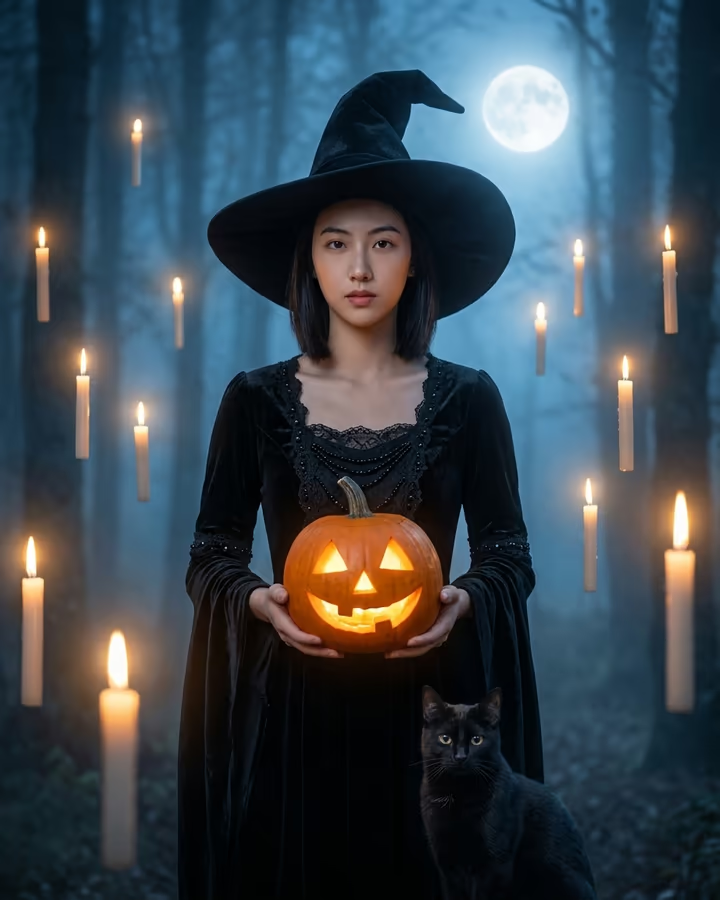
It is October, which means Halloween photo trends are back in every feed. This Halloween AI photo template turns a normal selfie into a cinematic witch portrait: a black wide-brim hat and flowing black dress, a glowing jack-o'-lantern in your hands, a full moon over a misty forest, candles floating in the air and a black cat sitting at your feet. Cool moonlight mixes with warm candle glow, and your face stays recognizably yours.
AI Halloween portraits have become a seasonal ritual on TikTok and Instagram. Instead of buying a costume and staging a shoot, people upload a selfie and post the spooky version, often alongside the original. Witch looks are among the most popular because they are dramatic without being gory, and they suit almost anyone. This template began as one of Soracai's trend pages and has been rebuilt here with a more cinematic scene and clearer instructions to keep your features.
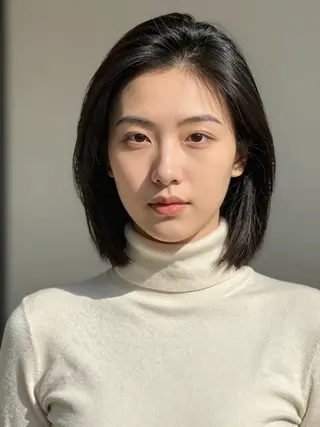
You can use it as is or add a short detail in the optional box, like a different color cape or a crow on your shoulder. Results arrive in about 20 to 40 seconds as a 4:5 portrait, ready for a profile picture or a post. Example images on this page were made from AI-generated fictional people.
What goes into the witch portrait
The prompt describes a complete scene rather than a costume pasted onto your photo. You are dressed in a black wide-brim hat and a flowing black dress, holding a glowing jack-o'-lantern. Behind you is a misty forest under a full moon, with candles floating at different heights and a black cat at your feet. The lighting combines cool, cinematic moonlight with warm glow from the candles and pumpkin, which is what gives the image depth.
Your face, identity and skin tone are kept from the upload, so the result reads as you in costume rather than a stranger. The style is atmospheric and elegant, not horror, so it is safe to share widely.
Timing and other seasonal looks
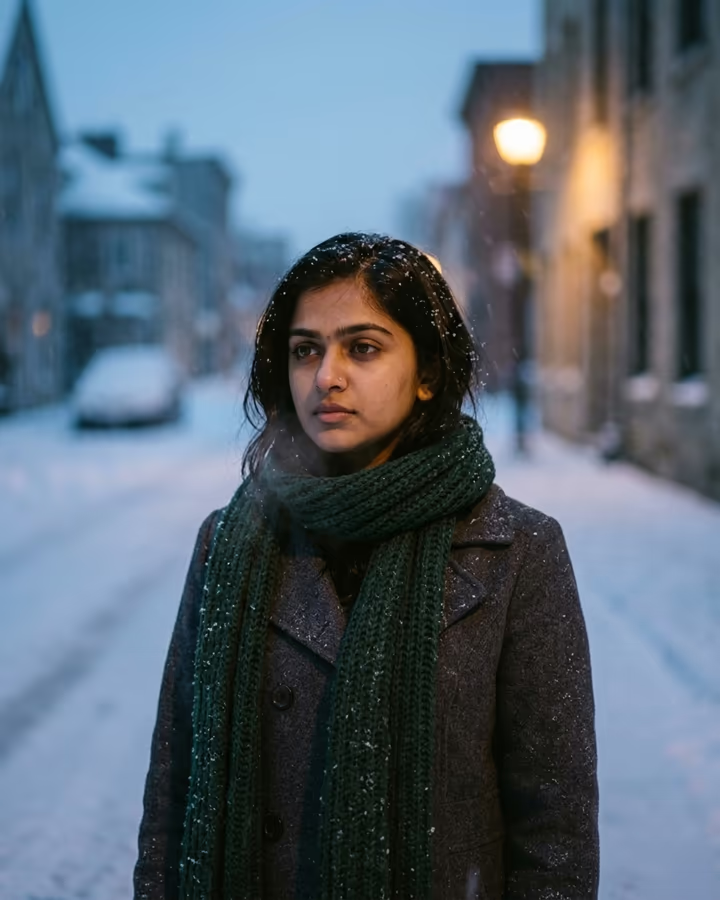
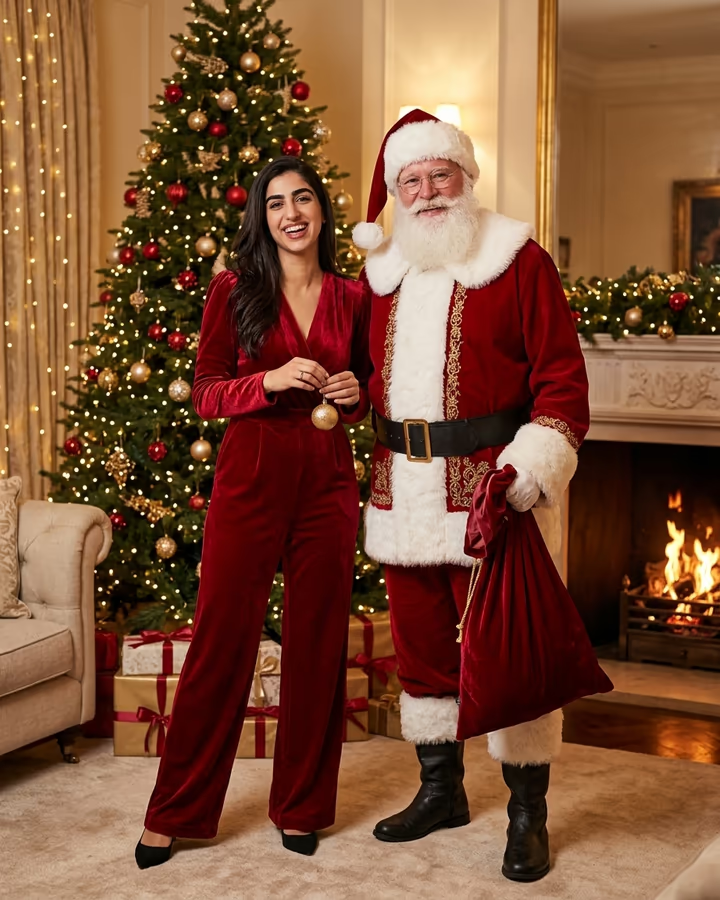
Halloween photo trends usually build through October and peak in the last week before the 31st, so it is worth making your version early if you want it as a profile picture all month. If you want something less spooky for later in the year, the AI winter photo template gives a moody snowfall portrait and the AI Christmas photo template creates a holiday editorial with Santa.
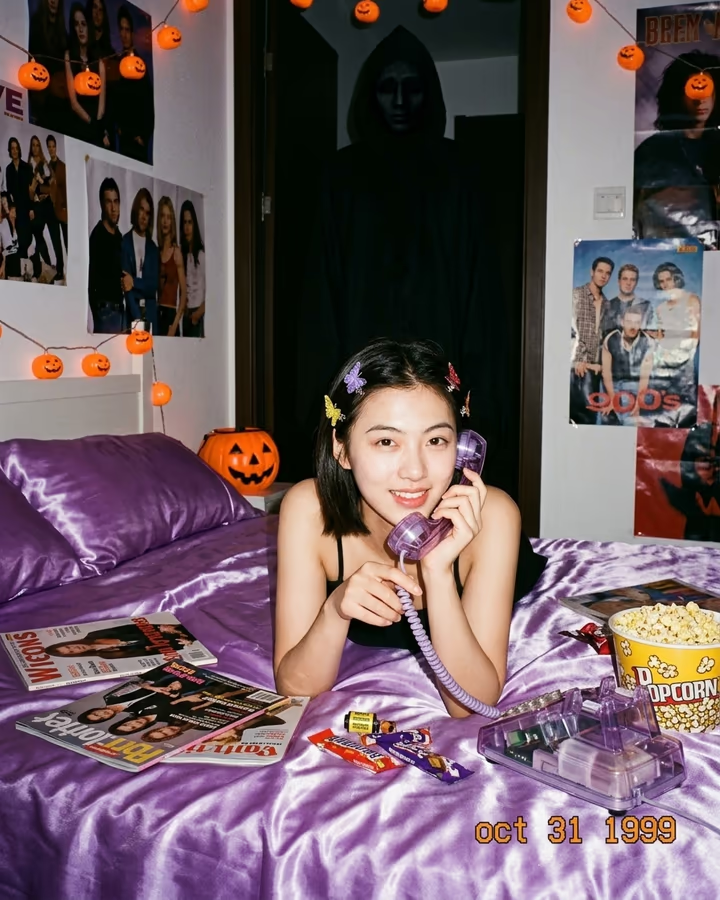
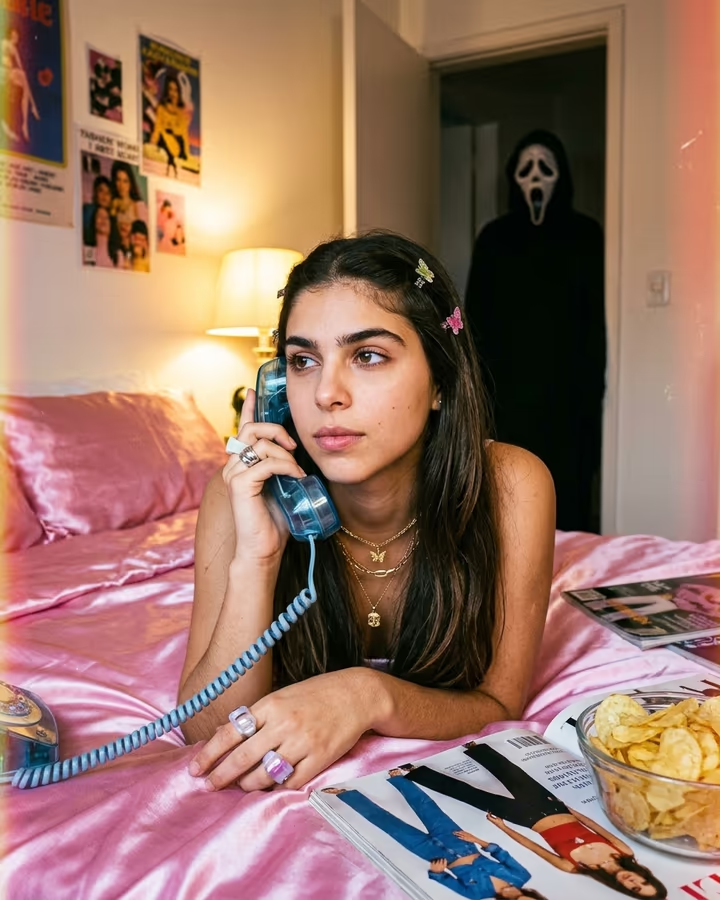
For a retro Halloween vibe, the AI Ghostface template recreates the grainy 90s bedroom scene with a masked figure in the doorway, which was a big trend in its own right.