
Skip to content

AI Christmas Photo

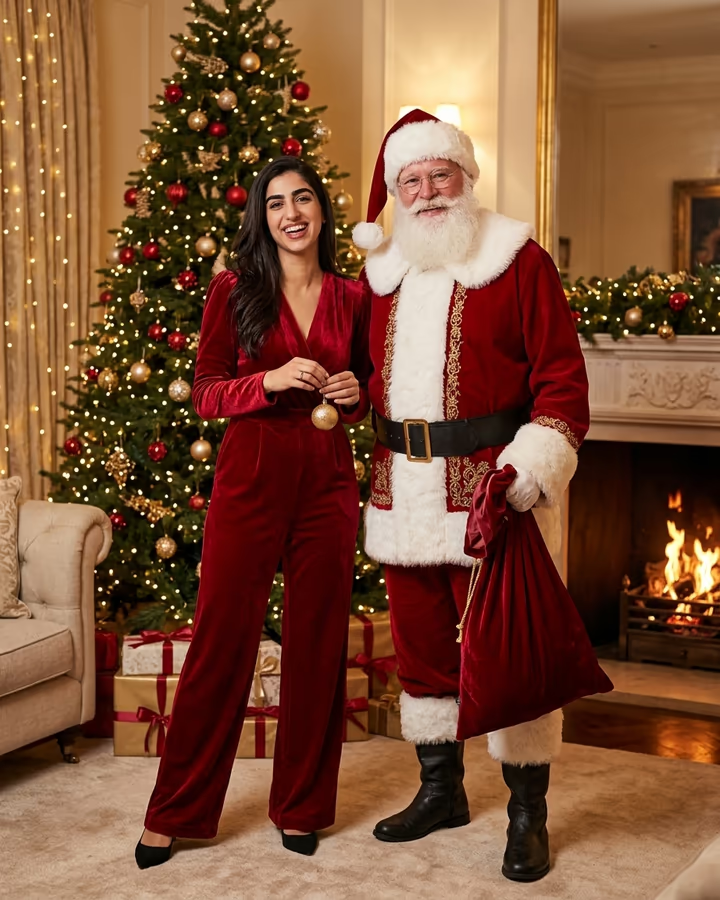
One selfie in, a high-fashion Christmas editorial out: red velvet, Santa, tree and fireplace.

Christmas Editorial · switch effect

Your photo

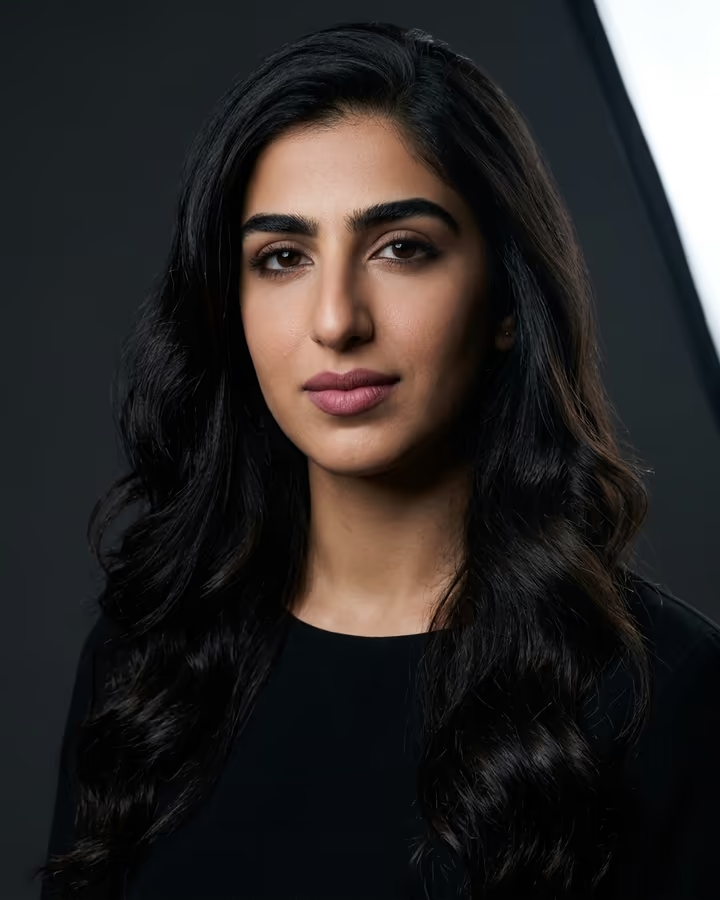
One person, face clearly visible and well lit, shoulders or more in frame

Cost shown before you run · failed runs are refunded

  • Ready in ~15 s
  • No watermark
  • Failed runs refunded
  • Uploads never published

How to use the AI Christmas Photo

  1. 01

    Upload a photo

    Your photo: One person, face clearly visible and well lit, shoulders or more in frame. Extra details (optional): e.g. emerald velvet instead of red, snowy window behind.

  2. 02

    Press Generate

    The Christmas Editorial effect runs on its own tuned settings. It costs 10 credits, shown on the button before you run it.

  3. 03

    Download

    Your photo is ready in about 15 seconds. Download it without a watermark.

AI Holiday Effects

What is the AI Christmas Photo?

This AI Christmas photo template turns an everyday selfie into a holiday campaign shot that looks like it came out of a fashion magazine's December issue. You appear in a red velvet outfit, posing next to a well-dressed Santa Claus in a classic red suit, inside a luxurious living room with a tall decorated tree, warm fairy lights, wrapped gifts and a fireplace glowing in the background. The lighting is the polished, warm-gold style of a holiday advertising shoot, and your face stays your own.

Each holiday season, AI Christmas photoshoots become one of the most shared photo trends on Instagram and TikTok. Booking a themed studio session is expensive and slots fill up fast in December, so many people now create the look from a phone photo instead. The "editorial with Santa" version on this page started as one of Soracai's trend templates, and its appeal is that it feels glamorous rather than cheesy: less mall-Santa, more holiday cover shoot.

You only need one clear photo. An optional text box lets you nudge details such as the color of the velvet or what is behind you. Example images on this page were created from AI-generated fictional people, and results arrive in roughly 20 to 40 seconds.

Why the editorial look works for holiday photos

Most Christmas photo filters lean on novelty: a Santa hat, a snowy frame, a cartoon elf. This template goes the other way and borrows from fashion photography. The palette is limited to rich reds, deep greens and gold, the set is a styled living room rather than a green-screen backdrop, and the lighting is warm and directional, like a holiday campaign. Santa is there as a stylish co-star, not a costume prop.

That restraint is why the results feel shareable outside of December too. The same image works as a card, a profile photo or a print, and it does not look like it came from a novelty app.

Making it fit your own holiday

Not everyone wants red velvet. The optional text field adds your own detail to the prompt, so you can ask for a different outfit color, a snowy window, a cozy sweater instead of formal wear or a different room style. Keep it short and specific; one clear request works better than a long list.

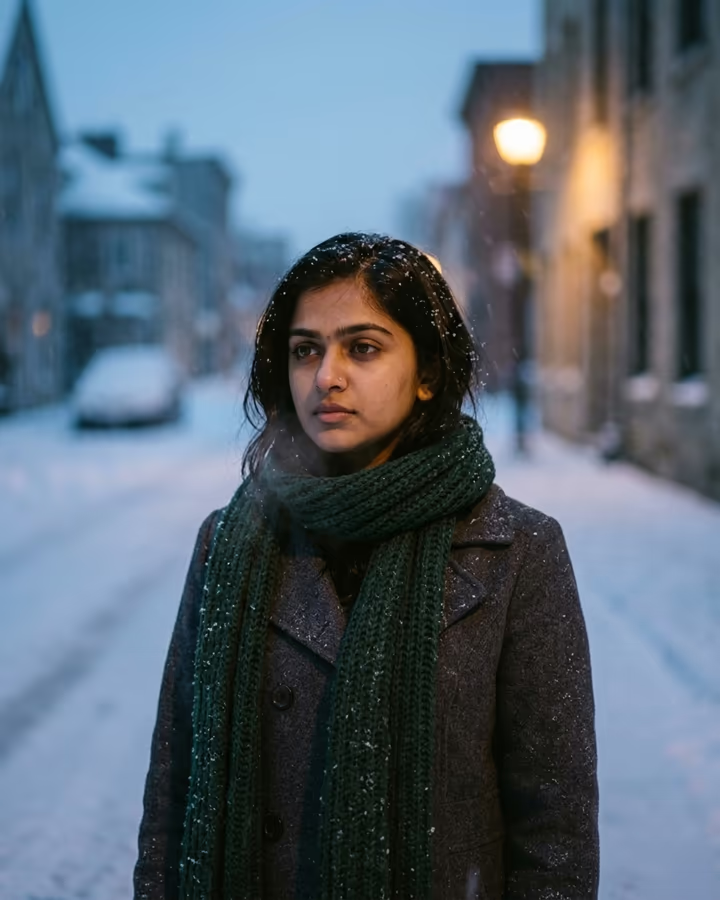
If you would rather skip Santa and go moodier, the AI winter photo template puts you in falling snow at blue hour. For a couple or family version, try the AI couple photo or AI family photo templates and add a Christmas setting in the details.

AI Christmas Photo FAQ

How do I make an AI Christmas photo of myself?

Upload a clear photo, optionally add a detail like an outfit color, and press Generate. The template handles the outfit, Santa, set and lighting. Most results are ready in 20 to 40 seconds.

Is the AI Christmas photo generator free?

New accounts get free credits that can be used on photo templates, including this one. Additional runs use credits from a pack or plan.

Can I use the photo for Christmas cards?

Yes. Downloads have no watermark, so you can print them or send them digitally. For printing, choose the version with the sharpest face and check it at full size first.

Can I change the outfit or remove Santa?

You can change details like the outfit color or the background with the optional text field. Santa is part of this template's design; for a solo winter look, use the AI winter photo template.

Will it still look like me?

The prompt tells the model to keep your face, identity and skin tone exactly as in the photo. A well-lit, front-facing photo gives the closest likeness. If one version looks off, run it again.

Is my uploaded photo private?

Your upload is stored in Firebase Storage (Google Cloud) tied to your account so the generation can run and you can find it later. It is not public. Email support to request deletion. Only upload photos of yourself or of people who agreed. To run the effect, a copy is sent to our AI model provider (kie.ai); result files are kept for 14 days, so download what you want to keep.

More AI effects

Try the AI Christmas Photo

Upload a photo and get your photo in seconds.

Upload photo