Skip to content

AI Couple Photo

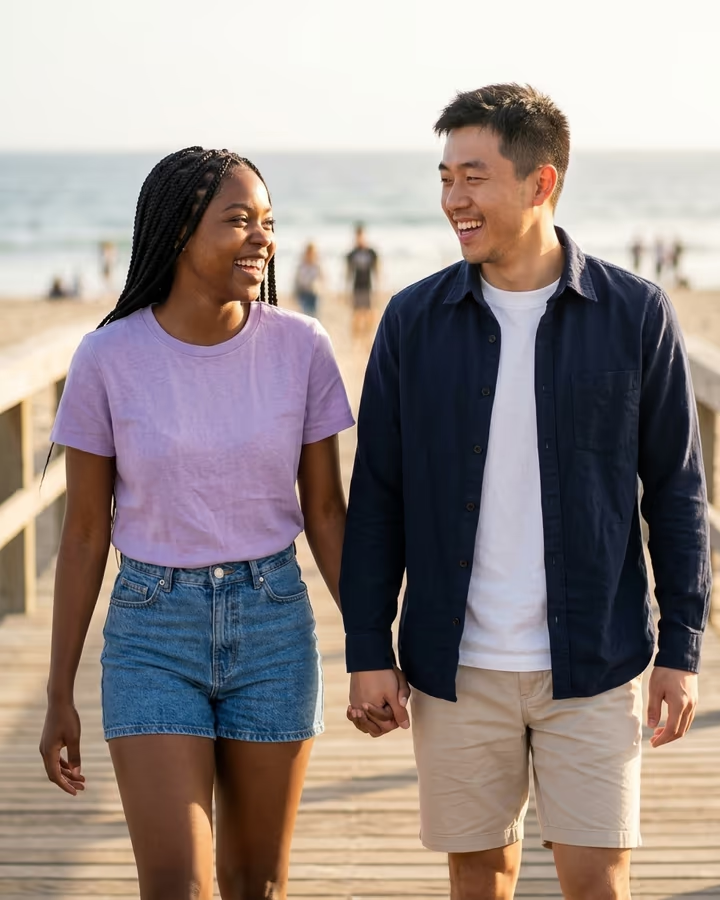
A candid beach-boardwalk photoshoot of the two of you, made from one photo of each person.

AI Couple Photo · switch effect

Your photo

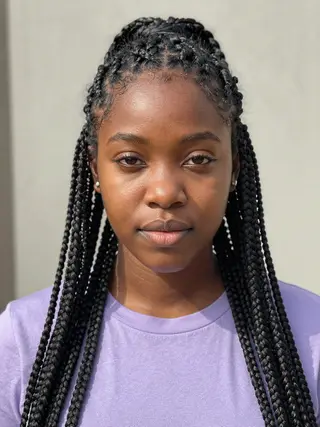
One person, face clearly visible, front or three-quarter view, good light

Partner's photo

One adult who agreed to this, face clearly visible, similar framing to yours

Cost shown before you run · failed runs are refunded

  • Ready in ~15 s
  • No watermark
  • Failed runs refunded
  • Uploads never published

How to use the AI Couple Photo

  1. 01

    Upload your photos

    Your photo: One person, face clearly visible, front or three-quarter view, good light. Partner's photo: One adult who agreed to this, face clearly visible, similar framing to yours. Extra details (optional): e.g. matching white outfits, sunset light.

  2. 02

    Press Generate

    The AI Couple Photo effect runs on its own tuned settings. It costs 10 credits, shown on the button before you run it.

  3. 03

    Download

    Your photo is ready in about 15 seconds. Download it without a watermark.

AI Couple Effects

What is the AI Couple Photo?

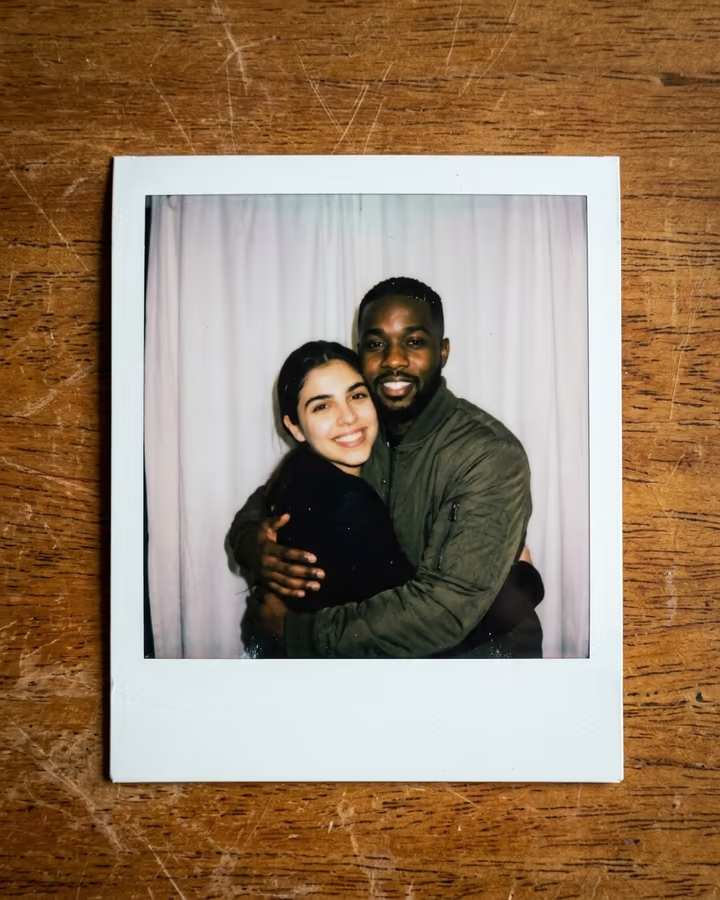
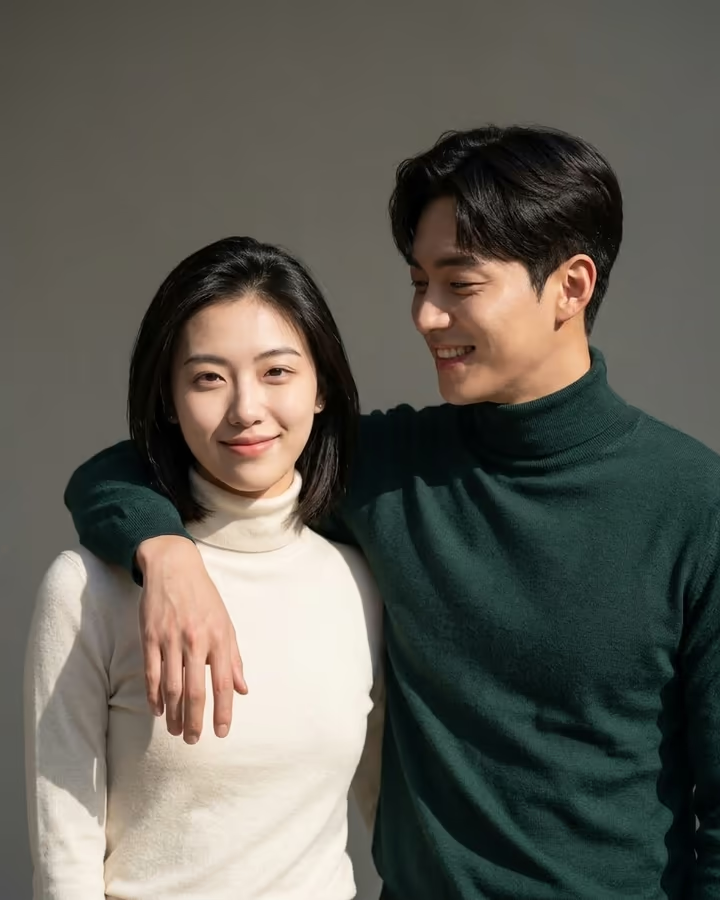
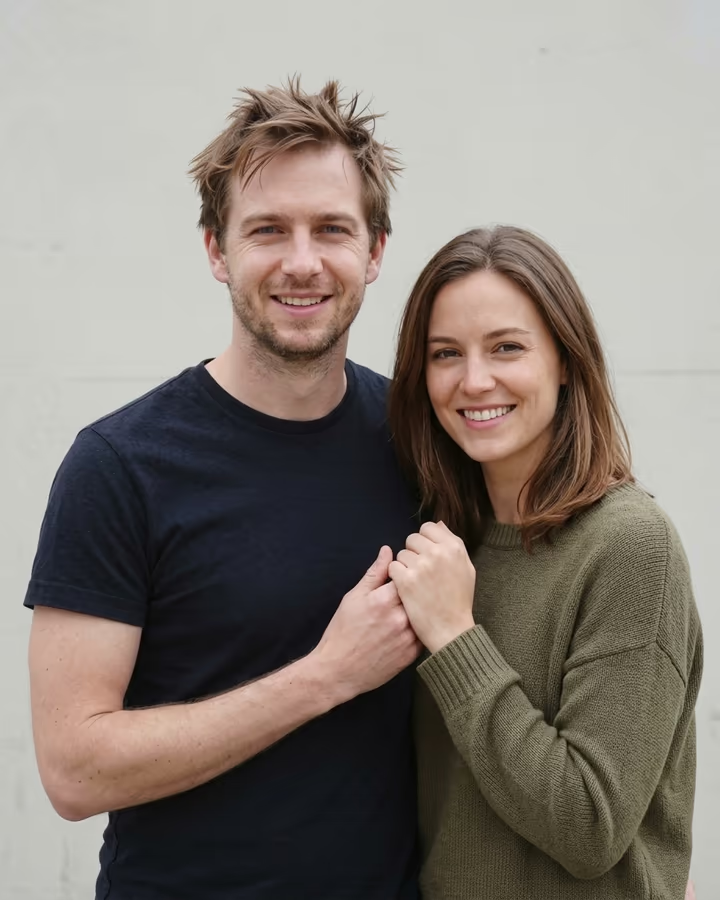
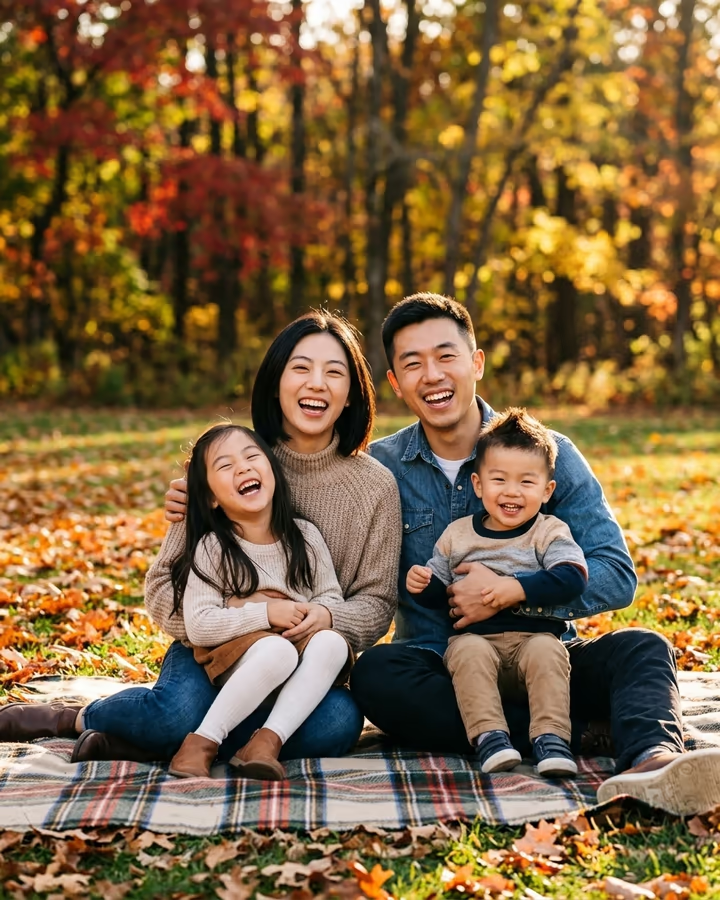
The AI couple photo template creates the picture you never got around to taking: the two of you walking hand in hand along a sunlit beach boardwalk, laughing and looking at each other, shot like a professional couples session with a 50mm lens and soft background blur. You upload one photo of each person, and the image model builds the scene while keeping both faces, hairstyles and skin tones from your photos.

Couple photos were one of the first uses people found for image models that can take more than one reference picture. Through 2025, as tools like Google's Nano Banana made multi-image editing easy, "put us together in one photo" prompts became a staple on TikTok and Instagram, especially for long-distance couples and people whose only shared photos were blurry selfies. This template packages that idea with a scene that flatters most people and needs no prompt.

You can add a short note, such as matching outfits or a different time of day, in the optional details box. The example on this page was made from two AI-generated fictional people. New accounts get free credits to try photo templates like this one.

What you get

One portrait-format image, 4:5, sized for Instagram feeds and easy to print. The scene is a beach boardwalk in warm sun, the two of you holding hands mid-step and laughing, with the shallow depth of field you get from a professional photographer's lens. The model keeps each person's face, hair and skin tone as close to your photos as it can and invents clothing and body pose to fit the scene, unless you ask for something specific in the details box.

Results usually take 20 to 40 seconds and save to your Creations. There is no watermark on downloads.

Two photos that work well together

The closer your two photos are in quality, the more natural the couple shot looks. Aim for photos taken in similar light, both sharp, both with the face clearly visible and not covered by hair, hats or sunglasses. Recent photos work better than old ones because they match how you look now.

Avoid heavy beauty filters: they change face shape, and the model may reproduce the filtered face instead of the real one. If one of your only photos is low quality, run it through the AI Photo Enhancer first. And since this is a romantic template, both people should be adults who are happy to appear in it.

AI Couple Photo FAQ

Can AI make a couple photo from two separate pictures?

Yes. Upload one photo of each person and the model creates a new photo of the two of you together in one scene, keeping your faces from the originals.

Is the AI couple photo generator free?

New accounts get free credits that can be used on photo templates like this one. After that, runs use credits from a pack or plan; the cost is shown on the Generate button.

Can I change the location or outfits?

The scene is a beach boardwalk, but you can add details such as outfits, colors or time of day in the optional box, and the model will follow them where it can.

Can I make a couple photo with a celebrity?

No. Only use photos of yourself and of an adult who agreed to it. Celebrities, public figures and minors are not allowed.

Are my photos stored?

Uploads are kept in Firebase Storage (Google Cloud) linked to your account so the image can be made and saved to Creations. They are not public, and you can email support to have them deleted.

Can I print the result?

Yes. The image downloads without a watermark and works well for small prints; for large prints, choose a higher resolution if your plan offers it.

More AI effects

Try the AI Couple Photo

Upload two photos and get your photo in seconds.

Upload photos