

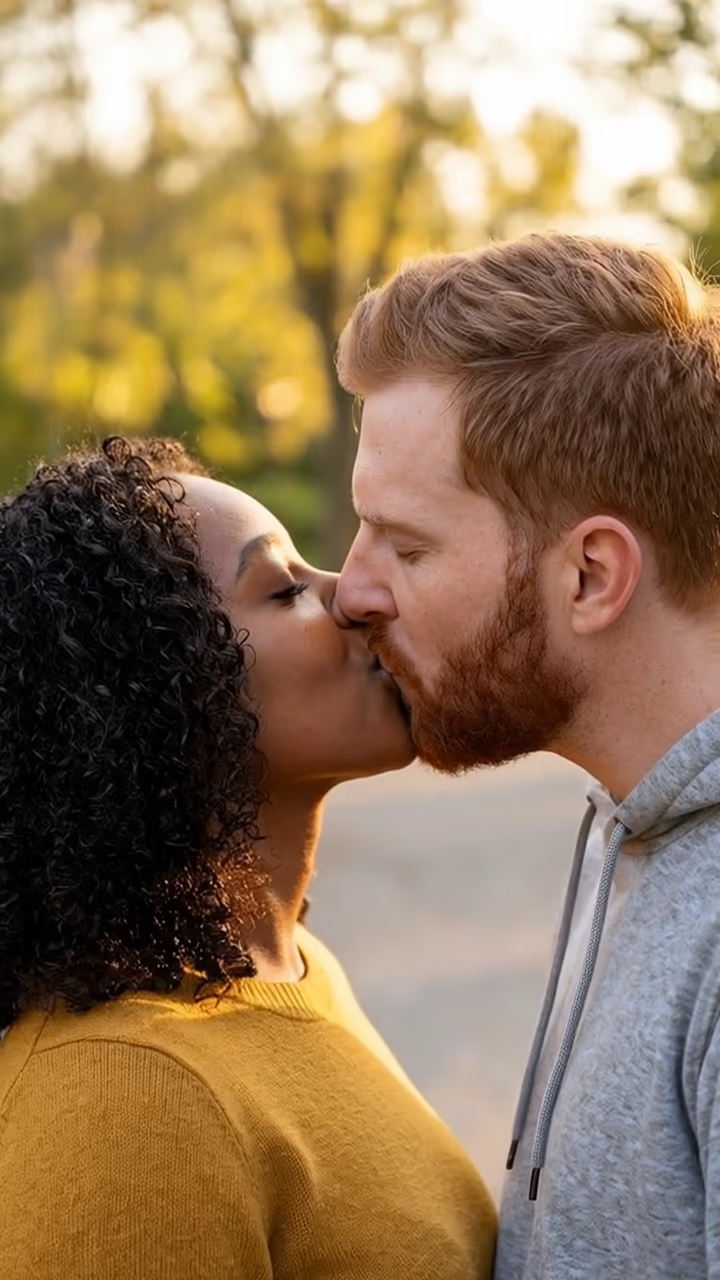
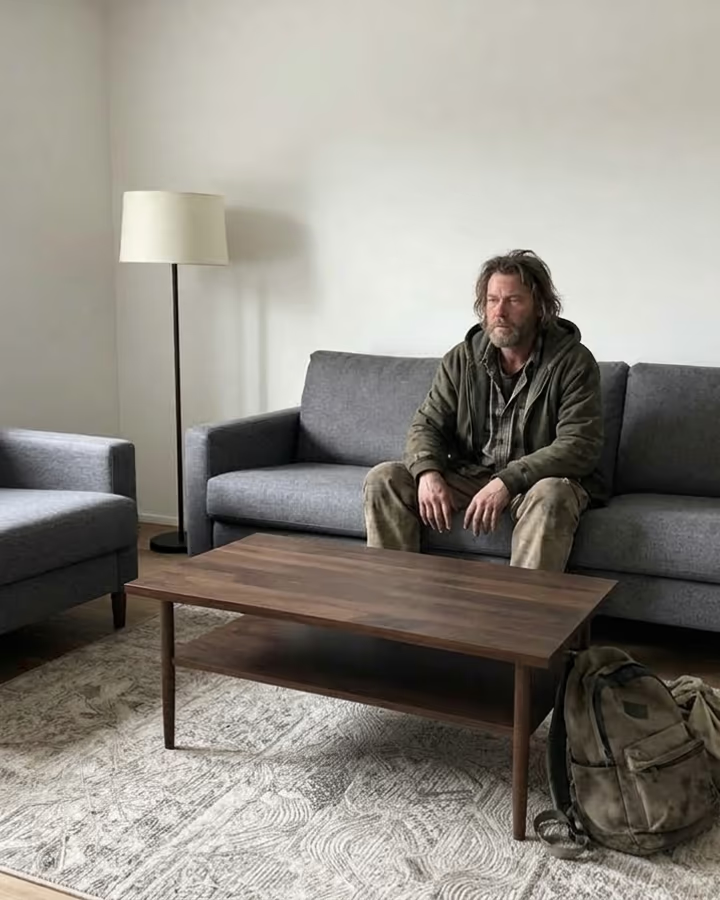
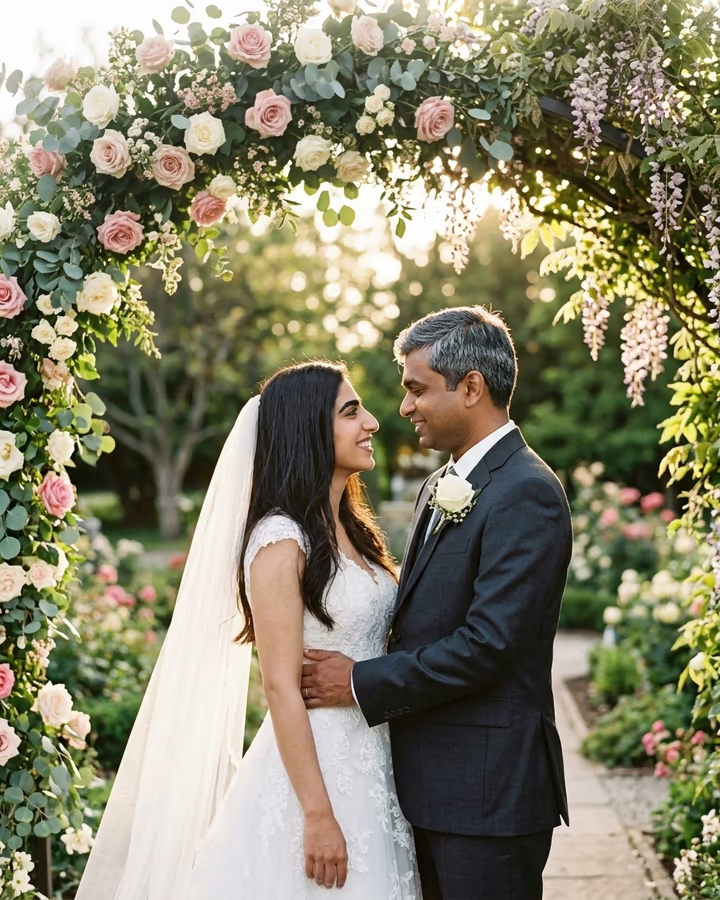
What is the Add Boyfriend to Photo?
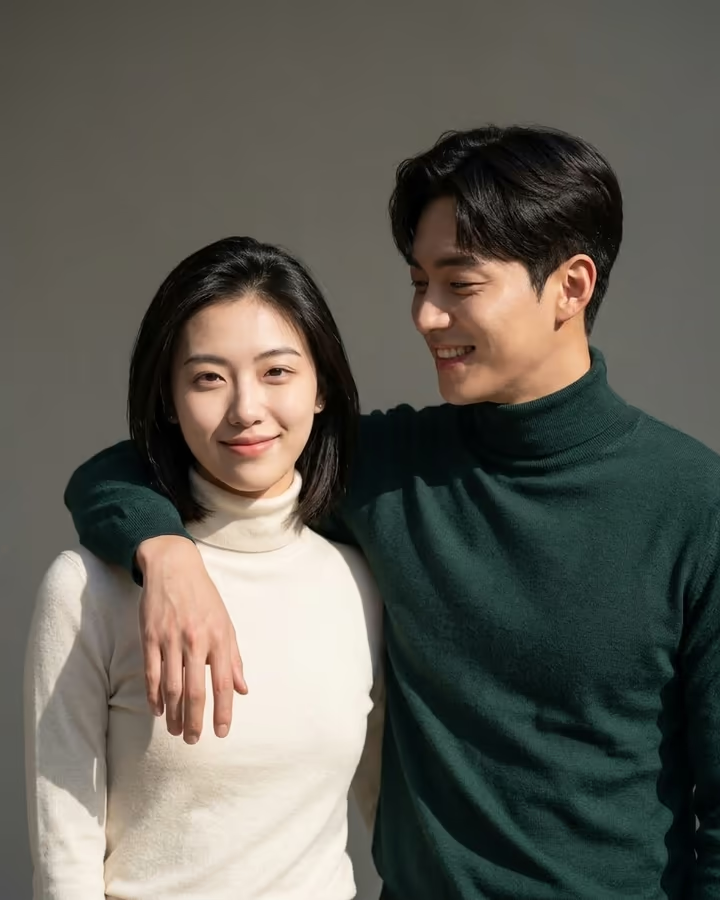
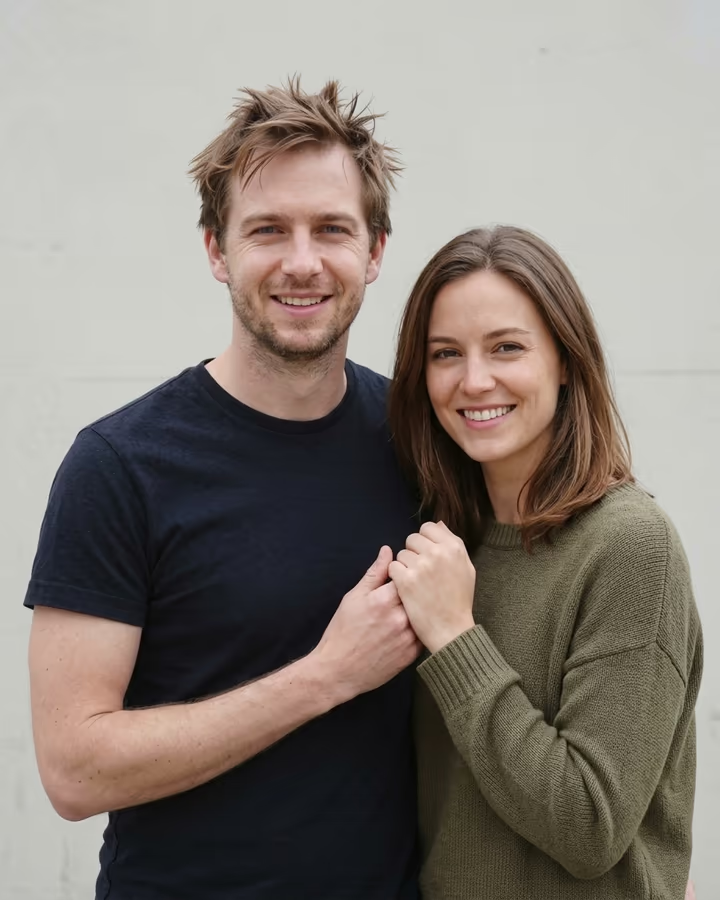
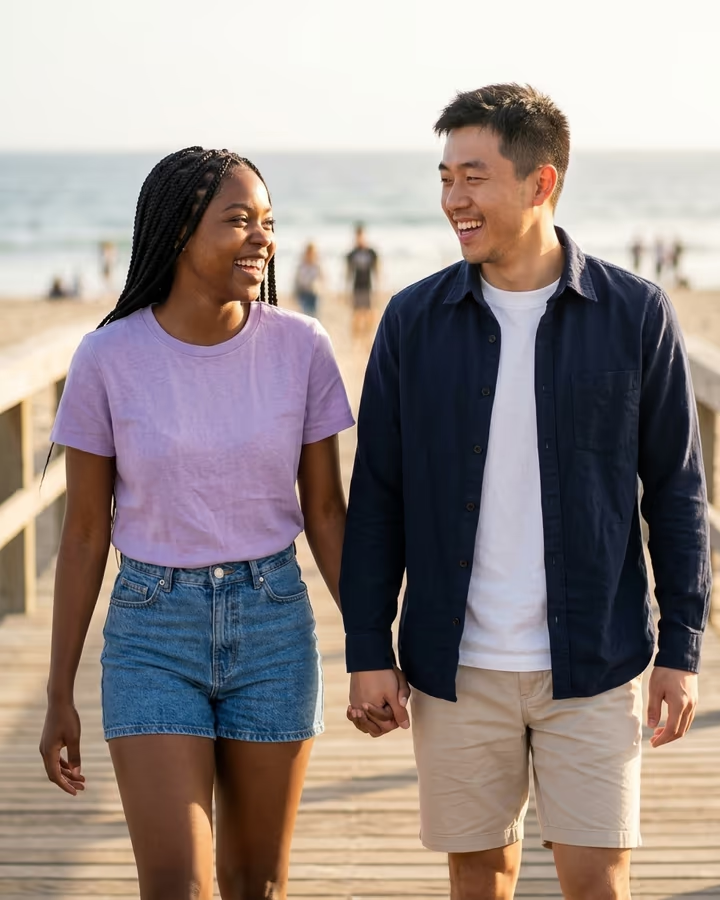
Add Boyfriend to Photo takes a picture of you and adds a realistic, fictional boyfriend standing next to you. He is generated to fit the scene: the same lighting, the same camera angle, clothes that suit the setting, and body language that reads as a real couple, an arm around you or holding your hand. Your own face is kept as it is. You can describe what he should look like in the optional details box, or leave it blank and let the model choose.
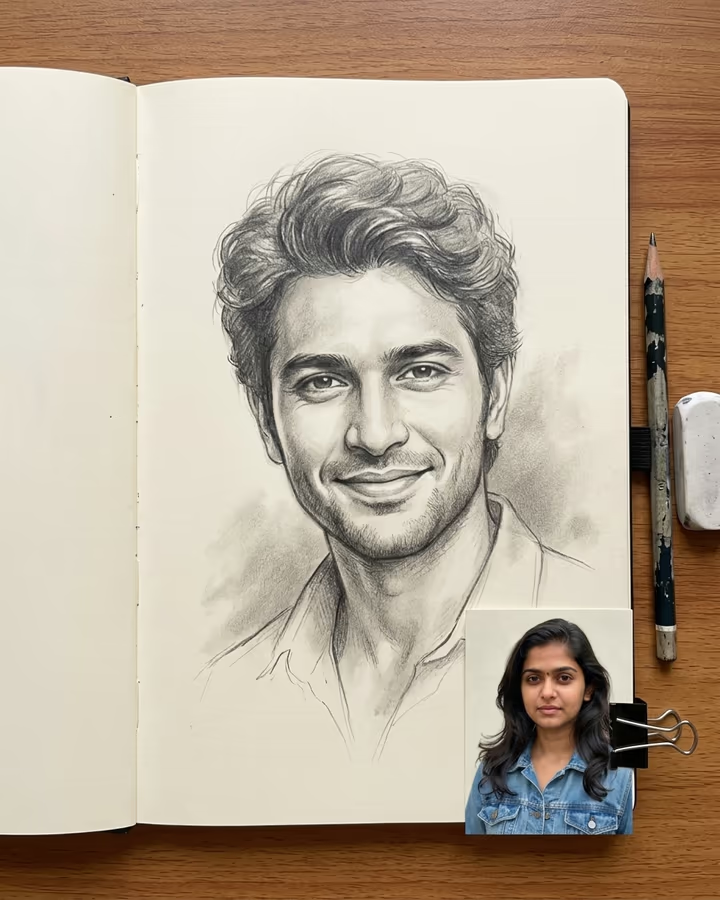
This is one of the original trend templates on Soracai. "Add a boyfriend to my photo" edits spread on TikTok in 2025 as a joke format: people posted their solo vacation photos and then the edited version, or used it to tease friends and family who kept asking when they would bring someone home. It also became a way to imagine a type, as in "what would my boyfriend look like", alongside the soulmate drawing trend.
The boyfriend is an invented person, not anyone real. The example on this page was made from an AI-generated fictional woman. New accounts get free credits to try photo templates.
How the boyfriend is added
The template sends your photo to an image model with fixed instructions: add a handsome, realistic boyfriend next to you who looks happy and affectionate, with his arm around you or holding your hand, dressed for the setting, matching the photo's light and style, and keeping your face exactly the same. Whatever you type in the details box is added to those instructions.
The model edits the original photo rather than building a new scene, so your background and pose usually stay as they were. Results take about 20 to 40 seconds and save to your Creations without a watermark.
Keep it fun, not fake
The added boyfriend is a fictional person invented by the model. Do not add a real person, such as an ex, a coworker or a celebrity, and do not use the result to convince someone that a real relationship exists, for example in a dating profile or to deceive family. The template is meant for jokes, curiosity and friendly teasing.
Upload only photos of yourself, and only if you are an adult. If you share the result, a caption that makes the joke clear keeps it fun for everyone, and makes it obvious to anyone who sees it out of context.