

Skip to content

Add Girlfriend to Photo

Upload a photo of yourself and get it back with a realistic girlfriend by your side, matched to the scene.

Add Girlfriend · switch effect

Your photo

Just you, face visible, with some space beside you if possible

Cost shown before you run · failed runs are refunded

  • Ready in ~15 s
  • No watermark
  • Failed runs refunded
  • Uploads never published

How to use the Add Girlfriend to Photo

  1. 01

    Upload a photo

    Your photo: Just you, face visible, with some space beside you if possible. Extra details (optional): e.g. long dark hair, summer dress, laughing.

  2. 02

    Press Generate

    The Add Girlfriend effect runs on its own tuned settings. It costs 10 credits, shown on the button before you run it.

  3. 03

    Download

    Your photo is ready in about 15 seconds. Download it without a watermark.

AI Couple Effects

What is the Add Girlfriend to Photo?

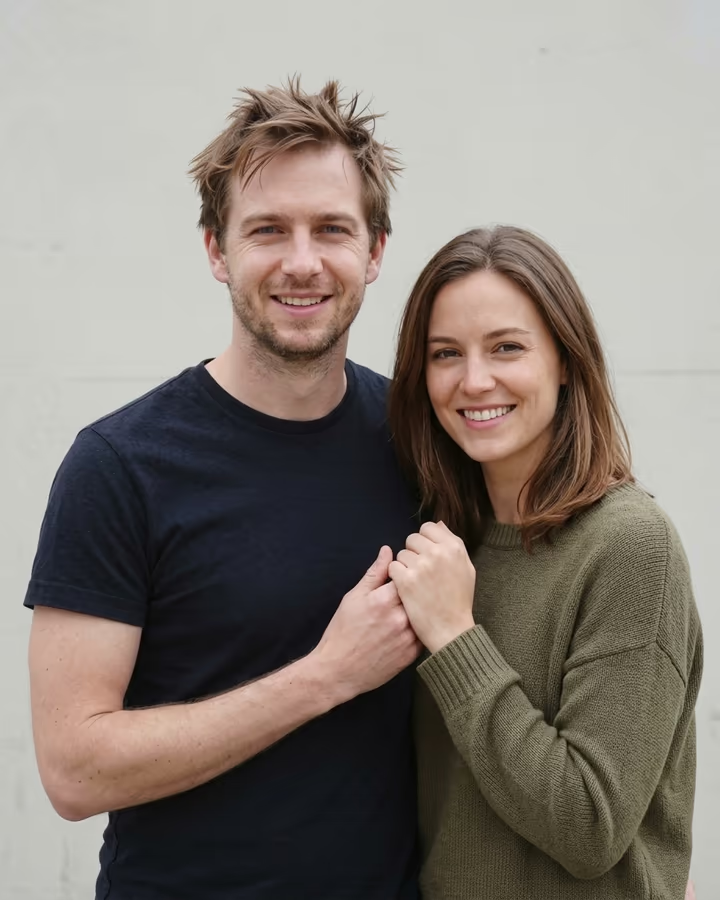
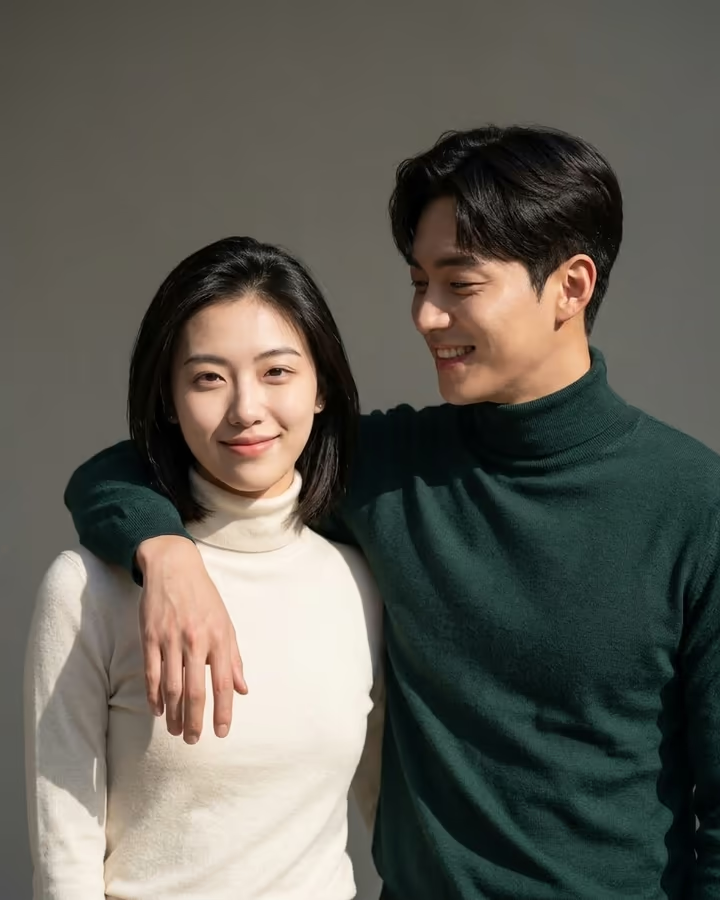
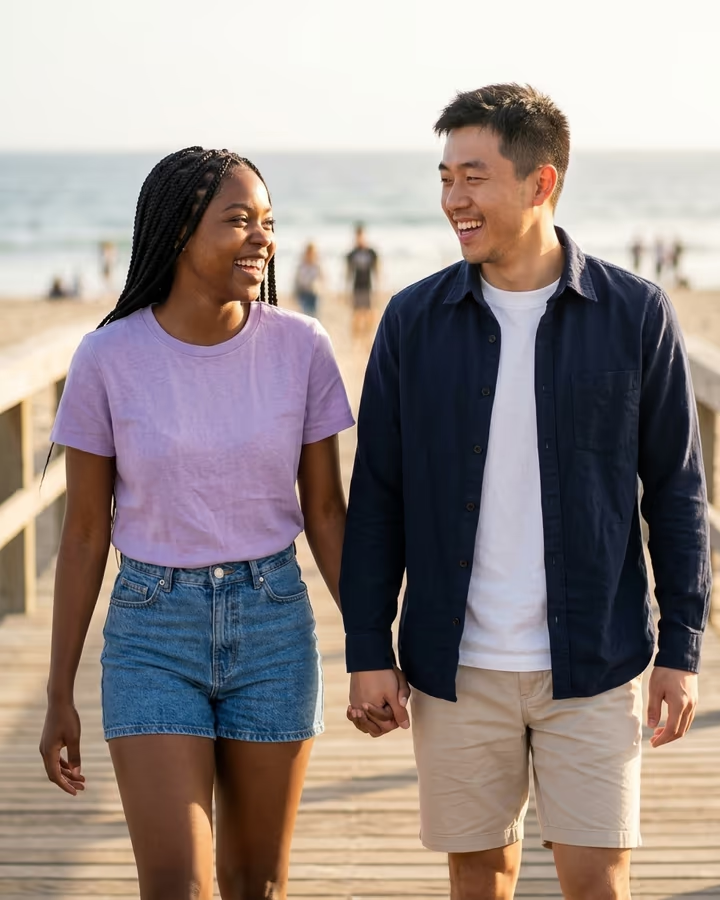
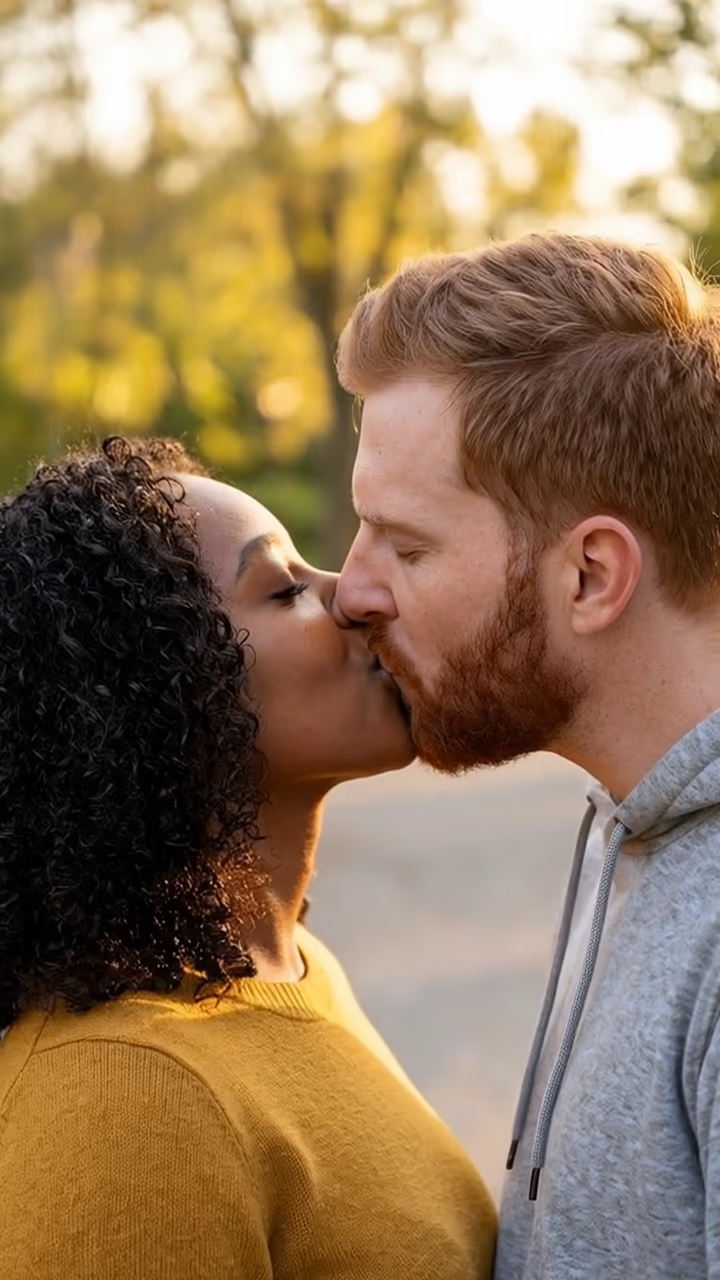
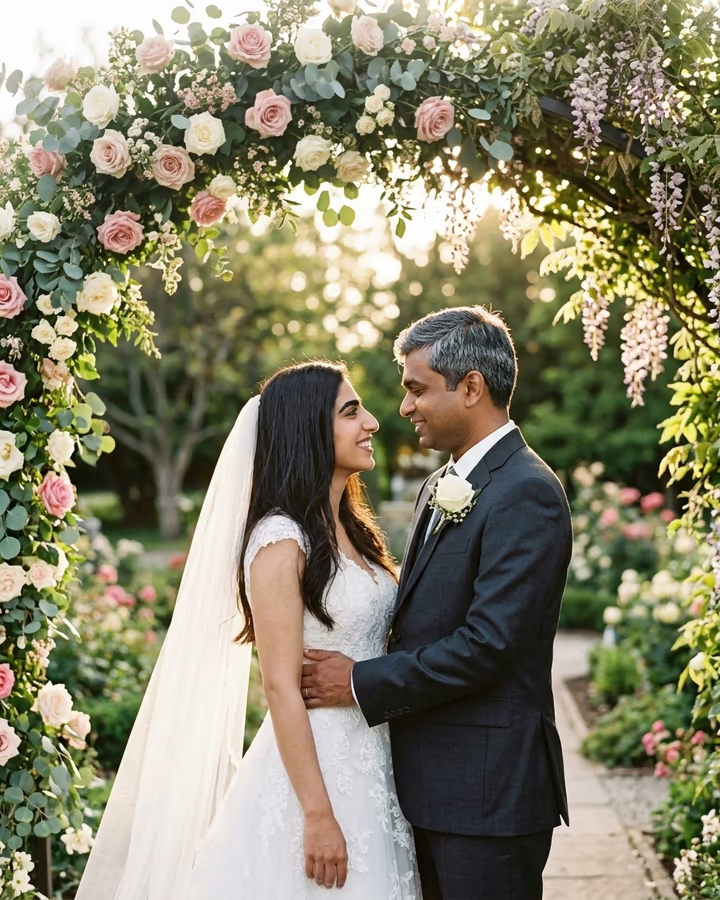
Add Girlfriend to Photo edits a picture of you so that a realistic, fictional girlfriend is standing beside you. The model fits her into your photo: matching light and color, clothes that make sense for the place, and natural couple body language like an arm around you or holding hands. Your own face stays the same. Describe her in the optional details box, or leave it empty and see who the model imagines.

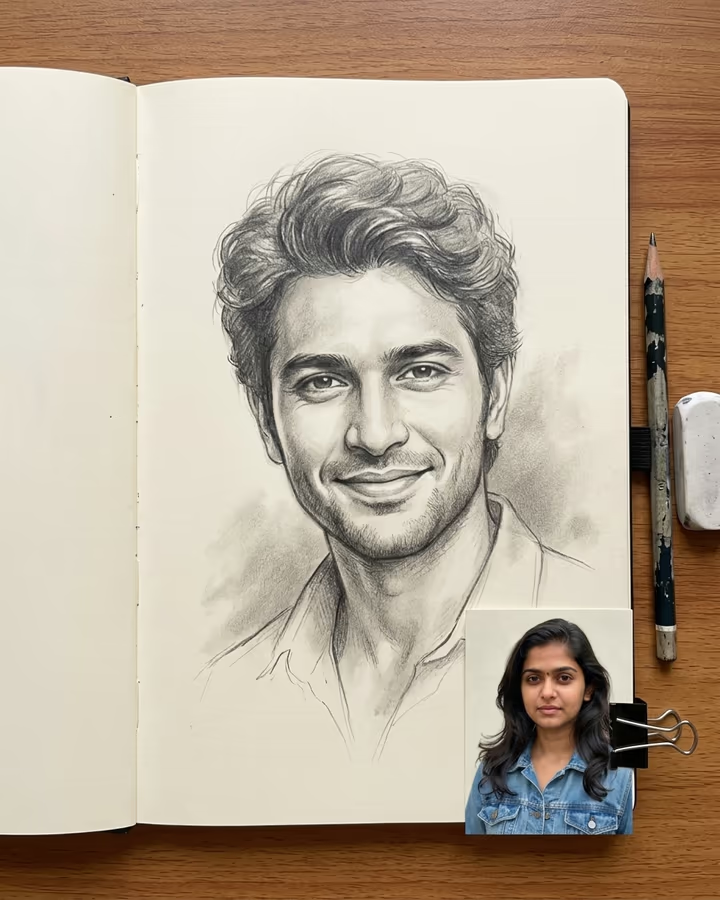
This template comes from one of Soracai's first trend pages. The "add a girlfriend to my photo" edit took off on TikTok during 2025 as a self-aware joke: solo travel photos, gym selfies and graduation pictures reposted with an AI partner added, often with a caption aimed at relatives who keep asking. It sits next to the soulmate drawing trend, where people ask AI to imagine their ideal partner.

The girlfriend is a made-up person, not anyone real. The example on this page was made from an AI-generated fictional man. New accounts get free credits to try photo templates.

What the AI changes

The image model receives your photo and fixed instructions: add a beautiful, realistic girlfriend next to you who looks natural, happy and affectionate, dressed for the setting, matching the photo's lighting and style, and keep your face exactly the same. Your details, if any, are appended to that.

Because it edits your original photo instead of creating a new one, the background, your pose and your outfit usually stay as they were, with only the space beside you changing. Expect 20 to 40 seconds per run. Results save to Creations and download without a watermark.

Ground rules

The girlfriend in the picture is invented by the AI and does not depict anyone real. Do not add real people, such as a crush, a coworker, an ex or a celebrity, and do not use the edit to mislead anyone about a real relationship, for example on a dating app. This template is for jokes and curiosity.

Upload only photos of yourself, and only if you are 18 or older. Sharing it with a caption that makes the joke obvious keeps the fun intact, even when the picture gets forwarded beyond your friends.

Add Girlfriend to Photo FAQ

How do I add a girlfriend to a photo with AI?

Upload a photo of yourself, optionally describe her, and press Generate. The model adds a realistic woman next to you that matches the scene.

Is the add girlfriend AI free?

New accounts get free credits that cover photo templates like this one. After that, runs use credits from a pack or plan; the cost is on the Generate button.

Can I describe what she looks like?

Yes, in the optional details box, for example "short blonde hair, denim jacket, laughing".

Is she a real person?

No. She is generated by the AI and does not depict anyone real.

Can I add a specific real woman or a celebrity?

No. Adding real people, including celebrities and people you know, without their consent is not allowed.

Are my photos kept private?

Your upload is stored in Firebase Storage (Google Cloud) under your account so the edit can run and the result appears in Creations. It is not public; email support to request deletion. To run the effect, a copy is sent to our AI model provider (kie.ai); result files are kept for 14 days, so download what you want to keep.

More AI effects

Try the Add Girlfriend to Photo

Upload a photo and get your photo in seconds.

Upload photo