
What is the AI Baby Generator?
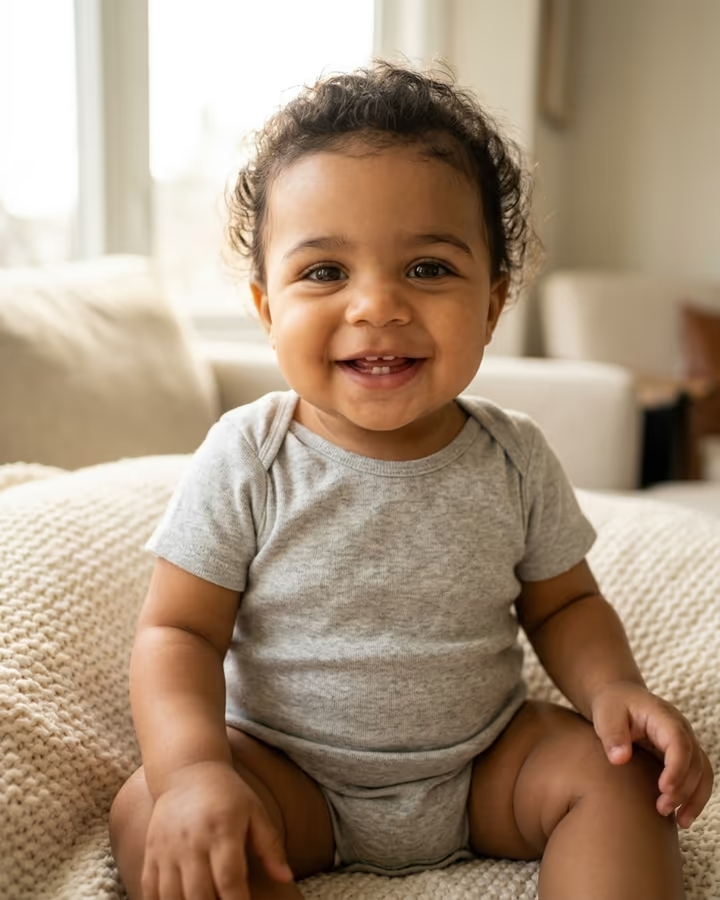
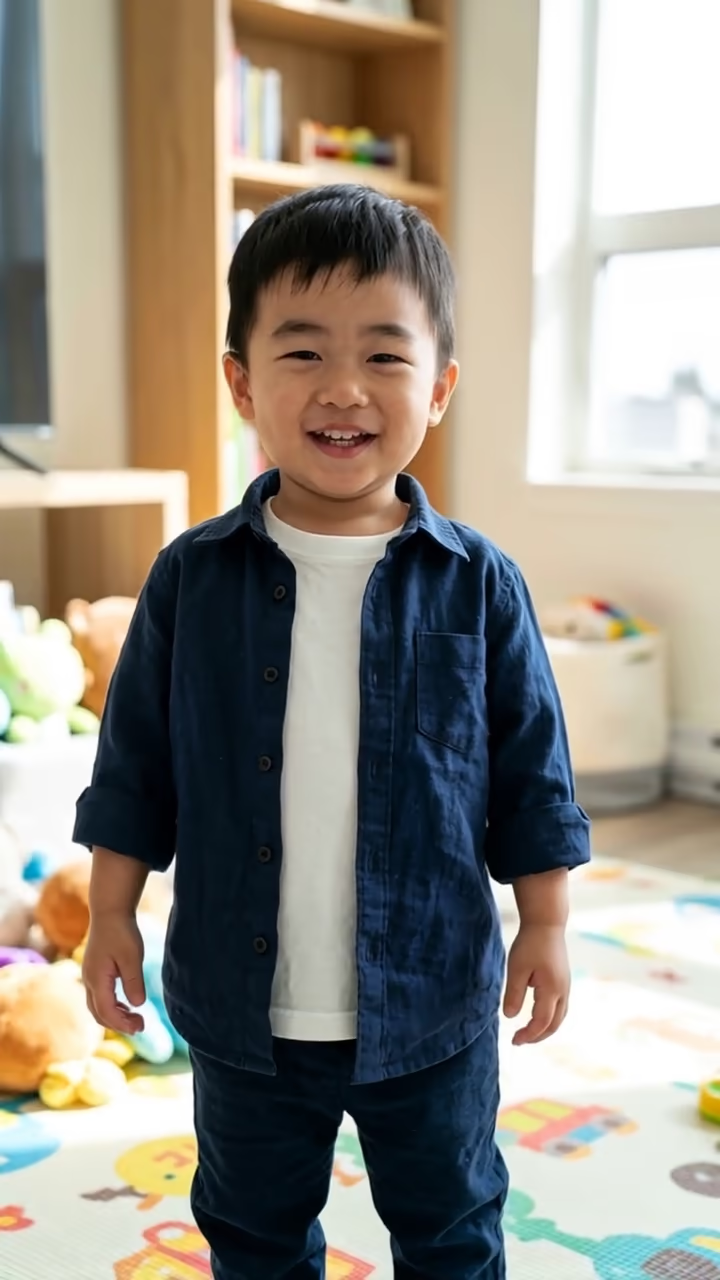
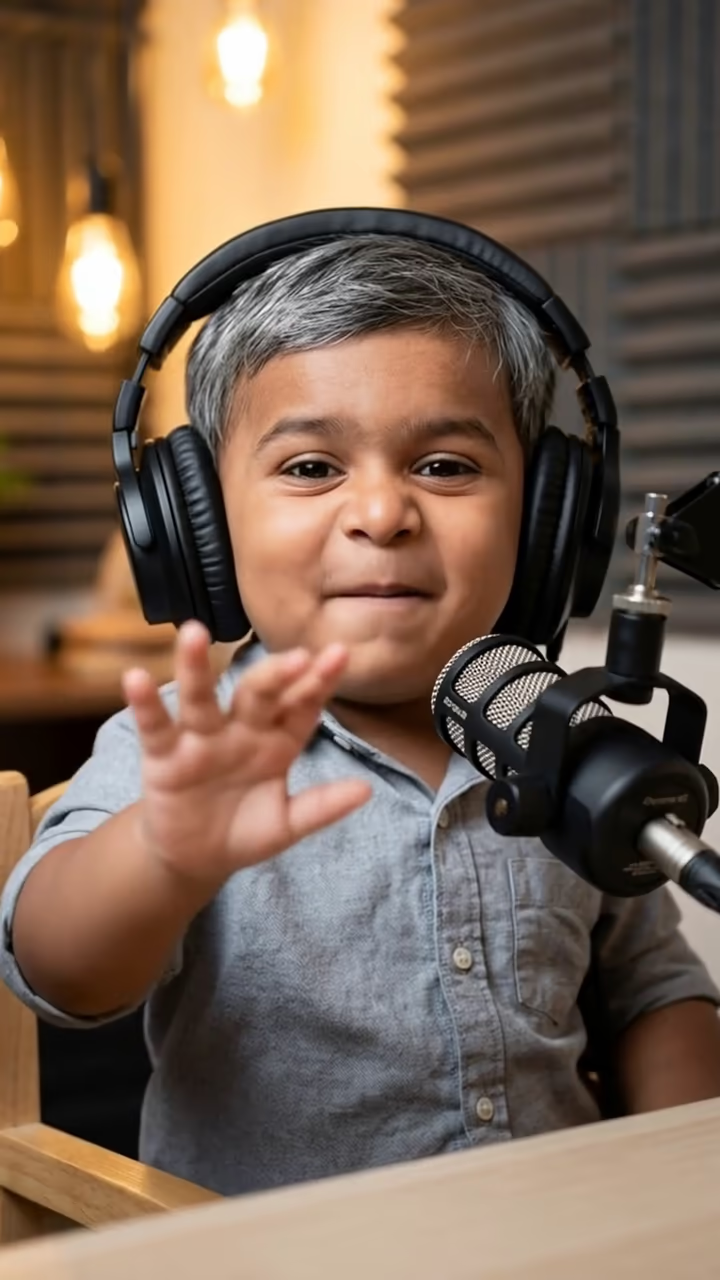
The AI Baby Generator answers the question couples type into search bars late at night: what will our baby look like? You upload one photo of each partner, and the image model studies both faces, then paints a portrait of a smiling one-year-old who mixes the two. Face shape might come from one of you, eye color from the other, hair texture from somewhere in between. The baby sits on a cream blanket in soft window light, so the result looks like a keepsake photo rather than a lab printout.
It helps to be clear about what this is. It is an imaginative blend made by an image model, not a genetic prediction. Real children inherit traits in ways no photo tool can forecast, and running the same pair twice will give you two different babies. That is part of the fun.
Baby face blending has been around since the early morphing apps of the 2010s, but it changed in 2025 when multi-image models such as Google's Nano Banana could read two separate photos and produce one natural, high-resolution face instead of a ghostly average of both. Couples started posting the results on TikTok and Instagram as reveal videos, often next to their own baby photos for comparison. This page uses Nano Banana 2 with a prompt written for that portrait look, so you only need the two photos.
How the AI baby generator works
You add a photo of each parent and press Generate. Both images go to Nano Banana 2 together with a fixed prompt that asks for a photorealistic one-year-old whose face shape, eyes, nose, skin tone and hair texture are a believable mix of the two adults. The prompt also sets the scene: a cream blanket, soft window light and a simple knit outfit, so every result has the same calm portrait style.
The model does not measure genetics or apply any inheritance rules. It reads the visual features in the two photos and invents a child who plausibly sits between them. A typical run takes about 20 to 40 seconds, and the finished image appears in your Creations, ready to download without a watermark.
Getting a result that looks like both of you
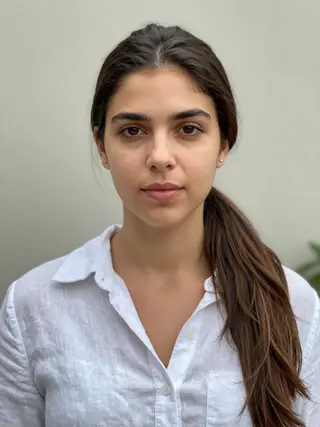
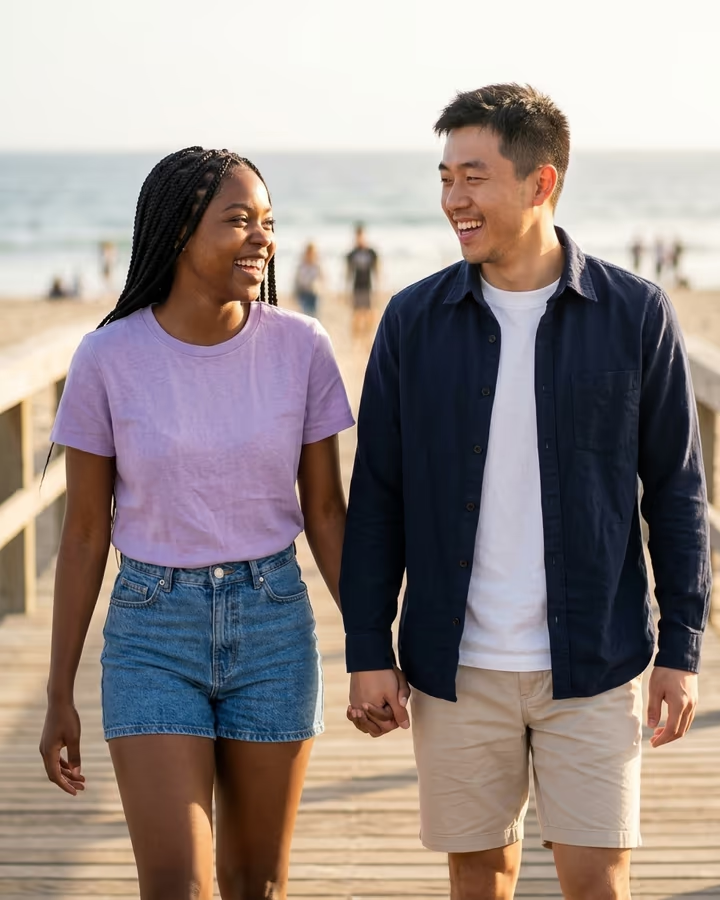
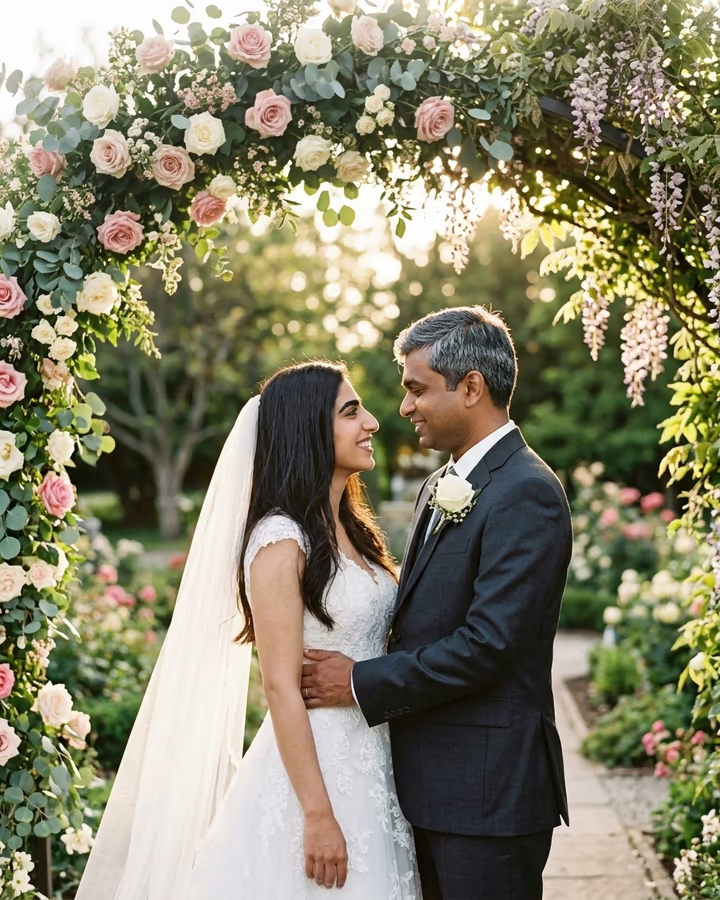
The blend is only as good as the inputs. Two well-lit, front-facing shots taken at a similar distance give the model a fair comparison of both faces. If one photo is a close selfie and the other is a distant group shot, the clearer face tends to dominate the baby.
Try to avoid strong filters, heavy makeup changes or wide-angle distortion from very close phone cameras. Neutral expressions or soft smiles work better than big laughs, because squinting hides eye shape. If the first baby leans too much toward one partner, run it again or add a short note in the text box, such as "more of parent 2's eyes". Small wording changes like that are often enough to shift the balance.