
What is the AI Baby Dance?
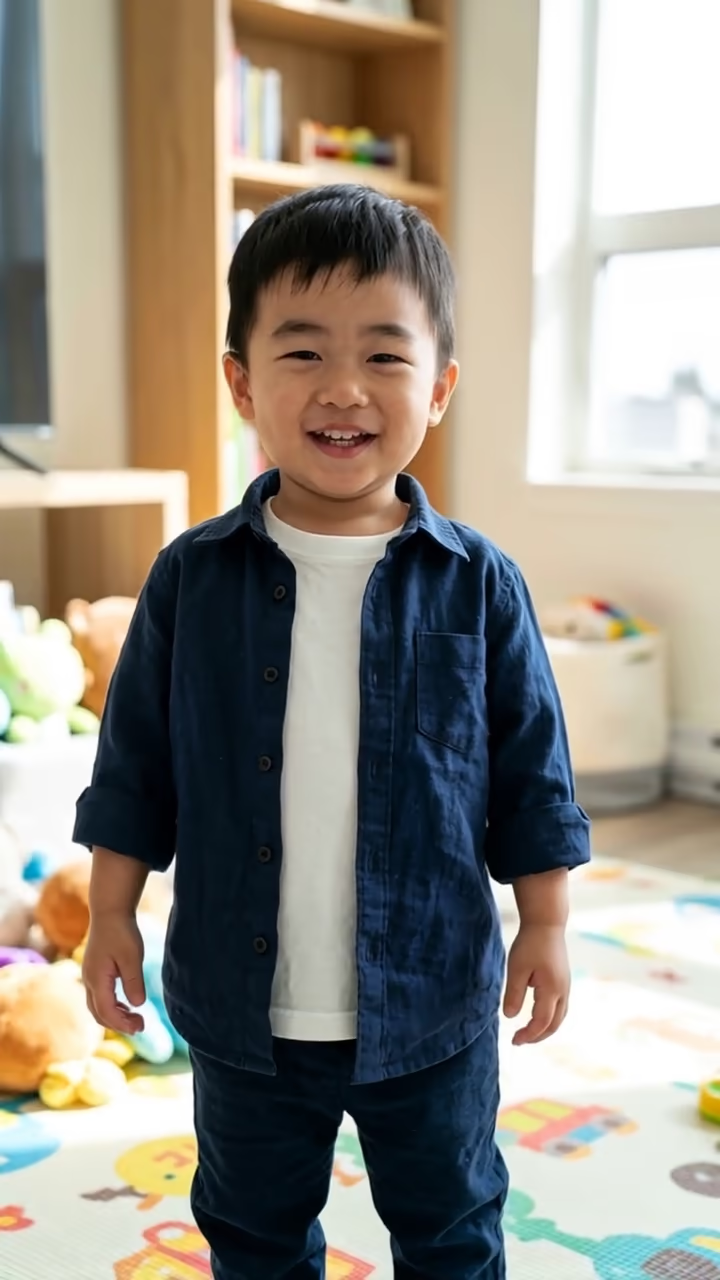
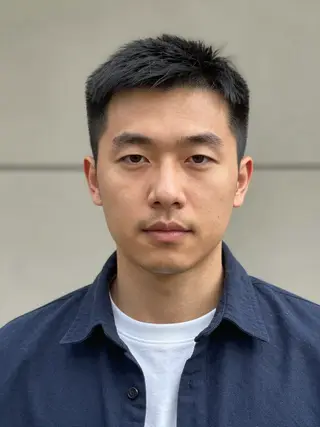
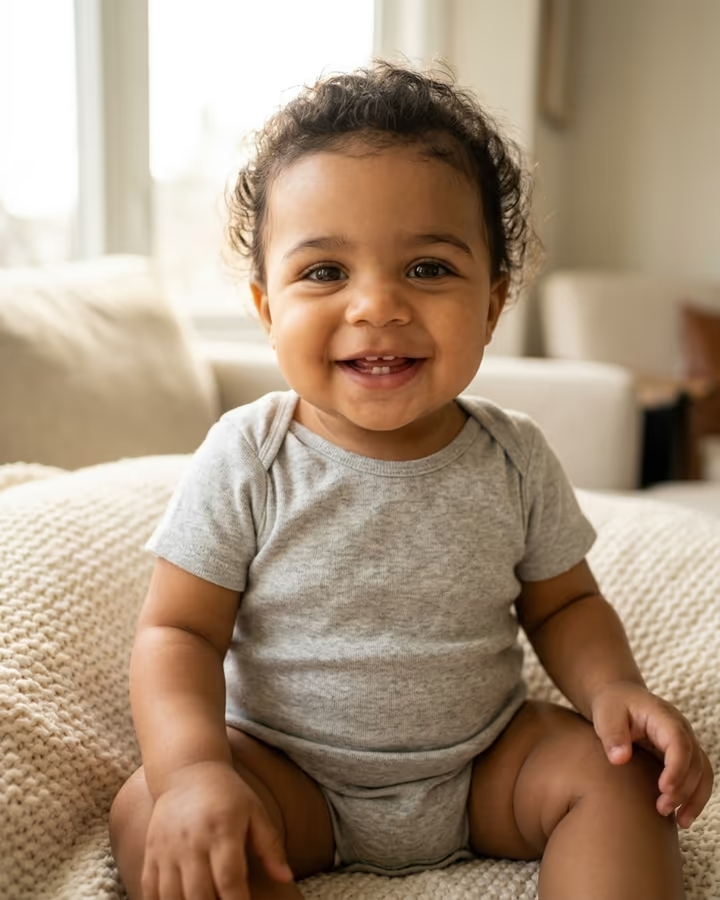
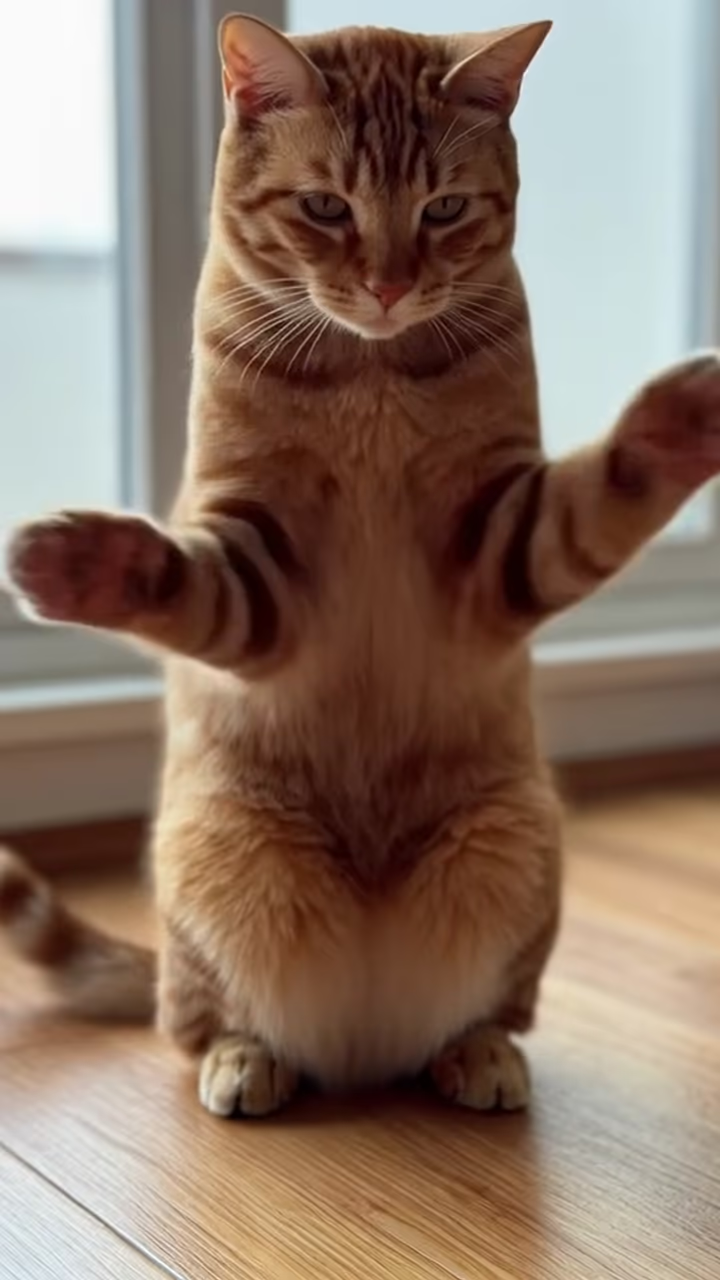
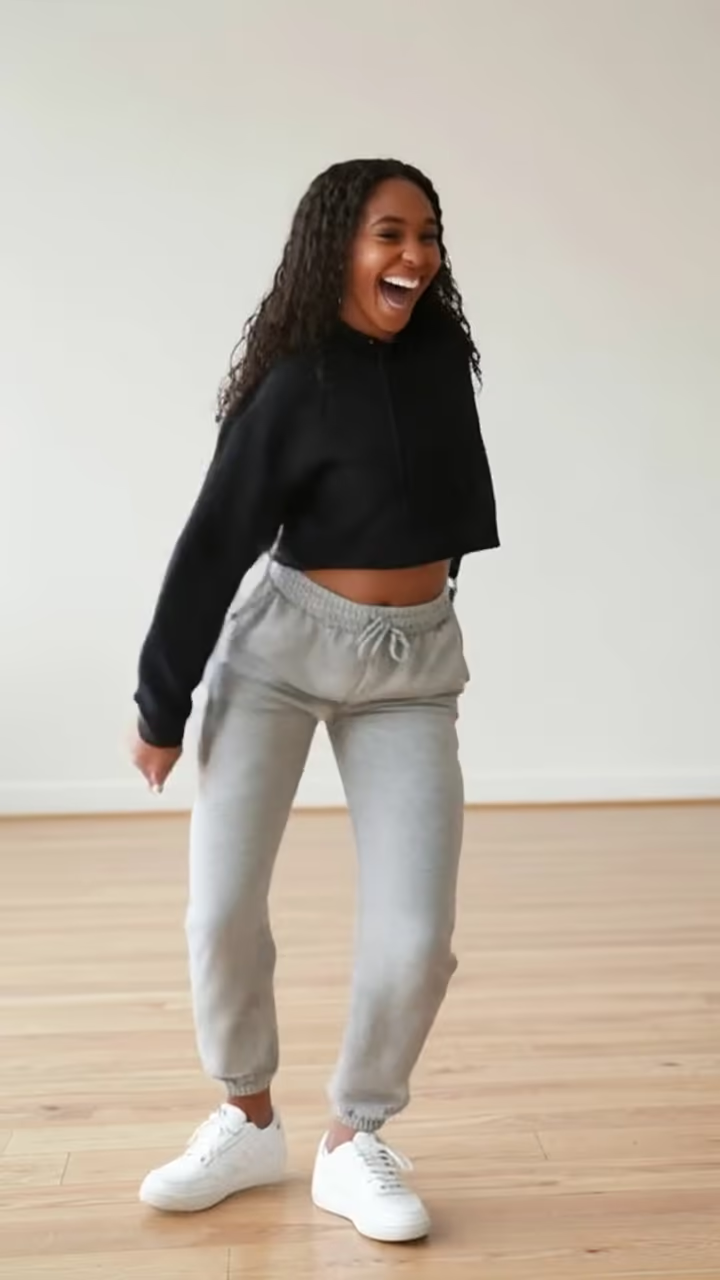
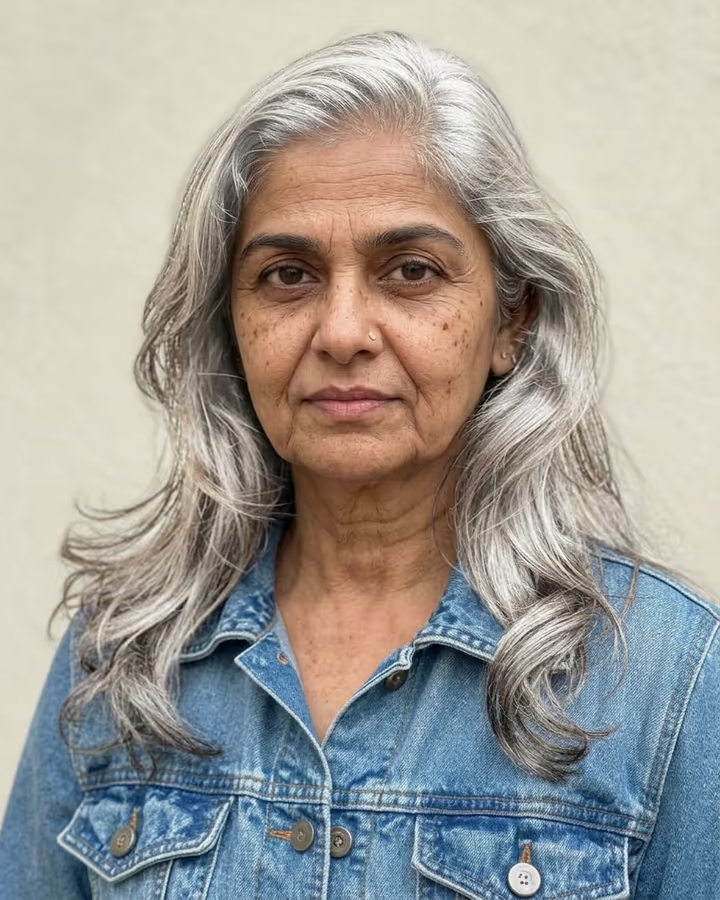
AI Baby Dance shrinks you down to about two years old and lets the toddler version of you dance. You upload a single adult photo. First, an image model draws a full-body toddler who keeps your face shape, eyes, skin tone and hair color, dressed in a tiny copy of your outfit, standing on a playmat in a bright living room. Then a video model animates that toddler bouncing on their knees, waving their arms, spinning once and clapping, all in a single six-second shot.
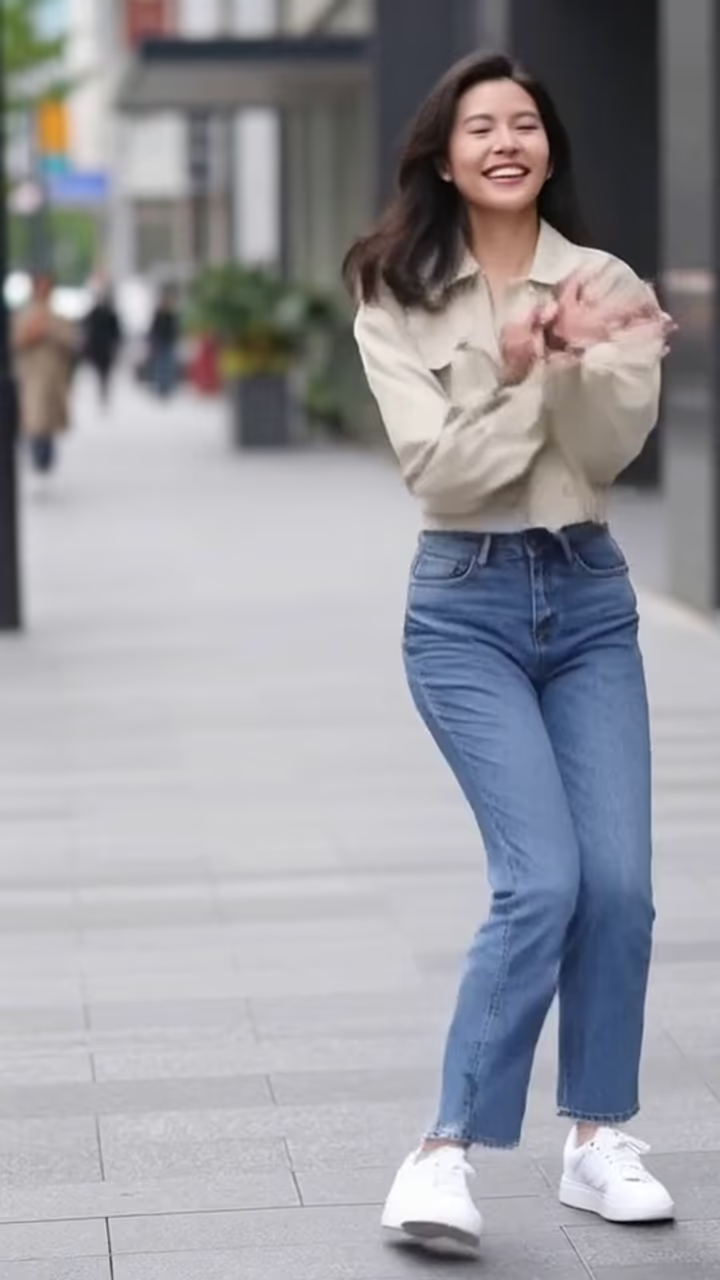
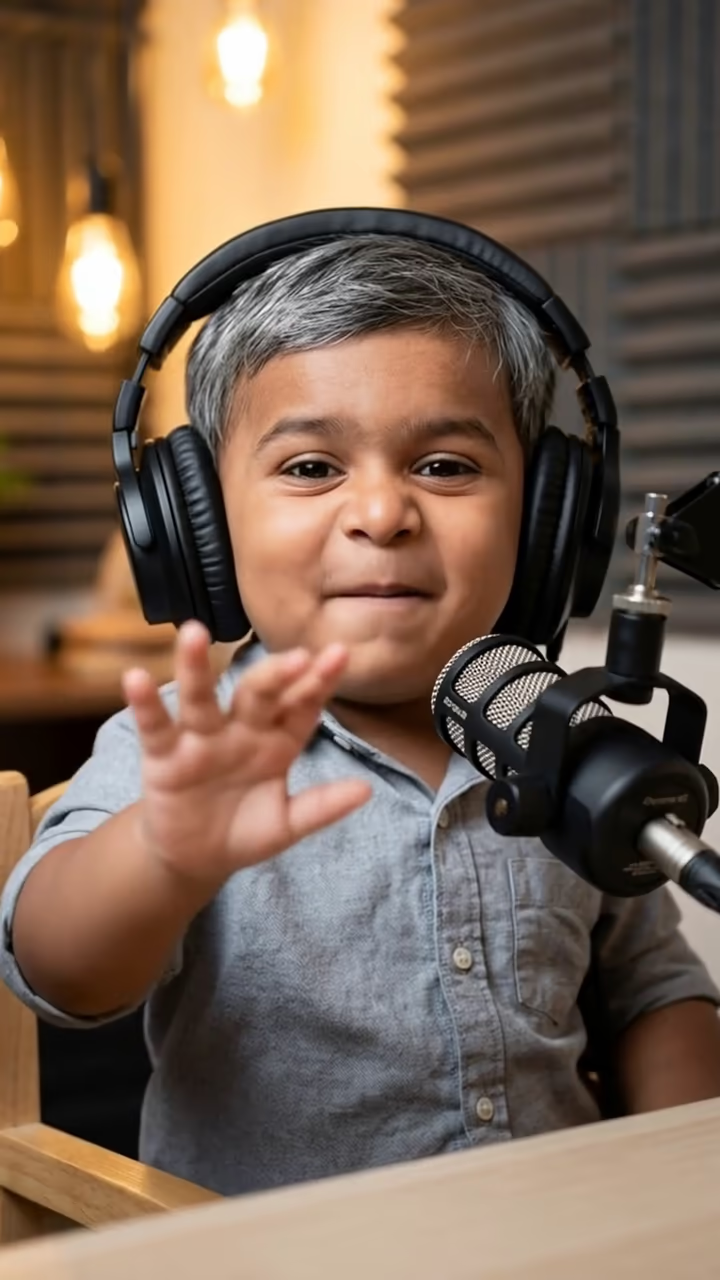
Dancing babies are one of the oldest internet jokes, going back to the 3D "dancing baby" animation of the late 1990s. The AI version took off on TikTok and Instagram in 2025, when image-to-video models got good enough to keep a face consistent while the body moves. Creators began posting baby versions of themselves, friends and partners dancing to whatever sound was trending that week, and "ai baby dance" became its own search.
The result is silent by design, so you can drop it into your editor and put it on any trending audio. Because the whole clip is generated from one portrait, you don't need a dance reference video, a full-body shot or any prompt writing. The toddler is an imagined, AI-made child based on an adult photo, which keeps this effect wholesome and safe to share.
How the baby dance video is made
There are two steps behind the Generate button. Nano Banana 2 reads your photo and creates a vertical image of a toddler who looks like a young version of you, standing in a living room with the whole body in frame. That still becomes the first frame of the video.
Next, Hailuo 2.3 animates the frame for six seconds at 768p: knee bounces, arm waves, a spin and a clap, with a static camera so the motion reads clearly on a phone. The video usually arrives in one to three minutes and is saved to your Creations. It downloads without a watermark and without audio, ready for any sound you pick.
Why a single portrait is enough
Most dance effects need a full-body photo and sometimes a reference dance video, because they move your adult body. This one builds a new body from scratch: the model only needs to read your face and outfit, then it invents a toddler pose that suits the dance.
That means a headshot, a selfie or a half-body photo all work. What matters is that your face is sharp and evenly lit. Strong side shadows or sunglasses make it harder to keep the likeness, and the baby may come out looking generic. If that happens, try a brighter, front-facing photo and run it again. Each run produces a slightly different toddler and different moves.