
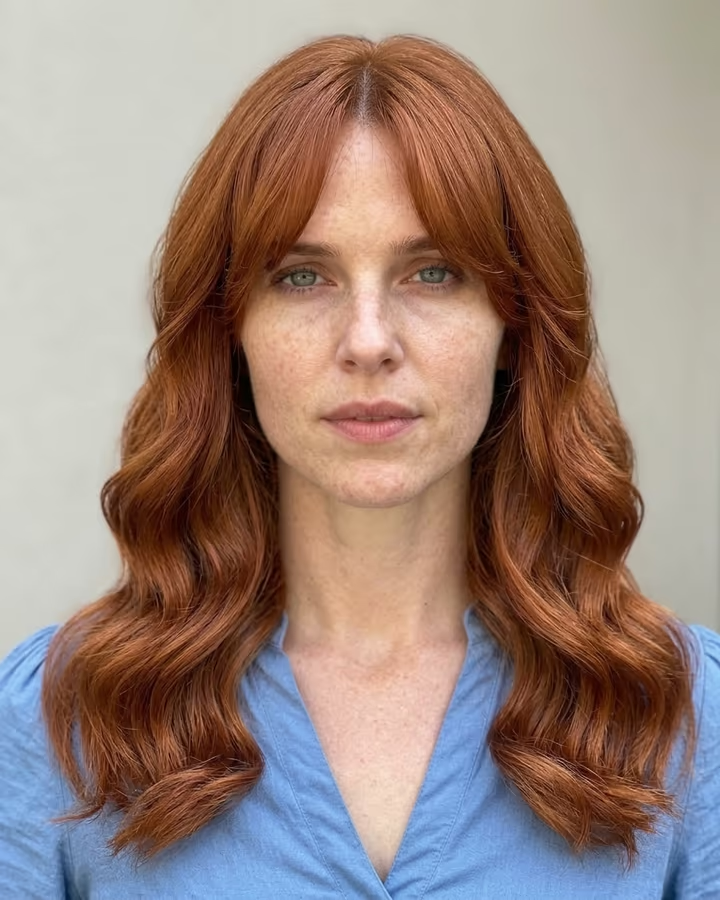
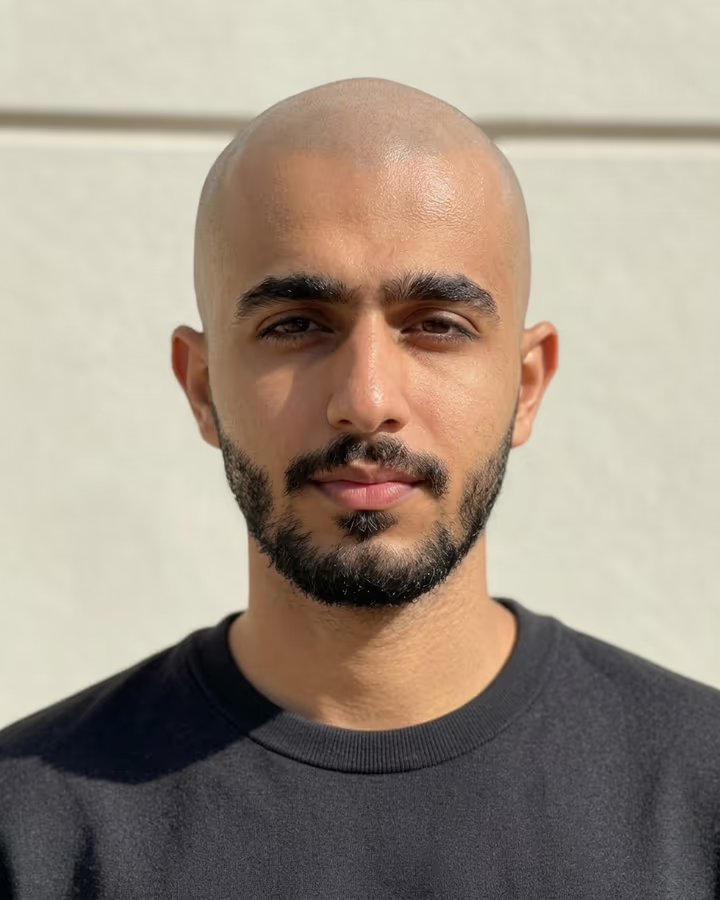
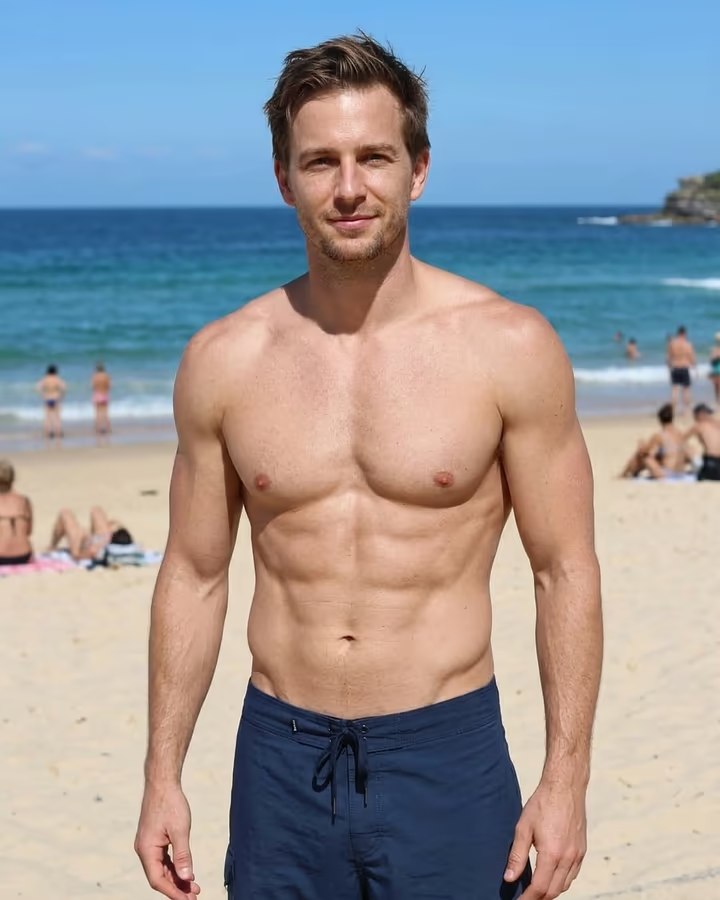
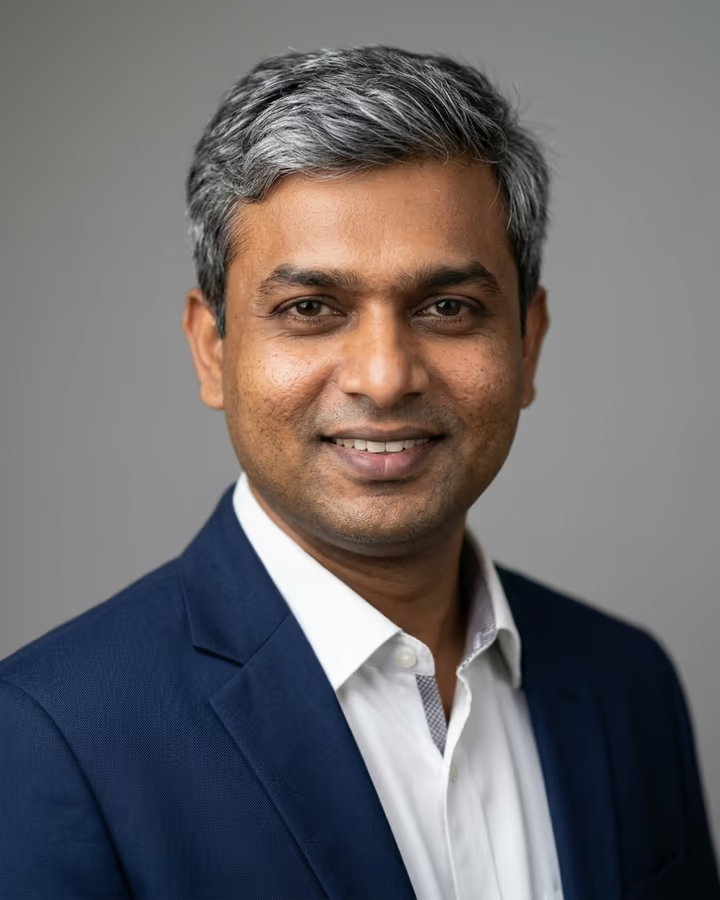
What is the AI Age Progression?
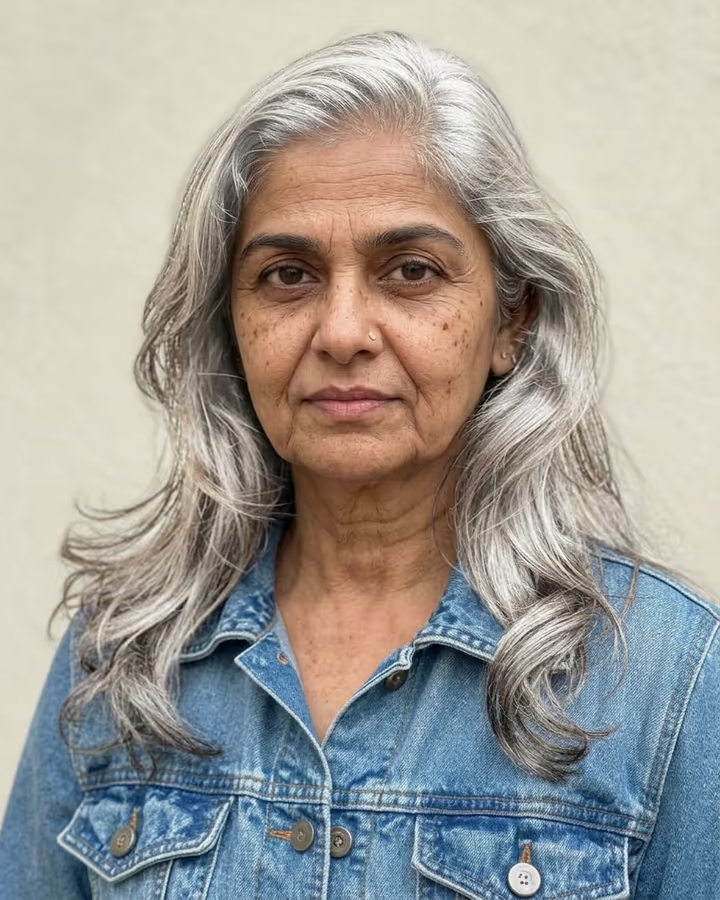
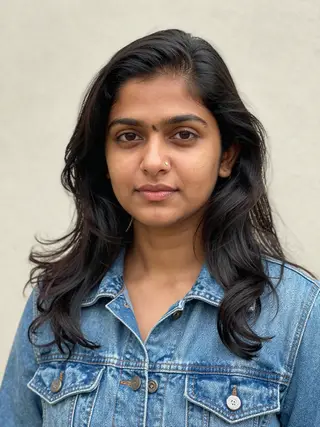
AI age progression shows what you might look like decades from now. Upload one photo and the template returns the same picture with you at around 75: wrinkles and laugh lines, greying or white hair in your current style, a slightly softer jawline. Your eye color, expression, clothes, background and lighting stay as they were, so the result reads as the same photo taken many years later.
It also works in the other direction. Type an age into the optional text field, for example "as a 20-year-old" or "at 50", and the edit follows that instead of the default.
Aging filters are one of the oldest viral photo effects. FaceApp's old-age filter spread widely in 2019 and set off a wave of "me at 80" posts, and TikTok later added its own aging effects. Newer image models made the result less like a mask and more like a photograph, because they redraw skin, hair and face structure together instead of layering texture on top. That is the kind of edit this template makes.
People use it to surprise their parents, to compare with a grandparent's photo, or just to see how they might age. A result usually takes 20 to 40 seconds. New accounts get free credits to try photo templates.
Old, young or in between
The default prompt ages the person to about 75. Anything you type in the optional field is added to that prompt, so a request like "as a 20-year-old" or "at 50 instead of 75" changes the target age. Middle ages tend to look the most natural, because the model only has to add or remove a little.
Going younger works best when the starting photo is already of an adult. The template is meant for adults; do not use it to make childlike images of an adult, and do not upload photos of children.
Why it is not a prediction
No photo can tell how a person will actually age. Genetics, sun exposure, health and habits all matter, and none of them are in a picture. What the model does is apply common, visible signs of aging in a way that fits your face shape and coloring.
That makes it good for fun, for storytelling and for a curious look ahead, but not for anything that depends on accuracy, such as identifying a missing person. Professional forensic age progression is done by trained artists using family photos and other records.