Skip to content

AI Headshot Generator

Turn one clear selfie into a clean, studio-style headshot for LinkedIn, your resume or a team page.

AI Headshot · switch effect

Your photo

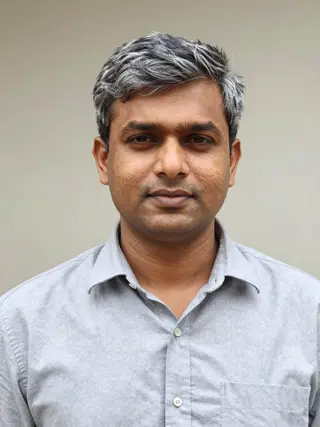
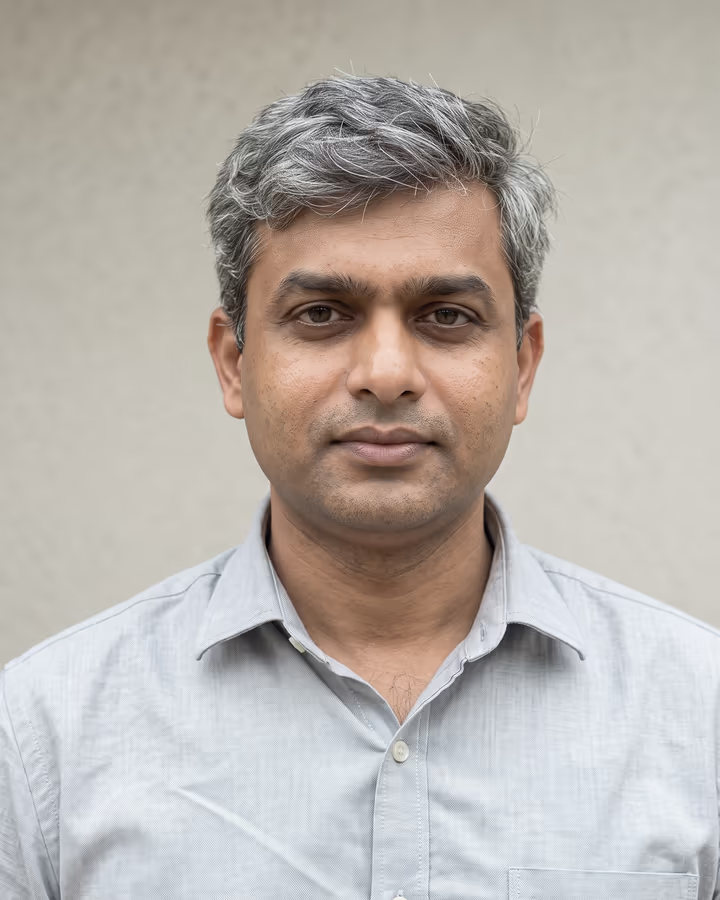
One person, facing the camera, eyes visible, even light, no sunglasses

Cost shown before you run · failed runs are refunded

  • Ready in ~15 s
  • No watermark
  • Failed runs refunded
  • Uploads never published

How to use the AI Headshot Generator

  1. 01

    Upload a photo

    Your photo: One person, facing the camera, eyes visible, even light, no sunglasses. Extra details (optional): e.g. charcoal suit, no tie, white backdrop.

  2. 02

    Press Generate

    The AI Headshot effect runs on its own tuned settings. It costs 10 credits, shown on the button before you run it.

  3. 03

    Download

    Your photo is ready in about 15 seconds. Download it without a watermark.

AI Portrait Effects

What is the AI Headshot Generator?

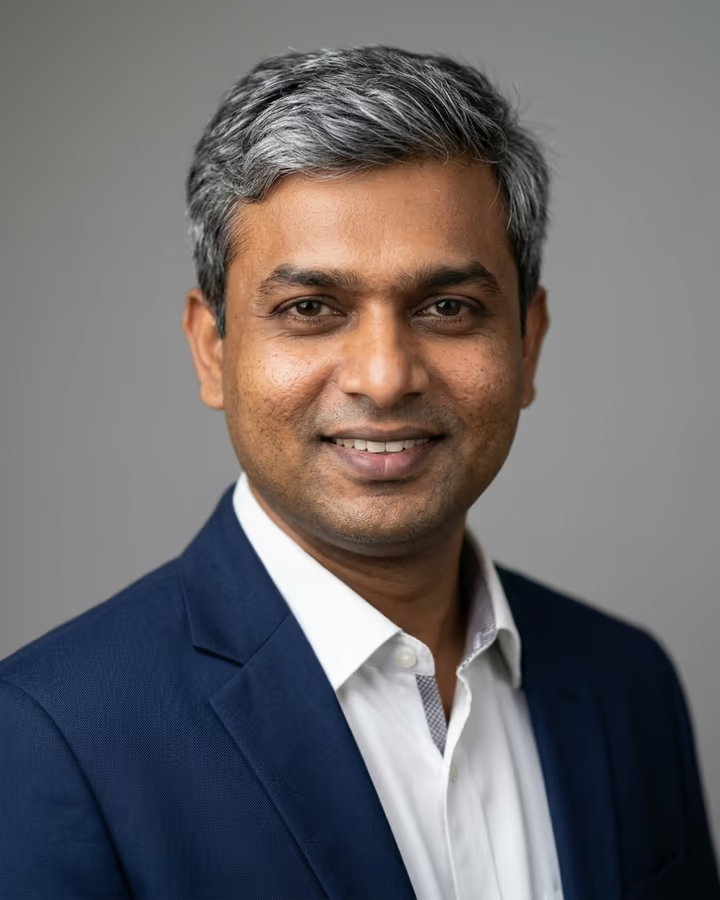
The AI headshot generator takes an ordinary photo of you, like a phone selfie, a cropped vacation shot or a webcam still, and returns a studio-style business portrait. You get a well-fitted navy blazer over a crisp shirt, head-and-shoulders framing at a slight angle, a soft key light with gentle fill and a neutral grey seamless backdrop. Your face, hair and skin tone are kept as they are. The model only tidies flyaway hair; it does not reshape your features.

AI headshots took off around 2023, when remote hiring and LinkedIn job hunting made a decent profile photo feel necessary, but a photographer session still meant booking, travel and a fee. The first tools asked for 10 to 20 selfies and an hour of model training. Newer image models such as Nano Banana 2, which runs this template, can work from a single photo in well under a minute. That makes it practical to try a few versions and keep the one that actually looks like you.

A quick honest note: the result is an AI-generated image, not a photograph of you in a studio. For most profiles that is fine. Some employers, ID systems and press kits still want a real photo, so check before you use it in those places.

What recruiters expect from a headshot

A profile photo's job is to make you recognizable and approachable, not to impress anyone with production value. Hiring teams generally expect your face and shoulders to fill most of the frame, with eye contact, a natural smile, a plain background and clothing that matches the work you do. A navy blazer on grey is a safe default for corporate, finance, consulting and sales roles.

For creative or technical jobs you can go more relaxed. Use the details field to ask for an open-collar shirt, a knit sweater or a lighter backdrop. Whatever style you pick, the most important thing is that the picture looks like you today. A photo that flatters you but doesn't match what people see on a video call works against you.

AI headshot vs. a photographer

A professional photographer gives you real lighting, coaching on posture and expression, and a photo that is legally and factually a photograph of you. That still matters for passports and other official IDs, some newsroom and government roles, and companies whose brand guidelines require real portraits.

An AI headshot is quicker and easier to redo. It suits a profile refresh, a new job search or a small team that wants a consistent style. Many people use both: AI to get a good profile photo up today, and a real shoot later when a specific employer or publication asks for one.

AI Headshot Generator FAQ

Are AI headshots good enough for LinkedIn?

For most people, yes. LinkedIn's guidance asks for a recent photo that looks like you, with your face taking up most of the frame. A clean AI headshot made from a current photo meets that. Avoid versions that change how you look, because people will compare the photo with you in interviews.

How many photos do I need to upload?

One. The template works from a single clear photo of your face. If the first result doesn't look quite like you, try a different source photo with better light rather than uploading more.

Can employers tell it's an AI headshot?

Sometimes. Very smooth skin, odd earrings or mismatched collars can give it away, and the template is set to keep natural skin texture to reduce that. If an employer or ID service asks for a real photograph, give them one.

Will it change my face?

It is instructed to keep your face, identity, hair and skin tone the same and only tidy flyaway hair. AI models aren't perfect, so look closely at each result and regenerate if anything drifts.

Is the AI headshot generator free?

New accounts get free credits to try photo templates, which covers a headshot. After that, each generation uses credits from a pack or subscription. Results carry no watermark.

Are my photos stored or shared?

Your upload is stored in Firebase Storage (Google Cloud), linked to your account so the generation can run and you can find the result in your creations. It is not made public. Email support if you want your uploads deleted. To run the effect, a copy is sent to our AI model provider (kie.ai); result files are kept for 14 days, so download what you want to keep.

Can I make headshots for my whole team?

Yes. Each person runs the template on their own photo, and you can use the same details text, such as "navy blazer, grey backdrop", for a consistent look. Only upload colleagues' photos if they have agreed.

More AI effects

Try the AI Headshot Generator

Upload a photo and get your photo in seconds.

Upload photo