
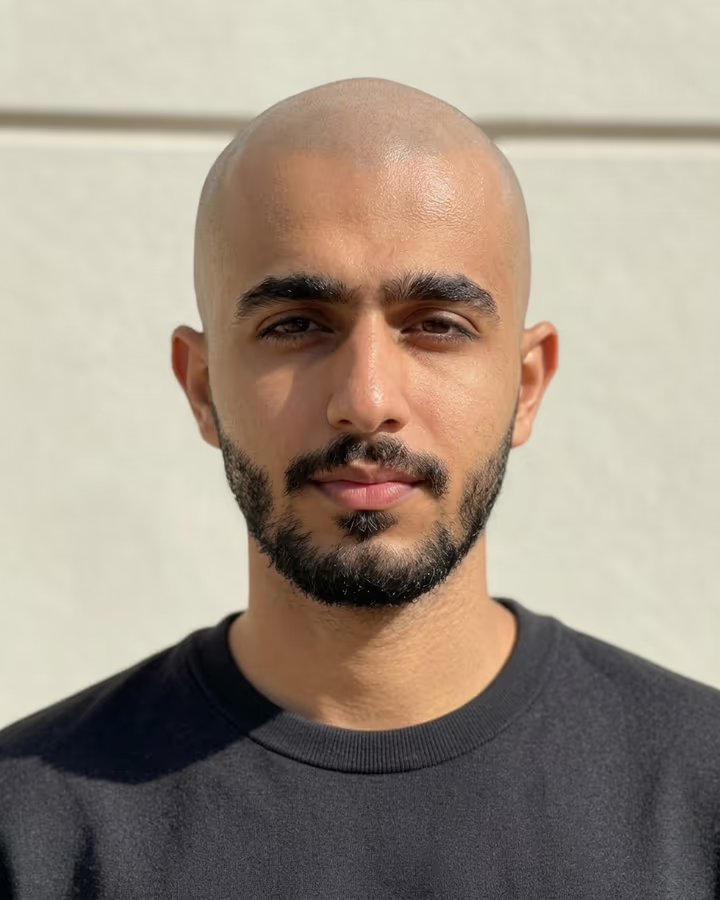
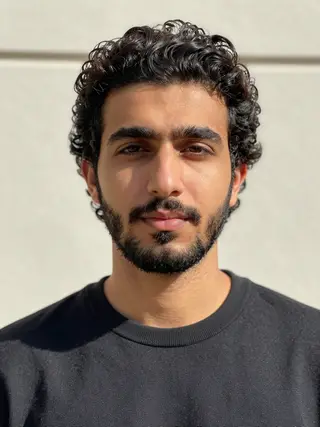
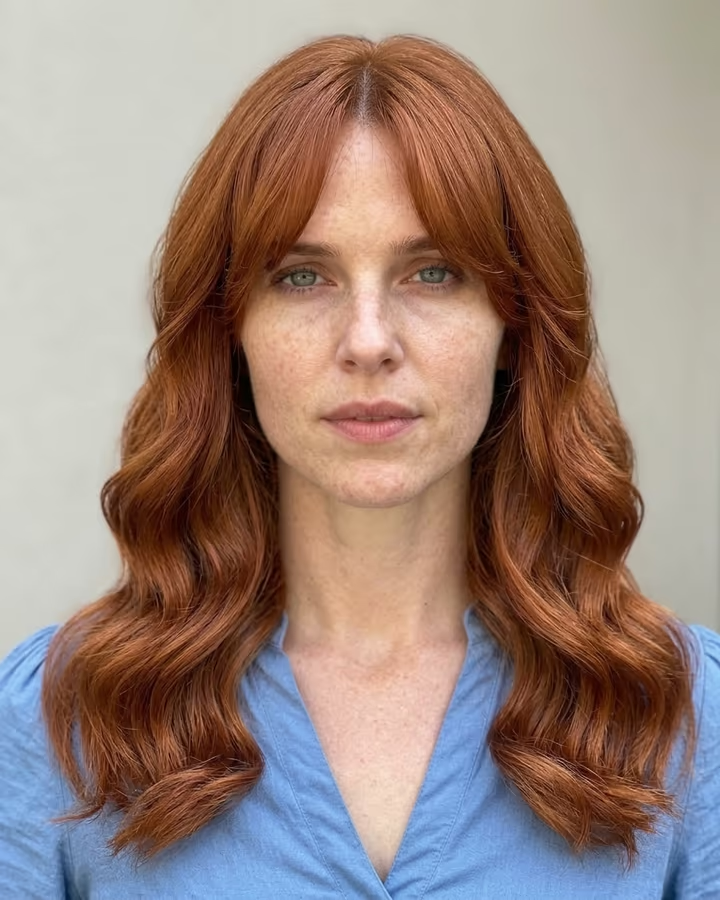
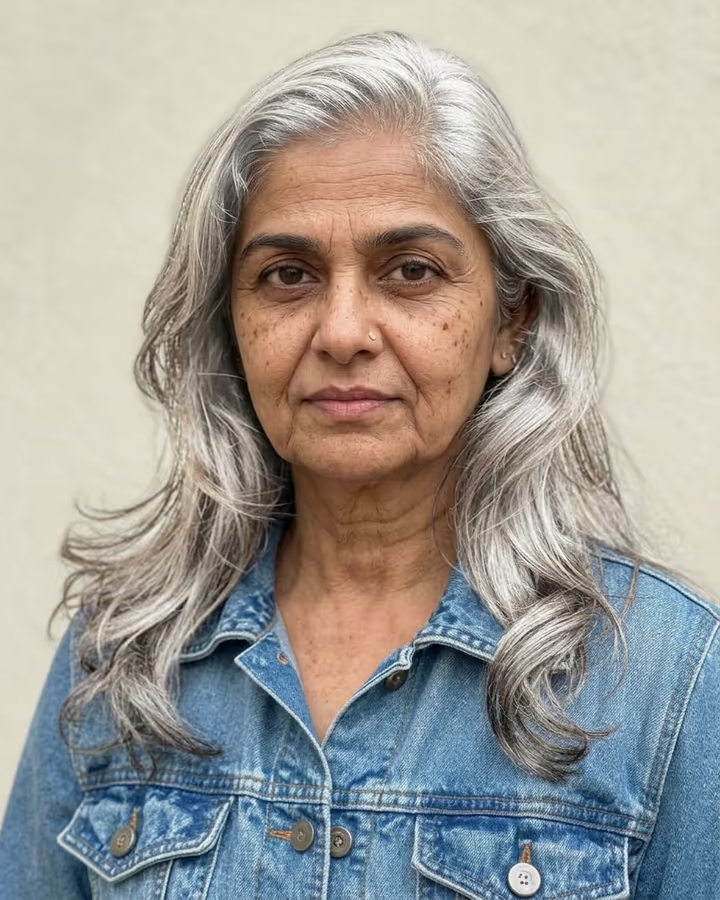
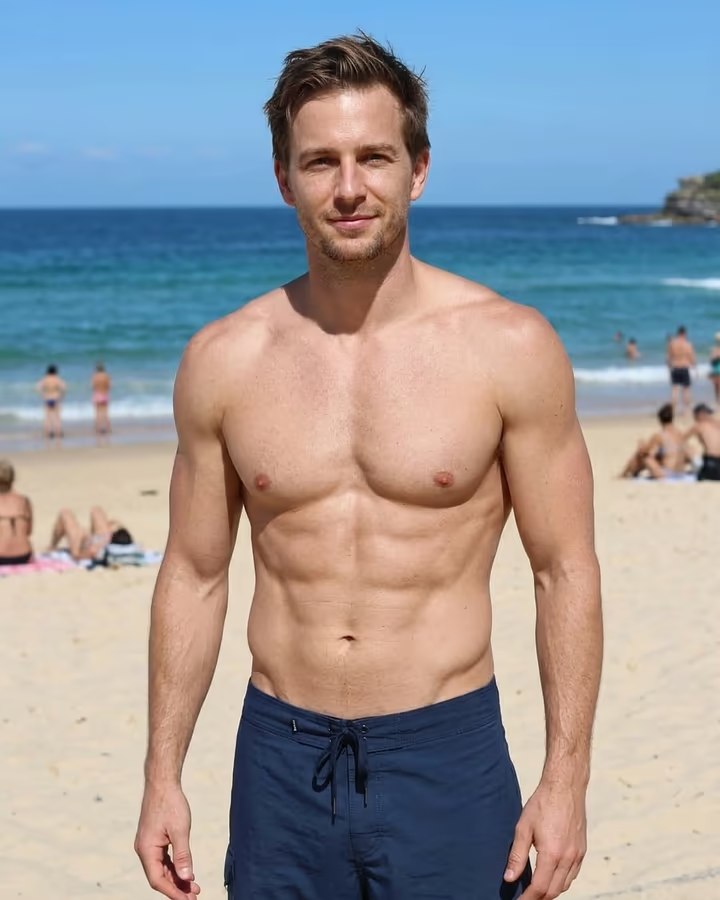
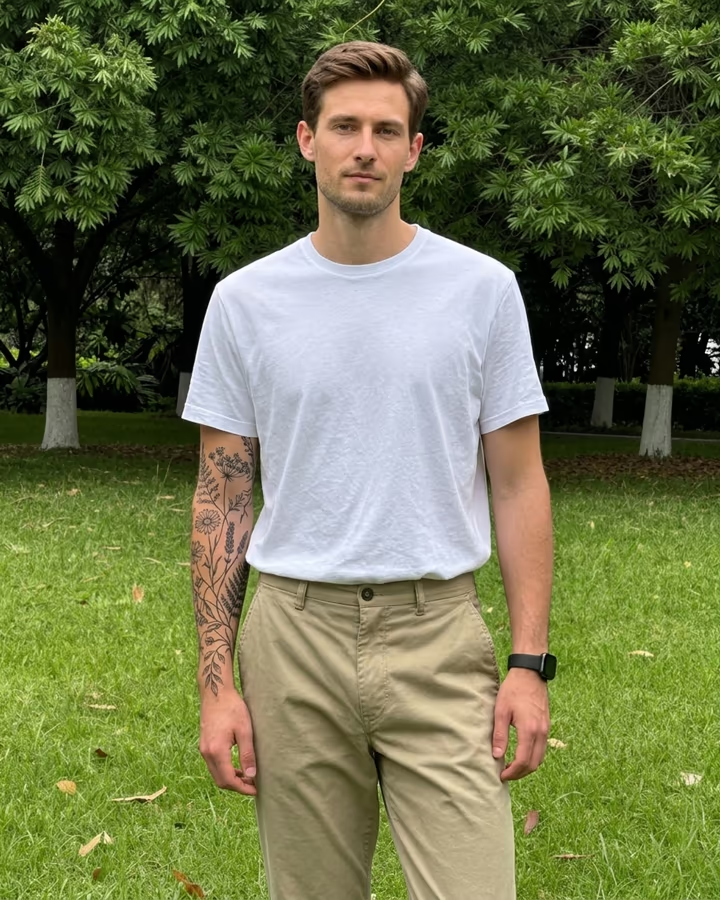

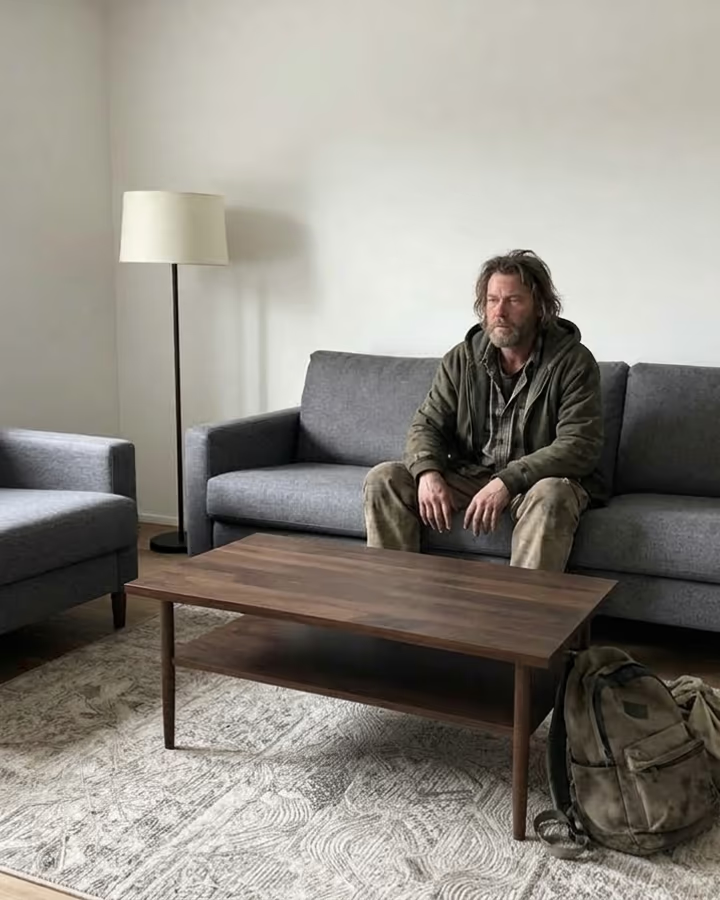
What is the AI Bald Filter?
The AI bald filter answers a question a lot of people ask before they shave their head: will it suit me? Upload one photo and the result shows you with a clean, smooth shaved head. Your face, beard, expression, clothes, background and lighting are kept, and the scalp gets realistic skin with a natural shine and a skin tone that matches your face.
Bald filters have been a running joke on TikTok for years. A popular version was the prank where people secretly ran the filter on a partner or friend and filmed the reaction, and real-time AR bald effects on Snapchat and TikTok made it easy. The catch with live filters is that they often float on the head and lose track when you move. An image model redraws the whole top of the head instead, so the shape and the light look right.
Beyond the laughs, it is a practical preview. People thinking about a buzz cut or a full shave, or dealing with hair loss, use it to see the look before deciding. Others use it for costumes or character concepts.
A result takes about 20 to 40 seconds. There is no text field; the template does one thing. New accounts get free credits to try photo templates.
What changes and what stays
The prompt is narrow on purpose. It asks for a completely bald, smooth shaved head with realistic scalp skin and correct head shape, and tells the model to keep the face, beard, expression, clothing, background and lighting exactly the same. Ears are explicitly left unchanged, because they are one of the easiest places for an edit to go wrong.
If you want a buzz cut rather than a full shave, the hairstyle template is the better fit: type "very short number 1 buzz cut" there and it keeps a little stubble. A full shave looks most convincing on photos where the hair is already short or pulled back, because there is less volume for the model to remove and the head outline is easier to read.
Pranks, kindly
The bald edit is a classic prank, and it lands best when everyone is laughing. Do not post a bald edit of someone without their agreement, and be thoughtful with people who are dealing with hair loss or illness, where a joke can hurt.
Only upload photos of yourself or of adults who are fine with it. If you post the result, saying it is an AI edit avoids confusion. A quick reveal right after the reaction keeps it friendly, and it means nobody walks away thinking you actually shaved your head overnight.