
Skip to content

Bye Bye Trend AI: Laugh, Wave, Turn Into a Horror Clown

You laugh behind your hand, wave "bye bye", cover the lens, and come back through a puff of smoke in full horror clown face paint: the viral bye bye Halloween transition from one selfie.

Bye Bye Trend · switch effect

Your selfie

One adult, face clear and close, chest up, toward the camera. No sunglasses, no hat, bright room.

Cost shown before you run · failed runs are refunded

  • Ready in 1–3 min
  • No watermark
  • Failed runs refunded
  • Uploads never published

This trend on Instagram & TikTok

The most-watched videos of this trend, shown with credit and a link to each original post. Videos belong to their creators; they were not made with Soracai.

  1. 1

    @camilapudim

    Trend video

    TikTok

    3M views · 537K likes · October 13

    Laugh, smoke, horror clown: the 3M transition

    Watch on TikTok ↗
  2. 2

    @kayla_self

    Trend video

    TikTok

    66K views · 1,186 likes · October 4

    The first “bye bye” clown face paint reveal

    Watch on TikTok ↗

How to use the Bye Bye Trend AI: Laugh, Wave, Turn Into a Horror Clown

  1. 01

    Upload a photo

    Your selfie: One adult, face clear and close, chest up, toward the camera. No sunglasses, no hat, bright room..

  2. 02

    Press Generate

    The Bye Bye Trend effect runs on its own tuned settings. It costs 140 credits, shown on the button before you run it.

  3. 03

    Download

    Your video is ready in one to three minutes. Download the MP4 without a watermark.

What is the Bye Bye Trend AI: Laugh, Wave, Turn Into a Horror Clown?

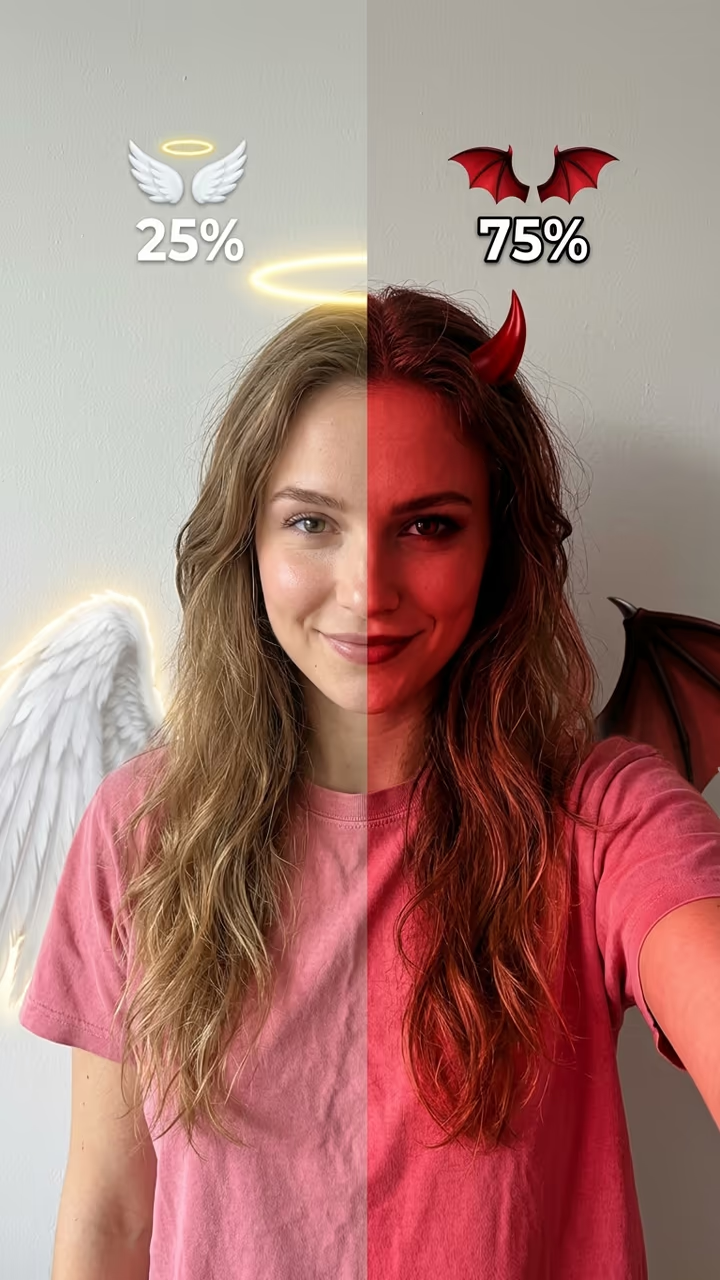
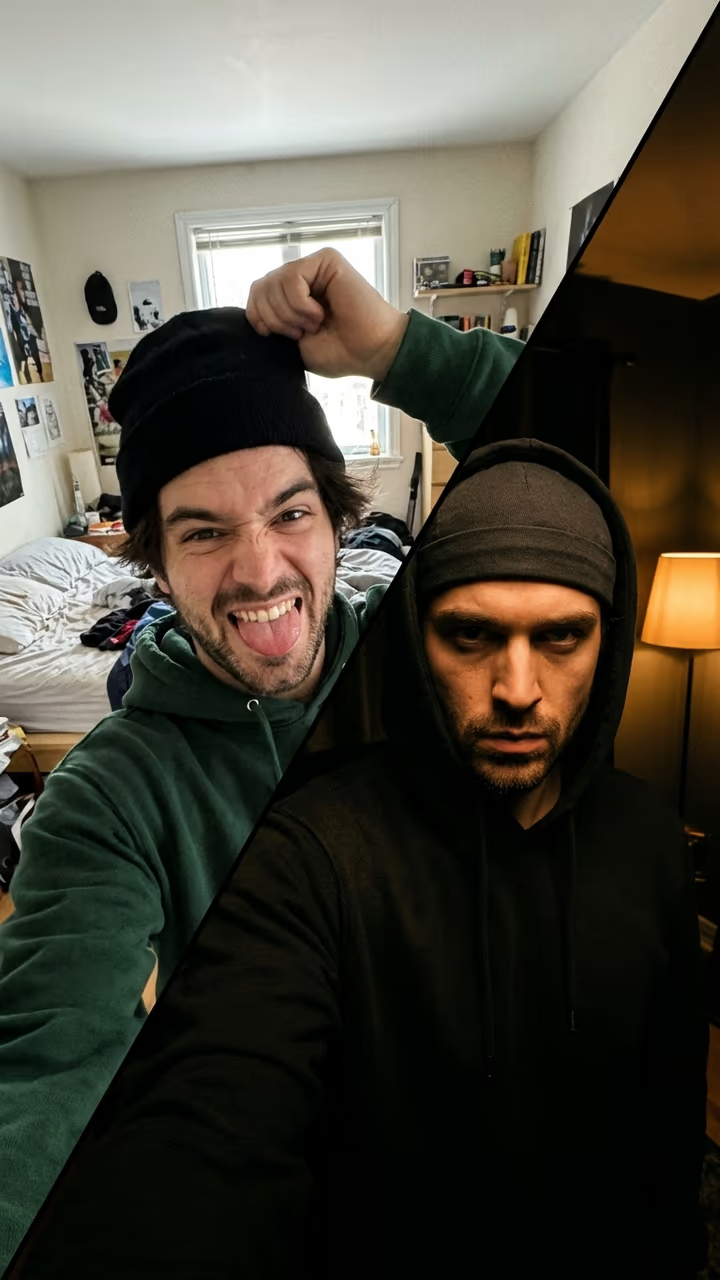
The bye bye trend is the Halloween transition of October 2026: you laugh behind your hand, wave "bye bye" at the camera, cover the lens, and come back through a puff of smoke as a full horror clown. It is set to an evil laugh and a sing-song "bye bye", and creators use it for their Halloween makeup and costume reveals. Upload one selfie and this template makes the whole transition, no face paint needed.

The laugh came first, in a clown clip from August 2025. On 4 October 2026 a creator used it for a laugh, a wave and a reveal in white-and-red clown face paint, and on 13 October a Brazilian creator posted her own bye bye transition, from a laughing selfie through smoke to a full horror clown: 3 million views and 537,000 likes. After that the sound became the go-to for Halloween reveals, and Halloween transition lists picked it up in the last week of October.

The template runs in one step: a video model plays the laugh, the wave and the cover, then reveals you in horror clown makeup with an original eerie tune. You get an 8-second vertical clip with no watermark. The trend videos on this page are credited to their creators; the poster image is AI-generated.

Why the bye bye trend works

The laugh and the little wave look harmless, the hand over the lens builds a second of suspense, and the horror clown reveal lands as a jump scare. It is the classic transition shape with a creepy twist, right on time for Halloween.

Which photo to use

One adult, alone in the picture, face clear and close to the camera, chest up, no sunglasses or hat, in daylight or a bright room.

Bye Bye Trend AI: Laugh, Wave, Turn Into a Horror Clown FAQ

How do I do the bye bye trend with AI?

Upload one clear selfie and press Generate. You get an 8-second clip where you laugh, wave bye bye, cover the camera and come back as a horror clown.

Is it free?

Video templates use paid credits. New accounts get free credits for photo templates only. The exact cost is shown on the Generate button before you confirm.

Do I need clown makeup?

No. The face paint, the wig and the red light are all added by the template. Your face stays yours underneath.

What is the bye bye sound?

The trend clips use an evil laugh followed by a sing-song "bye bye". This template does not use that sound: the clip has an original eerie tune. Add the trending sound yourself in TikTok or CapCut.

Is this affiliated with TikTok or the trend creators?

No. Soracai is not affiliated with TikTok, CapCut or the creators of the trend clips. The template makes its own video from your photo.

Is there a watermark?

No watermark is added to the video.

Where is my photo stored?

Uploads are stored in Firebase Storage (Google Cloud) under your account so the run can happen and the result appears in Creations. They are not public, and you can email support to request deletion. To run the effect, a copy is sent to our AI model provider (kie.ai); result files are kept for 14 days, so download what you want to keep.

More AI effects

Try the Bye Bye Trend AI: Laugh, Wave, Turn Into a Horror Clown

Upload a photo and get your video in a couple of minutes.

Upload photo