Skip to content

AI Car Edit: Turn One Car Photo Into a Cinematic Edit

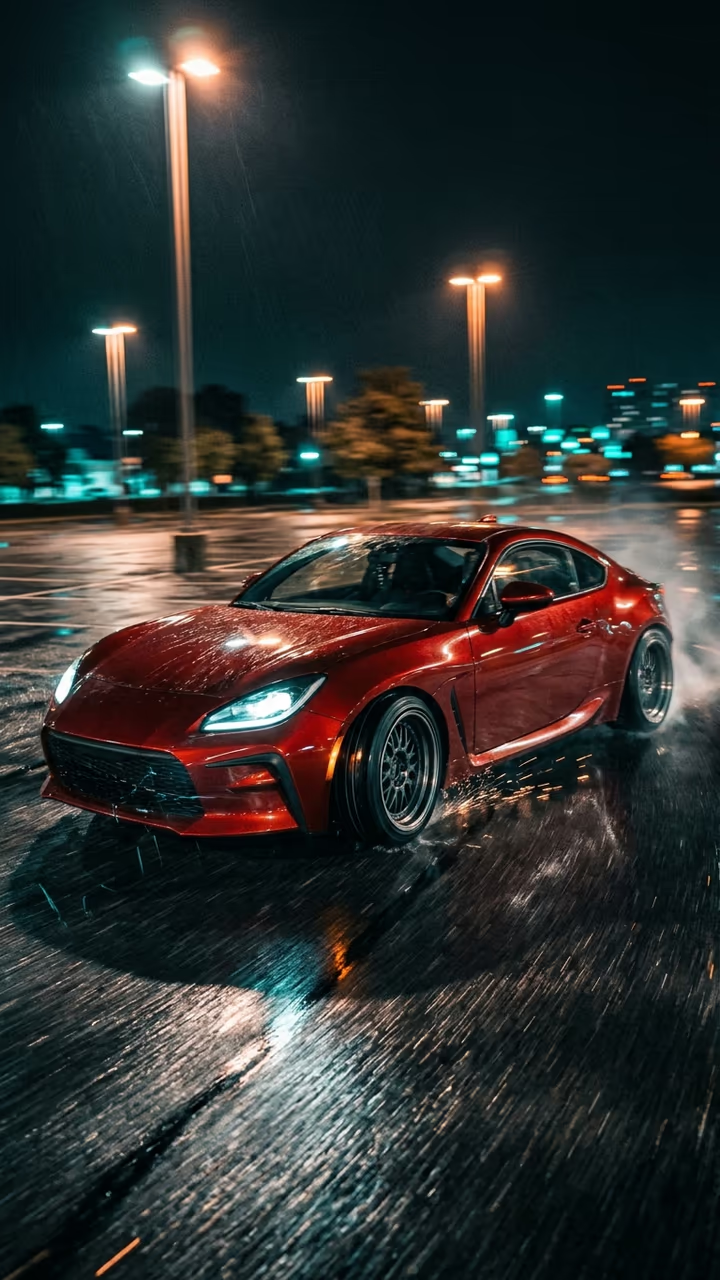
Add one photo of your car and get a cinematic night car edit: speed ramps across an empty wet parking lot, low passes, a spin around the car and close-ups of the wheels and lights, like the edits that pull millions of views.

AI Car Edit · switch effect

Your car

One car, whole body in view, side or three-quarter angle, good light. Your own car or your dream car.

Cost shown before you run · failed runs are refunded

  • Ready in 1–3 min
  • No watermark
  • Failed runs refunded
  • Uploads never published

This trend on Instagram & TikTok

The most-watched videos of this trend, shown with credit and a link to each original post. Videos belong to their creators; they were not made with Soracai.

  1. 1

    @360.mediaedits

    Trend video

    TikTok

    27.1M views · 3.67M likes · March 4

    One BMW photo, every location: 27M

    Watch on TikTok ↗
  2. 2

    @pascal.zero7

    Trend video

    TikTok

    1.08M views · 111K likes · January 14

    Night parking-lot edit, Essen Motor Show car: 1.1M

    Watch on TikTok ↗

How to use the AI Car Edit: Turn One Car Photo Into a Cinematic Edit

  1. 01

    Upload a photo

    Your car: One car, whole body in view, side or three-quarter angle, good light. Your own car or your dream car..

  2. 02

    Press Generate

    The AI Car Edit effect runs on its own tuned settings. It costs 140 credits, shown on the button before you run it.

  3. 03

    Download

    Your video is ready in one to three minutes. Download the MP4 without a watermark.

AI Travel Effects

What is the AI Car Edit: Turn One Car Photo Into a Cinematic Edit?

Car edits are one of the biggest formats on TikTok: short, music-cut clips of one car with speed ramps, low passes, wheel close-ups and a spin around the body. The #caredit tag alone holds more than 36 billion views. Until recently you needed the car, a camera, a night location and hours in an editor. Upload one photo of your car and this template makes the edit for you.

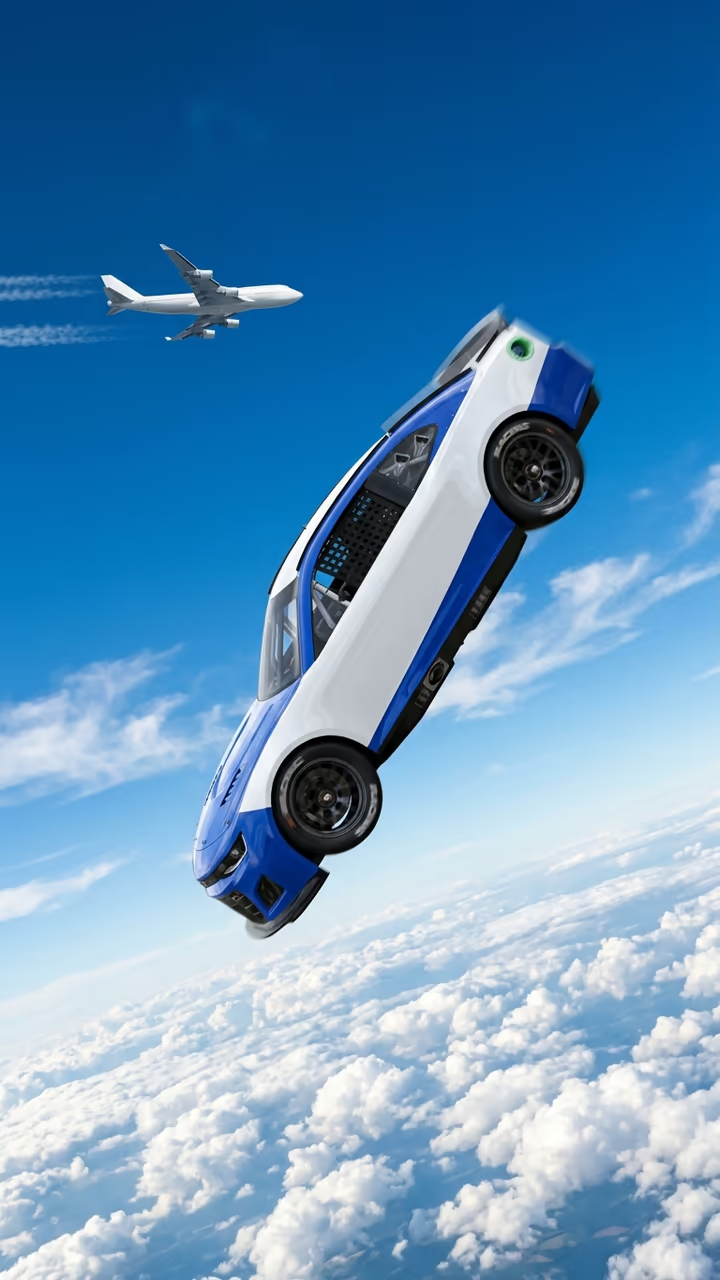
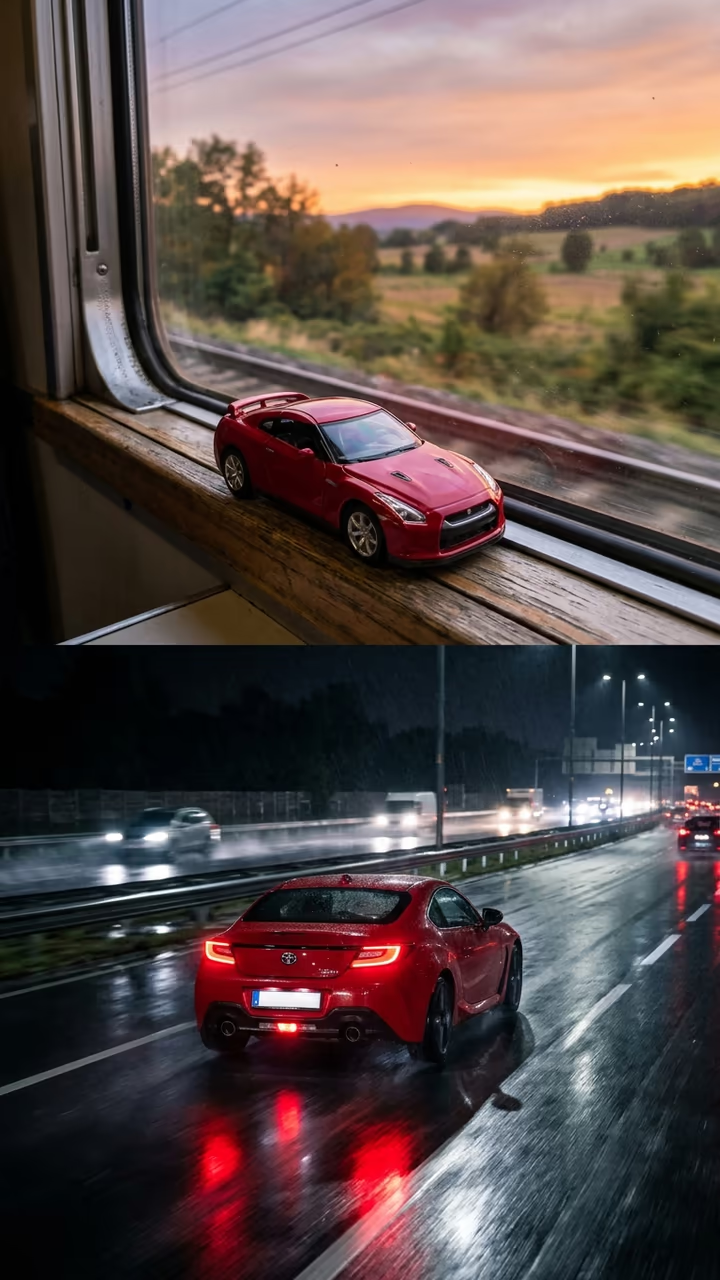
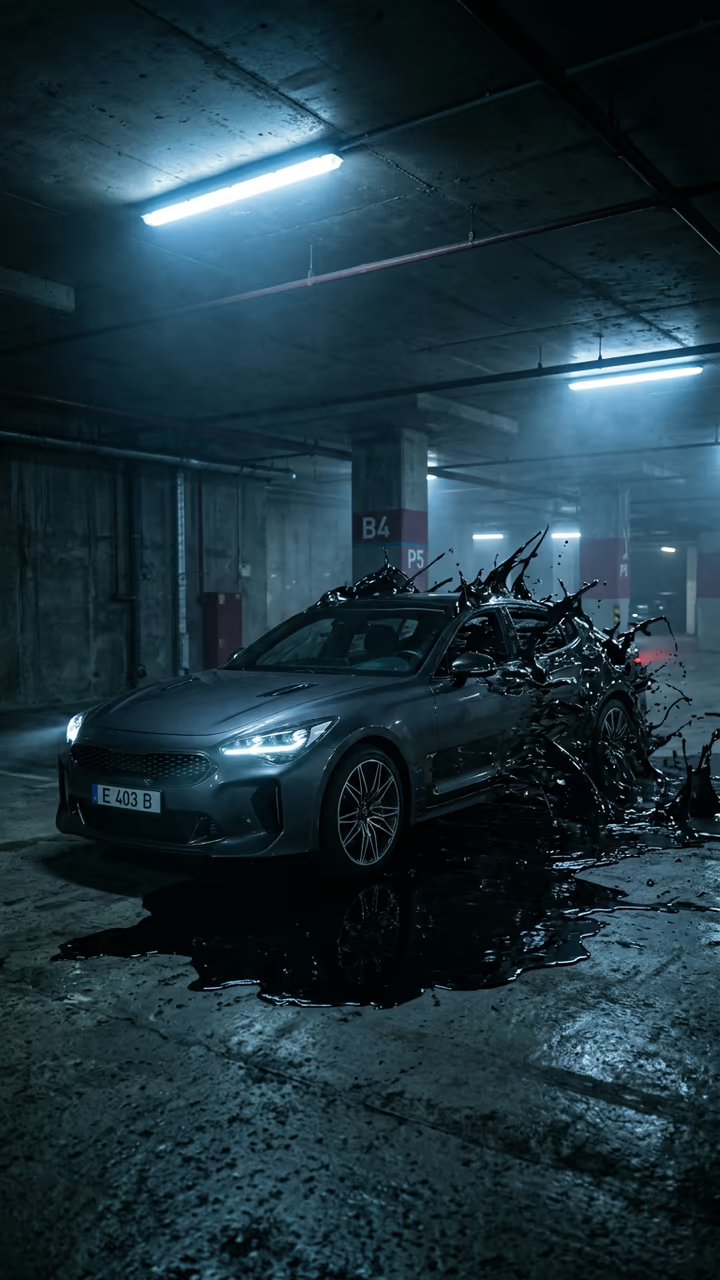
The AI version took off in 2026. On 4 March 2026 @360.mediaedits posted an edit made from a single photo of a BMW, the car dropped into snowy lakes, deserts and island piers with a nano-banana image model, and it passed 27 million views and 3.6 million likes. Its follow-up tutorial, "1 photo -> 1 edit", showed the workflow. Real night edits keep the bar high: a parking-lot edit of a glitter-wrapped sports car at the Essen Motor Show by @pascal.zero7 reached 1.1 million views in January 2026, and AI car clips under #aicaredit were still passing 450,000 views in late September.

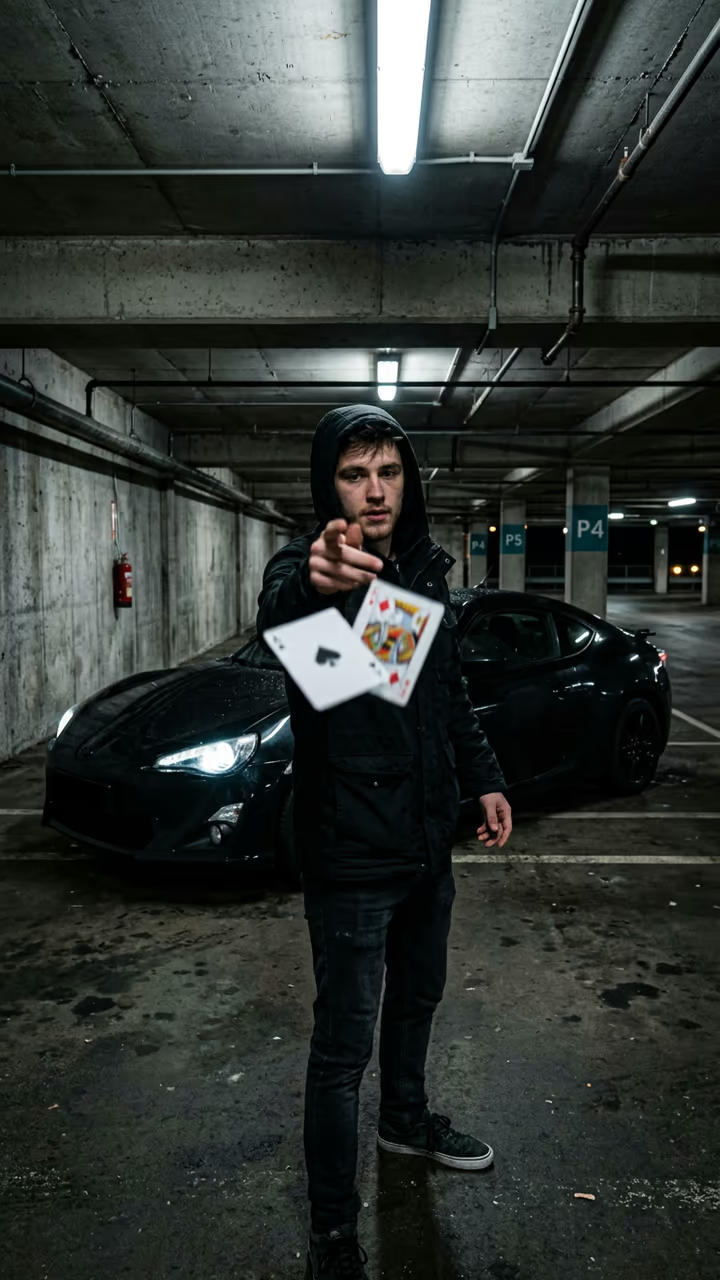
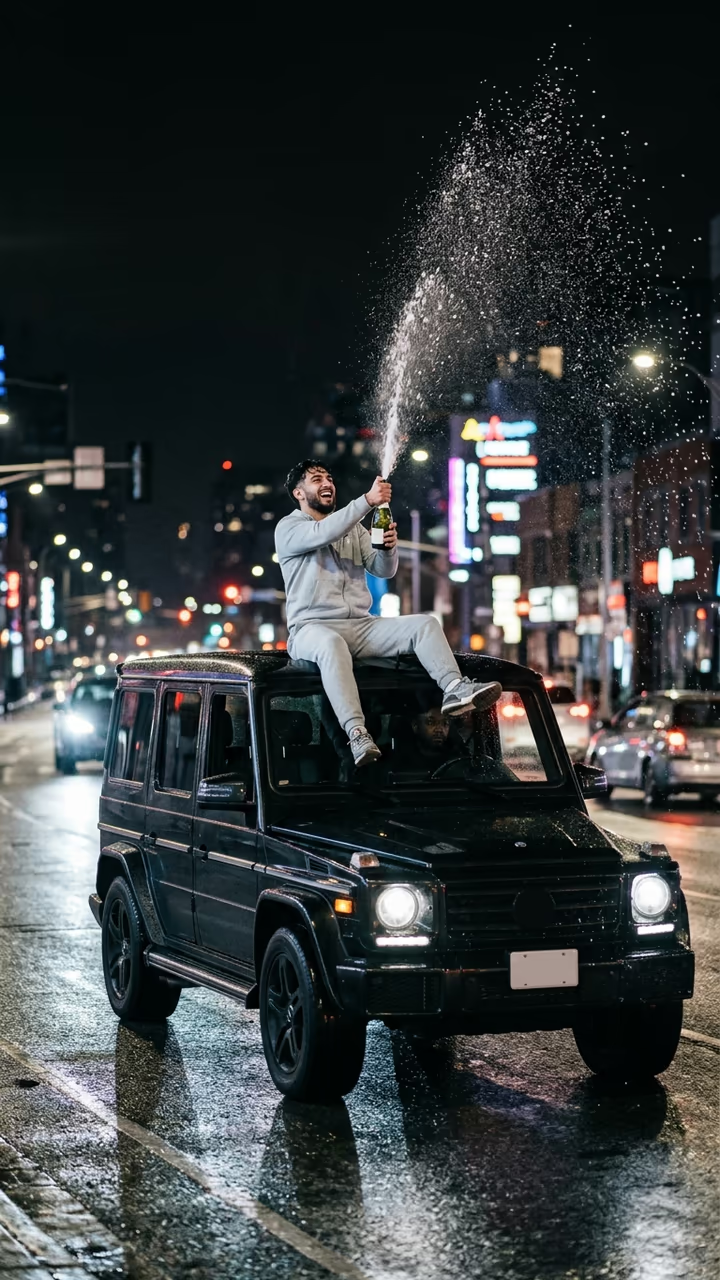
The template runs in two steps: an image model puts your car in an empty wet parking lot at night, then a video model plays an 8-second edit with speed ramps, a wheel close-up and a final drift. The trend videos on this page are credited to their creators; the poster image is AI-generated.

What happens in the video

0-2 s: a low tracking shot races along the side of your car. 2-4 s: a speed-ramped orbit slows on the headlights. 4-6 s: a wheel close-up and a low pass under the bumper. 6-8 s: the car drifts across the lot and stops in a hero pose.

Does it work with any car?

Yes: sports cars, SUVs, classics and everyday hatchbacks all work. The template keeps your car's shape, colour and wheels. Modified cars with body kits look great, as long as the photo shows the whole car clearly.

Which photo to use

One car, whole body in frame, sharp and in good light, side or three-quarter angle. Crop out people and other cars. Only the car is used; the night parking lot comes from the template.

AI Car Edit: Turn One Car Photo Into a Cinematic Edit FAQ

How do I make an AI car edit from one photo?

Upload a clear photo of your car and press Generate. You get an 8-second vertical night edit with speed ramps, a wheel close-up and a final drift.

Is it free?

Video templates use paid credits. New accounts get free credits for photo templates only. The exact cost is shown on the Generate button before you confirm.

Will my car's logo and plate show?

No. Badges and plates are left off on purpose, so the video is clean and safe to post.

Does the video have sound?

Yes: engine revs, tyre hiss and a hard original phonk-style beat, with no existing song.

Is this affiliated with any car brand, TikTok or the creators of the trend?

No. Soracai is not affiliated with BMW, Porsche or any car maker, TikTok, or any creator shown on this page. "Car edit" is the name of the format, used because that is what people search for.

Is there a watermark?

No watermark is added to the video.

Where is my photo stored?

Uploads are stored in Firebase Storage (Google Cloud) under your account so the run can happen and the result appears in Creations. They are not public, and you can email support to request deletion. To run the effect, a copy is sent to our AI model provider (kie.ai); result files are kept for 14 days, so download what you want to keep.

More AI effects

Try the AI Car Edit: Turn One Car Photo Into a Cinematic Edit

Upload a photo and get your video in a couple of minutes.

Upload photo