Skip to content

AI Walking Effect: Make Your Photo Walk Toward the Camera

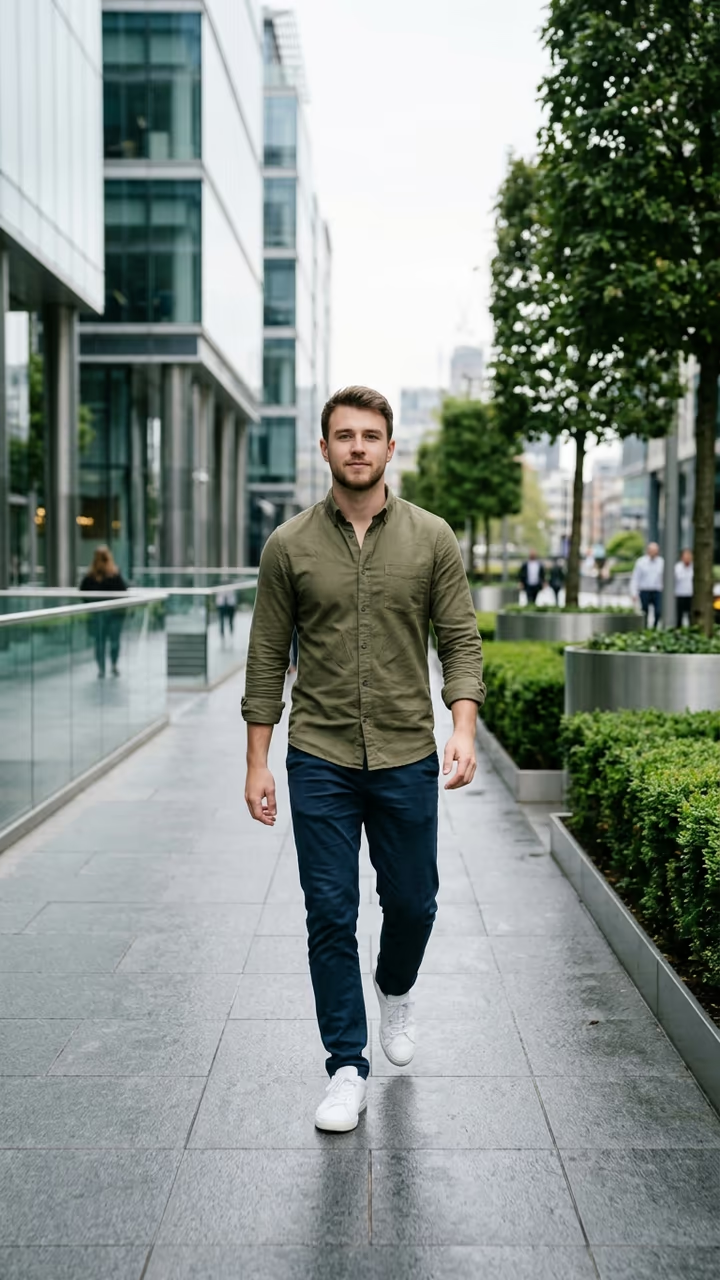
From one still photo, you walk straight toward the camera in a smooth, cinematic shot, hair and clothes moving with every step: the viral AI walking effect, no filming needed.

AI Walking Effect · switch effect

Your photo

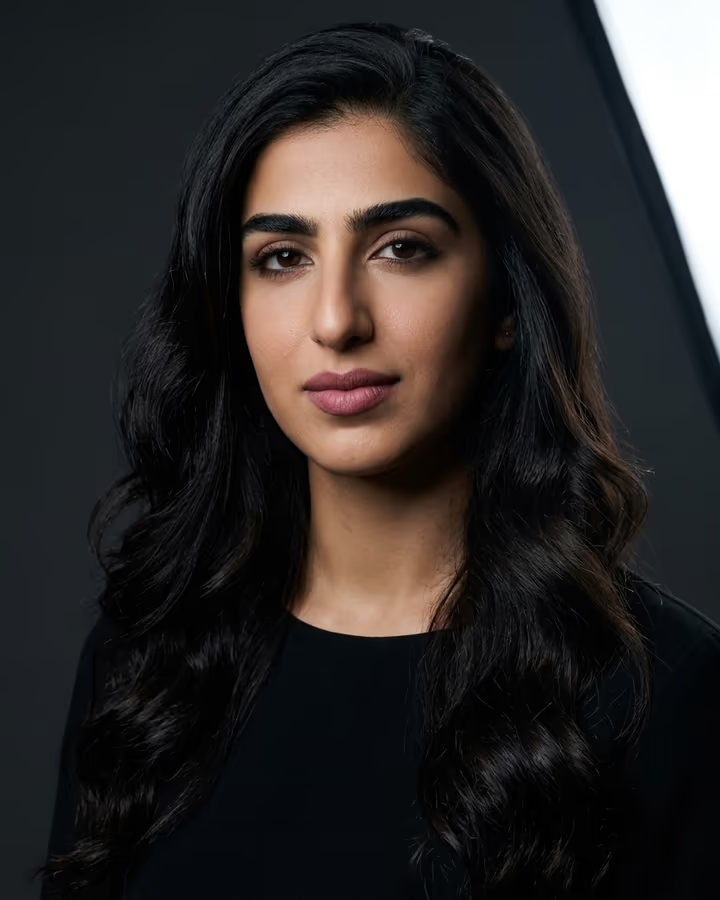
One adult, full body if you have it, face clear and toward the camera. Your outfit carries over.

Cost shown before you run · failed runs are refunded

  • Ready in 1–3 min
  • No watermark
  • Failed runs refunded
  • Uploads never published

This trend on Instagram & TikTok

The most-watched videos of this trend, shown with credit and a link to each original post. Videos belong to their creators; they were not made with Soracai.

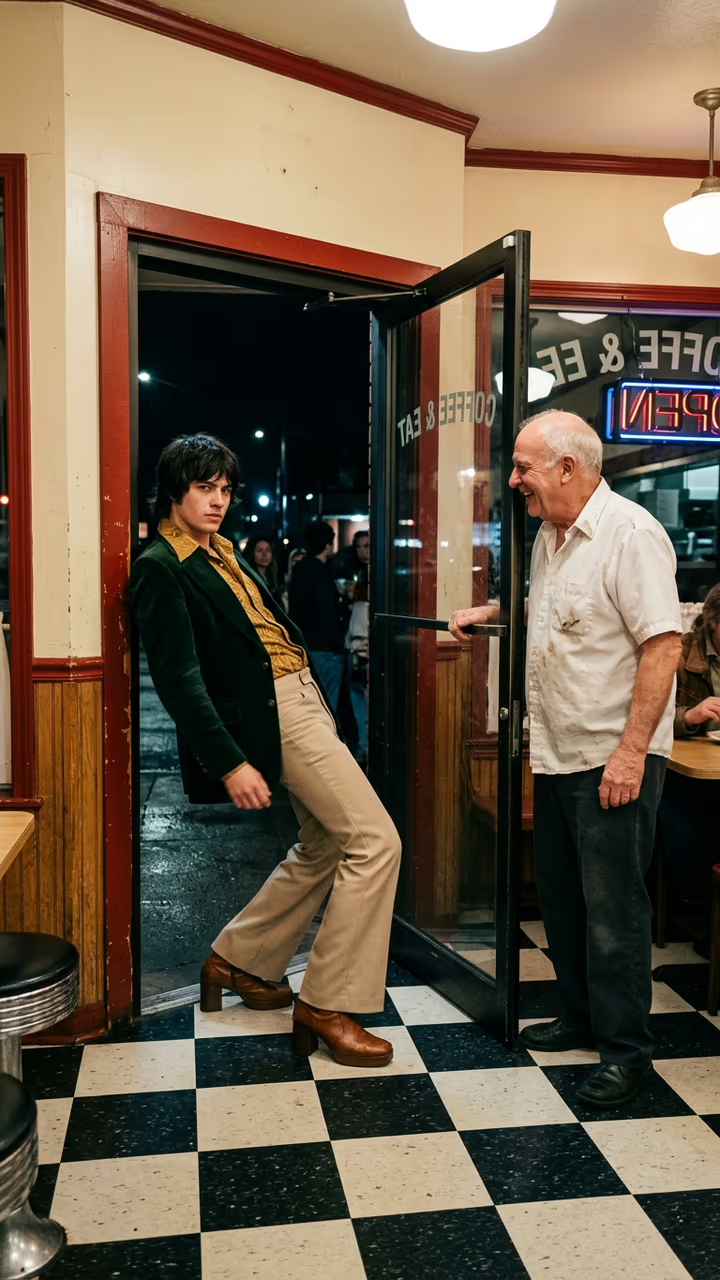
  1. 1

    @pardesi.kanxa.0x3

    Trend video

    TikTok

    5.34M views · 69K likes · October 12

    The viral AI walking effect: 5.3M

    Watch on TikTok ↗
  2. 2

    @arsya.rich

    Trend video

    TikTok

    1.8M views · 14K likes · September 11

    “The photo can walk”: 1.8M

    Watch on TikTok ↗
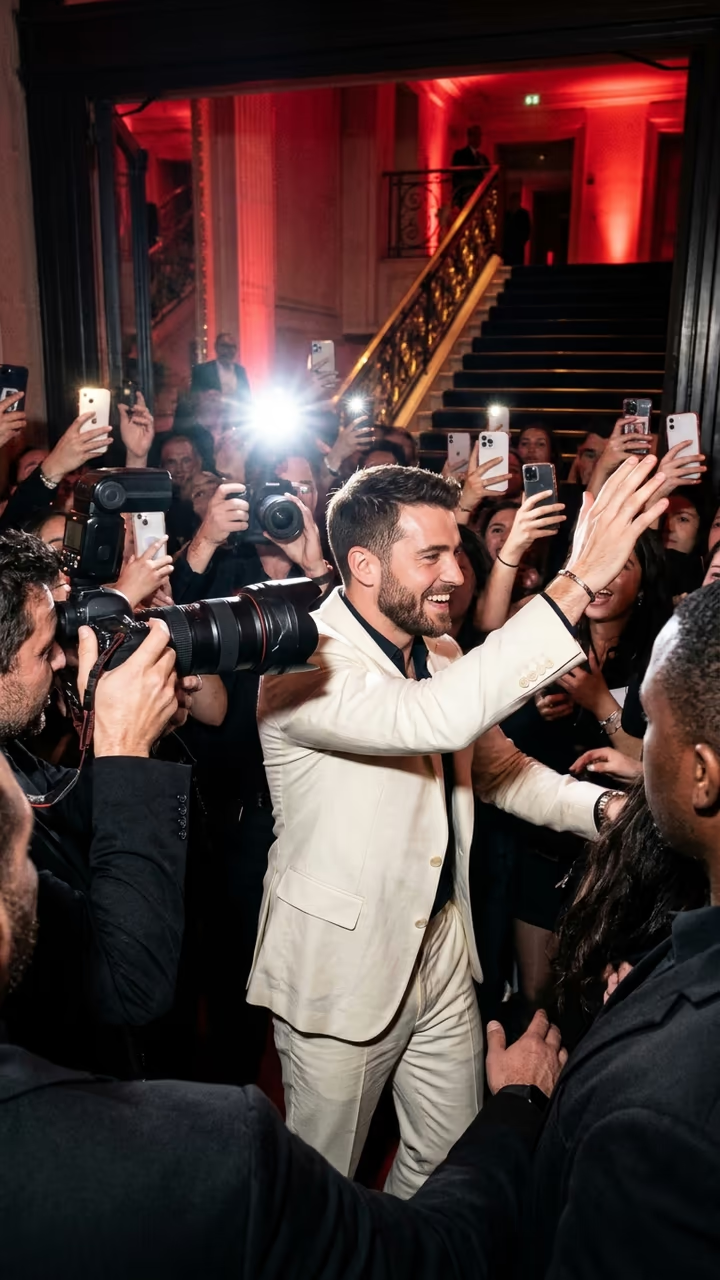
  3. 3

    @adnanbhai919

    Trend video

    TikTok

    1.48M views · 4,765 likes · November 8

    A city promenade walk from one photo: 1.5M

    Watch on TikTok ↗
  4. 4

    @hm.touhidul

    Trend video

    TikTok

    389K views · 12K likes · November 1

    The waterfall walk version: 389K

    Watch on TikTok ↗

How to use the AI Walking Effect: Make Your Photo Walk Toward the Camera

  1. 01

    Upload a photo

    Your photo: One adult, full body if you have it, face clear and toward the camera. Your outfit carries over..

  2. 02

    Press Generate

    The AI Walking Effect effect runs on its own tuned settings. It costs 140 credits, shown on the button before you run it.

  3. 03

    Download

    Your video is ready in one to three minutes. Download the MP4 without a watermark.

AI Portrait Effects

What is the AI Walking Effect: Make Your Photo Walk Toward the Camera?

The AI walking effect is the simplest viral AI trick of the year: you post a still photo of yourself, and the next second the photo comes alive and you walk straight toward the camera, hair moving, jacket swinging, as if a film crew had followed you. Upload one photo and this template makes that walking shot for you.

The trend started in September 2025, when creators in Indonesia fed a single photo to an AI app and called the result "foto bergerak", the photo that moves: one hijab walk through a flower field reached 1.8 million views on 11 September 2025, and a city-promenade walk 2.4 million. In October 2025 a 5-second walking clip from @pardesi.kanxa.0x3 passed 5.3 million views, and the format never left: tutorials explaining how to get the effect reached 2.8 million views in November 2025 and 5.4 million in August 2026, and new CapCut versions were still pulling hundreds of thousands of views on 1 November 2026. The #aiwalkingeffect and #aiwalk tags count more than 200 million views between them.

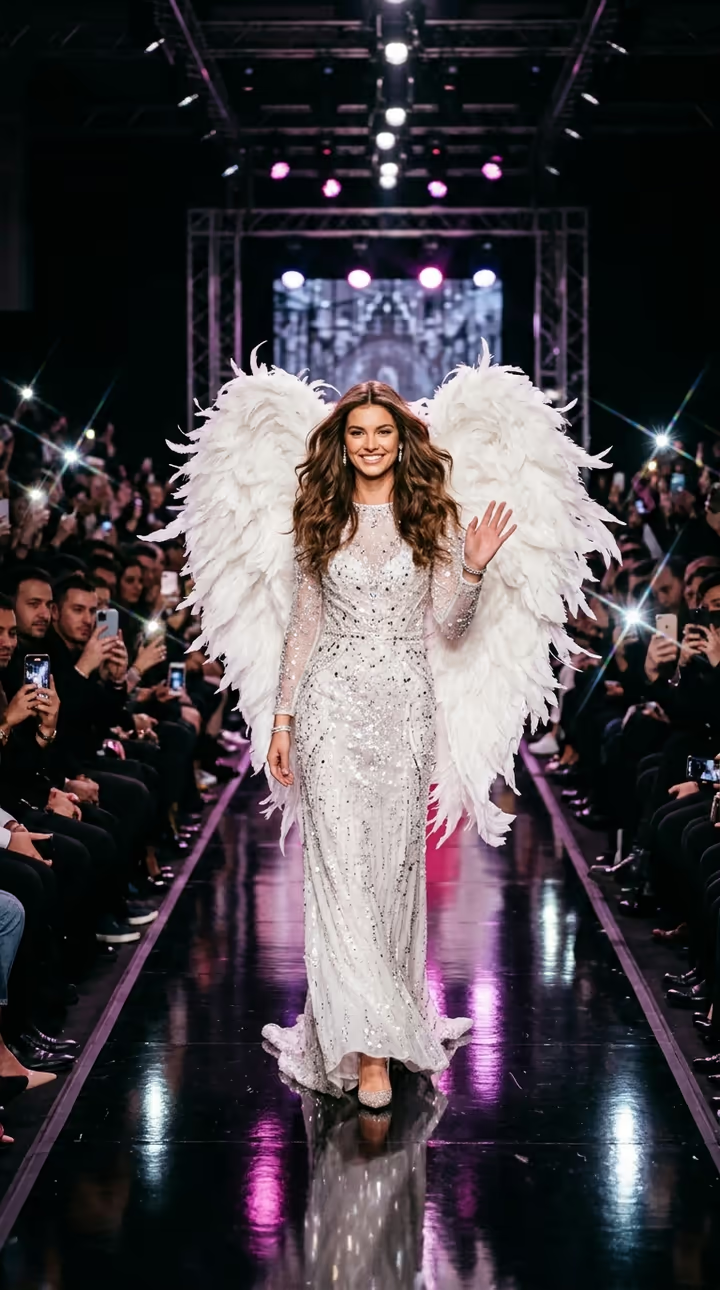
The template runs in two steps: an image model places you mid-stride on a clean walkway that suits your outfit, then a video model plays 8 seconds of you walking toward the camera. The trend videos on this page are credited to their creators; the poster image is AI-generated.

What happens in the video

0-3 s: you take your first steps toward the camera. 3-6 s: you keep walking as the camera backs away in front of you, the background softly blurred. 6-8 s: you come close, glance into the lens and smile.

Is this the same as the TikTok AI walking effect?

It recreates the same look: one still photo turned into a smooth walking shot. TikTok's in-app effect and the CapCut versions use their own models; this template makes the walk with Gemini Omni from your photo, with no app and no watermark.

Which photo to use

One adult, full body if you have it, face clear and toward the camera, good light. Any background works. Use your own photo or one of a friend who said yes, never a celebrity or a stranger.

AI Walking Effect: Make Your Photo Walk Toward the Camera FAQ

How do I make the AI walking effect?

Upload one clear photo of yourself and press Generate. You get an 8-second vertical clip of you walking toward the camera in a smooth cinematic shot.

Is it free?

Video templates use paid credits. New accounts get free credits for photo templates only. The exact cost is shown on the Generate button before you confirm.

Does it keep my face and outfit?

Yes. The template keeps your face, hair and clothes from the photo; only the walkway around you is new.

Does the video have sound?

Yes: soft footsteps, light ambient sound and a calm original beat, with no existing song.

Is this affiliated with TikTok, CapCut or the creators of the trend?

No. Soracai is not affiliated with TikTok, CapCut, Google or any creator shown on this page. "AI walking effect" is the name of the trend, used because that is what people search for.

Is there a watermark?

No watermark is added to the video.

Where is my photo stored?

Uploads are stored in Firebase Storage (Google Cloud) under your account so the run can happen and the result appears in Creations. They are not public, and you can email support to request deletion. To run the effect, a copy is sent to our AI model provider (kie.ai); result files are kept for 14 days, so download what you want to keep.

More AI effects

Try the AI Walking Effect: Make Your Photo Walk Toward the Camera

Upload a photo and get your video in a couple of minutes.

Upload photo