
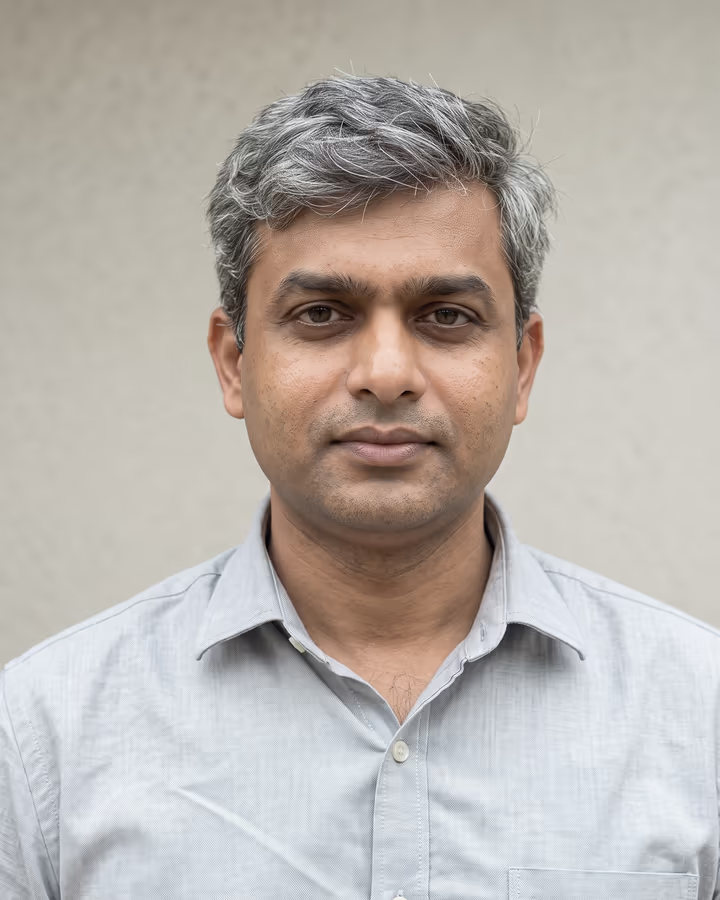

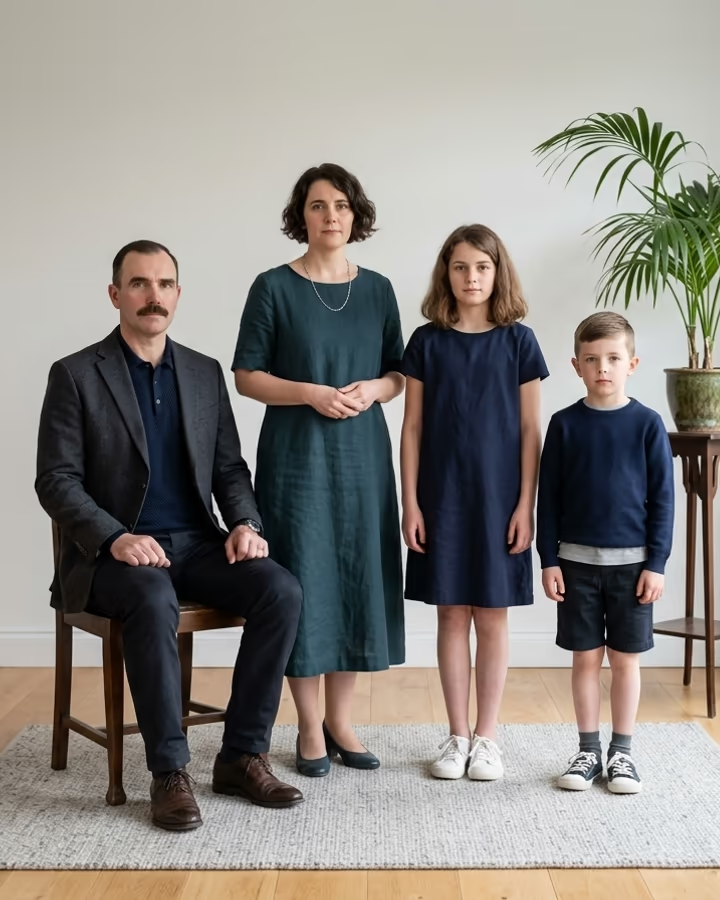

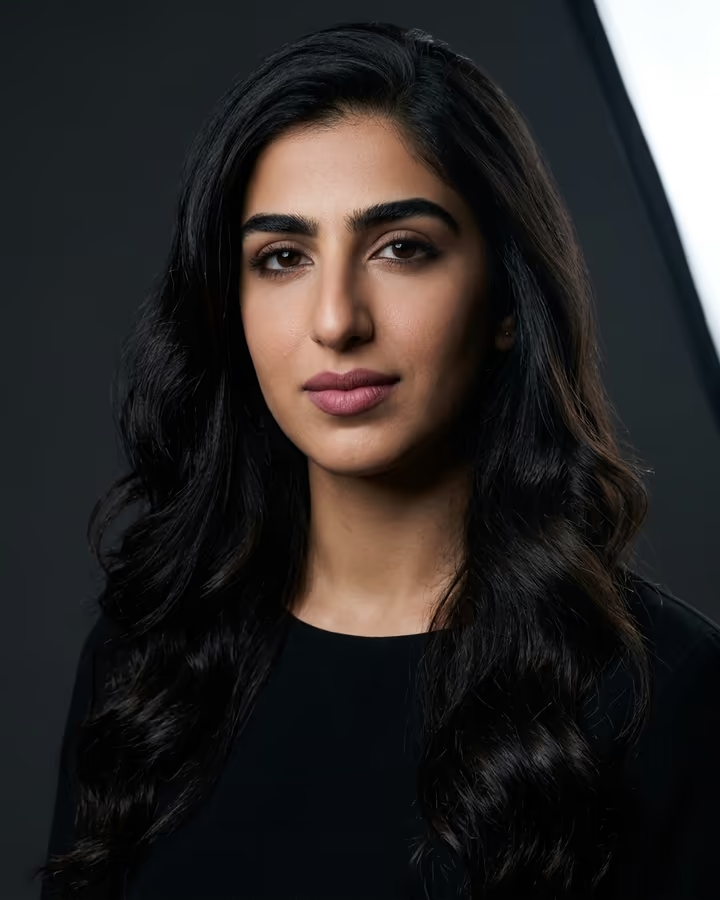
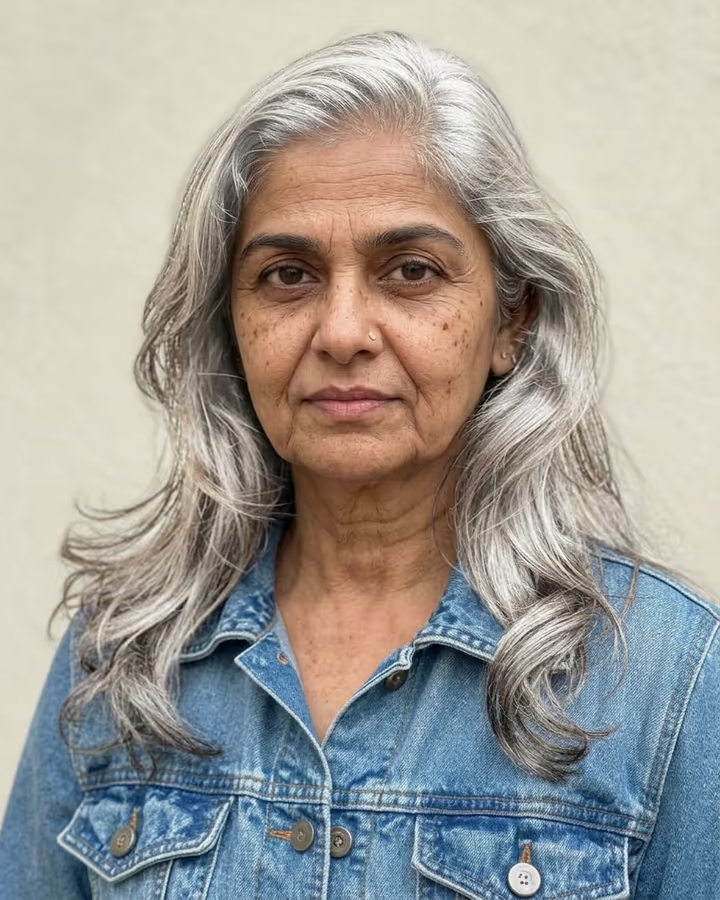
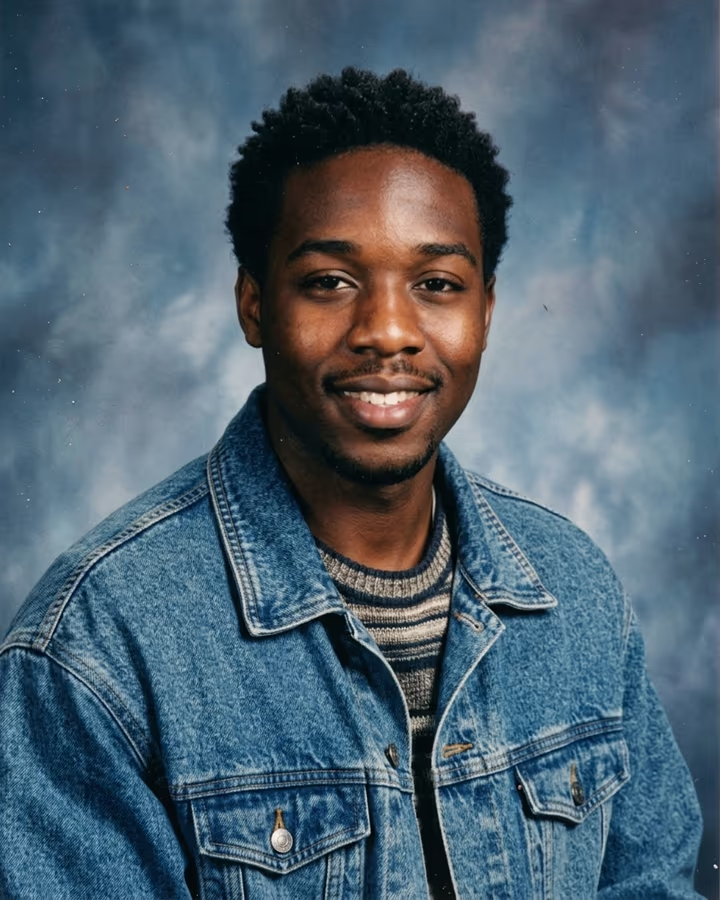
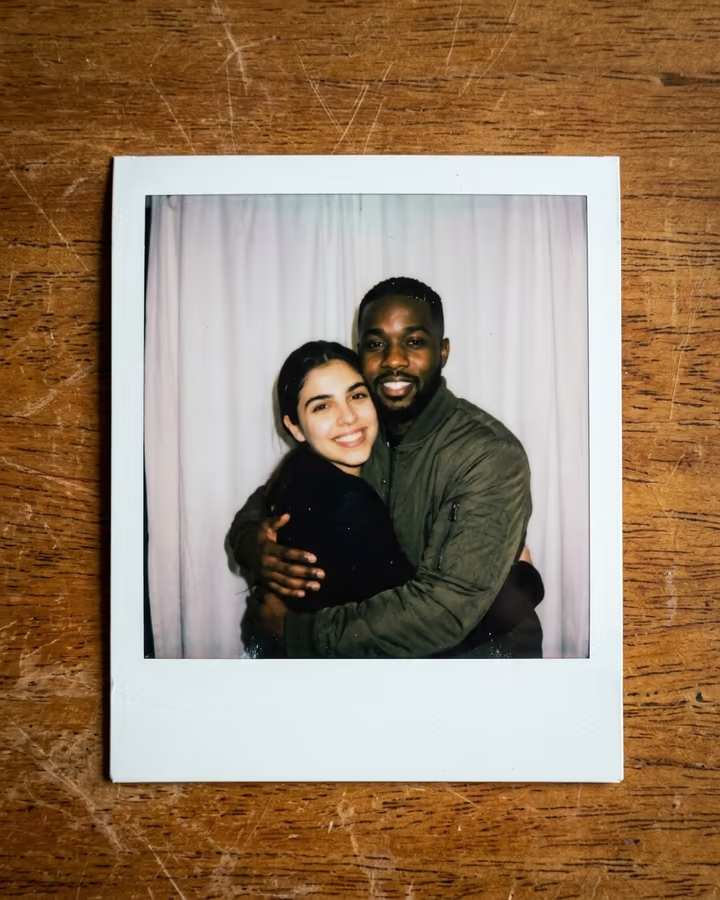
What is the AI Photo Enhancer?
The AI photo enhancer is for pictures that matter but look bad: a dim party snap, a screenshot of a screenshot, an old scan with a yellow cast, or a photo someone sent you through three messaging apps. Upload it and the template removes blur, noise, compression blocks and color casts, corrects exposure and white balance, and rebuilds fine detail in eyes, hair and fabric. The output is 2K, so it holds up when cropped or printed small.
The template is strict about what it doesn't change. It keeps the face, expression, pose, clothing, framing and background, and it adds no makeup or beautifying. The goal is the same moment, as if a better camera had taken it. The aspect ratio follows your original, so nothing gets cropped.
This began as one of the popular trend pages on Soracai, after people found that Nano Banana's image models could clean up photos while leaving the people in them alone. Older upscalers mostly sharpened edges. Newer models can infer plausible detail, which works well but also means you should check faces before using a result where accuracy matters.
What the enhancer fixes, and what it can't
It handles the usual problems well: motion blur and soft focus, sensor noise from low light, blocky JPEG compression from messaging apps, and color casts from old film or tungsten bulbs. It also brings up shadows and pulls back blown highlights where some detail remains.
It can't recover information that was never captured. A face that is a few pixels wide, a fully blown-out sky or a heavily cropped zoom will be rebuilt from the model's best guess. Those results can look convincing and still be wrong in small ways. For family archives, keep the original alongside the enhanced version, and treat the enhanced one as an interpretation.
Why it runs at 2K
Most of the other photo templates generate at 1K, which is plenty for a social post. An enhancer is different: people crop the result, zoom in to check faces and sometimes print it, so the template runs Nano Banana 2 at 2K. That gives roughly four times the pixels of a 1K image, with room for detail in hair and fabric.
The aspect ratio is set to match your upload, so a landscape group photo stays landscape and a tall phone screenshot stays tall. Nothing is reframed, which keeps the result comparable to the original side by side.