Skip to content

AI Makeup Filter: Instant Glow-Up Video

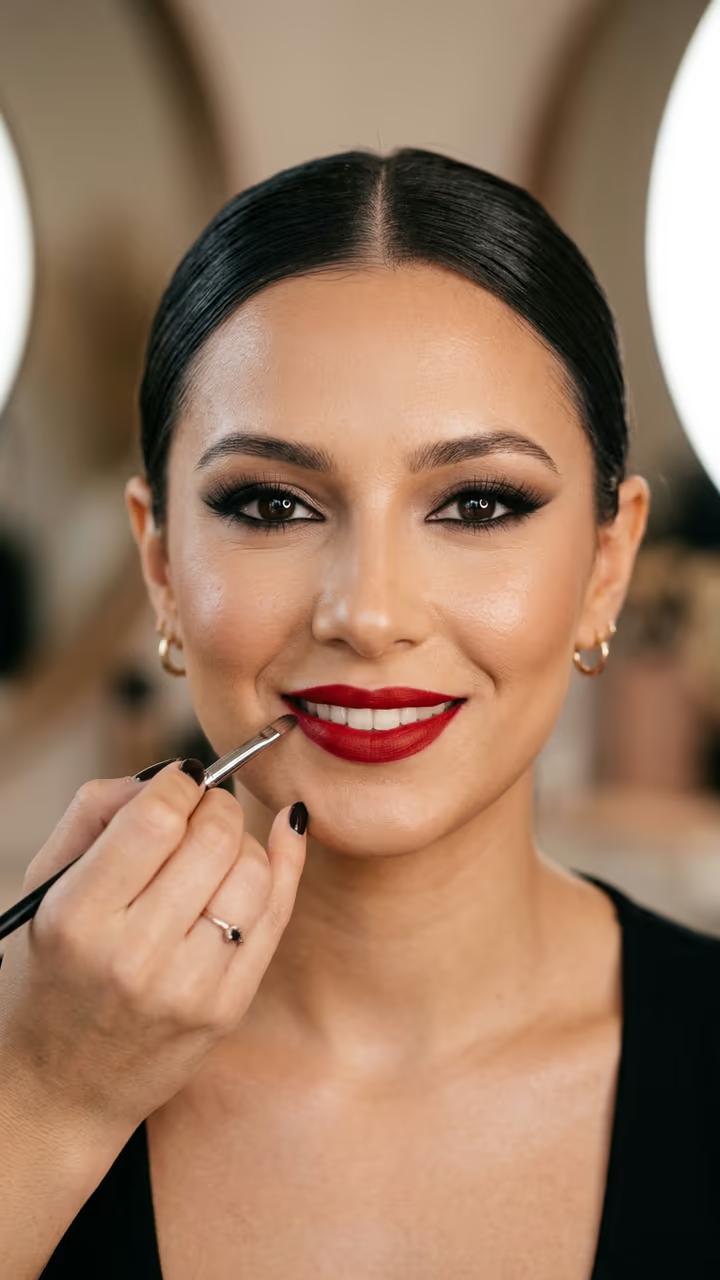
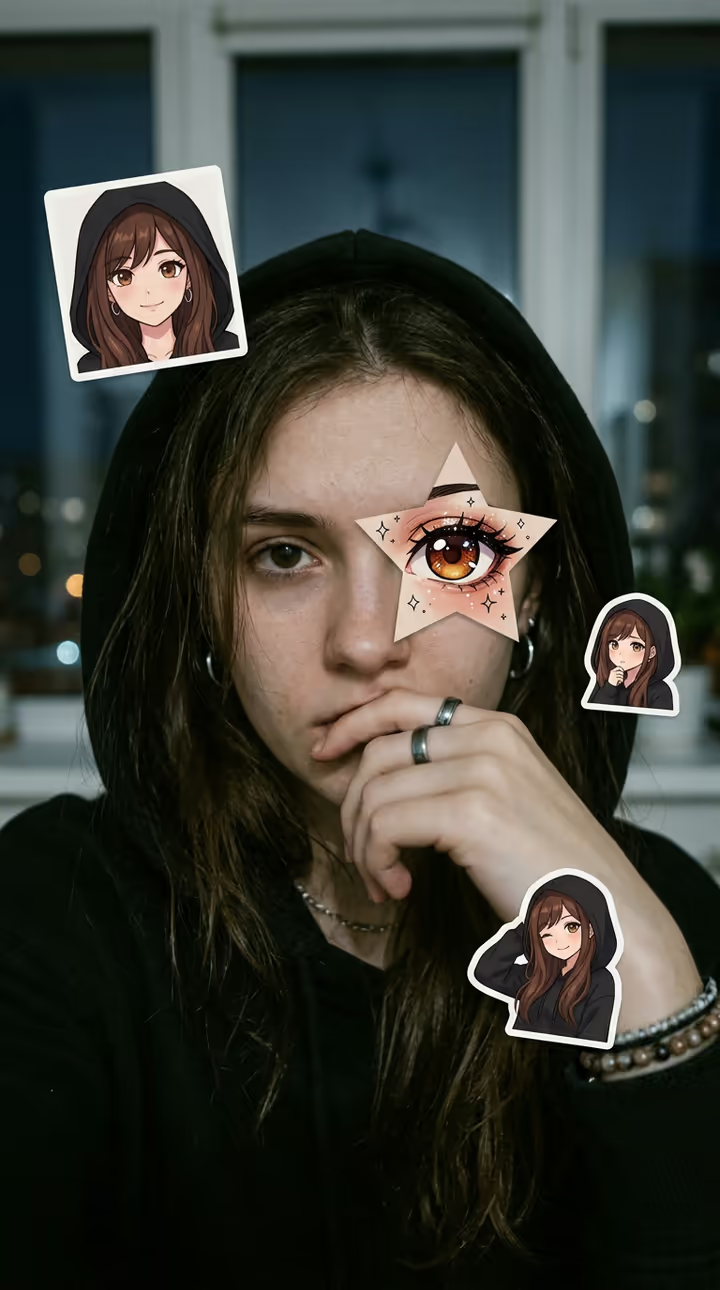
Eyes closed and bare-faced, a makeup artist's hands do your base, contour, eyes, liner, lashes and lips in fast cuts, then you open your eyes and smile in full glam: the AI makeup glow-up from one photo.

AI Makeup Filter · switch effect

Your photo

One adult, front-facing, face clear, little or no makeup. Hair pulled back works best.

Cost shown before you run · failed runs are refunded

  • Ready in 1–3 min
  • No watermark
  • Failed runs refunded
  • Uploads never published

This trend on Instagram & TikTok

The most-watched videos of this trend, shown with credit and a link to each original post. Videos belong to their creators; they were not made with Soracai.

  1. 1

    @y8uqc9aoz0

    Trend video

    TikTok

    2.17M views · 54K likes · April 25

    The first big “AI Fast Makeup Effect” tutorial

    Watch on TikTok ↗
  2. 2

    @kalawakan527

    Trend video

    TikTok

    685K views · 5,440 likes · June 15

    “AI Quick Makeup Tutorial | Instant Glow-Up”

    Watch on TikTok ↗

How to use the AI Makeup Filter: Instant Glow-Up Video

  1. 01

    Upload a photo

    Your photo: One adult, front-facing, face clear, little or no makeup. Hair pulled back works best..

  2. 02

    Press Generate

    The AI Makeup Filter effect runs on its own tuned settings. It costs 140 credits, shown on the button before you run it.

  3. 03

    Download

    Your video is ready in one to three minutes. Download the MP4 without a watermark.

What is the AI Makeup Filter: Instant Glow-Up Video?

The AI makeup filter is one of 2026's longest-running photo-to-video trends: you add one bare-faced photo, and a clip plays where a makeup artist's hands do your foundation, contour, eyeshadow, liner, lashes and lips in fast cuts, then you open your eyes in full glam. Upload one photo and this template makes your glow-up.

The trend comes from a CapCut AI template called "Maquillage". The first big tutorial, "AI Fast Makeup Effect Tutorial", went up on 25 April 2026 and passed 2.1 million views; the biggest, from 10 May, reached 4.6 million. Promoters copied it in many languages: "AI Quick Makeup Tutorial | Instant Glow-Up" in the Philippines, "efek AI makeup" in Indonesia, "trang điểm AI" in Vietnam, where one post passed 3 million views in August. It is still going: a new how-to on 19 October 2026 passed 440,000 views, and the template page counted over 5 million uses.

The template runs in two steps: an image model prepares your bare-faced, eyes-closed shot, then a video model plays the full makeup routine and your reveal with sound. You get an 8-second vertical clip with no watermark. Your face stays yours; only the makeup changes. The trend videos on this page are credited to their creators; the poster image is AI-generated.

What makes the glow-up work

The trend is all rhythm: fast cuts of brushes and sponges, then a pause, then the eyes open. The template keeps that order, base, eyes, liner, lashes, lips, reveal, so your clip has the same satisfying build as the viral ones.

Which photo to use

One adult, front-facing, face clear and evenly lit, ideally without makeup. Avoid sunglasses, hands on the face and heavy beauty filters, which make the result look painted on.

AI Makeup Filter: Instant Glow-Up Video FAQ

How do I make the AI makeup filter video?

Upload one clear front-facing photo and press Generate. You get an 8-second clip where a makeup artist's hands do your full look and you open your eyes in full glam. No CapCut template needed.

Is it free?

Video templates use paid credits. New accounts get free credits for photo templates only. The exact cost is shown on the Generate button before you confirm.

Will it change my face?

It is built to keep your face shape, features and skin tone; only the makeup changes. Each run can look slightly different, so try again if you want another take.

Is this affiliated with CapCut or the Maquillage template?

No. Soracai is not affiliated with CapCut or the template's creator. "AI makeup filter" is named only because that is what people search for.

Does the video have sound?

Yes: soft brush and sponge sounds and an upbeat original beat.

Is there a watermark?

No watermark is added to the video.

Where is my photo stored?

Uploads are stored in Firebase Storage (Google Cloud) under your account so the run can happen and the result appears in Creations. They are not public, and you can email support to request deletion. To run the effect, a copy is sent to our AI model provider (kie.ai); result files are kept for 14 days, so download what you want to keep.

More AI effects

Try the AI Makeup Filter: Instant Glow-Up Video

Upload a photo and get your video in a couple of minutes.

Upload photo