
What is the AI Dance Generator?
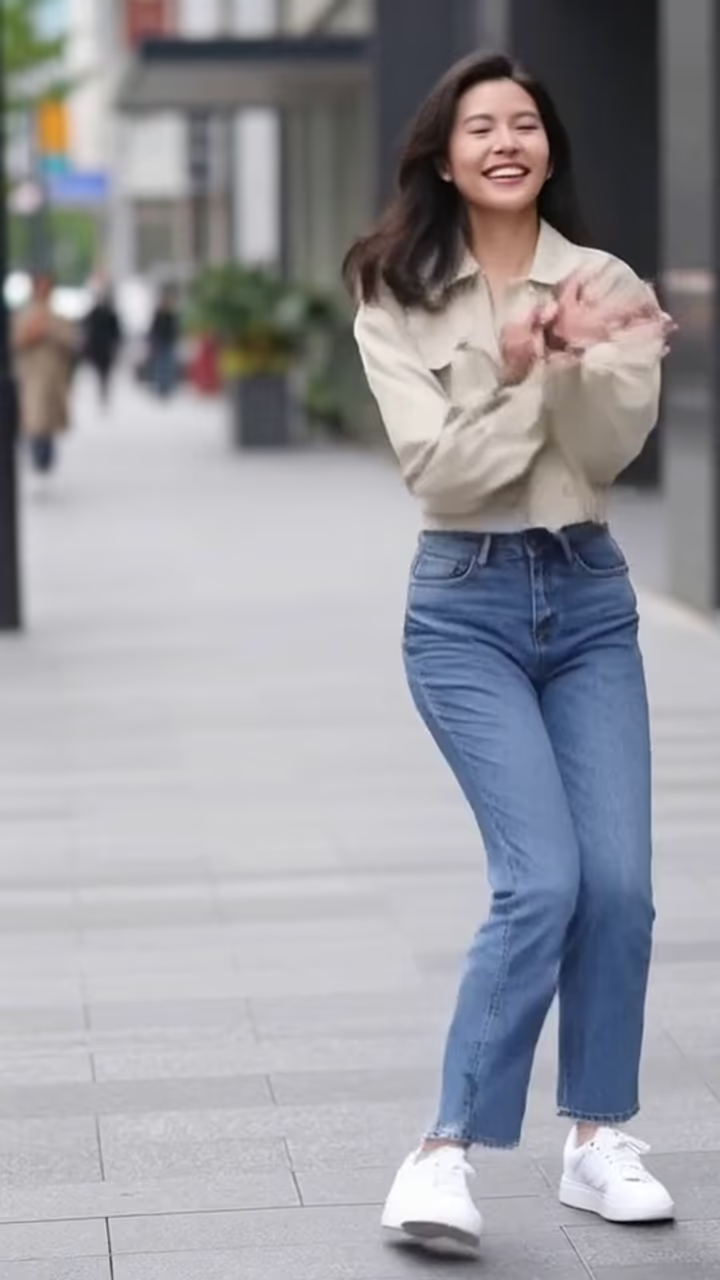
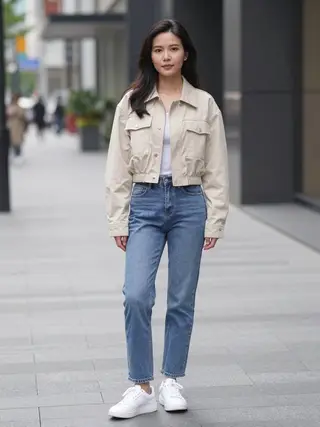
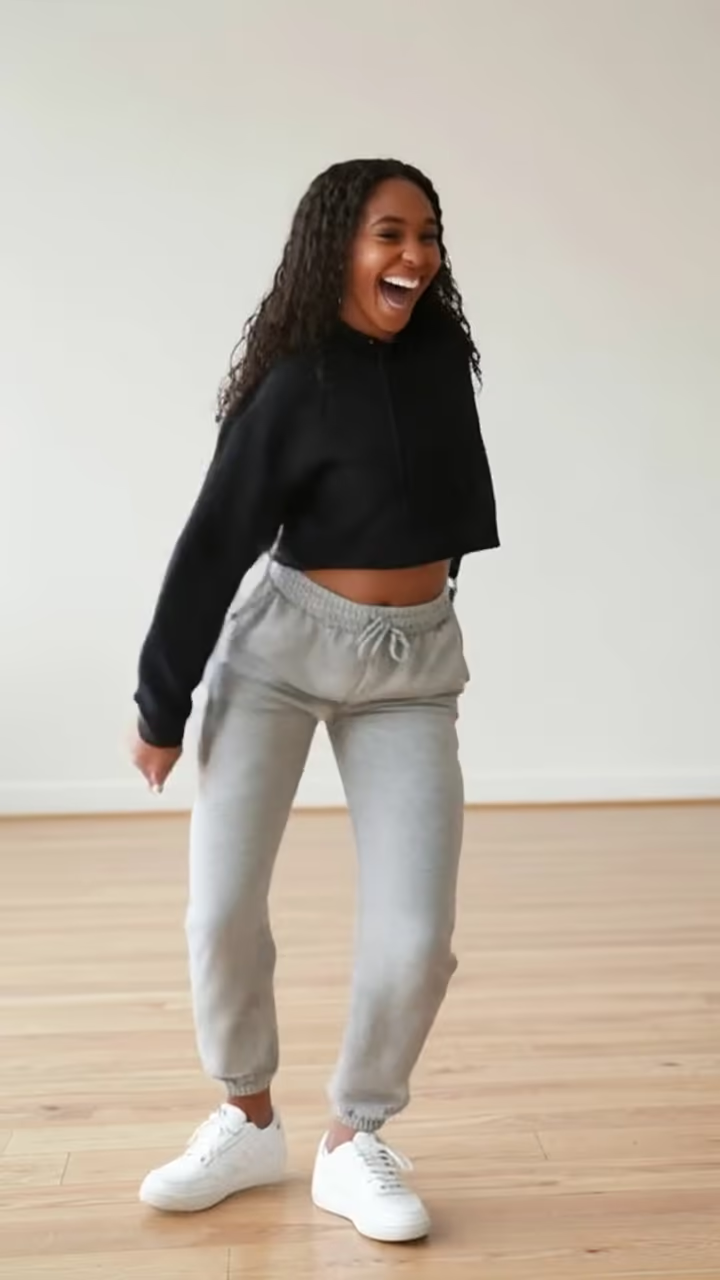
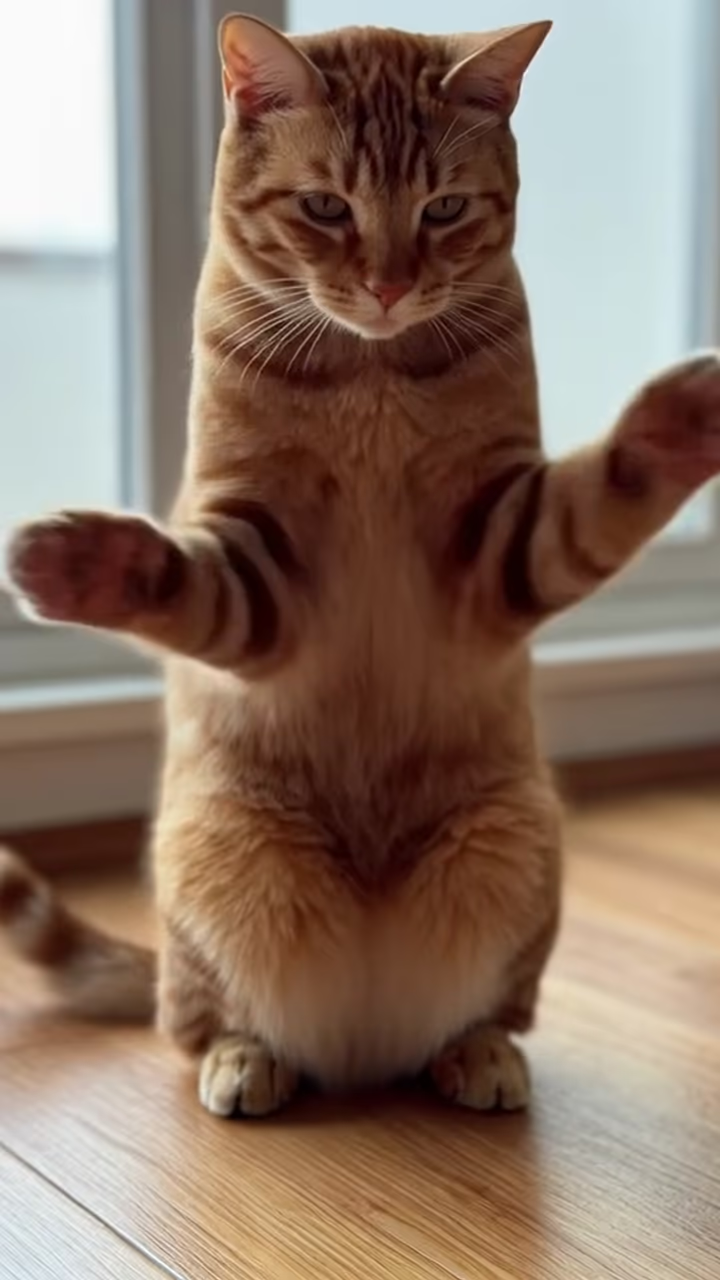
The AI dance generator turns a single still photo into a short dance clip. Upload a full-body picture of yourself standing, and the model animates you through an upbeat hip-hop routine: bouncing on the beat, a couple of arm waves, a body roll and a confident pose to finish. The camera stays still, your outfit and face stay consistent, and the result is a vertical video ready for TikTok, Reels or Shorts.
Photo-to-dance effects have been one of the most shared AI video formats since image-to-video models became good enough to keep a person's body coherent while it moves. In 2024 and 2025, apps and templates that made photos dance spread across TikTok, often paired with whatever song was trending that week. People used them on themselves, on friends who would never dance on camera, and on old photos of parents and grandparents for a laugh.
This page is the quick, no-reference version: one photo, one tap, a generic dance that fits most songs. Add your own music in any editor afterward; the clip is silent and loops cleanly. If you want a specific named dance, use the style pages at /ai-dance, where each style copies the moves from a reference dance video, so the timing and choreography match the trend you are after. Video generation takes around one to three minutes, and the finished clip has no watermark.
Want a specific TikTok dance?
This generator does a general upbeat routine that works with most songs. If you are chasing a particular trend, go to the style pages at /ai-dance. There are more than 40 named styles there; you pick one, and the model follows the moves of a reference video, so the steps and timing match what people recognize from the original.
The trade-off is simple. This page is the fastest option and needs nothing but your photo. The /ai-dance styles take a little longer and are billed on the length of the reference dance, but they give you a recognizable choreography instead of a generic groove.
What makes a photo dance well
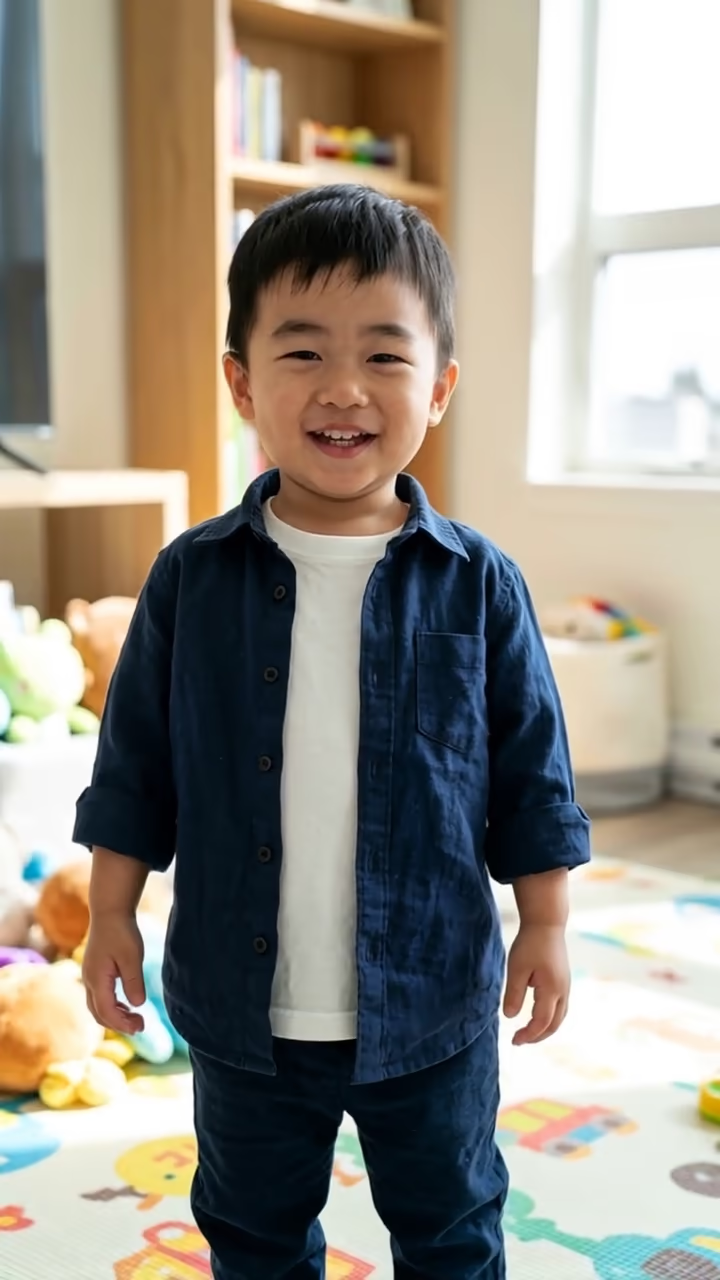
Image-to-video models have to guess what your body looks like from angles the photo never showed. The more of you they can see, the less they invent. That is why a full-body photo, standing, facing the camera, in good light gives the most natural movement.
Things that confuse the model: hands in pockets, a bag strap across the body, very loose clothing, heavy shadows or other people in the frame. If a result looks rubbery or a limb disappears for a moment, try a cleaner photo first. Each run is a new take, so a second attempt with the same photo can also land better.