TikTok

AI Photos and Videos for TikTok

Create viral TikTok content with AI-generated photos, effects, and video thumbnails

2B+ Views on the Ghostface AI trend on TikTok
Size Guide

TikTok Image Dimensions

The exact pixel dimensions recommended for TikTok. Use these to ensure your AI photos look sharp and never get cropped.

TikTok Video / Photo

9:16
1080×1920px

Full-screen vertical. This is the standard for all TikTok content.

Profile Photo

1:1
200×200px

Displays as a circle. Upload at least 200x200px.

Video Thumbnail

9:16
1080×1920px

Custom thumbnail for your video. Shows on your profile grid.

Why AI Photos for TikTok?

TikTok's algorithm rewards novelty. Users who jump on visual trends early get massive organic reach. AI photo generators let you create transformation content, before/after reveals, and unique visual effects that the built-in TikTok filters cannot replicate. Higher quality AI output means your content looks more impressive in side-by-side comparisons, which drives comments and duets.

TikTok Optimization Guide

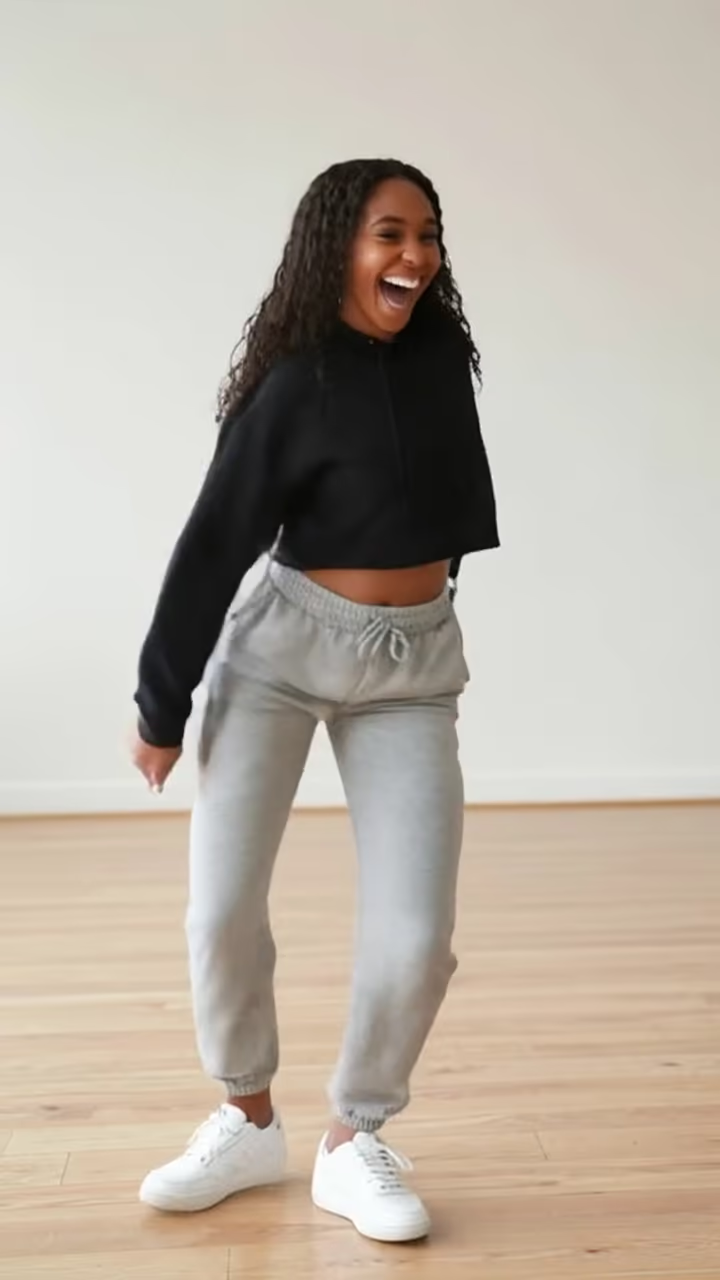
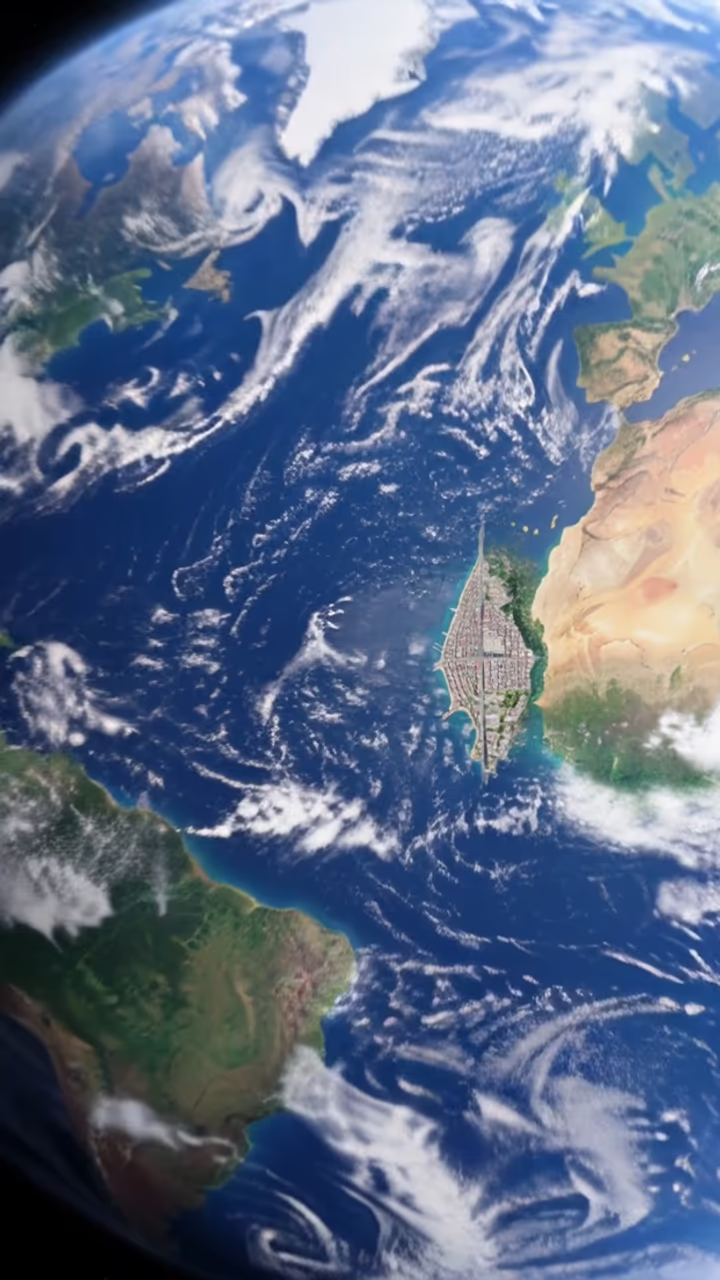
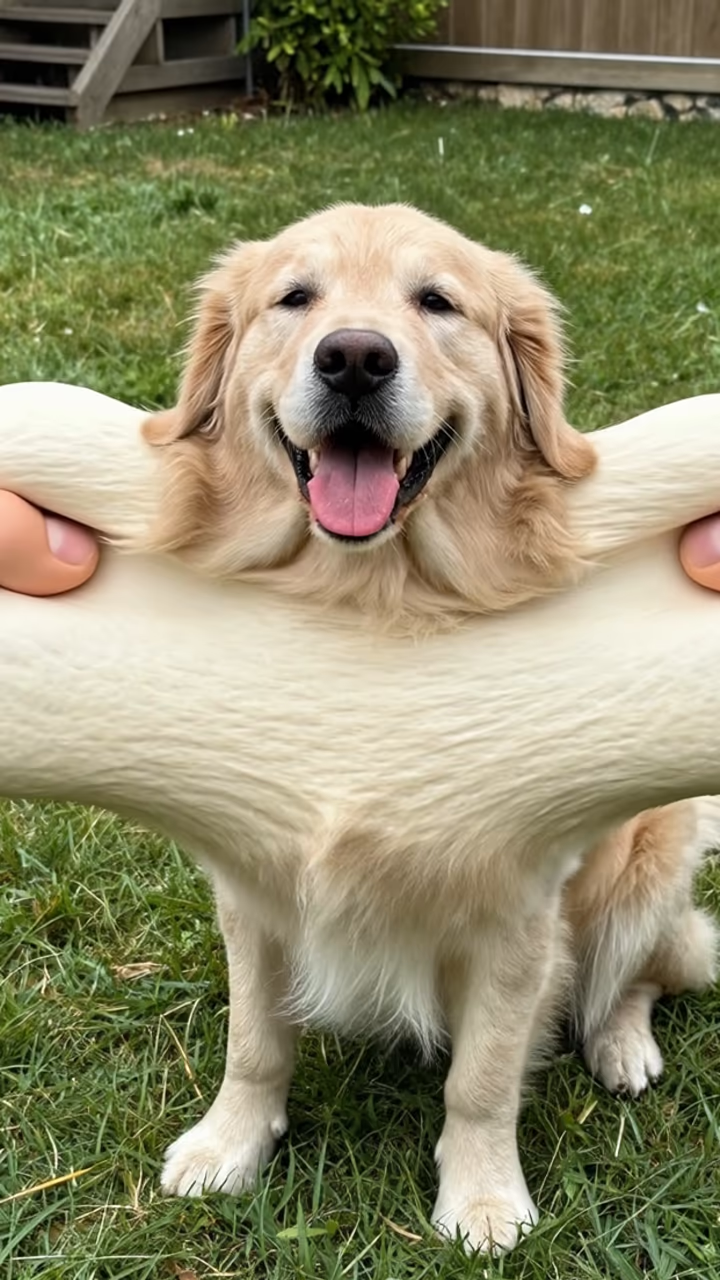
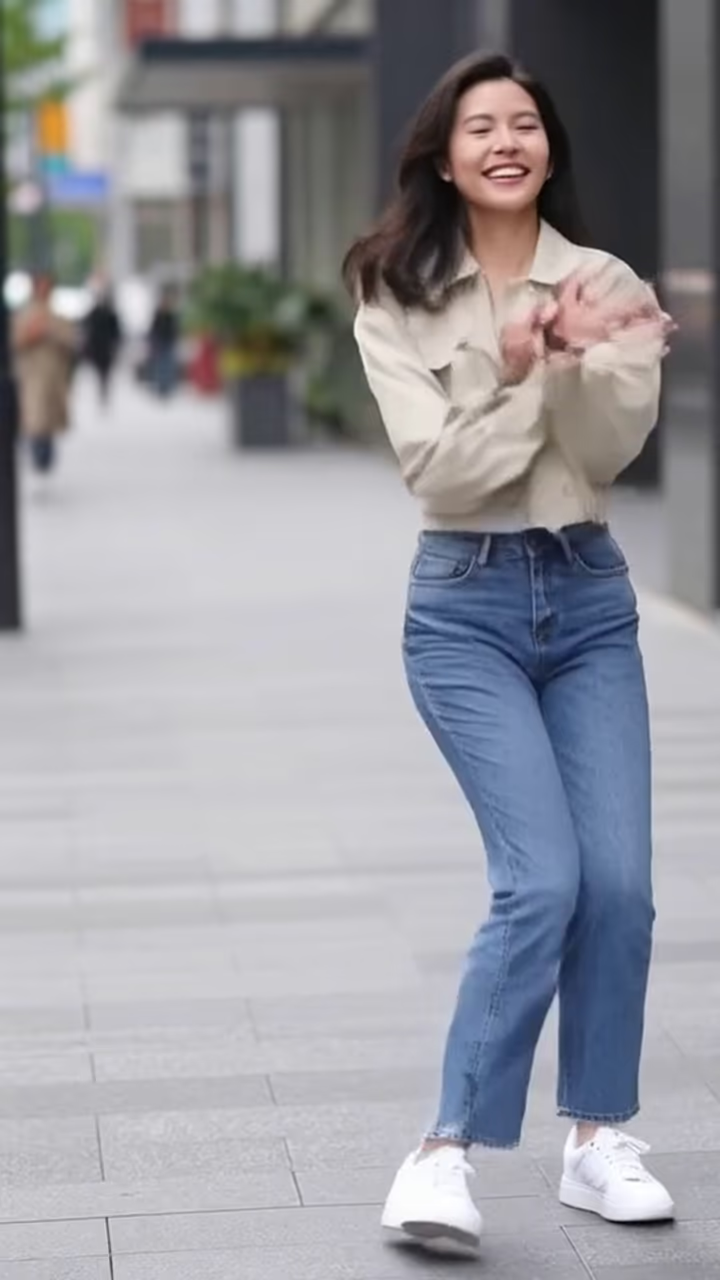
Always generate in 9:16 vertical format for TikTok. The most successful AI photo content follows the transformation reveal format: show the original photo, then reveal the AI version with a dramatic transition. Use trending audio to boost discoverability. Post during peak hours (7-9pm in your audience's timezone). Add relevant hashtags like #AIart, #AIfilter, and the specific trend name. Keep your video under 30 seconds for maximum completion rate, which signals quality to the algorithm.

TikTok Photo Do's and Don'ts

Do

  • Act fast when a new AI trend emerges on TikTok
  • Use high-resolution source photos for the cleanest transformations
  • Add captions or text overlays describing the AI effect used
  • Engage with comments and duets to boost algorithmic reach
  • Show the process or comparison for authenticity and engagement

Don't

  • Upload horizontal or square images without reformatting to 9:16
  • Use AI photos of real people without their consent
  • Claim AI-generated content is real photography to deceive viewers
  • Ignore TikTok's community guidelines around synthetic media
  • Wait too long to post trend content. TikTok trends peak and fade in days

Use Cases

  • Before/after AI transformation reveal videos
  • Trending AI filter content (Ghostface, anime, etc.)
  • Unique profile photos that reflect your brand
  • Custom thumbnails for better click-through rates on your profile grid
  • AI art slideshows set to trending audio
  • Reaction content to AI-generated versions of celebrities or characters

Pro Tips for TikTok

  • Jump on AI trends within the first 48 hours for maximum organic reach.
  • Use the before/after reveal format with a dramatic transition sound.
  • Generate at 1080x1920 for the sharpest full-screen quality.
  • Pair AI photos with trending audio to hit the For You page.
  • Create series content, the same effect on different people or photos, to build anticipation.

Frequently Asked Questions

Ready to Create AI Photos for TikTok?

Generate stunning, platform-optimized photos in seconds. No subscription, pay only for what you use.

Get Started