Instagram

AI Photos for Instagram Content

Generate scroll-stopping Instagram posts, stories, and reels covers with AI

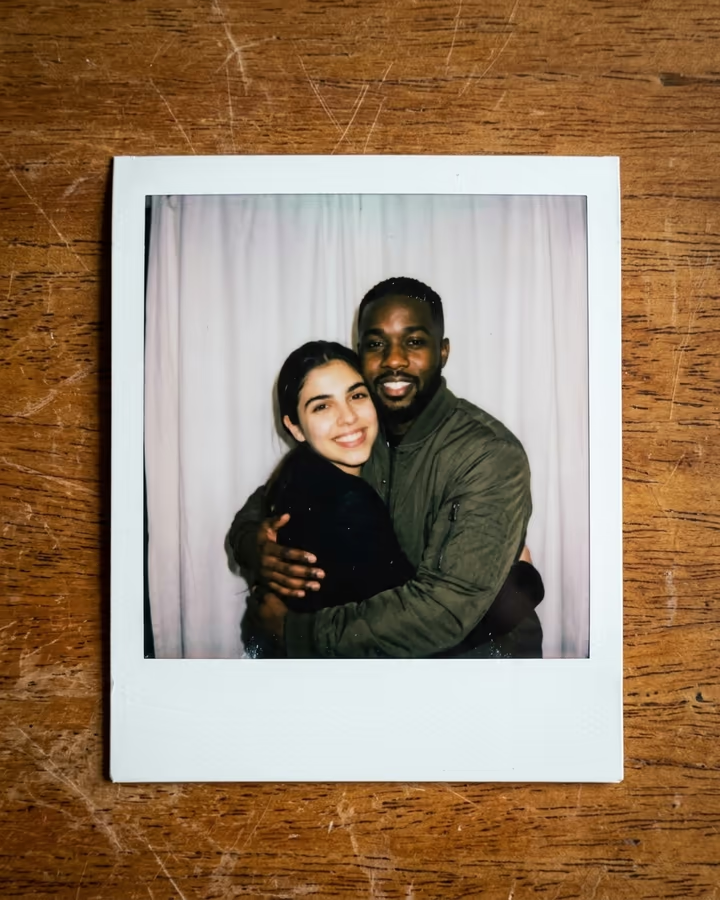
8% Higher engagement with 4:5 portrait posts
Size Guide

Instagram Image Dimensions

The exact pixel dimensions recommended for Instagram. Use these to ensure your AI photos look sharp and never get cropped.

Square Post

1:1
1080×1080px

Classic Instagram square. Still the most versatile feed format.

Portrait Post

4:5
1080×1350px

Takes up more screen real estate in the feed. Best for engagement.

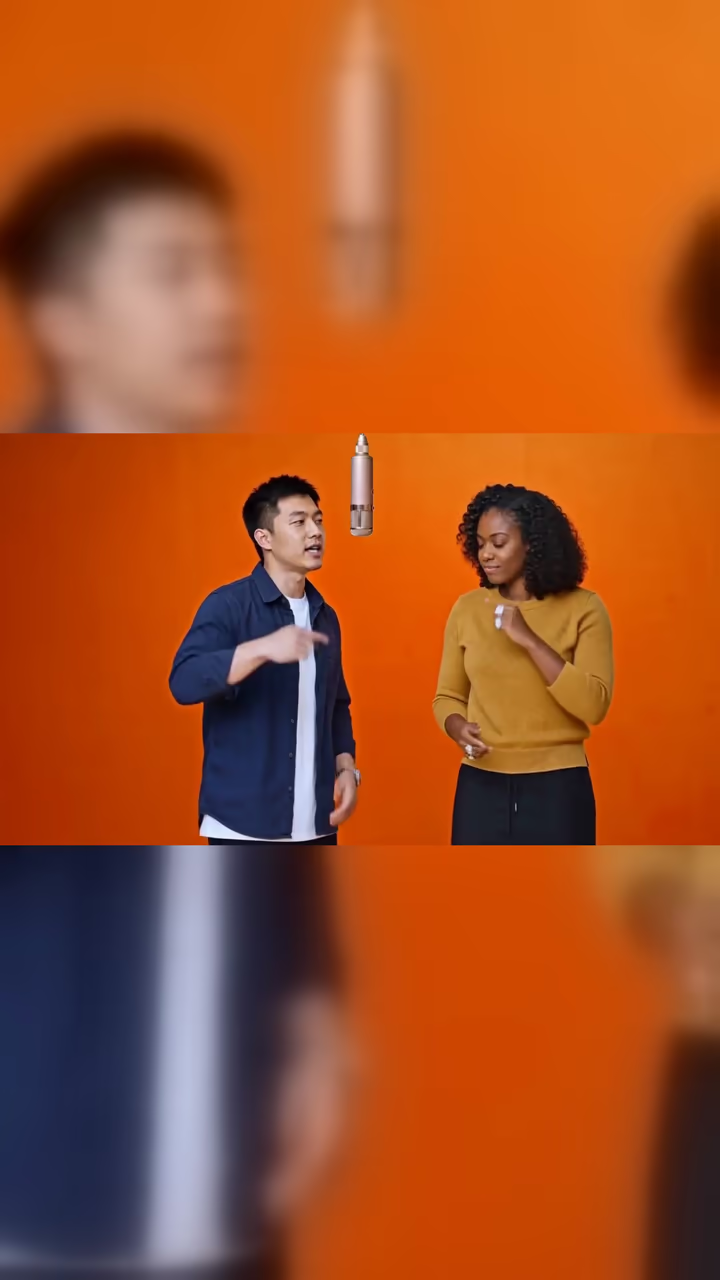
Story / Reel Cover

9:16
1080×1920px

Full-screen vertical for Stories and Reels.

Profile Photo

1:1
320×320px

Displays at 110x110 on mobile, 150x150 on desktop. Upload 320x320 minimum.

Why AI Photos for Instagram?

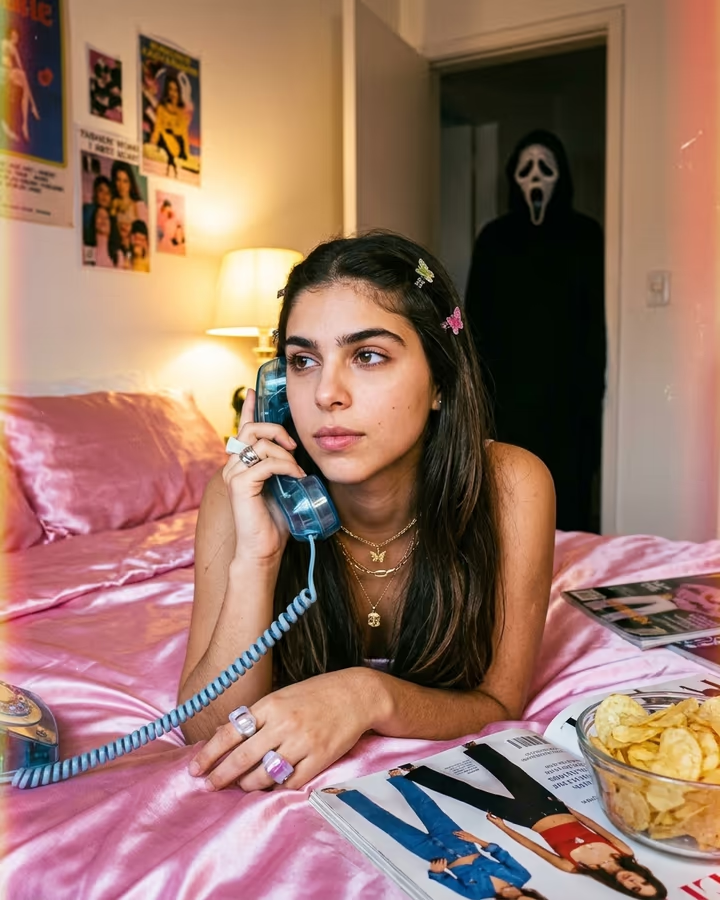
Creating fresh Instagram content daily is exhausting. Professional photographers charge per shoot, stock photos look generic, and your phone camera can only do so much. AI photos solve this by giving you unlimited creative options. Generate seasonal themes, try viral art styles, or produce carousel content that would take hours to design manually. You can maintain a cohesive aesthetic across your entire feed without repeating yourself.

Instagram Optimization Guide

Instagram's algorithm rewards content that generates saves and shares. Visually unique AI art tends to perform well on both metrics because it sparks curiosity. Use 4:5 portrait ratio for feed posts since they occupy more screen space and get 8% higher engagement than square images. For Stories, always fill the full 9:16 frame. Batch-create content in multiple styles, then schedule with a consistent posting cadence. Carousels with AI-generated art variations get 1.4x more reach than single images.

Instagram Photo Do's and Don'ts

Do

  • Experiment with trending AI art styles early before they saturate
  • Maintain a color palette that ties your AI content to your brand
  • Use AI images as backgrounds for text-based educational content
  • Credit your creative process in captions to build authenticity
  • Optimize every post for 4:5 ratio to maximize screen presence

Don't

  • Post AI-generated photos claiming they are real photography without disclosure
  • Use the same AI style repeatedly until it becomes monotonous
  • Ignore image quality. Compression artifacts ruin the feed aesthetic
  • Forget to add alt text to your AI-generated images for accessibility
  • Upload images below 1080px wide. Instagram will downscale them further

Use Cases

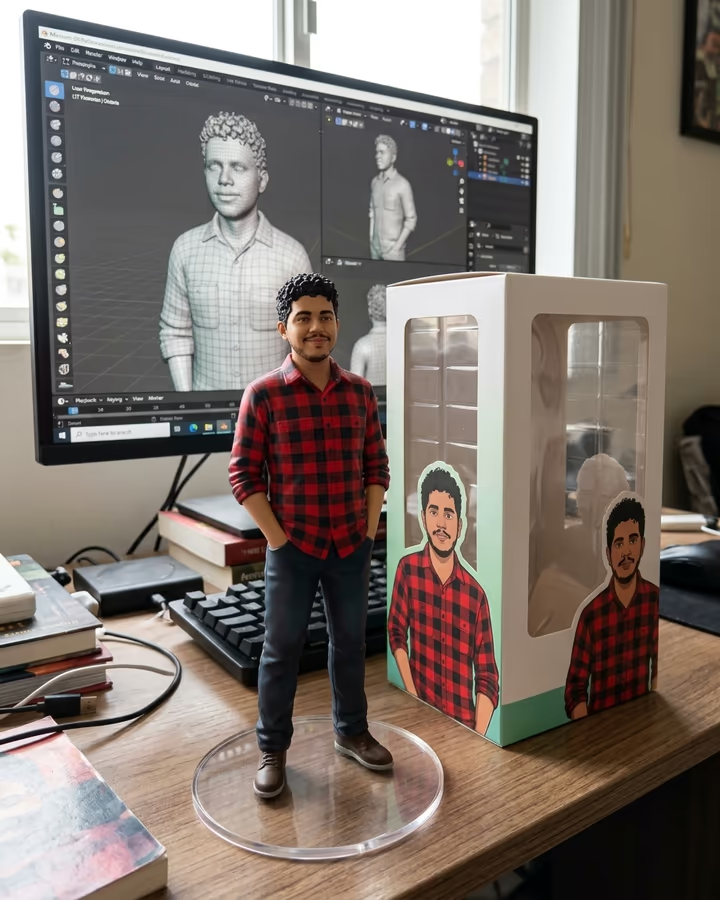
  • Daily feed posts with unique art styles
  • Story backgrounds and highlight covers
  • Carousel posts showing style transformations
  • Reel cover images that attract clicks
  • Consistent aesthetic theme across your grid
  • Profile photo that reflects your brand personality

Pro Tips for Instagram

  • Use 4:5 portrait ratio for maximum feed real estate.
  • Create content series using different AI styles for consistency with variety.
  • Add text overlays to AI images for educational or quote content.
  • Save your best AI generations as story highlights to showcase your brand.
  • Test different styles and track which ones get the most saves.

Frequently Asked Questions

Ready to Create AI Photos for Instagram?

Generate stunning, platform-optimized photos in seconds. No subscription, pay only for what you use.

Get Started