
Why use AI images on LinkedIn
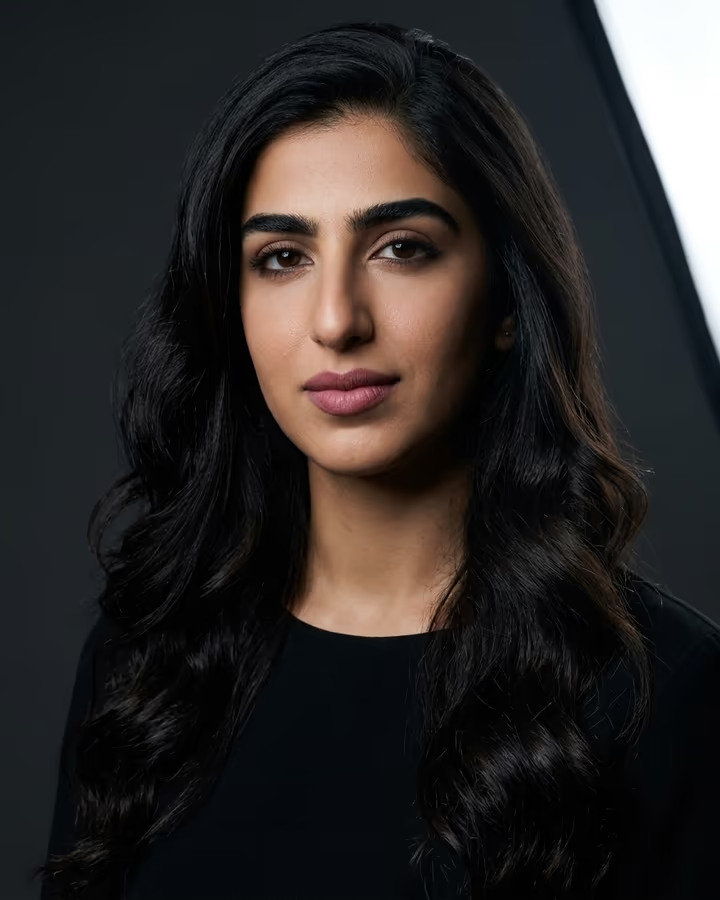
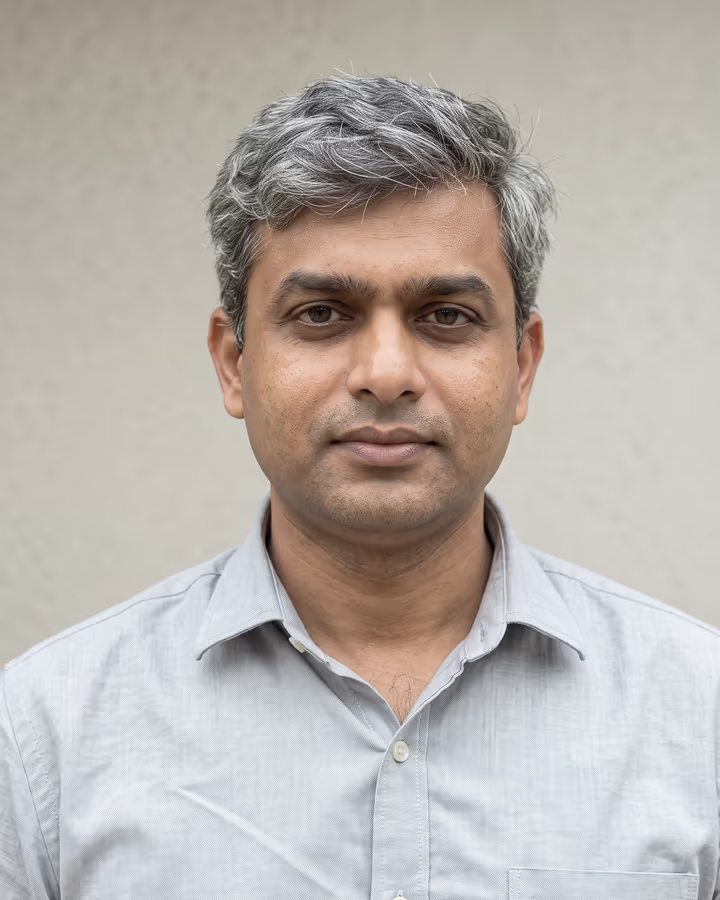
Many people never get a proper headshot because a studio session costs money and needs scheduling. An AI headshot is a quick alternative: upload a good selfie, try a few looks, outfits and backgrounds, and keep the one that still looks like you. It suits recent graduates, career changers and anyone whose current photo is years old.
LinkedIn photo guide
Use a headshot where your face fills most of the frame. Stick to plain or softly blurred backgrounds in neutral tones, and dress the way you would for a meeting in your field. Avoid group crops, sunglasses and holiday snapshots. For the banner, choose an image that supports your professional story: a workspace, a cityscape or an abstract pattern in your brand colours.
Do
- Use a recent photo that looks like you today
- Frame your face so it fills most of the image
- Use professional attire appropriate to your field
- Maintain a clean, uncluttered background
- Keep consistent lighting and a warm, natural tone
Don’t
- Crop yourself out of a group photo
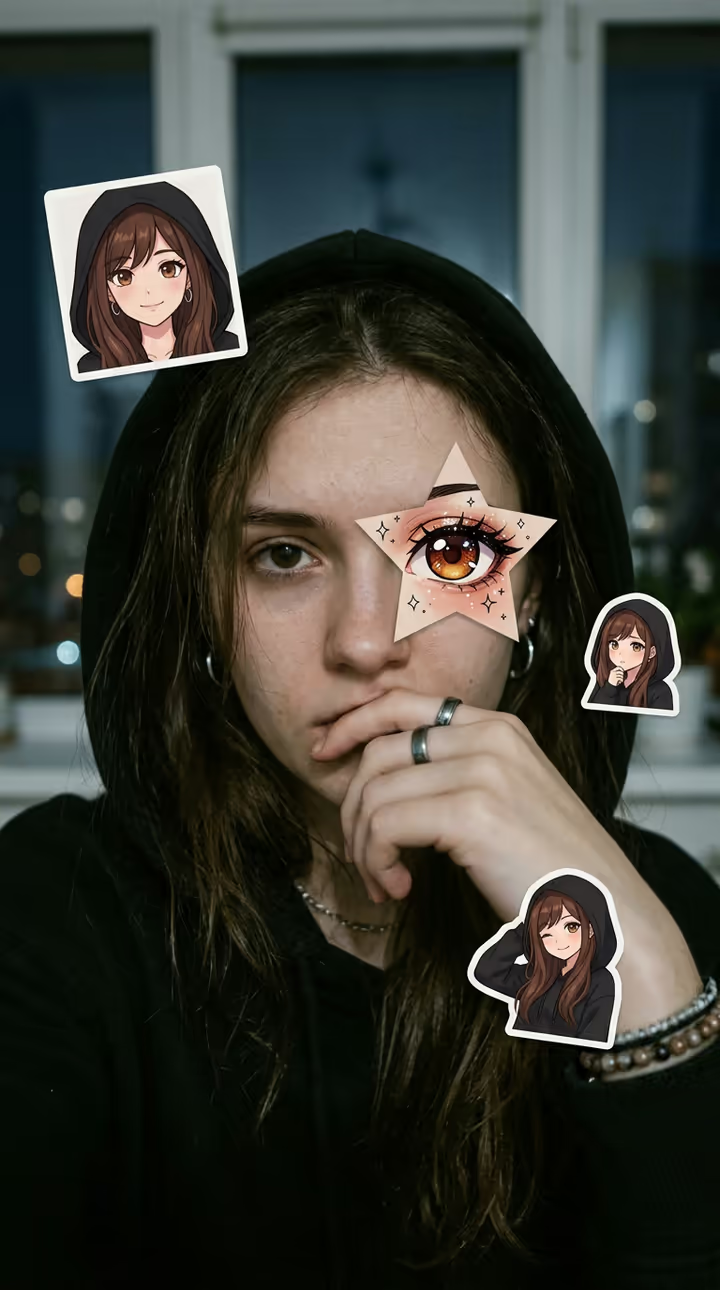
- Use heavy filters or obvious AI artifacts
- Include sunglasses or hats that obscure your face
- Use a landscape or vacation photo as your headshot
- Leave the default LinkedIn silhouette as your profile photo