
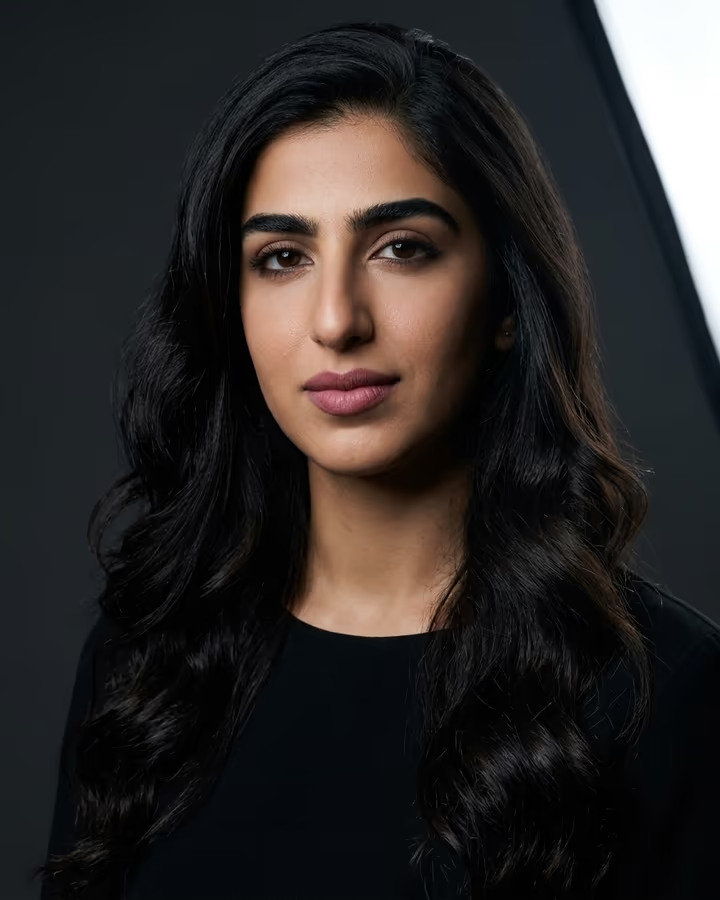
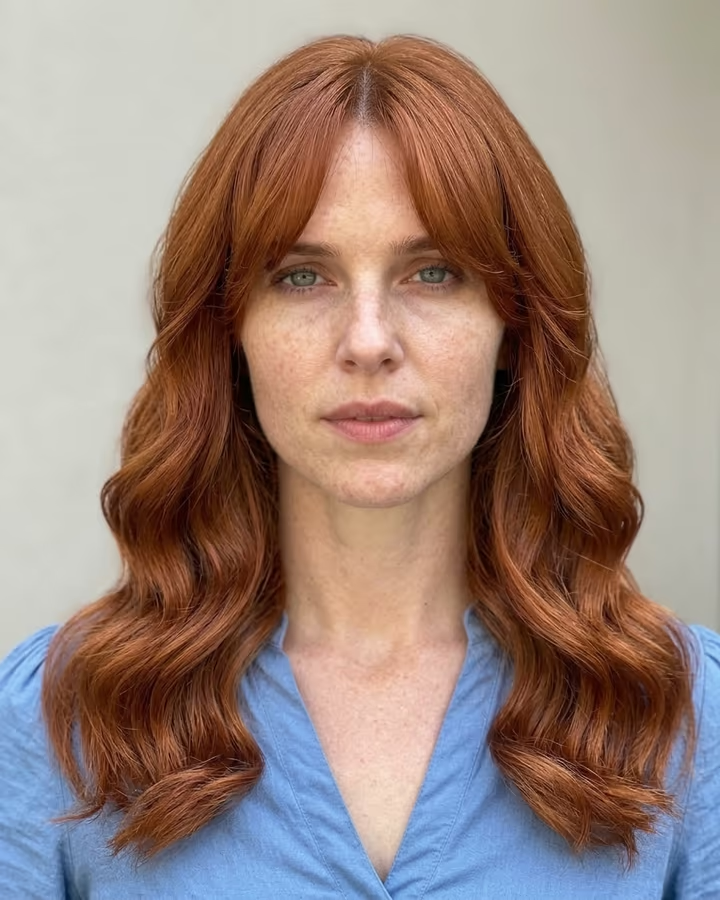

Why use AI images on Dating Apps
Many people have only a few decent photos of themselves. AI can improve the light, background and framing of photos you already have. The goal is better versions of real photos, not a different-looking person: your matches will meet you in real life.
Dating Apps photo guide
Dating apps value authenticity, and several have rules against misleading photos and offer photo verification. Lead with a clear photo where your face is the focus. Use AI to improve light and background, not to change your face, body or age. Mix in a full-body photo, an activity shot and one fun or creative image. Avoid group photos as your first image.
Do
- Enhance lighting, background, and overall polish of real photos
- Keep the output looking natural and true to your appearance
- Use a variety of photo types: headshot, full body, activity, creative
- Generate photos with warm, inviting color tones
- Try different lead photos and see which one gets better conversations
Don’t
- Alter your facial features, body shape, or age with AI
- Use obviously AI-generated fantasy or unrealistic images
- Make all your photos look studio-perfect. Some casual authenticity helps
- Use AI group photos where the other people look synthetic
- Catfish. Your matches will meet you in person and notice the difference