Skip to content

AI Avatars for Discord

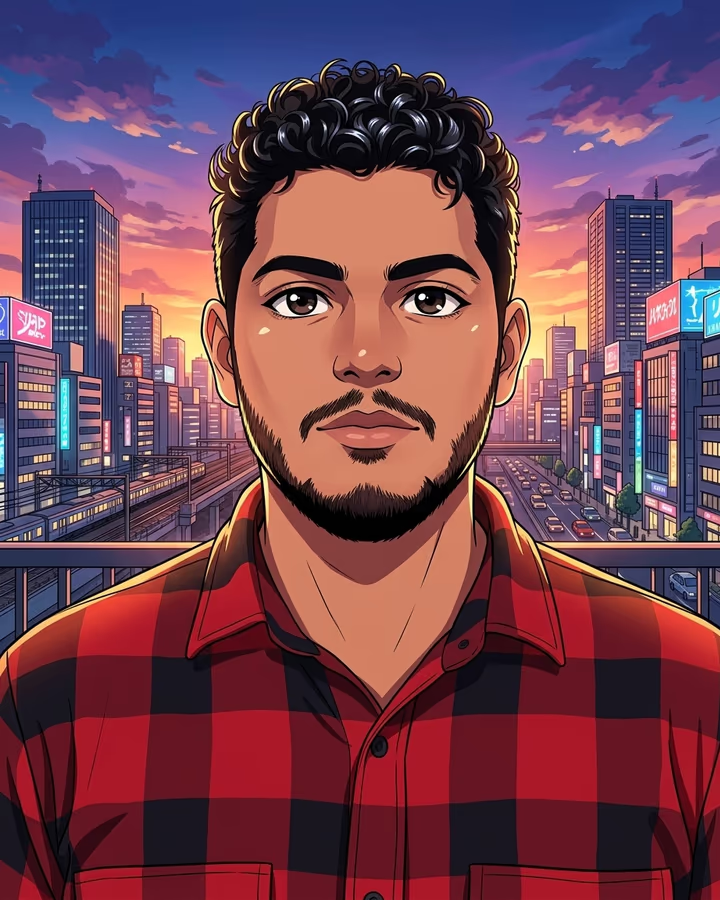
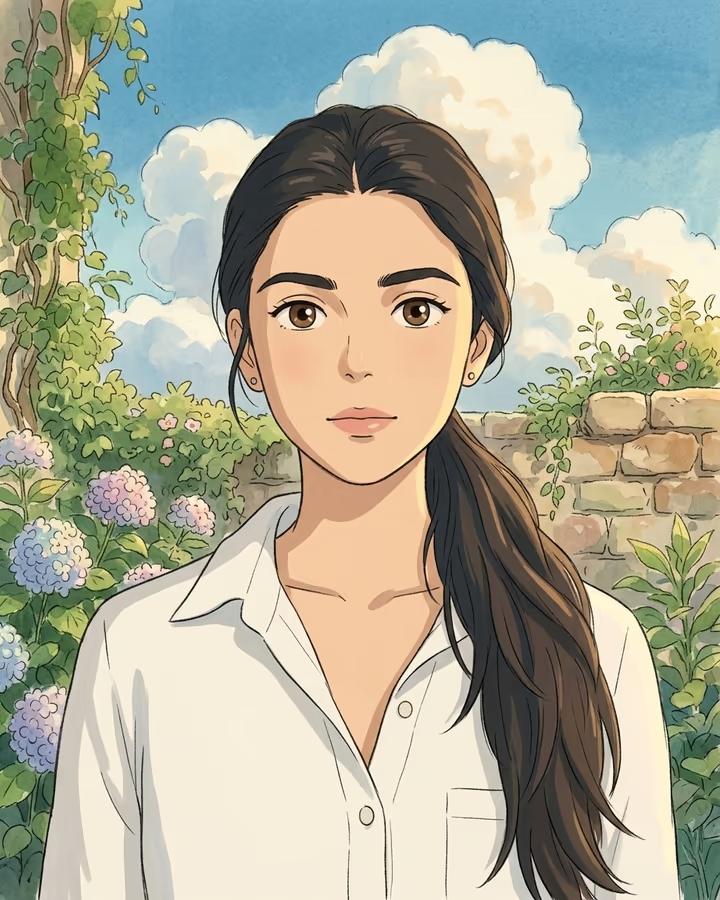
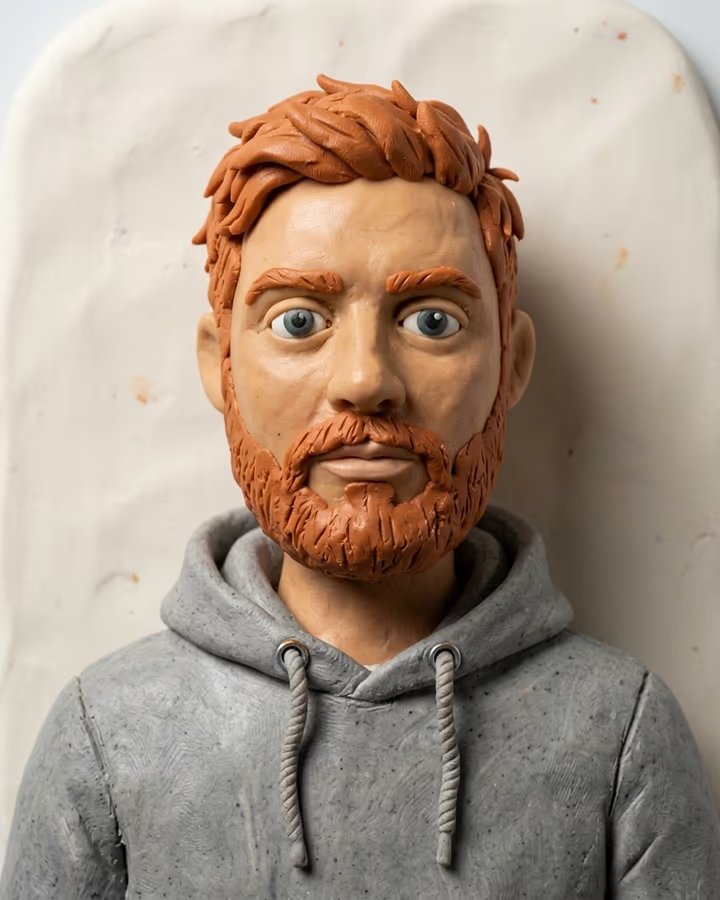
Create unique Discord profile pictures, server icons, and banners with AI. On Discord, your username and avatar are your identity. A distinctive avatar helps you stand out in member lists, chat and voice channels. Whether you run a server and need a matching icon and banner, or you just want a new look, AI styles give you lots of options from your own photo.

Discord image sizes

ImageSize (px)RatioNote
User Avatar512 × 5121:1Displays as a circle. 128x128 minimum, 512x512 recommended for Nitro quality.
Server Icon512 × 5121:1Displays as a rounded square at various sizes. 512x512 for best quality.
Server Banner960 × 54016:9Server Boost Level 2 required. Displays at top of server and in invite.
Profile Banner (Nitro)680 × 2402.83:1Nitro-only feature. Shows on your profile card when someone clicks your name.

Need to hit a size exactly? The image resizer and compressor run in your browser at no cost.

Effects that work well on Discord

All effects

Where to start

Why use AI images on Discord

Commissioning a custom avatar from an artist takes time and money, and artists deserve that support when you want something truly custom. AI is a quick alternative for trying ideas: make a few versions, keep the one you like, and change it for a season, an event or a new game. Server owners can make a matching icon and banner for a consistent look.

Discord photo guide

Discord avatars show as circles in chat and member lists, so centre your subject and keep details away from the edges. Bold colours and simple compositions read best at small sizes. Server icons show as rounded squares, so corners matter more there. Nitro members can add a profile banner and animated avatars.

Do

  • Use anime, pixel art, or stylized art that fits Discord's culture
  • Design avatars that look good against Discord's dark mode background
  • Keep important elements centered for the circular crop
  • Create server icons that are readable at 48px in the sidebar
  • Generate matching visual themes for server icon, banner, and role icons

Don’t

  • Use text-heavy avatars that become illegible at small sizes
  • Use light backgrounds that wash out next to Discord's interface
  • Put important details near the corners where circular cropping removes them
  • Use copyrighted characters or other people's photos without permission
  • Forget to check how your avatar looks in dark mode, which many people use

AI photos for Discord: FAQ

What is the best Discord avatar size?

Upload at 512x512 pixels for best quality, especially if you have Nitro. The minimum is 128x128, but larger files look better on desktop and high-DPI screens. Discord displays avatars as circles, so keep your subject centered.

Can I use an animated AI avatar on Discord?

Animated avatars require Discord Nitro. Soracai makes still images and short videos; to animate an avatar, you would convert a short clip to GIF with a separate tool.

What is the Discord server icon size?

Server icons should be 512x512 pixels. They display as rounded squares (not circles like avatars). The icon appears at various sizes throughout Discord, from 48px in the server sidebar to larger in server settings and invites.

What style of AI avatar works best on Discord?

Anime and manga styles are common on Discord, and pixel art fits gaming communities. Choose a style that matches your server and stays readable at small sizes.

Make your next Discord image

Pick an effect, or describe the image you want in Photo studio.

Explore Soracai