Skip to content

AI Photos for Content Creators and Influencers

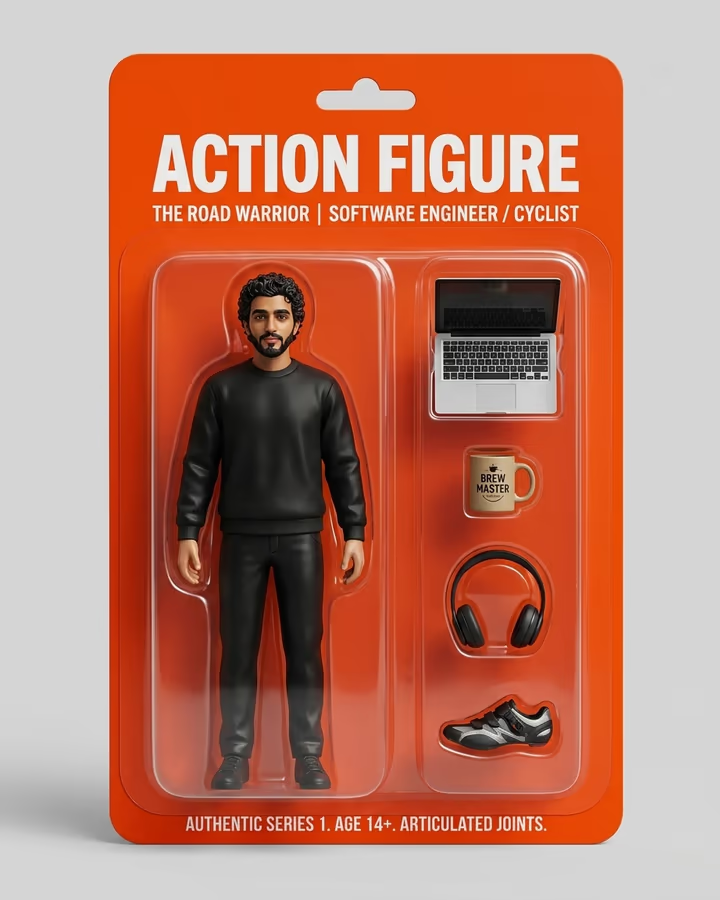
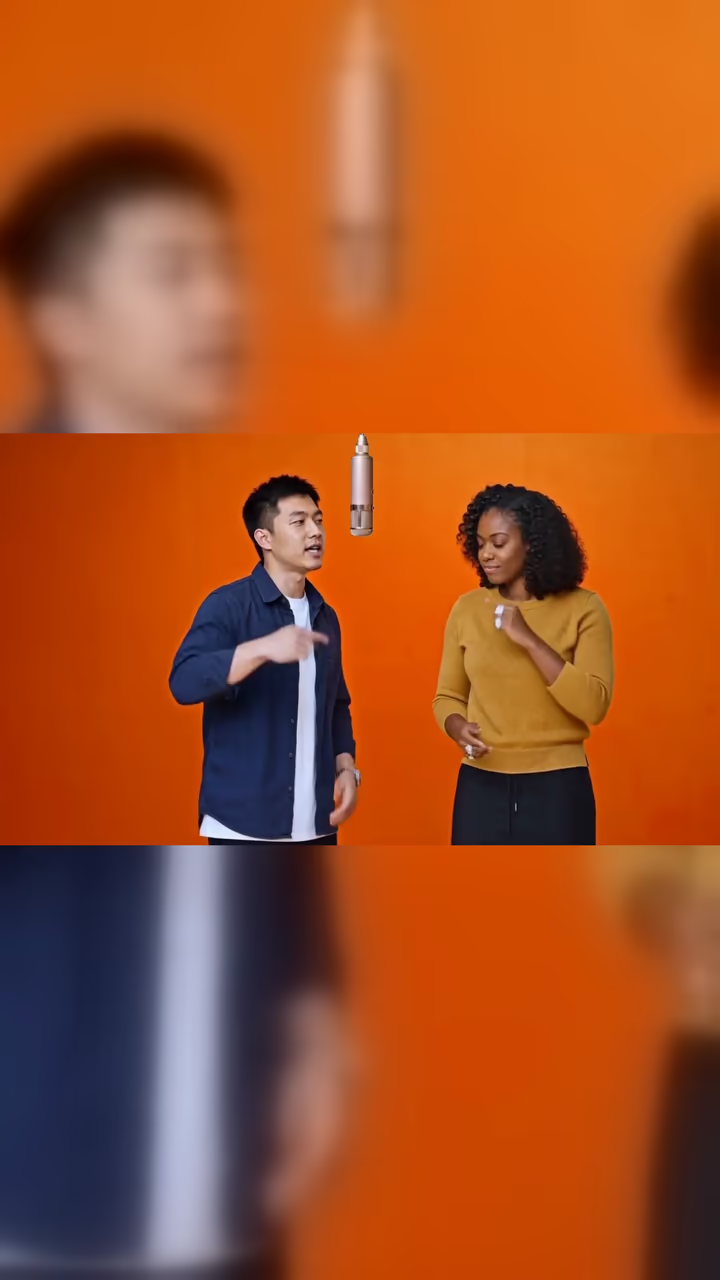
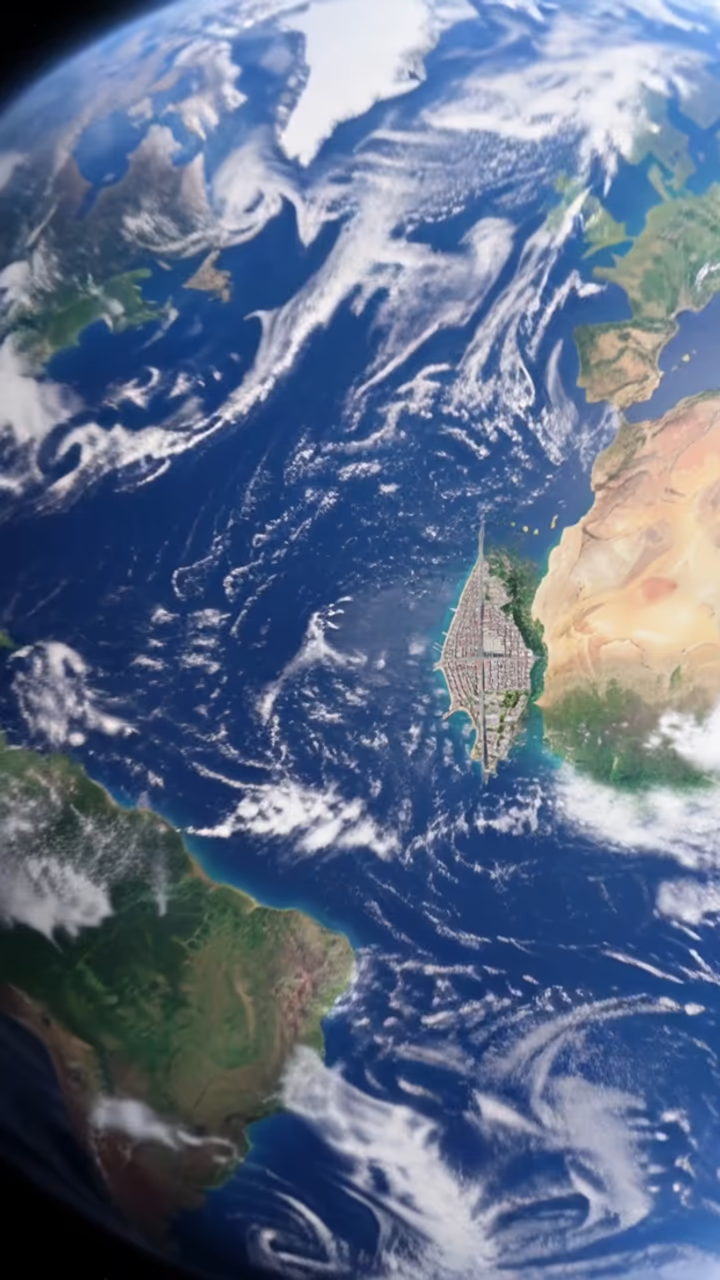
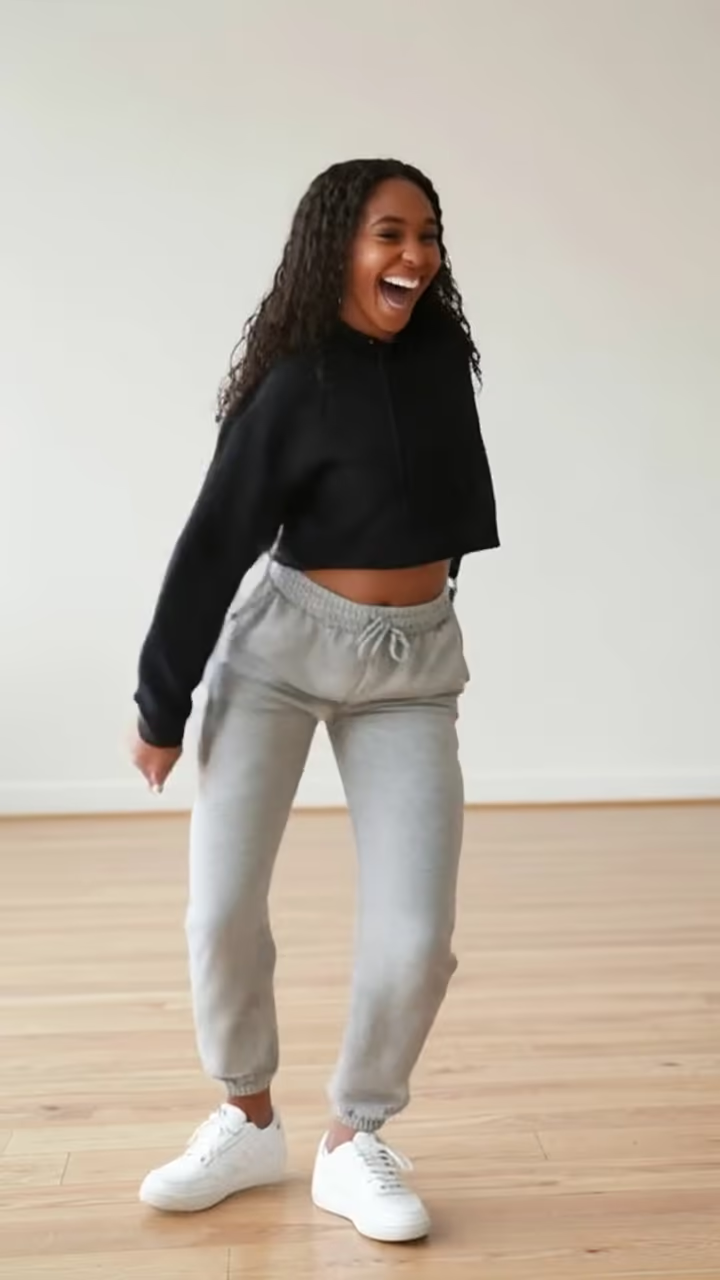
Make trend effects, thumbnails and brand images for every platform from your own photos. Content creation is a volume game. Creators often post across several platforms, each with its own formats and sizes. AI effects help you keep up without spending hours on each graphic: make several options in minutes and spend your time on ideas, community and storytelling.

Content Creators image sizes

ImageSize (px)RatioNote
Multi-Platform Square1080 × 10801:1Works on Instagram, Facebook, Twitter, LinkedIn. The universal safe format.
Vertical Story/Reel1080 × 19209:16Instagram Stories, TikTok, YouTube Shorts, Snapchat. Full-screen vertical.
YouTube Thumbnail1280 × 72016:9YouTube, blog headers, and widescreen presentations.
Pinterest Pin1000 × 15002:3Pinterest's recommended 2:3 pin ratio. Tall images take up more of the feed.

Need to hit a size exactly? The image resizer and compressor run in your browser at no cost.

Effects that work well on Content Creators

All effects

Where to start

Why use AI images on Content Creators

The constant need for fresh visuals is a big part of creator burnout. One video can need a thumbnail, promo images for several platforms, Story graphics and a community post. AI effects shorten that work by producing images and short clips in the sizes you need, and they open up looks that would otherwise need a designer.

Content Creators photo guide

Keep a consistent visual brand while adapting to each platform. Make your main image in 1:1, then make 9:16 and 16:9 versions. Batch your visuals for the week in one session. Trends move fast, so when an AI effect starts trending, make your version sooner rather than later. Label realistic AI content where platforms require it.

Do

  • Develop a consistent visual style that followers recognize across platforms
  • Batch-create content to prevent burnout and maintain posting consistency
  • Ride AI trends early and put your unique spin on them
  • Generate content in multiple aspect ratios for cross-platform distribution
  • Use AI to enhance your creative vision, not replace your unique perspective

Don’t

  • Post identical AI content across platforms without adapting to each format
  • Rely solely on AI without adding your personal creative touch
  • Ignore platform-specific aspect ratios. Cropped content looks unprofessional
  • Wait until a trend has peaked before joining it
  • Use the same AI effects as everyone else without putting a unique spin on them

AI photos for Content Creators: FAQ

Can I monetize content that uses AI-generated images?

Generally yes, subject to each platform's monetisation and AI-labelling rules. Use of images generated on Soracai is governed by our Terms of Service, and you need the rights to any photos you upload, including permission from people who appear in them.

How do creators use AI in their workflow?

Common uses are thumbnails, promo graphics, brand elements and trend content. Many creators batch their visuals weekly and stick to two or three signature styles so their content stays recognisable.

What aspect ratios should I generate for multi-platform posting?

Generate in three formats: 1:1 (1080x1080) for Instagram/Twitter/Facebook, 9:16 (1080x1920) for TikTok/Stories/Shorts, and 16:9 (1280x720) for YouTube/blogs. This covers all major platforms. Create your primary content first, then generate variants in other ratios.

How can AI help prevent creator burnout?

AI shortens the visual production work. Instead of spending hours designing thumbnails and promo images, you can make options in minutes and spend the time on ideas and your audience.

Make your next Content Creators image

Pick an effect, or describe the image you want in Photo studio.

Explore Soracai