
AI Caricature Photo Generator
Turn photos into hilarious caricatures. Powered by Nano Banana 2 and Pro models - fast, affordable, no subscription.
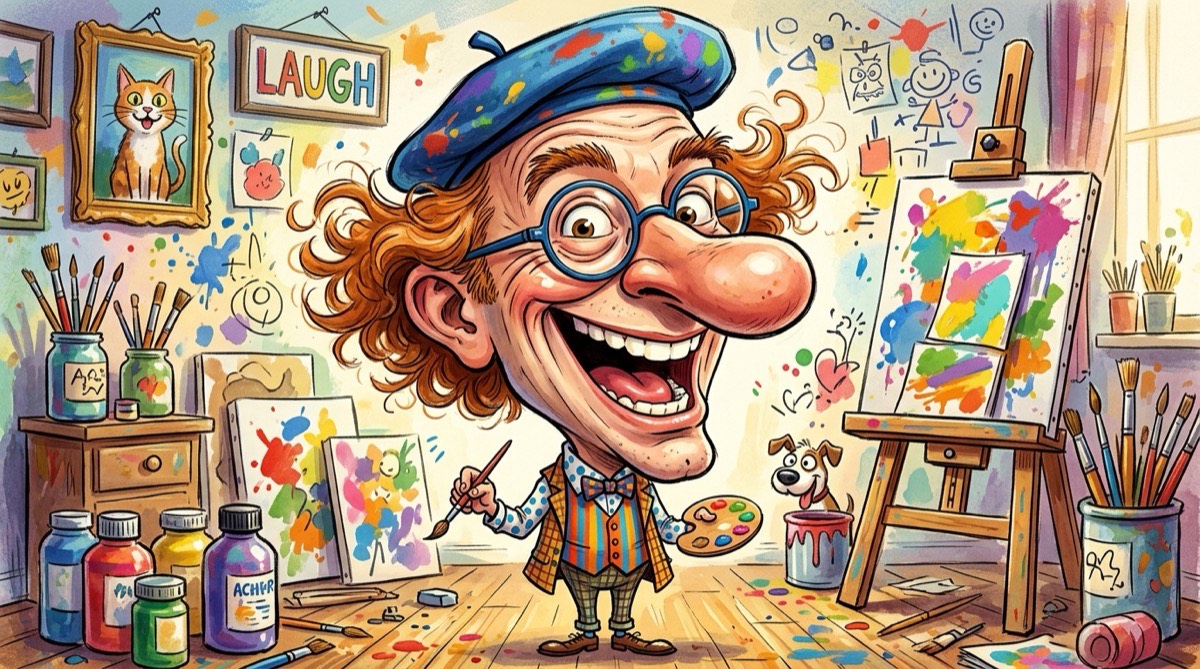
How to Create Caricature Generator Art
1. Upload Photo
Upload any photo from your device. We support JPG, PNG, WebP, and HEIC formats.
2. AI Transforms
Our AI applies caricature generator styling to your photo in 5-15 seconds.
3. Download
Download your transformed artwork in high resolution. Ready to share or print.
What is AI Caricature Generator?
Our AI Caricature Generator creates hilarious, exaggerated portraits from any photo. The AI identifies distinctive facial features and amplifies them in a fun, artistic way - just like a boardwalk caricature artist, but powered by AI for instant results.
How Does It Work?
Upload a photo and the AI analyzes facial proportions, identifying which features to exaggerate for maximum comedic and artistic effect. It then generates a stylized caricature that's recognizable yet delightfully exaggerated.
What Can You Create?
- Create funny gifts for friends and family
- Generate hilarious caricature profile pictures
- Make caricatures for party invitations
- Create fun team portraits for work events
- Generate shareable caricature content
Tips for Best Results
- Clear face photos produce the funniest caricatures
- Expressive or exaggerated poses enhance the effect
- Front-facing photos give the AI more to work with
- Multiple people photos create group caricatures
Why Choose Soracai for Caricature Generator Art?
Lightning Fast
Generate in 5-15 seconds with Nano Banana 2 or Pro models.
No Subscription
Pay per use starting at $0.99. No monthly fees.
2 AI Models
Choose Nano Banana 2 for speed or Pro for maximum quality.
Commercial Use
Full rights to use generated images anywhere.
Frequently Asked Questions
Related AI Art Styles
AI Cartoon Generator
Transform photos into fun cartoon illustrations. Create Pixar-style, Disney-inspired, or classic cartoon versions of any photo with AI.
Try itAI Comic Generator
Transform photos into comic book-style art. Create Marvel-inspired, manga-style, or classic comic illustrations from any photo.
Try itAI Pop Art Generator
Transform photos into bold pop art prints. Create Andy Warhol-inspired, Roy Lichtenstein-style, and modern pop art from any photo.
Try itReady to Create Caricature Generator Art?
Transform your photos with AI Caricature Generator in seconds. No subscription, pay only for what you use.
Get Started