
AI Watercolor Photo Generator
Turn photos into elegant watercolor paintings. Powered by Nano Banana 2 and Pro models - fast, affordable, no subscription.
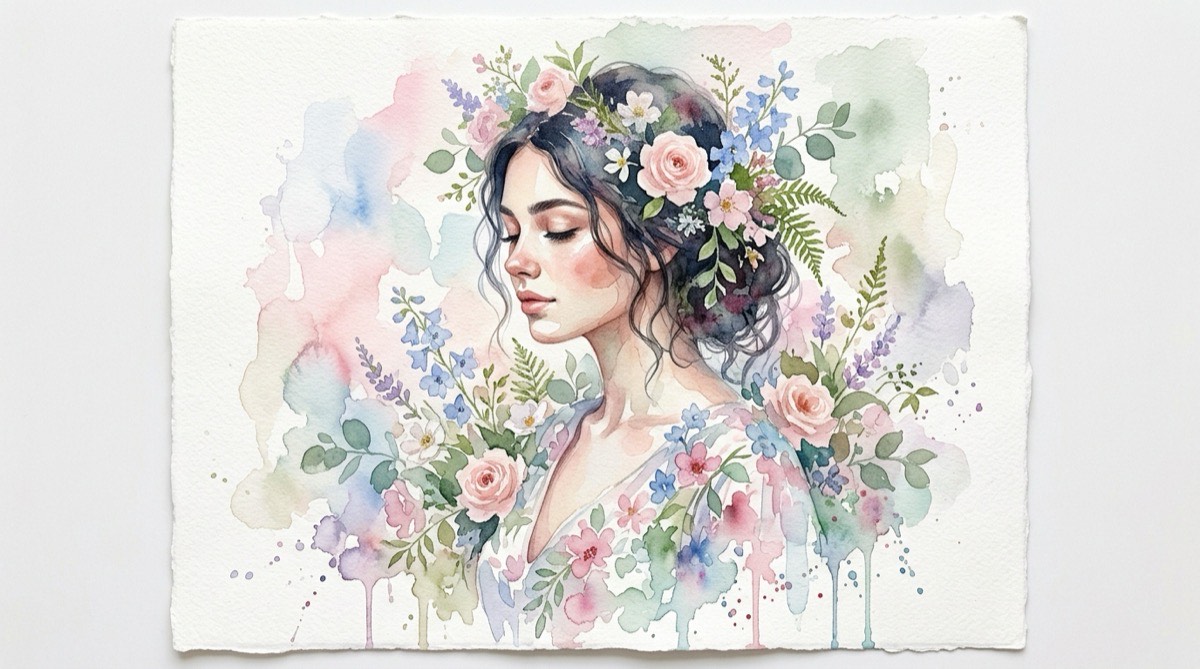
How to Create Watercolor Generator Art
1. Upload Photo
Upload any photo from your device. We support JPG, PNG, WebP, and HEIC formats.
2. AI Transforms
Our AI applies watercolor generator styling to your photo in 5-15 seconds.
3. Download
Download your transformed artwork in high resolution. Ready to share or print.
What is AI Watercolor Generator?
Our AI Watercolor Generator transforms photos into delicate watercolor paintings. It simulates the unique characteristics of watercolor - transparent color washes, soft bleeding edges, visible paper texture, and the luminous quality that makes watercolor art so beloved.
How Does It Work?
The AI analyzes your photo's composition and applies watercolor painting techniques, including wet-on-wet blending, granulation effects, and the characteristic transparency of watercolor pigments.
What Can You Create?
- Create wedding invitation artwork
- Generate botanical watercolor illustrations
- Turn travel photos into artistic souvenirs
- Create soft, dreamy portrait artwork
- Design watercolor-style social media content
Tips for Best Results
- Floral and nature photos make stunning watercolors
- Soft, even lighting produces the most delicate results
- Simple compositions let the watercolor effect shine
- Portraits with soft backgrounds work particularly well
Why Choose Soracai for Watercolor Generator Art?
Lightning Fast
Generate in 5-15 seconds with Nano Banana 2 or Pro models.
No Subscription
Pay per use starting at $0.99. No monthly fees.
2 AI Models
Choose Nano Banana 2 for speed or Pro for maximum quality.
Commercial Use
Full rights to use generated images anywhere.
Frequently Asked Questions
Related AI Art Styles
AI Oil Painting Generator
Transform your photos into classical oil paintings. Create museum-worthy artwork from any photograph with AI-powered style transfer.
Try itAI Sketch Generator
Transform photos into realistic pencil sketches. Create detailed graphite-style drawings from any photograph with AI.
Try itReady to Create Watercolor Generator Art?
Transform your photos with AI Watercolor Generator in seconds. No subscription, pay only for what you use.
Get Started