

What is the AI Hug Video Generator?
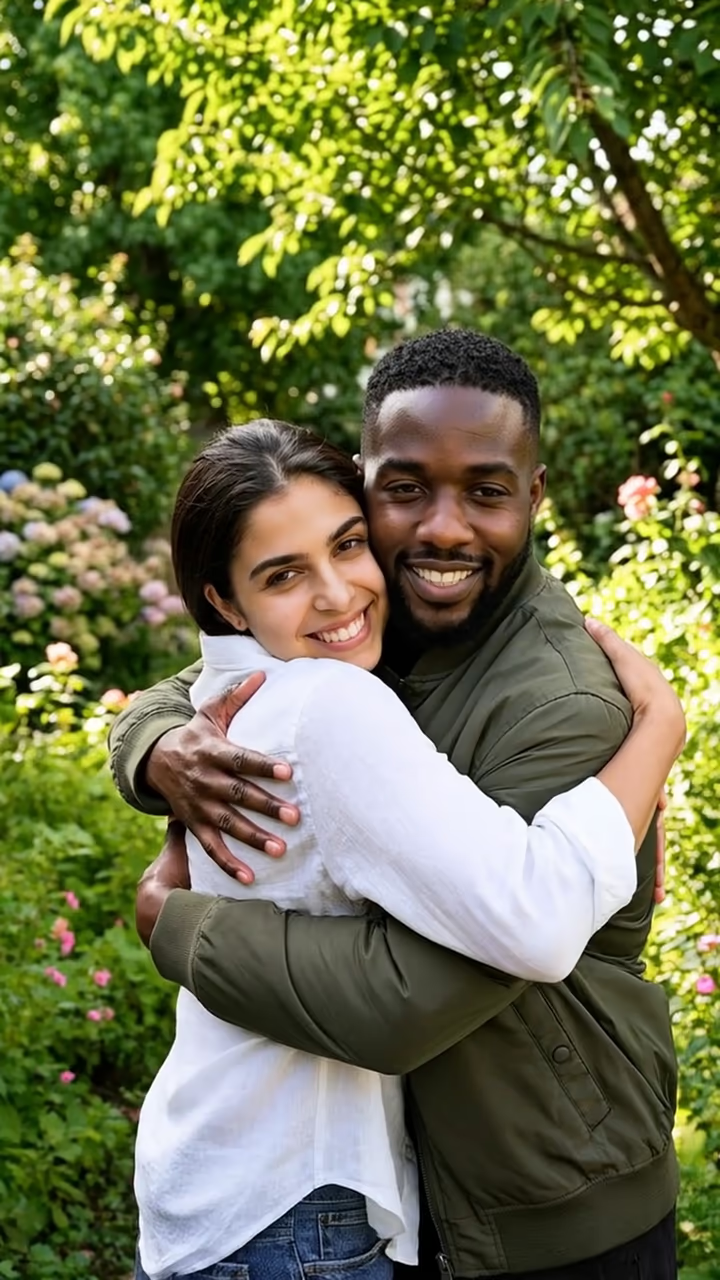
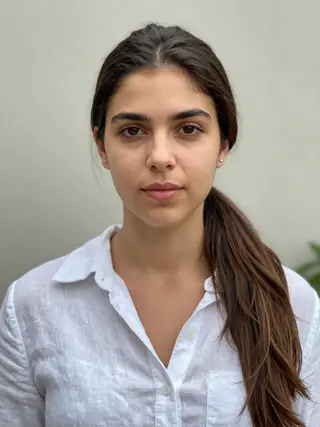
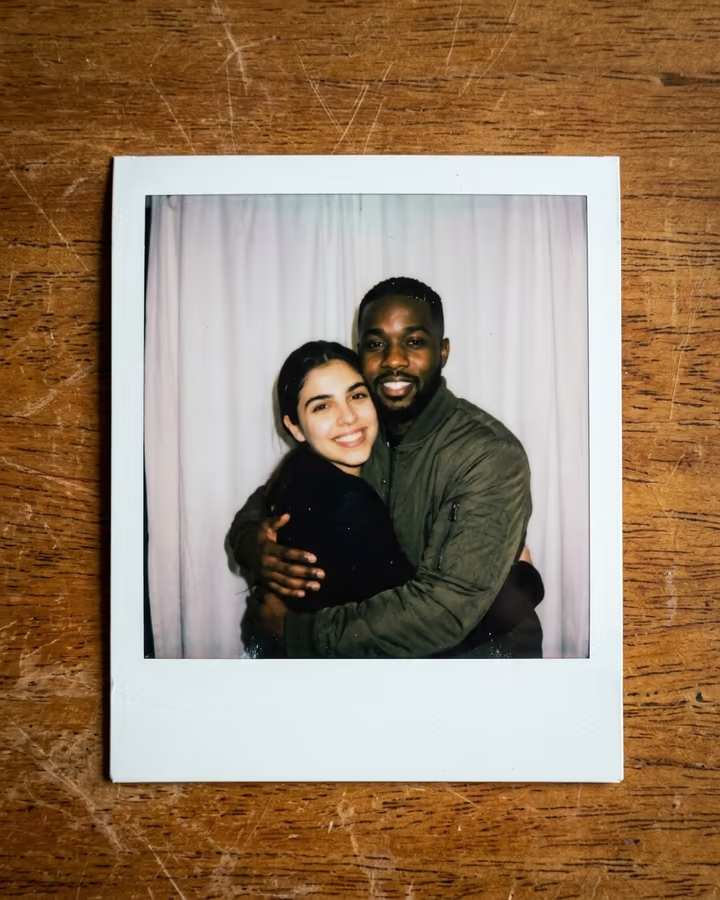
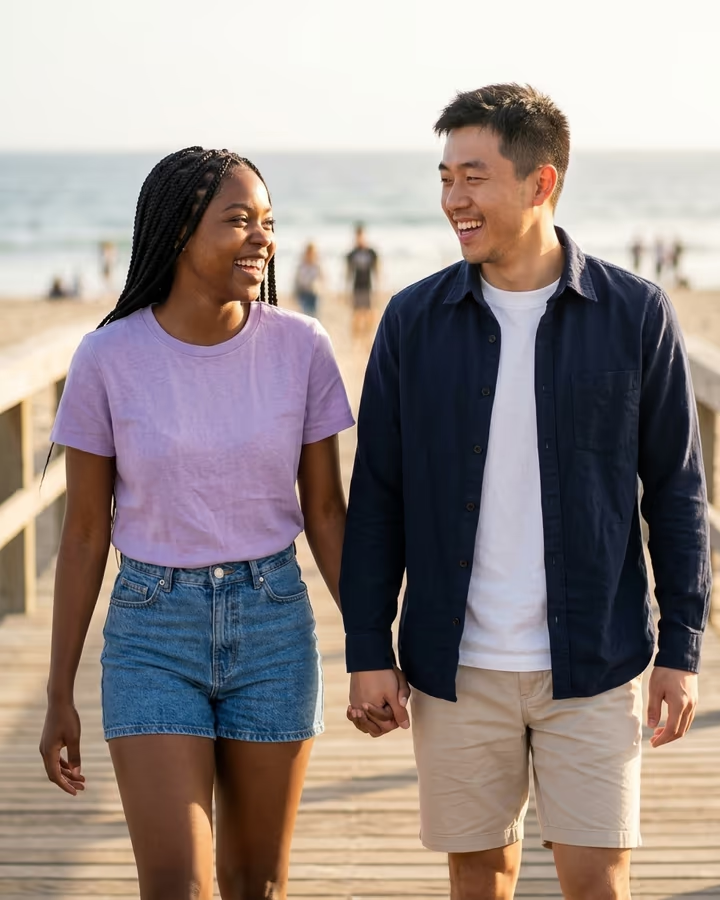
The AI hug video generator turns two separate photos into a short clip of the two people hugging. You upload one photo of each person. The tool places both of you side by side in a sunny garden, as if posing for a picture, and then animates the moment: you turn toward each other, step in, hug tightly with closed eyes, sway a little, and look back at the camera. It is one continuous shot of about six seconds.
Hug effects grew into one of the most emotional AI video trends during 2024 and 2025. Alongside couples, many people used them to make clips with a sibling who lives abroad, a best friend, or a parent in an old photo, and those videos were widely shared with captions about missing someone. Because a hug is less personal than a kiss, this template works for any two adults who are close and happy to be in the video together.
The output is vertical, so it drops straight into Reels, TikTok or a Story. The example on this page was created from two AI-generated fictional people.
How the AI Hug Video Generator works
The template runs in two steps. An image model first combines your two photos into one shared frame: both of you standing a step apart in a sunny garden, facing the camera and smiling. This keeps your faces, skin tones and clothes consistent and puts you in the same light.
A video model then animates that frame. You turn toward each other, close the gap and hug, swaying slightly with your eyes closed, and finish by looking back at the camera. The camera stays still, which keeps the moment calm and makes faces easier to hold steady. The video saves to your Creations, and you can download it without a watermark.
Hugging someone who is far away or gone
Many people use hug videos to bridge a distance: a parent overseas, a friend after a move, a grandparent from an older photo. That works, as long as you have the right to use the photo and, for living people, they would be happy to see the result. For someone who has passed away, an older photo can produce a gentle keepsake; expect the model to modernize image quality a little.
The effect should not be used to suggest a meeting that never happened in a way that could mislead others, and it is not for photos of strangers, public figures or minors.