Etsy

AI Product Photos for Etsy Sellers

Create beautiful, conversion-optimized listing photos for your Etsy shop

90M+ Active Etsy buyers worldwide
Size Guide

Etsy Image Dimensions

The exact pixel dimensions recommended for Etsy. Use these to ensure your AI photos look sharp and never get cropped.

Listing Photo

1:1
2000×2000px

Etsy displays listings as squares. Minimum 2000x2000 for the zoom feature that builds buyer trust.

Listing Photo (5:4 Alt)

4:5
2000×2500px

Etsy also supports 4:5 for photos that need extra height. Cropped to square in search.

Shop Banner

4:1
1200×300px

Big banner style. The mini banner option is 1200x160.

Shop Icon

1:1
500×500px

Your shop's identity. Displays at various sizes across Etsy.

Why AI Photos for Etsy?

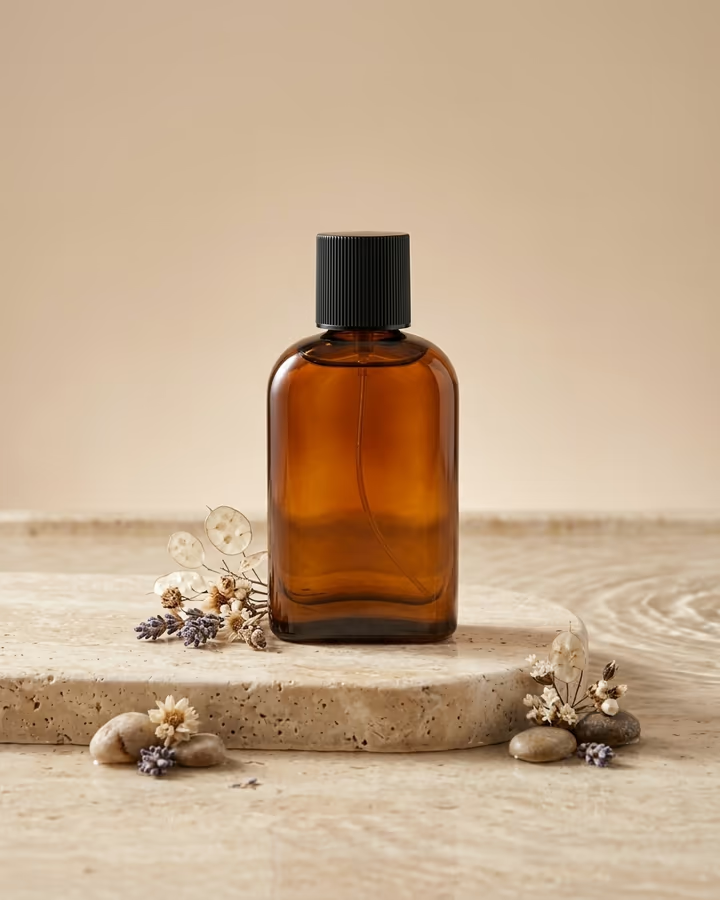
Etsy sellers typically photograph products at home with limited equipment. Flat lay styling takes hours, finding the right props is a challenge, and maintaining consistent quality across 50+ listings is nearly impossible solo. AI photo generation lets you place your products in beautifully styled scenes instantly. Test different backgrounds, seasons, and styling approaches without physically setting up each shot.

Etsy Optimization Guide

Etsy search results display listings as square thumbnails, so your first photo must look compelling at small sizes. Use all 10 photo slots per listing. Photo 1 should be a clean product shot. Photos 2-5 should show different angles and lifestyle contexts. Photos 6-10 can include size charts, packaging, and detail close-ups. Etsy's algorithm factors in listing quality when ranking search results, and photo quality is a significant component of that score.

Etsy Photo Do's and Don'ts

Do

  • Photograph products in natural light as your base for AI enhancement
  • Create lifestyle shots that help buyers visualize the product in their life
  • Use consistent props and backgrounds that match your brand
  • Include at least one photo showing scale or size reference
  • Refresh seasonal listings with holiday or seasonal-themed backgrounds

Don't

  • Use generic stock photo backgrounds that look impersonal
  • Generate product images that misrepresent color, size, or quality
  • Overcrowd scenes with too many props that distract from your product
  • Use inconsistent photography styles across listings in the same shop
  • Ignore Etsy's requirement for accurate product representation

Use Cases

  • Styled flat lay product photography with curated backgrounds
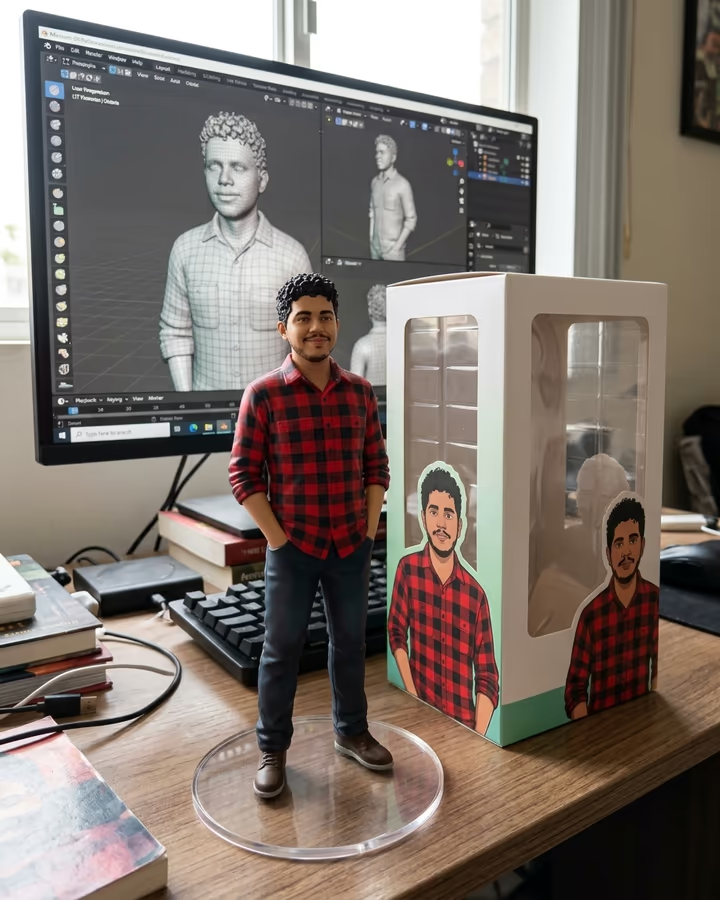
  • Lifestyle mockups showing products in real-world settings
  • Seasonal variants for holiday-themed listing updates
  • Consistent visual branding across all shop listings
  • Digital product mockup previews (printables, templates, fonts)
  • Shop banner and icon design that matches your brand aesthetic

Pro Tips for Etsy

  • Use your first listing photo as a clean product shot on a simple background.
  • Fill all 10 photo slots. More photos correlate with higher conversion rates.
  • Generate seasonal lifestyle variants to keep listings fresh.
  • Maintain a consistent color palette across your shop for brand cohesion.
  • Use 2000x2000px minimum to enable Etsy's zoom feature.

Frequently Asked Questions

Ready to Create AI Photos for Etsy?

Generate stunning, platform-optimized photos in seconds. No subscription, pay only for what you use.

Get Started