Skip to content

AI Profile Picture Generator

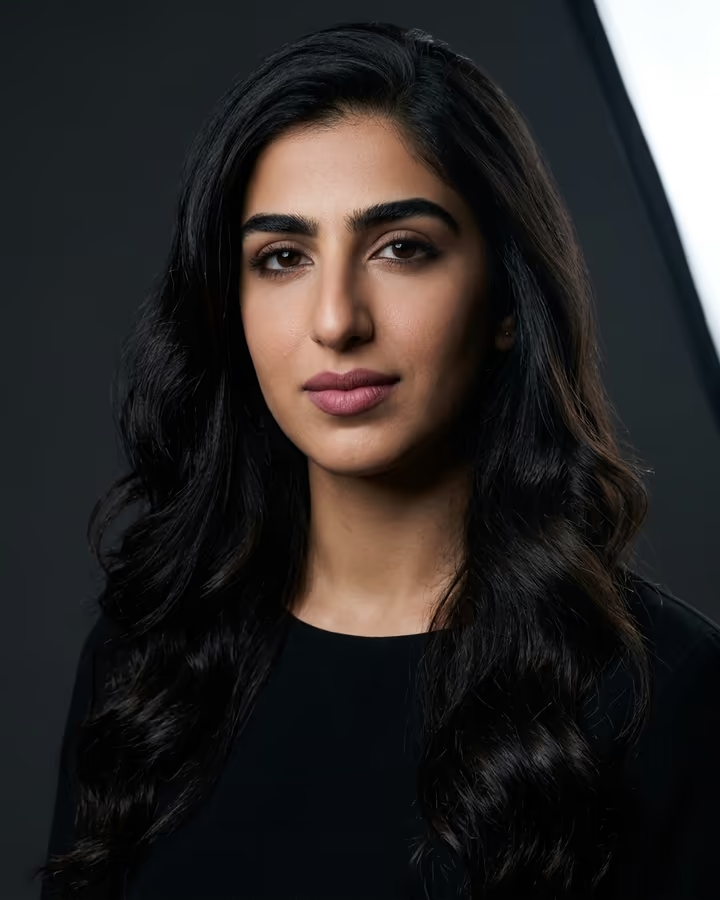
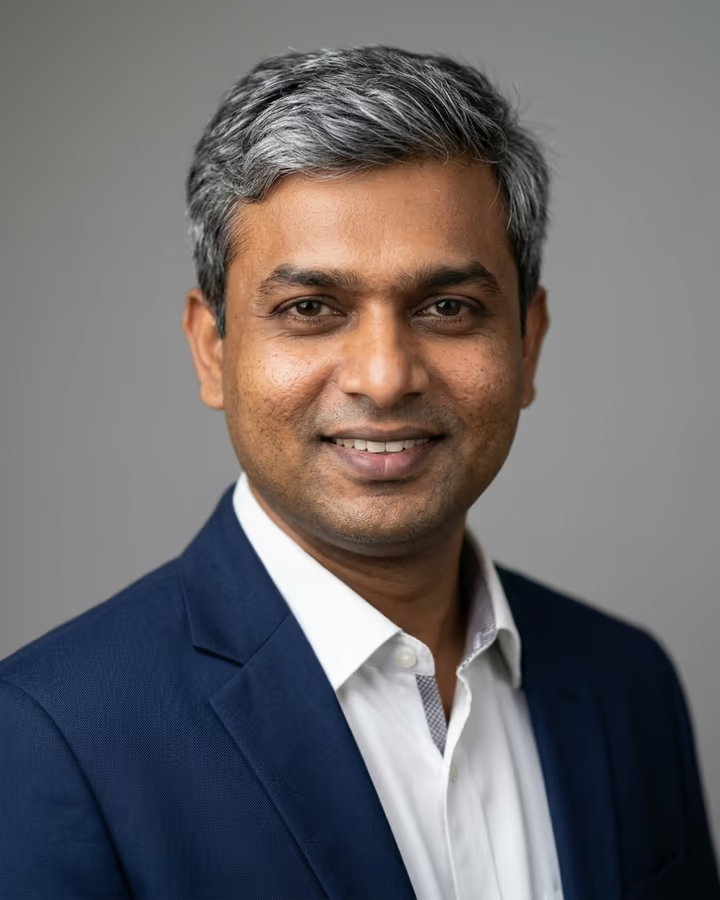
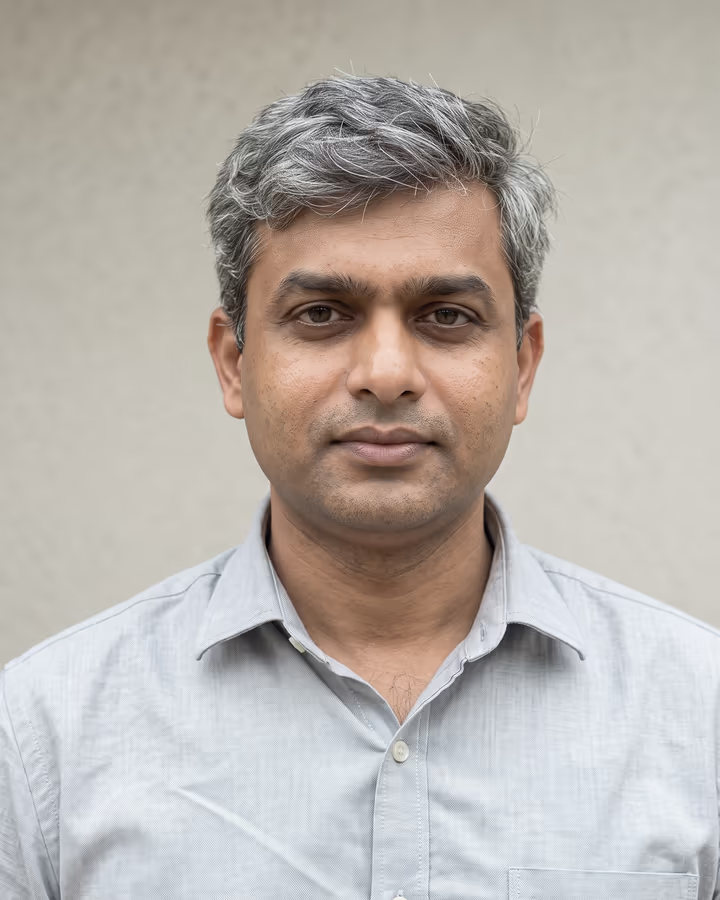
Stand out on every platform with the perfect PFP. Your profile picture is the first thing people see, and on most platforms it displays at barely 110 pixels wide. That tiny circle has to say who you are at a glance. This generator helps you make images that still read at thumbnail size.

Recommended settings

Model
Nano Banana 2
Aspect ratio
1:1
Resolution
1K

Why: Every major platform crops profile pictures to a square or circle. 1K is enough because profile pictures display at roughly 110-320px, so higher resolution just costs more credits. Nano Banana 2 handles the bold, stylized look that holds up in a small circular crop.

How to use the AI Profile Picture Generator

  1. 01

    Open Photo studio

    The suggested prompt is filled in. Edit the details (outfit, background, mood) to match what you need.

  2. 02

    Add your photo

    Upload a clear, front-lit photo so the result keeps your face and features. Pick the ratio and resolution below.

  3. 03

    Generate and download

    A photo usually takes under a minute. If it is close but not right, change one detail in the prompt and run it again.

Ready-made effects for this

All effects

What is the AI Profile Picture Generator?

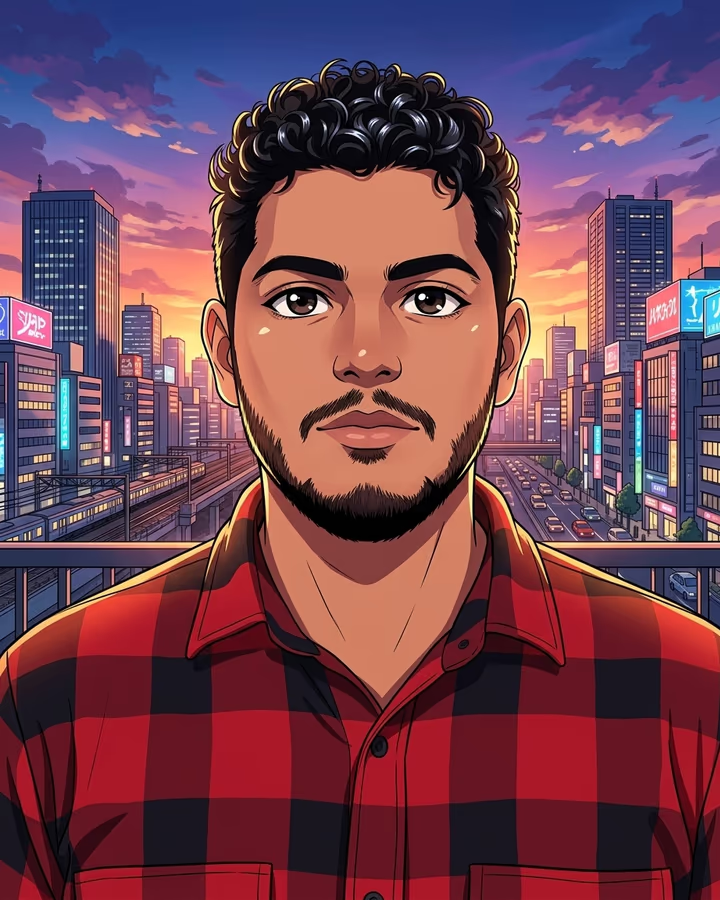
The AI Profile Picture Generator is a set of prompts and settings for images that look good at small sizes. Unlike a headshot, which prioritizes realism, a profile picture can lean into bold colors, strong contrast and compositions that survive a circular crop. A good PFP needs to work at 50px as well as at 500px.

How it works

Open Photo studio, upload a photo (or skip it and describe the look you want) and start from the suggested prompt. Add the style you are after, such as editorial, minimal, grunge or vibrant. Keep your face centered so nothing important gets clipped when platforms crop to a circle. A standard photo is usually ready in under a minute.

Why use it

Many people keep the same profile picture for years. A fresh, clear PFP is an easy way to look current and recognizable, especially if you post regularly or switch between several platforms.

Popular uses

  • Instagram and TikTok profile refreshes
  • Discord server identity and role-specific avatars
  • Twitter/X personal brand building
  • Dating app profile optimization
  • Twitch and streaming platform presence

AI Profile Picture Generator FAQ

What size should I make my profile picture?

A 1:1 image at 1K resolution is plenty. Platforms compress profile pictures anyway, so going higher than 1K mostly costs more credits without a visible difference.

Will my PFP look good on all platforms?

Square images with your face centered work on circular crops (Instagram, TikTok, X) and on square avatars (Discord, some forums). Leave a little space around your head so the circle does not cut it off.

Can I create a PFP without uploading a real photo?

Yes. You can describe the look you want and the AI will generate a completely original profile picture. This is popular for anonymous accounts, gaming profiles, and brand accounts.

How often should I change my profile picture?

For personal branding, every 3-6 months keeps you looking current. For casual use, whenever you feel like it. The exception is if you are building brand recognition. In that case, keep elements consistent (same color scheme, similar style) even when refreshing.

Can I remove the background from my generated PFP?

The generator outputs a complete image with a background. A plain, solid-color background in your prompt is the easiest to cut out later in an editor if you need a transparent version for a banner design.

Try the AI Profile Picture Generator

Open Photo studio with the prompt filled in, add your photo and generate.

Explore Soracai