45,000+ Passport Photos Created

AI Passport & ID Photo Generator

Government-compliant ID photos from your phone. Powered by Nano Banana 2 and Pro models, no subscription required.

Recommended Output Settings

Best Model

nano-banana-pro

Aspect Ratio

1:1

Resolution

2K

Why these settings? Passport photos have strict requirements for skin tone accuracy, even lighting, and no artifacts. Pro model produces the cleanest, most natural skin rendering. 2K at 1:1 provides exactly the pixel density needed for a 2x2 inch print at 300 DPI.

Suggested Prompt

Copy this prompt or use it as a starting point. Customize it to match your specific needs.

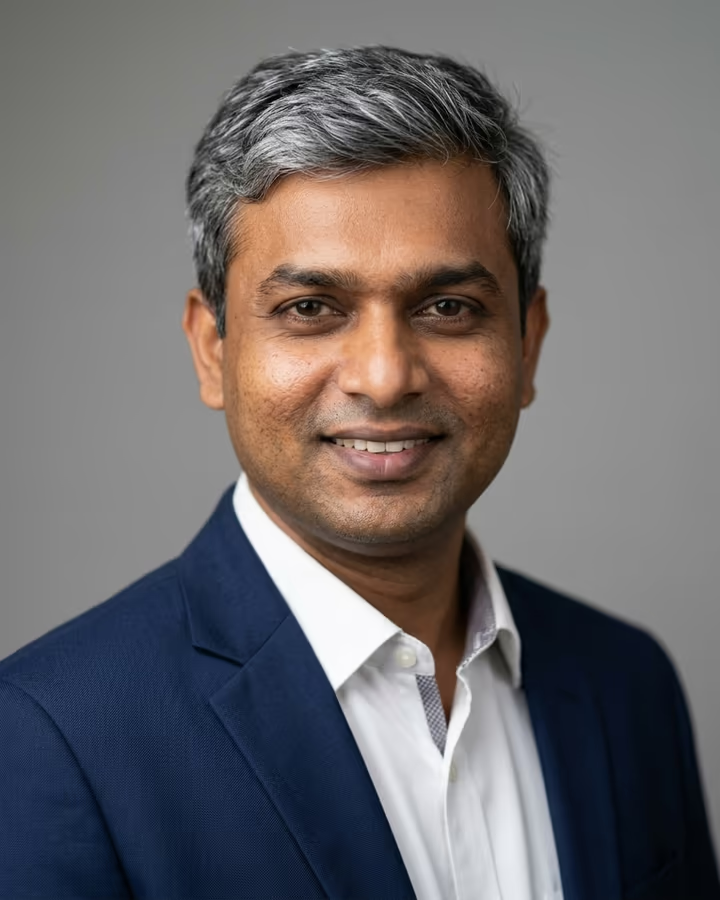
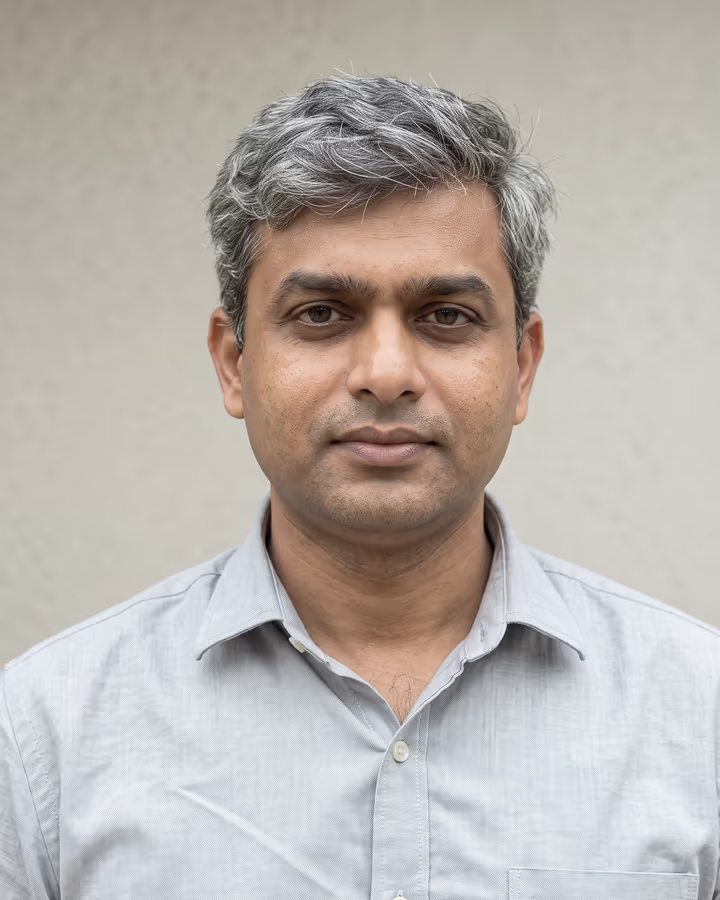
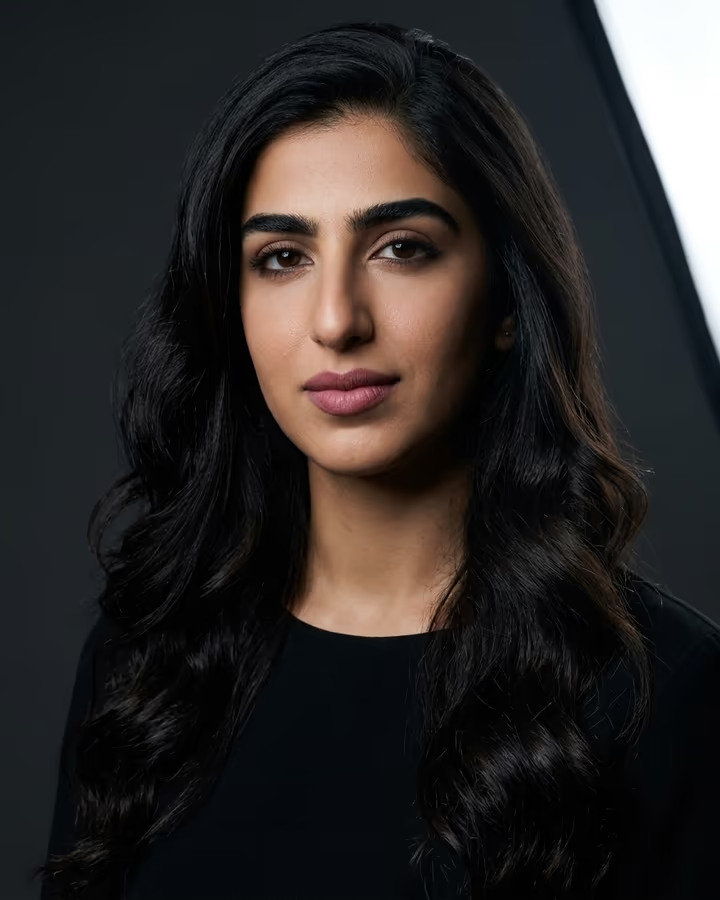
Official passport photo, plain white background, even flat lighting, neutral expression, face centered, no shadows, front-facing, ears visible, sharp focus

How It Works

Upload a front-facing photo taken against any background. The AI removes the background and replaces it with a compliant white. It then corrects lighting asymmetry, adjusts color temperature to neutral, positions your face according to official guidelines (head size must be 1-1.375 inches from chin to crown), and outputs a print-ready file. You can print it at home or at any pharmacy's self-service printer.

1. Upload Your Photo

Upload any clear photo from your device. We support JPG, PNG, WebP, and HEIC formats.

2. AI Generates

Our nano-banana-pro model transforms your image in 5-15 seconds with professional-grade results.

3. Download & Share

Get your 2K result in 1:1 ratio, ready to use anywhere.

What is AI Passport Photo Generator?

The AI Passport Photo Generator takes any clear photo of you and reformats it to meet government ID photo specifications. It adjusts the background to plain white, corrects the lighting to eliminate shadows, positions your face at the correct ratio within the frame, and ensures the image meets the technical requirements for US passports, visas, and international ID documents.

Why You Need This

Passport photo rejection is one of the most common causes of passport application delays. The State Department rejects about 5% of photos for technical issues like shadows, wrong background color, or incorrect head positioning. Our AI handles all these requirements automatically, virtually eliminating rejection risk.

What Can You Create?

  • US passport applications and renewals
  • Visa applications for Schengen, UK, Canada, Australia
  • Driver's license and state ID photos
  • Green card and immigration document photos
  • University and work ID badge photos

Tips for Best Results

  • Take your source photo against a light-colored wall. The AI removes backgrounds, but starting with a light background produces cleaner edge detection around your hair.
  • Remove glasses completely. Most passport agencies now require photos without glasses, and the AI cannot reliably remove glasses without artifacts.
  • Use natural front-facing light from a window. Avoid overhead lighting which creates under-eye shadows that the AI may not fully correct.
  • Keep a completely neutral expression. Not a smile, not a frown. Passport offices reject both exaggerated expressions and heavy smiles.
  • Make sure both ears are visible. Tuck hair behind your ears if needed. Many countries require ear visibility in ID photos.

Pro Tips

  • Print on matte photo paper, not glossy. Most passport agencies prefer matte because glossy paper creates glare during scanning.
  • After generating, verify the head-to-photo ratio. Your head should occupy 50-69% of the frame height. Our AI targets 60% which is the safe middle ground.
  • Generate the photo at 2K, then use a passport photo template to arrange 4-6 copies on a standard 4x6 print. This way one pharmacy print gives you multiple photos for about $0.35 total.

Why Choose Soracai

Lightning Fast

Generate in 5-15 seconds with our optimized AI pipeline. No waiting in queues.

No Subscription

Pay per use starting at $0.99. No monthly fees, no hidden charges, no commitments.

2 AI Models

Choose Nano Banana 2 for speed or Pro for maximum quality. Full control over output.

Commercial Use

Full rights to use generated images for any purpose. Personal or commercial.

Frequently Asked Questions

Ready to Try AI Passport Photo Generator?

Passport photo booths charge $15 for two photos and you always look terrible. Start generating in seconds.

Get Started Free

No subscription. Pay only for what you use.