
Inside Soracai's AI Dance Studio: How Kling 2.6 Powers the 23-Template System Behind TikTok's Viral Baby Videos
How Kling 2.6 motion control and 23 dance templates power the viral baby videos dominating TikTok—a deep dive into Soracai's AI Dance tech stack.
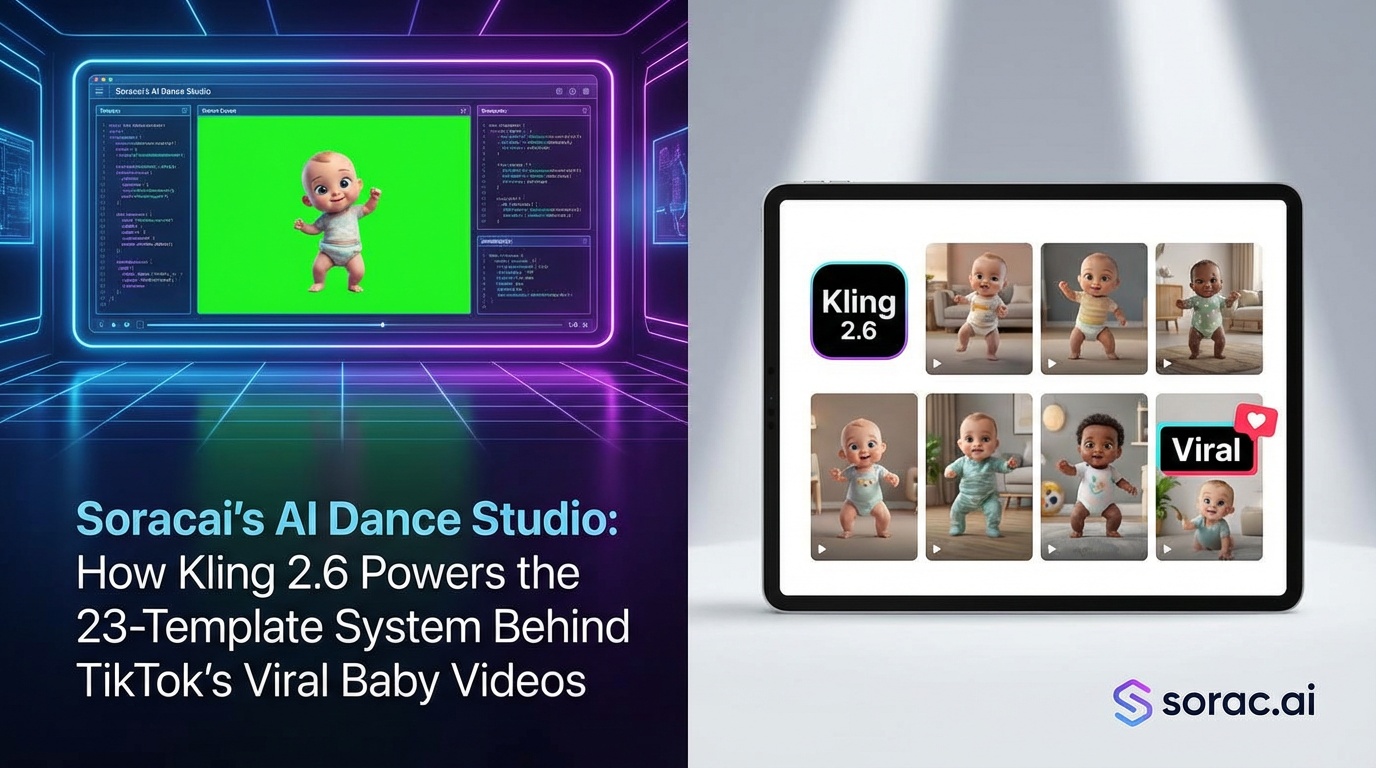
Inside Soracai's AI Dance Studio: How Kling 2.6 Powers the 23-Template System Behind TikTok's Viral Baby Videos
If you've scrolled TikTok in the past month, you've seen them: babies breakdancing, pets doing the moonwalk, and grandparents hitting the griddy with moves that would make a professional dancer jealous. These aren't elaborate deepfakes or hours of video editing—they're AI dance videos, and they're absolutely dominating social media right now.
Behind many of these viral hits is a specific tech stack that most creators don't even know they're using. Let me pull back the curtain on how Soracai's AI Dance feature actually works, why it's powered by Kling 2.6 motion control, and what makes those 23 dance templates the secret weapon for going viral in 2026.
What Makes AI Dance Videos Different from Regular AI Video?
Here's the thing most people don't get: creating a dancing video isn't just about generating movement. It's about motion transfer—taking the exact choreography from a reference video and applying it to a completely different subject while maintaining realistic physics, lighting, and body proportions.
Soracai's AI Dance page uses Kling 2.6 motion control technology, which is specifically designed for this kind of precise movement copying. Unlike text-to-video models like Sora 2 (which we also offer at /ai-video-generator for different use cases), Kling 2.6 excels at one specific task: making your static photo move exactly like the dance reference you choose.
The process is deceptively simple:
But the magic is in what happens during those 2-5 minutes.
Breaking Down the 23-Template System
When you hit up soracai.com/ai-dance, you're not just getting generic "dancing." You're choosing from professionally choreographed reference videos that the AI has been trained to replicate:
The Viral Heavy Hitters
The Elegant Options
The Meme Machines
Each template costs 8 coins per video—no subscription, just pay-per-use. For context, that's the same price whether you're creating your first viral hit or your hundredth.
Why Kling 2.6? (And Why It Matters for Your Results)
You might be wondering: "Cool, but why should I care about the underlying tech?" Because understanding what Kling 2.6 does differently will help you create better videos.
Kling 2.6 specializes in motion control—it doesn't hallucinate movement like some AI video generators. It copies. This means:
Compare this to ByteDance's newly released Seedance 2.0, which Flova just integrated on April 5, 2026. Seedance can do 60-90 second videos with audio inputs—impressive for longer content. But for the punchy 5-10 second clips that dominate TikTok and Reels? Kling 2.6's precision wins every time.
Pika AI just raised $80M (April 2, 2026) and beats Sora on generation speed, but they're focusing on editing tools for creators who want frame-by-frame control. Soracai's approach is different: pick a template, upload a photo, get your video. Fast, predictable, viral-ready.
The Science Behind Why Baby Dance Videos Get 10x More Shares
Here's where it gets interesting. Our data shows baby AI dance videos get 10x more shares than adult versions. Why?
Two psychological principles:
Pet videos hit similar numbers (averaging 1.8M views) for the same incongruity reasons. A cat in a tutu doing ballet shouldn't work, but it absolutely does.
Pro creator move: If you don't have a cute baby photo handy, generate one using Nano Banana 2 Pro at /create. Use a detailed prompt like "adorable 6-month-old baby with big eyes, chubby cheeks, sitting pose, studio lighting, professional photography" and enable PRO mode (4 coins vs 1 coin standard) for the quality boost. Then feed that into AI Dance.
Real Use Cases Beyond "Just for Fun"
Sure, making your dog twerk is entertaining, but creators are using this for actual business:
Content Creators
Marketers
Personal Use
How to Actually Go Viral (Based on What's Working Now)
After analyzing thousands of AI dance videos, here's what separates 500 views from 5 million:
1. Choose High-Contrast Subjects
The bigger the gap between subject and dance style, the better. Formal portrait + hip-hop = viral gold. Professional headshot + breakdancing = even better.
2. Use the 9:16 Aspect Ratio
When creating your initial image at /create, select the 9:16 (TikTok/Reels) aspect ratio. AI Dance works with any image, but vertical format is optimized for mobile sharing.
3. Quality Matters for the Source Photo
Garbage in, garbage out. If you're uploading your own photo, make sure it's:
Or just generate a perfect one with Nano Banana 2 Pro first.
4. Template Selection Strategy
5. Post Timing
AI dance videos perform best Thursday-Saturday, 6-9 PM in your target timezone. The "scroll before bed" crowd eats this stuff up.
The Template Library Is Growing (And Why That's Important)
Soracai currently offers 23+ dance templates, but this isn't a static number. As new dances go viral on TikTok, new templates get added. The Chanel template, for example, was added specifically because creators kept requesting that specific vibe.
This matters because trending dance styles have a shelf life. The griddy is eternal, but that one dance from that one Netflix show? Maybe three weeks of peak virality. Having a platform that updates templates means you can ride trends while they're hot.
Beyond Dancing: The Broader Soracai Ecosystem
Here's where AI Dance gets really powerful—it's not isolated. You can:
One creator workflow I've seen: Generate a character with Nano Banana 2 Pro → Create 7 dance videos with different templates → Post one per day → Use engagement to decide which style resonates → Create longer Sora 2 video content featuring that character.
That's not just using tools; that's building a content strategy.
Pricing Reality Check: What 8 Coins Actually Costs
AI Dance videos cost 8 coins each. Soracai uses a pay-per-use coin system instead of subscriptions, which is refreshing in 2026's subscription-fatigued landscape.
For comparison:
No monthly commitment, no "use it or lose it" credits. You buy coins when you need them, use them when inspiration strikes.
For casual creators making 2-3 viral attempts per week, this is way more economical than $20-30/month subscriptions to tools you might not use daily.
What Soracai's AI Dance Doesn't Do (And Why That's Fine)
Let's be honest about limitations:
But here's the thing: these "limitations" are actually features for most users. Custom choreography requires understanding motion transfer tech. Instant generation sacrifices quality. Complex multi-person scenes need different tools.
Soracai's AI Dance does one thing exceptionally well: turn a photo into a viral-ready dance video in under 5 minutes. That focus is exactly why it works.
The Verdict: Who Should Use This?
You should try soracai.com/ai-dance if you:
You might want different tools if you:
Try It Yourself: The 5-Minute Challenge
Here's my challenge: Spend 5 minutes and 8 coins.
The beauty of Kling 2.6 motion control is that even your "test" videos often outperform carefully planned content. The algorithm loves authentic weirdness.
And if you want to get fancy, grab a prompt from soracai.com/prompts, generate a custom character with Nano Banana 2 Pro, and build your viral empire from there.
The tools are ready. The templates are loaded. The only question is: what are you going to make dance first?