
AI Add Boyfriend
Add a realistic AI-generated boyfriend to your photos instantly
Example Results
See what you can create with the Add Boyfriend effect
Upload Your Photo
Get notified when your image generation is complete
What is the AI Add Boyfriend Trend?
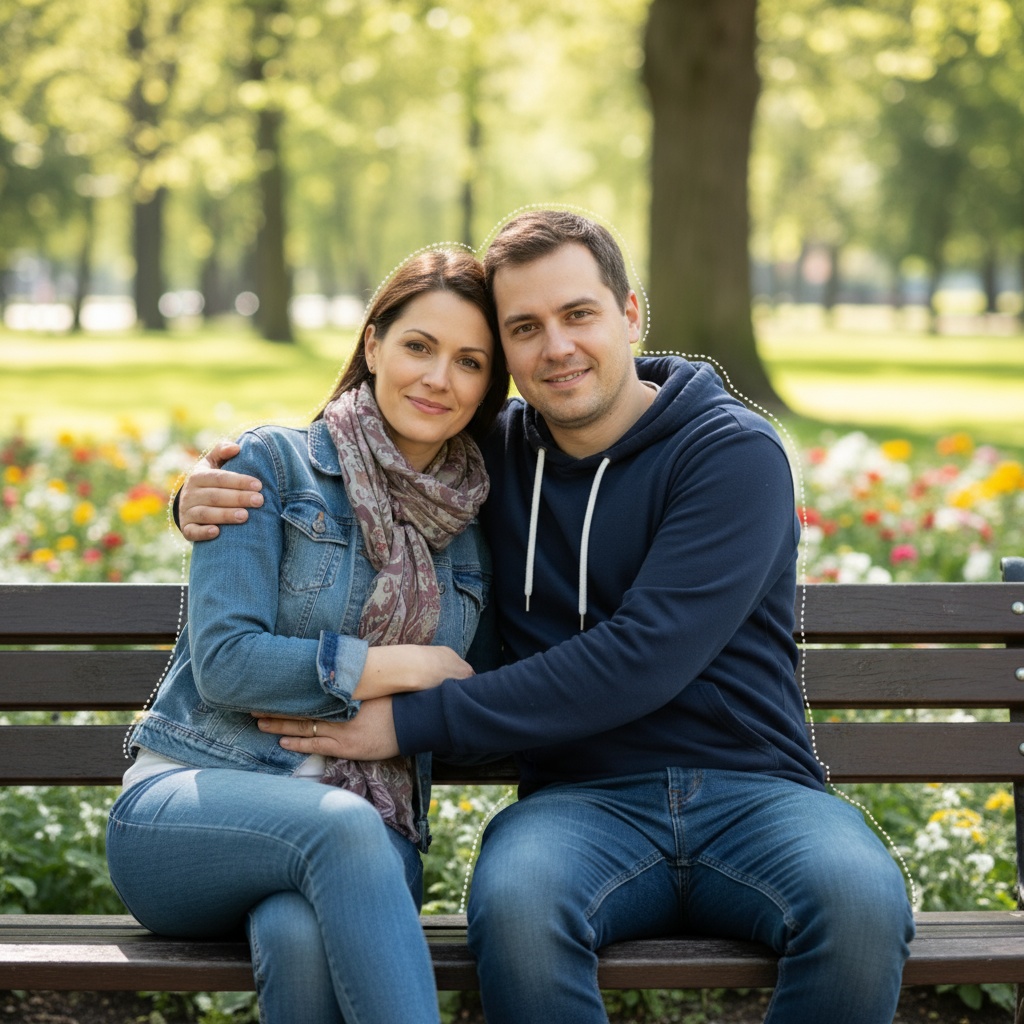
The AI Add Boyfriend trend uses advanced artificial intelligence to seamlessly add a realistic boyfriend to your photos. Perfect for creating fun social media content, pranks, or just seeing what couple photos would look like. Our Nano Banana AI technology ensures natural-looking results that blend perfectly with your original photo.
How to Create AI Boyfriend Photos
Creating AI boyfriend photos is simple: upload your photo, click generate, and watch as our AI adds a realistic boyfriend to your image. The AI analyzes your photo's lighting, angle, and composition to create a boyfriend that looks naturally integrated into the scene. Results are ready in seconds, and you can download and share them instantly.
Why This Trend is Popular
The AI Add Boyfriend trend has gone viral on social media platforms like TikTok and Instagram because it creates entertaining, shareable content. Whether you're creating funny content, testing reactions, or just having fun with AI technology, this effect produces impressive results that get engagement and views.
Tips for Best Results
- Use clear, well-lit photos for the most realistic results
- Photos with space beside you work best for adding a boyfriend
- Try different poses and angles for variety
- The AI works best with photos taken in natural settings
- Experiment with different lighting conditions for unique results
Why Choose Soracai for AI Add Boyfriend Photos
Natural Looking Results
Our AI creates incredibly realistic boyfriend additions that blend seamlessly with your photo's lighting, angle, and composition for believable couple photos.
Instant Generation
Powered by Nano Banana AI, get your couple photo in seconds. No complicated editing or photo manipulation skills required.
Social Media Ready
Create shareable content perfect for Instagram, TikTok, and other platforms. Join the viral AI boyfriend trend with realistic results.
How to Add AI Boyfriend to Your Photos Online
Step 1: Upload Your Photo
Select a clear photo of yourself. Photos with some space beside you work best for adding a boyfriend. The AI analyzes your photo's composition and lighting.
Step 2: AI Processing
Our advanced AI generates a realistic boyfriend that matches your photo's style, lighting, and perspective. The AI ensures natural integration for believable couple photos.
Step 3: Download & Share
Download your AI-generated couple photo instantly and share it on social media. Perfect for fun content, pranks, or creative storytelling!
What Users Say About Our AI Add Boyfriend Generator
"This is hilarious and so realistic! I pranked my friends and they all believed it. The AI boyfriend looks so natural in the photo!"
— Jessica M., TikTok Creator
"Perfect for creating fun content! The lighting and perspective match perfectly. My followers loved the reveal video!"
— Amanda R., Instagram Influencer
"The AI is incredible! It understands the photo's composition and adds a boyfriend that looks completely natural. Super impressed!"
— Olivia K., Content Creator
"Made some funny couple photos for a video project. The results are so realistic, it's almost scary how good the AI is!"
— Ryan T., Video Creator
FAQs About AI Add Boyfriend Generator
How does the AI Add Boyfriend feature work?
Our AI analyzes your photo's composition, lighting, and perspective, then generates a realistic boyfriend that blends naturally into the scene. The AI ensures matching lighting and realistic integration.
Is my photo data private?
Yes, absolutely. Your privacy is our top priority. Photos are processed securely and are not stored on our servers after generation. Your data remains completely confidential.
Can I create multiple versions?
Yes! You can generate as many AI boyfriend photos as you want. Each generation costs 1 coin, making it affordable to try different photos and create various couple scenarios.
What type of photos work best?
Clear, well-lit photos work best. Photos with some space beside you allow the AI to add a boyfriend naturally. Natural settings and good lighting produce the most realistic results.
Can I share these photos on social media?
Yes! These photos are yours to download and share on any platform - Instagram, TikTok, Facebook, or anywhere else. Perfect for creating fun, viral content!
Explore More AI Effects
Try other trending AI transformations