
AI Ghostface Trend
Example Results
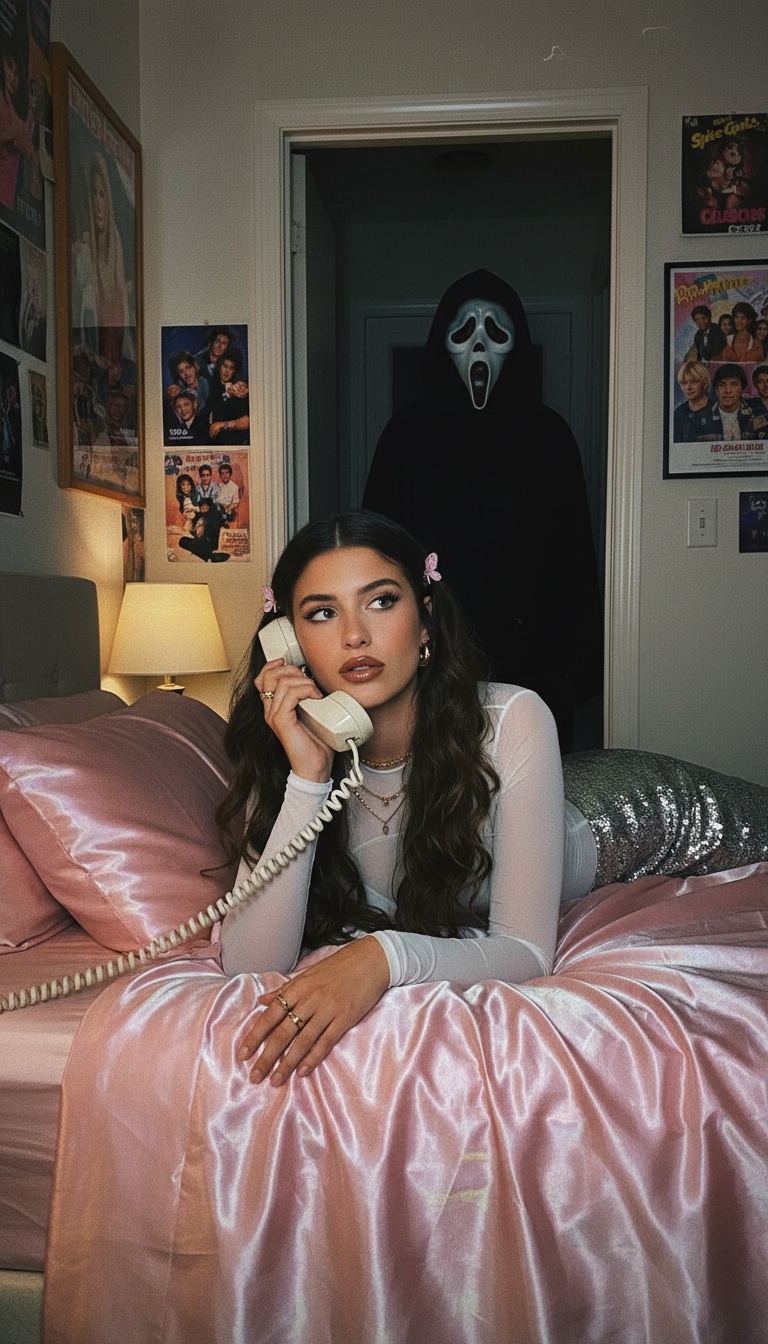
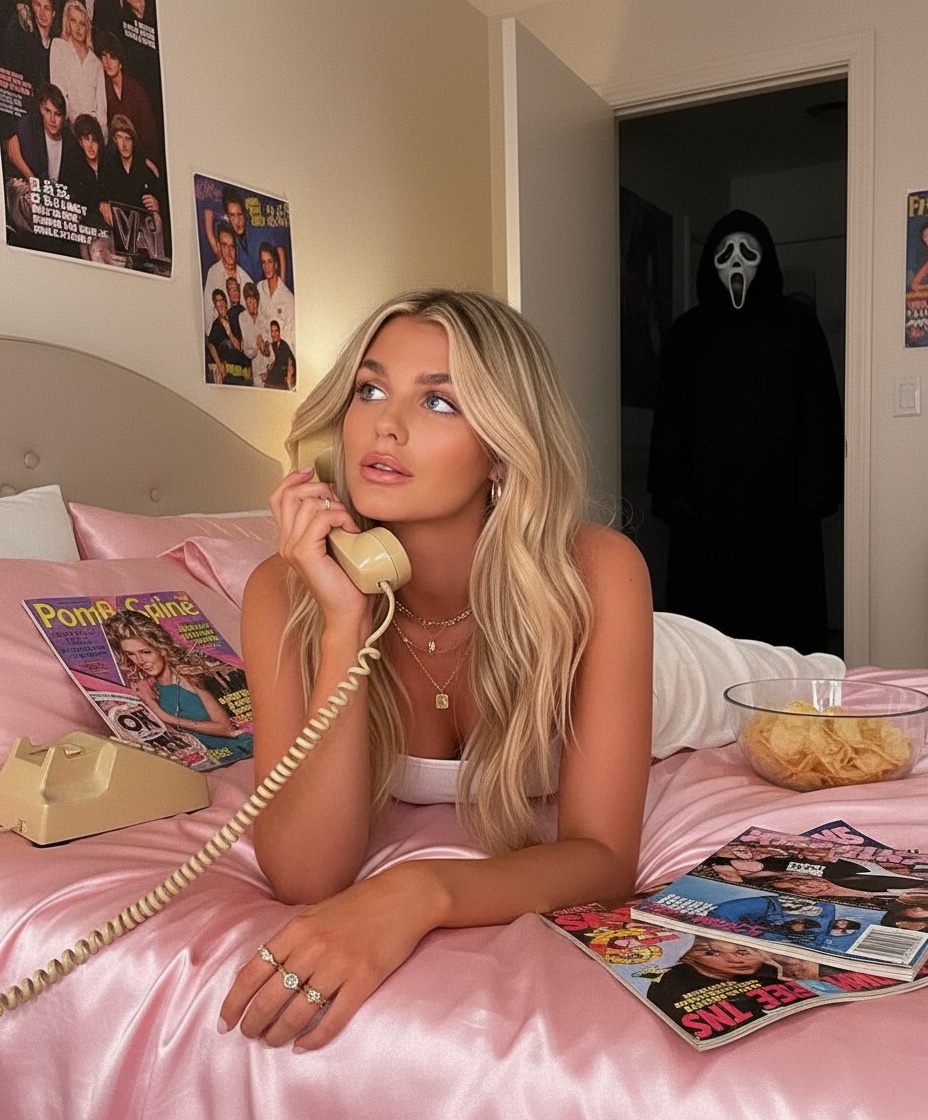
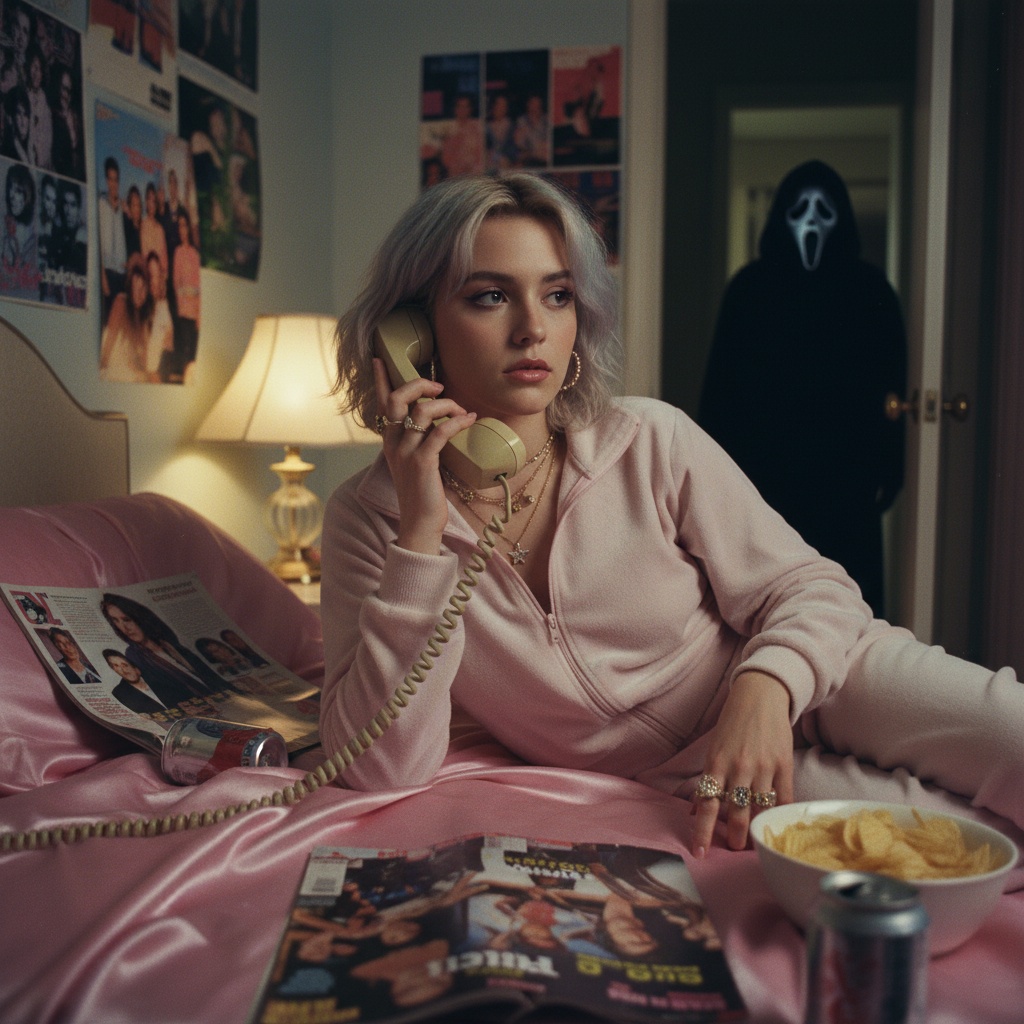
See what you can create with the Ghostface effect
Upload Your Photo
Get notified when your image generation is complete
Transform your photos with the viral AI Ghostface effect that's taking social media by storm. This trending AI filter applies the iconic Ghostface mask from the Scream franchise to your photos, creating spooky and shareable content perfect for Halloween, horror fans, or just having fun with friends.
What is the AI Ghostface Trend?
This AI Ghostface trend uses advanced AI powered by Nano Banana AI image model to seamlessly blend the Ghostface mask onto any photo. The AI understands facial features, lighting, and perspective to create realistic and often hilarious transformations. This trend has gone viral on TikTok, Instagram, and Twitter, with millions of users sharing their spooky creations.
How to Create Your AI Ghostface Photo
Creating your own AI Ghostface photo is simple: upload a clear photo of yourself or a friend, and our AI will automatically apply the Ghostface effect. The process takes just seconds, and you'll have a high-quality image ready to share on social media. Each generation costs only 1 coin, making it affordable to create multiple variations.
Why the Ghostface AI Trend is Popular
The Ghostface AI trend combines nostalgia with cutting-edge technology. Fans of the Scream franchise love seeing themselves transformed into the iconic killer, while AI enthusiasts appreciate the sophisticated image processing. The trend is perfect for Halloween content, horror movie marathons, or simply creating memorable content that stands out on social media feeds.
Tips for Best Results
- Use a clear, well-lit photo with your face clearly visible
- Face the camera directly for the most realistic effect
- Try different expressions for varied results
- Experiment with group photos for fun comparisons
- Share your creations with #AIGhostface to join the trend
Why Choose Soracai for Ghostface AI Photo Filter
Instant Results
Get your viral Ghostface photo in seconds. Our advanced AI technology processes your image instantly, no waiting or complicated tools needed.
Realistic Transformation
Powered by cutting-edge AI algorithms, our Ghostface filter creates incredibly realistic transformations that blend seamlessly with your photo's lighting and perspective.
Social Media Ready
Create shareable content perfect for TikTok, Instagram, and Twitter. Join millions of users participating in the viral Ghostface trend.
How to Generate Realistic Ghostface AI Photos Online
Step 1: Upload Your Photo
Click the upload area and select a clear photo of yourself or anyone you want to transform. The AI works best with front-facing photos in good lighting.
Step 2: AI Processing
Our AI analyzes facial features, lighting conditions, and facial structure to apply the Ghostface mask realistically. The entire process takes just a few seconds.
Step 3: Download & Share
Once your Ghostface photo is ready, download it instantly and share it on social media. Tag us with #AIGhostface to join the viral trend!
What Users Say About Our Ghostface AI Photo Generator
"This is absolutely amazing! The Ghostface effect looks so realistic. I've already made 10 different photos. It's addictive!"
— Sarah M., TikTok User
"Best AI Ghostface filter I've tried. The quality is incredible and it's so easy to use. My Halloween content has never been better!"
— Mike D., Instagram Content Creator
"Made these with my friends for a party. Everyone loved the results! The AI really understands facial anatomy."
— James L., Party Host
"As a horror fan, this is perfect for creating content. The realistic transformations make my posts stand out. Worth every coin!"
— Emma T., Horror Blogger
FAQs About AI Ghostface Generator
How does the AI Ghostface filter work?
Our AI uses advanced machine learning algorithms to detect facial features and apply the Ghostface mask with realistic perspective, lighting, and shadows. It analyzes your photo's structure and seamlessly blends the mask for a natural look.
Is my photo data safe?
Yes, your privacy is our priority. Photos are processed securely and are not stored on our servers after generation. Your data remains completely private and confidential.
Can I use this on multiple photos?
Absolutely! You can create as many Ghostface photos as you want. Each generation costs 1 coin, making it affordable to experiment with different photos and styles.
What photo quality gives the best results?
For the best results, use clear, well-lit photos with your face facing the camera. High-resolution images work best, but our AI can handle various photo qualities effectively.
Can I share my Ghostface photos online?
Yes! These photos are yours to download and share anywhere - TikTok, Instagram, Twitter, or any social media platform. Join the viral trend by tagging your posts with #AIGhostface!
Explore More AI Effects
Try other trending AI transformations