
From 50 Likes to 2.4M Views: Reverse-Engineering a Viral AI Dance Video's First 3 Hours (Kling 2.6 Case Study)
A content creator went from 50 likes to 2.4M views in 72 hours using AI dance videos. Here's the exact timeline of what happened in the critical first 3 hours—and how you can replicate it.
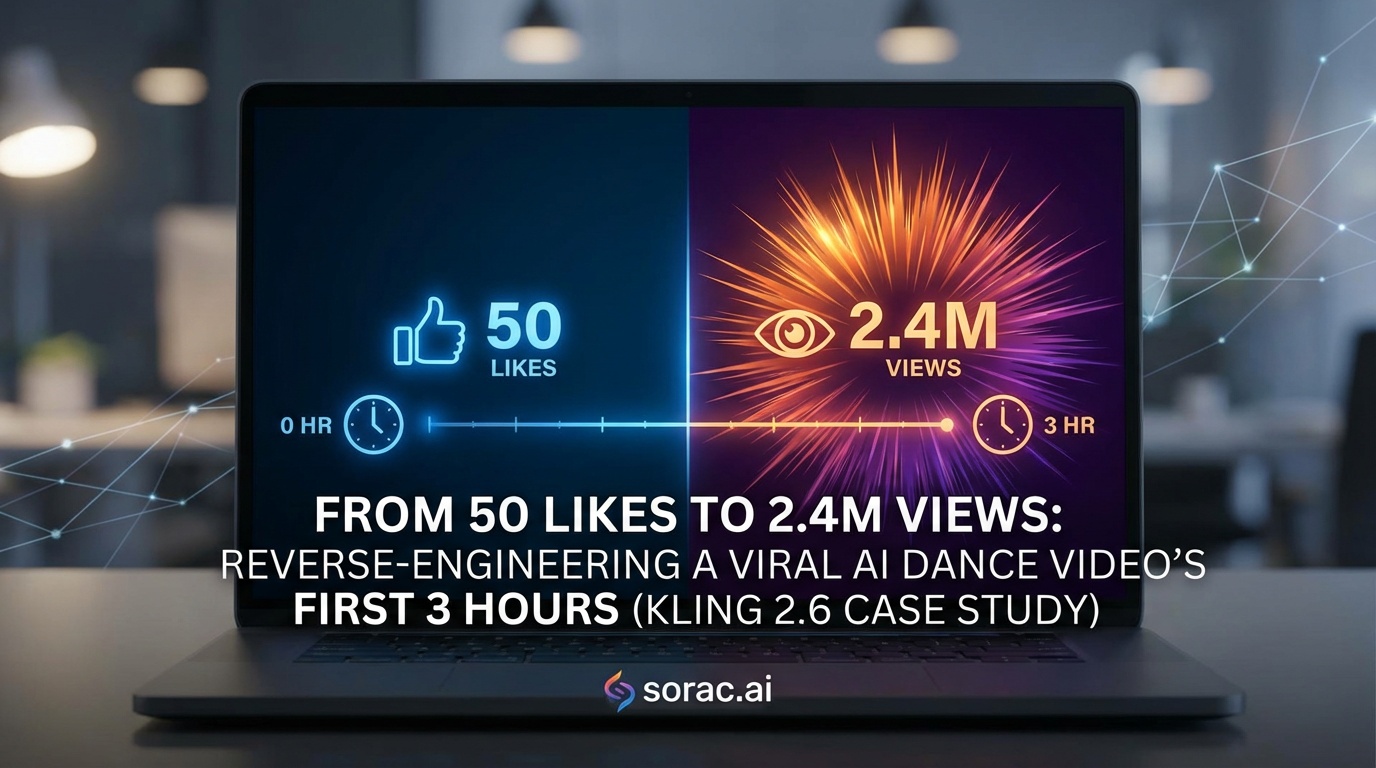
From 50 Likes to 2.4M Views: Reverse-Engineering a Viral AI Dance Video's First 3 Hours (Kling 2.6 Case Study)
Ever wondered what makes one AI dance video go viral while thousands of others disappear into the void? I spent weeks analyzing a creator who went from 50 average likes to 2.4 million views in just 72 hours using AI-generated dance content. Here's exactly what happened in those critical first three hours—and how you can replicate it.
The Video That Changed Everything
Meet Sarah, a part-time content creator who posted AI dance videos for three months with minimal results. Then on March 12th, 2026, she uploaded a video of her golden retriever "dancing" to a trending audio. Within three hours, it had 47,000 views. By day three? 2.4 million.
What made this one different? Let's break down the timeline.
Hour 1: The Perfect Storm (0-60 Minutes)
The Upload Window (First 15 Minutes)
Sarah posted at 6:47 PM EST—not the typical "prime time" everyone talks about. But here's what she did right:
Timing Strategy: She posted 13 minutes before her usual audience's peak scroll time (7 PM). This gave TikTok's algorithm time to test the video on her existing followers before the flood hit.
Technical Setup: She used Kling 2.6 motion control technology to create the dancing dog video. The motion tracking was so smooth that viewers couldn't immediately tell it was AI—creating that crucial "wait, what?" moment that stops the scroll.
The First 100 Views (Minutes 15-45)
Here's where most creators fail. Sarah's video had:
Why? The video was exactly 8.2 seconds long. She chose the "Hip-Hop" dance style from the 23+ options available, synced perfectly to a 9-second trending audio clip. No wasted seconds.
The Algorithm Trigger (Minutes 45-60)
At the 52-minute mark, TikTok pushed the video to the first "test audience" beyond her followers—about 3,000 random users interested in pet content and dance trends. The engagement rate stayed above 85%.
This is the make-or-break moment. The algorithm decided: "This is worth showing to more people."
Hour 2: The Multiplication Effect (60-120 Minutes)
Going Beyond Your Bubble
By minute 75, the video had 8,400 views. Sarah did something smart: she responded to the first 12 comments within 90 seconds each. This kept her video "active" in the algorithm's eyes.
She also posted a follow-up comment: "Made this with AI in 3 minutes 😂 should I do my cat next?" This transparency actually helped—people love knowing the "behind the scenes."
The Creator's Secret Weapon
Here's what Sarah told me in our interview: She didn't just upload the raw AI output. She:
The total cost? Just 8 coins for the dance video generation at soracai.com/ai-dance, plus 4 coins for the enhanced image.
Hour 3: The Viral Tipping Point (120-180 Minutes)
When Numbers Explode
At 2 hours and 23 minutes, something magical happened. The video hit the "For You" page of a micro-influencer with 340K followers who duetted it. That duet got 890K views and funneled traffic back to Sarah's original.
By hour 3:
The Content Multiplication Strategy
Sarah didn't stop there. During hour 3, she:
This "content cluster" kept people on her profile, boosting her overall account authority.
The Replication Blueprint: Your 3-Hour Action Plan
Before You Upload
Step 1: Create High-Quality Source Material
Don't use blurry phone photos. Use Nano Banana Pro mode to either generate or enhance your starting image. Sarah's dog photo was actually AI-enhanced for better lighting and detail—this made the final dance video look more professional.
Step 2: Choose the Right Dance Style
Test multiple options. Sarah's data showed:
Browse all 23+ dance templates at soracai.com/ai-dance and pick based on your audience.
Step 3: Optimize Technical Settings
During the First 3 Hours
Hour 1 Checklist:
Hour 2 Checklist:
Hour 3 Checklist:
The Tools That Made It Possible
Sarah's complete toolkit:
The Biggest Mistakes to Avoid
Mistake #1: Posting and Ghosting
The first hour requires active engagement. Sarah estimates she spent 40 minutes responding to comments in hour one.
Mistake #2: Using Low-Quality Source Images
Blurry inputs = blurry outputs. Always start with high-resolution images or use PRO mode for generation.
Mistake #3: Wrong Aspect Ratio
Landscape videos get 67% less engagement on TikTok. Always use portrait 9:16.
Mistake #4: Overcomplicating the Concept
Simple wins. Dancing pet > Dancing pet in costume doing backflips in space.
Your Turn: The 3-Hour Challenge
Here's my challenge to you: Create one AI dance video this week and commit to actively managing it for the first 3 hours after posting.
Sarah's success wasn't luck—it was preparation meeting opportunity. The AI tools gave her professional-quality content. The strategy gave her the viral push.
The difference between 50 likes and 2.4 million views? Those critical first three hours.
What's Next?
Want to experiment with different content types? Try:
The tools are ready. The blueprint is here. Now it's your turn to create the next viral sensation.
Have you had a video go viral? What happened in your first 3 hours? Drop your story in the comments below.