
Action Figure AI for Beginners: Turn Your Photos into Toy Collectibles in 3 Steps (Zero Design Skills Required)
Never touched Photoshop? No problem. Turn any photo into a collectible action figure in 90 seconds using AI—packaging, plastic sheen, and all. Zero design skills required.
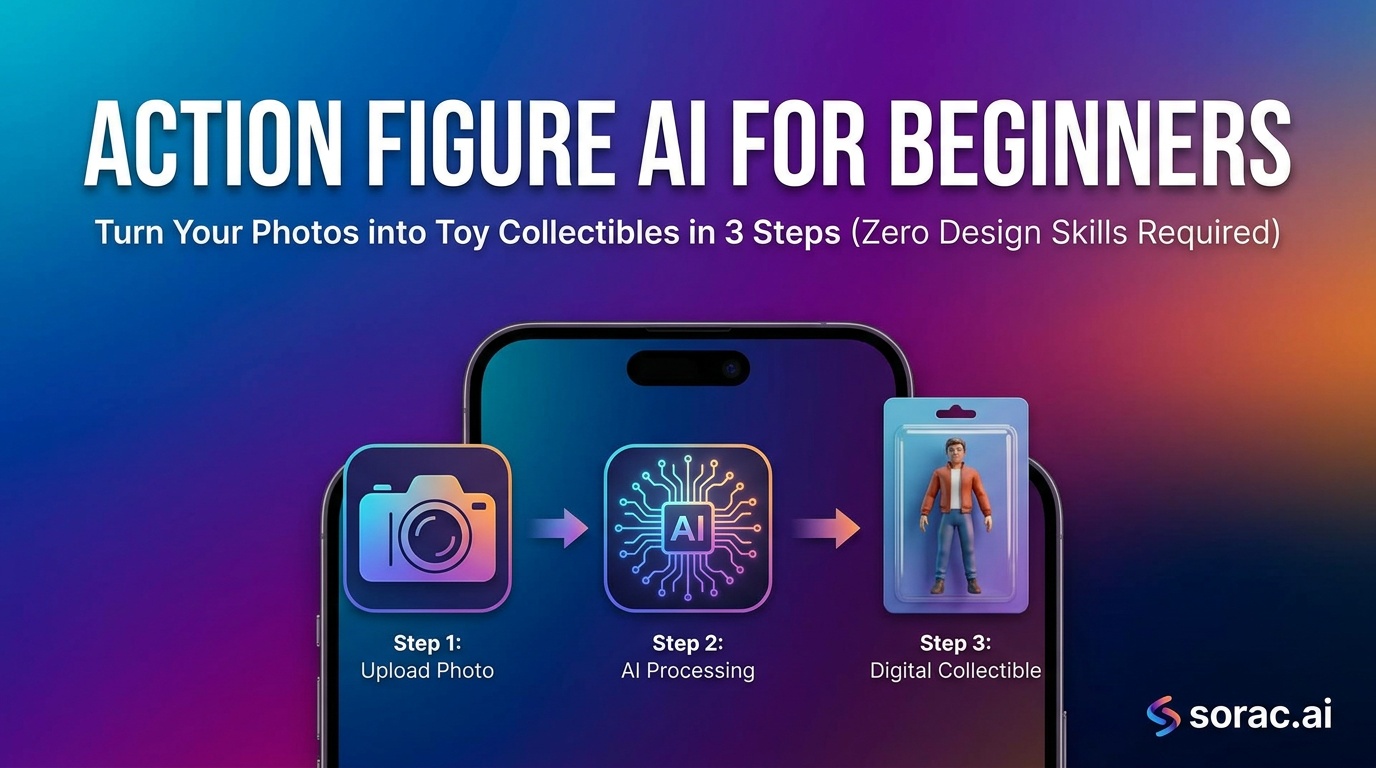
Action Figure AI for Beginners: Turn Your Photos into Toy Collectibles in 3 Steps (Zero Design Skills Required)
Remember when you were a kid and wished you could have your own action figure? Well, 2026 just made that childhood dream hilariously accessible. Welcome to the world of AI action figure generators, where your selfies, pet photos, and embarrassing family portraits become collectible toys in about 90 seconds.
If you've never touched Photoshop and think "3D modeling" sounds like a college course you'd skip, you're exactly who this guide is for. Let's turn you into plastic.
What Is Action Figure AI, Actually?
Action figure AI is exactly what it sounds like: artificial intelligence that transforms regular photos into images that look like boxed action figures or toy collectibles. We're talking the full package—plastic sheen, packaging design, that weird cardboard backing with fake logos, the works.
The AI analyzes your photo, then reimagines it as if a toy company decided to immortalize that image in 6 inches of molded plastic. It's not just slapping a filter on your face. Modern models like those powering tools at soracai.com/trends/action-figure actually understand lighting, materials, and how to make skin look like painted vinyl.
The results? Perfect for gag gifts, social media content that actually gets engagement, or just messing with your friends. I've seen people create entire fictional toy lines of their office coworkers. The internet is beautiful sometimes.
Why This Matters Right Now (And Why It's So Easy)
Here's the thing: action figure AI used to require serious technical chops. You'd need to understand 3D modeling software, spend hours tweaking materials, and probably sacrifice a weekend to YouTube tutorials.
Then something shifted in early 2026. Google rolled out Nano Banana 2 in March with features like 14-object fidelity and 512px-4K rendering that made AI image generation stupid-good at understanding complex requests. Around the same time, Autodesk dropped AI Rigging and Neural Layer in Flow Studio on April 28, making it possible to go from 2D images to 3D character rigs automatically.
Translation: The AI finally "gets" what an action figure should look like—the glossy plastic texture, the packaging aesthetic, even the little details like joint articulation marks.
The 3-Step Process (Seriously, Just Three)
Let's get you from photo to action figure faster than you can say "mint in box."
Step 1: Pick Your Photo (This Matters More Than You Think)
Not all photos work equally well. Here's what makes a killer action figure:
Good photo choices:
Bad photo choices:
Pro tip: Action figures look best when there's a clear "character" in the shot. Think superhero poster, not candid brunch pic.
Step 2: Choose Your Tool and Generate
You've got options, but here's the honest breakdown:
The fast route: Head to soracai.com/trends/action-figure. Upload your photo, wait about 60-90 seconds, done. This uses pre-tuned prompts and models specifically trained for the action figure aesthetic. Costs 1-4 coins depending on quality settings (we'll talk pricing in a sec).
The custom route: Use soracai.com/create with Nano Banana 2 Pro mode. This gives you full control over the prompt, so you can specify details like "retro 1980s He-Man style packaging" or "Japanese import collectible aesthetic." Takes 4 coins but you get that enhanced color accuracy and detail that makes the difference between "cool" and "I need to post this immediately."
For beginners, I'd start with the Trends page. Once you understand what works, graduate to custom prompts.
Step 3: Download and Share (Or Keep Iterating)
Your action figure is ready. Now what?
Seriously, people get thousands of views posting these. The novelty factor is still high, and everyone secretly wants to see themselves as a toy.
Common Beginner Mistakes (And How to Avoid Them)
Mistake #1: Using Low-Quality Source Photos
The AI is good, but it's not magic. Feed it a blurry, dark photo and you'll get a blurry, dark action figure. Use the best quality image you have—smartphone photos from the last few years are usually perfect.
Mistake #2: Skipping Nano Banana 2 PRO Mode When It Matters
Look, the standard 1-coin generation is fine for messing around. But if you're making something you actually want to share or print? Spend the extra 3 coins for PRO mode. The detail difference is massive—better color accuracy, sharper edges, more realistic plastic textures. It's the difference between a knockoff toy and the real thing.
Mistake #3: Giving Up After One Try
AI generation has randomness baked in. Your first result might be perfect, or it might look like a melted G.I. Joe. Generate 2-3 versions, pick the best one. This isn't failure—it's how the tech works.
Mistake #4: Not Experimenting With Styles
Don't just accept the default. Try prompts like:
Each gives you wildly different aesthetics. Half the fun is discovering which toy era matches your vibe.
Beyond Static Images: Making Your Action Figure Move
Here's where it gets ridiculous (in the best way).
Once you've got your action figure image, you can animate it using soracai.com/ai-dance. Upload your generated toy, pick from 23+ dance styles—hip-hop, robot, breakdancing, whatever—and the AI makes your action figure bust moves like it's a Pixar short.
It uses Kling 2.6 motion control to copy dance moves from reference videos, and the results are absurdly shareable. Costs 8 coins, takes 2-5 minutes to generate. I've seen these videos rack up 50K+ views on TikTok because they're just... unexpected.
Or go full cinematic: use soracai.com/ai-video-generator to create a Sora 2-powered video ad for your "toy line." Portrait mode (9:16) for TikTok, landscape (16:9) for YouTube. Imagine a fake commercial for your action figure complete with dramatic music and slow-motion shots. Peak internet content.
The Technical Stuff (Simplified)
You don't need to understand this to use action figure AI, but if you're curious:
Aspect ratios: Most action figure generators work best with 4:5 or 1:1 (square) ratios because that's how toy packaging photos are typically shot. Soracai offers 11 aspect ratio options at soracai.com/create, so you can match Instagram (4:5), standard prints (4:3), or go full vertical for TikTok (9:16).
Image-to-image vs text-to-image: Text-to-image means you describe what you want ("a superhero action figure with red cape in retro packaging"). Image-to-image means you upload a photo and the AI transforms it. For action figures, image-to-image gives more control—you can upload your portrait plus reference images of actual toy packaging for better results.
Coin costs: Soracai uses a pay-per-use coin system. Standard generation = 1 coin. Nano Banana 2 PRO mode = 4 coins. No subscriptions, just pay for what you use. Way better than dropping $30/month on a tool you use twice.
What's Next? Level Up Your AI Toy Empire
You've made your first action figure. Congrats—you're now a digital toy designer. Here's how to keep the momentum:
The Bottom Line
Action figure AI isn't going to replace Hasbro's design team, but it's going to make you laugh, impress your friends, and maybe even go viral. The barrier to entry is basically zero—if you can upload a photo and click a button, you can do this.
The tech got stupid-good in early 2026 thanks to models like Nano Banana 2 and infrastructure improvements from companies like Autodesk (whose Flow Studio now does AI rigging automatically as of April 28). What used to require a 3D artist and a weekend now takes 90 seconds and costs less than a coffee.
So grab your best photo, head to soracai.com/trends/action-figure, and turn yourself into plastic. Your inner 8-year-old will thank you.
And hey—if you make something hilarious, tag it. The internet needs more people who don't take themselves too seriously.