
Turn Photos Into Plasticine Clay Art
Transform your pictures into charming stop-motion clay scenes with visible fingerprints and handmade texture.
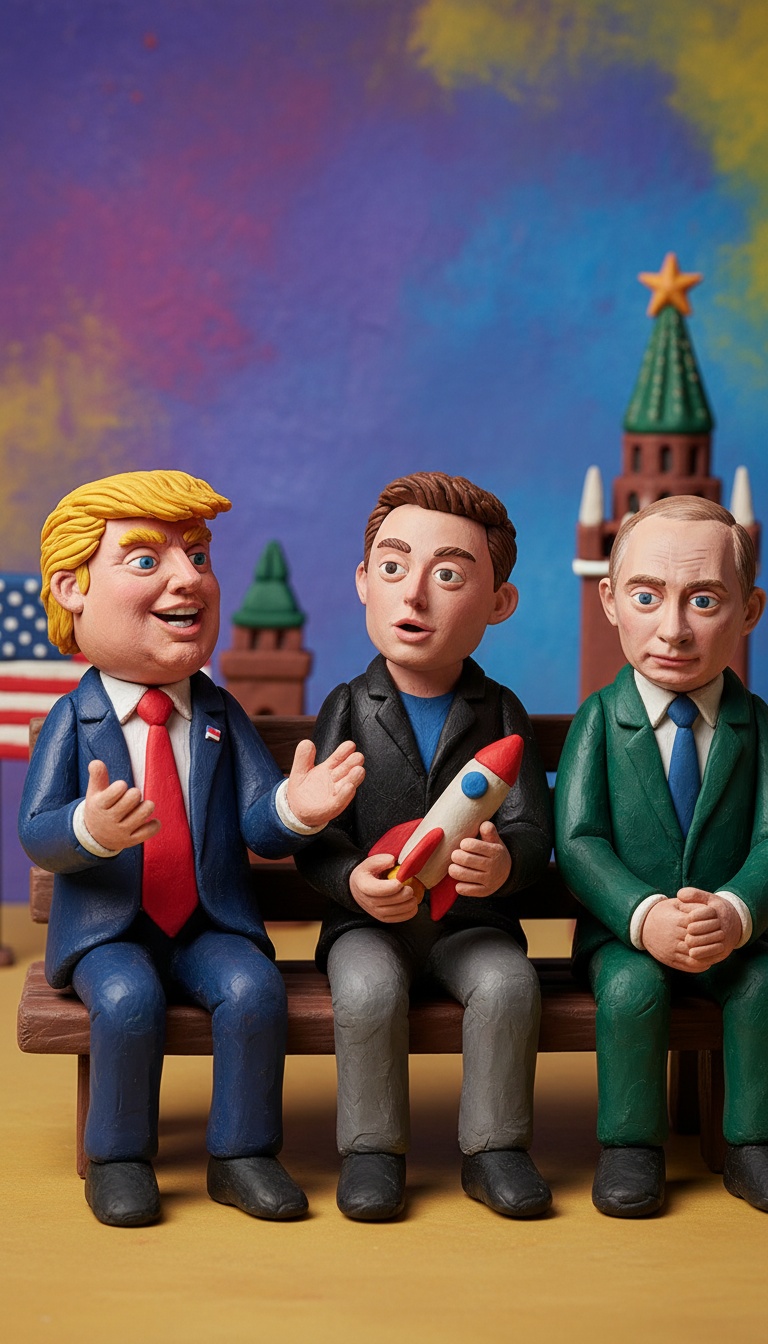
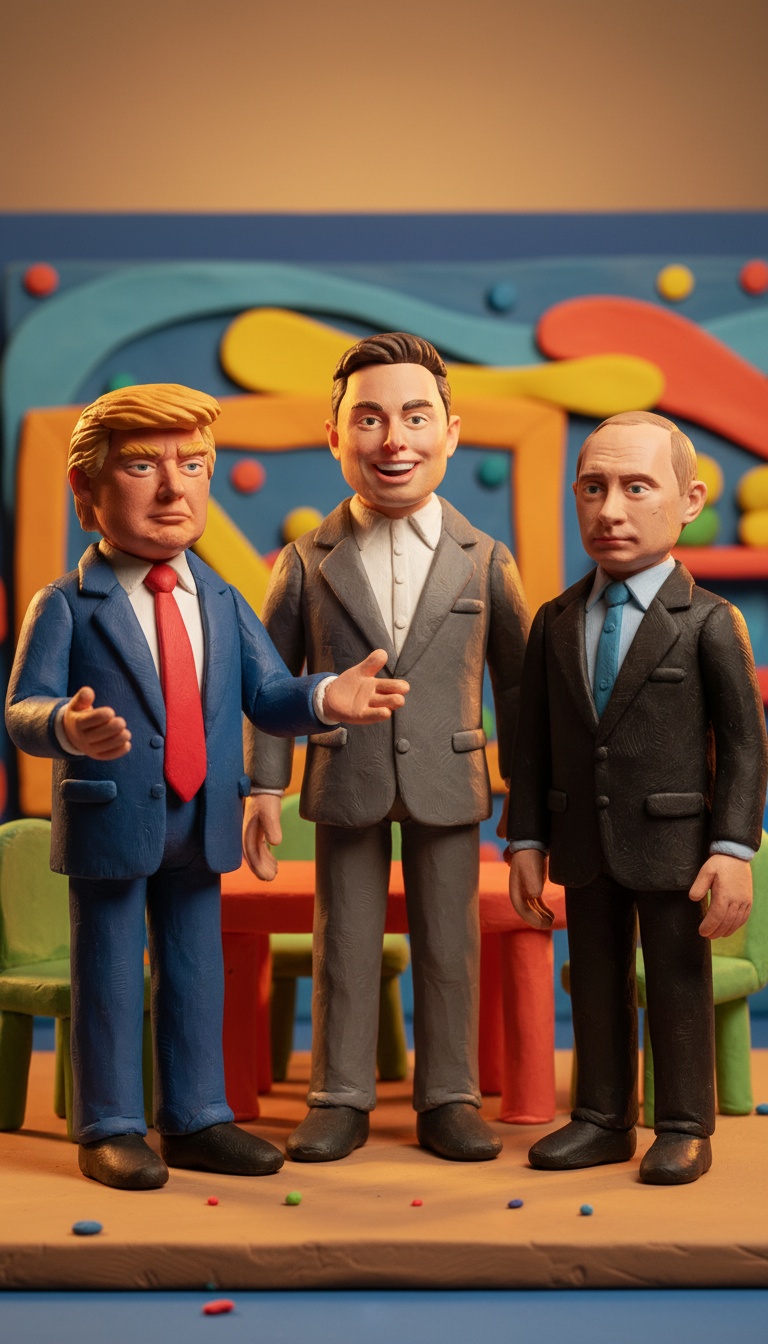
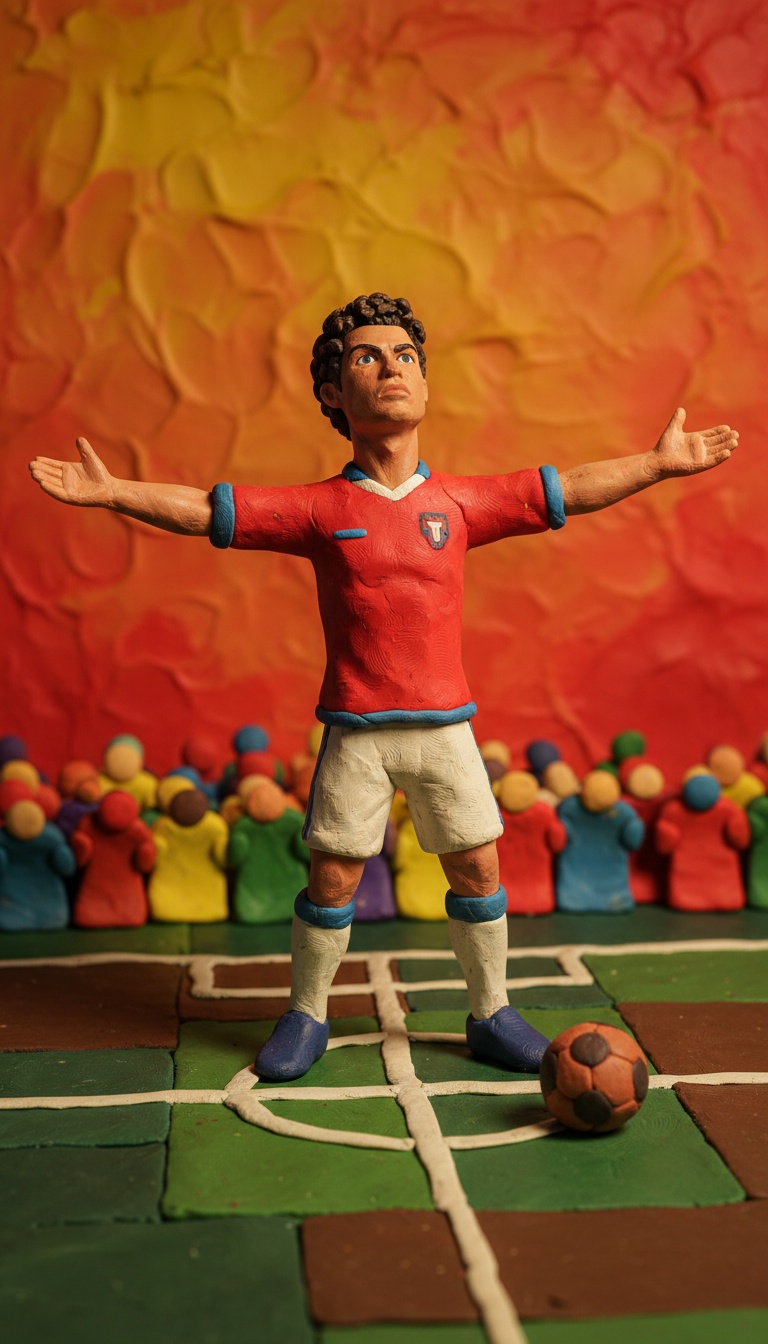
Example Results
See what you can create
Upload Your Photo
Get notified when your image generation is complete
Remember those classic clay animation shows? Now you can turn your photos into that same nostalgic style. The Plasticine Stop-Motion Filter gives your pictures that chunky, handmade clay look everyone loves.
What is the Plasticine Stop-Motion Filter?
This AI filter recreates your photos as colorful plasticine clay scenes. Think Wallace and Gromit or old-school claymation movies. Your picture gets transformed into what looks like handcrafted clay figures. The filter adds visible fingerprints and imperfect textures. It captures that chunky, molded-by-hand aesthetic. Everything looks like it was carefully sculpted from modeling clay. Warm studio lighting completes the stop-motion feel. The result is nostalgic, playful, and totally unique. It's like stepping into a clay animation world.
How to Create Your Plasticine Stop-Motion Filter
Creating your clay art photo is super simple. Just upload any photo to Soracai. The AI handles all the complex transformation work for you. The filter maintains your original pose and composition. It converts everything into plasticine clay texture. Fingerprints and imperfections appear naturally. You get professional stop-motion studio lighting automatically. The whole process takes just seconds. No actual clay or sculpting skills needed.
Why the Plasticine Stop-Motion Filter is Popular
Nostalgia is huge right now. This filter taps into childhood memories of clay animation shows. It brings back that warm, fuzzy feeling instantly. The handmade look stands out on social media. Everything feels so digital these days. This chunky, imperfect clay style is refreshingly different. People love the playful, whimsical vibe. It makes any photo more fun and creative. Plus, it's totally Instagram and TikTok-worthy. The unique aesthetic gets tons of engagement.
Tips for Best Results
- Use photos with clear subjects and simple backgrounds for best clay conversion
- Photos with distinct poses work better than group shots or complex scenes
- Well-lit original photos produce more vibrant plasticine colors
- Close-up portraits create amazing detailed clay figure effects
- Try photos with expressive faces to maximize the charming clay character look
- Avoid overly busy backgrounds that might lose detail in clay form
- Experiment with different photo styles to see varied clay textures
Why Choose Soracai for Plasticine Stop-Motion Filter
Authentic Clay Texture
Our AI captures real plasticine details perfectly. You get visible fingerprints and chunky modeling marks. It looks genuinely handmade.
Instant Results
No waiting around for manual clay sculpting. Get your stop-motion style photo in seconds. Fast, easy, and always high-quality.
Professional Studio Lighting
Every image gets warm, professional stop-motion lighting. It matches real claymation production quality. Your photos look like they're from an actual animation studio.
How to Generate Plasticine Stop-Motion Filter Online
Upload Your Photo
Choose any photo you want to transform. Clear subjects work best. The AI will analyze your image instantly.
Apply the Filter
Select the Plasticine Stop-Motion Filter. The AI converts your photo into clay art. Watch the magic happen in real-time.
Download and Share
Save your clay-style creation. Share it on social media. Show off your unique stop-motion masterpiece to everyone.
What Users Say About Our Plasticine Stop-Motion Filter
This filter is pure nostalgia! My photo looks exactly like a Wallace and Gromit character. I'm obsessed with the chunky clay texture.
— Emma Rodriguez, Instagram Creator
The fingerprint details are incredible. It genuinely looks handmade. My followers went crazy when I posted this!
— Jake Thompson, TikTok Influencer
I've tried other clay filters but this one is different. The studio lighting makes it look so professional. Absolutely love it.
— Priya Sharma, Content Creator
So easy to use and the results are amazing. My kids thought I actually made clay figures of us. That's how realistic it looks!
— Michael Chen, Facebook User
FAQs About Plasticine Stop-Motion Filter
What makes this different from other clay filters?
Our filter captures authentic plasticine details like fingerprints and chunky textures. It includes professional stop-motion studio lighting for that real claymation look.
Do I need any special photos for this filter?
Any photo works, but clear subjects with simple backgrounds give the best results. Well-lit photos produce more vibrant clay colors.
How long does the transformation take?
Just a few seconds. Upload your photo and the AI instantly converts it to plasticine style. No waiting required.
Can I use this for commercial projects?
Yes! Your generated clay-style images are yours to use. Perfect for social media, marketing, or creative projects.
Will it work with group photos?
It works best with single subjects or simple compositions. Complex group shots might lose some clay detail, but you can always try and see the results.
Explore More AI Effects
Try other trending AI transformations