
Sora 2 Just Shut Down: 5 Better AI Video Alternatives Still Standing in March 2026 (Cost & Quality Compared)
OpenAI just killed Sora after Disney's $1B deal fell apart. Here are 5 AI video tools that work better, cost less, and won't ghost you tomorrow.
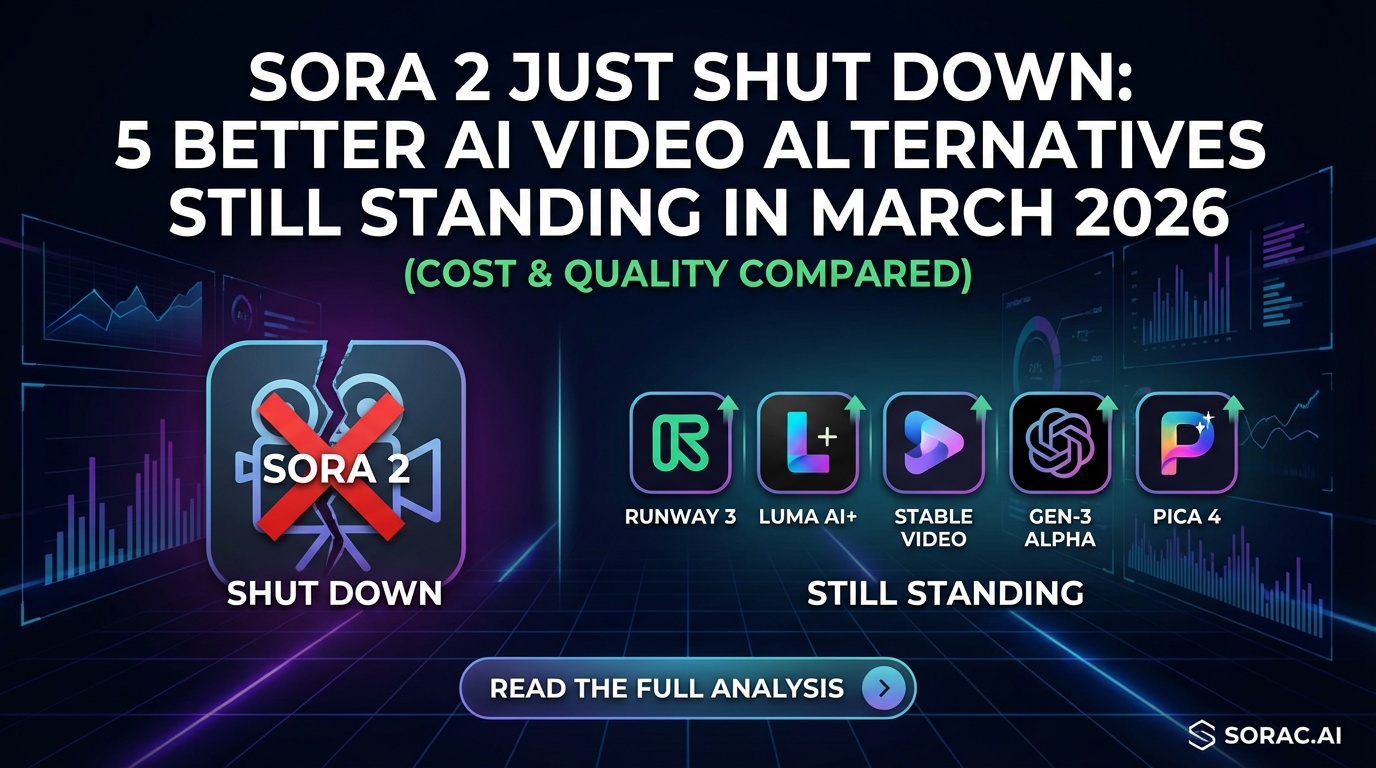
Sora 2 Just Shut Down: 5 Better AI Video Alternatives Still Standing in March 2026 (Cost & Quality Compared)
Well, that escalated quickly. On March 24, 2026, OpenAI pulled the plug on Sora—the AI video tool that was supposed to revolutionize content creation. The reason? "Declining interest and high compute costs." Translation: nobody wanted to pay premium prices for videos that took forever to render and sometimes looked like fever dreams.
Even Disney's $1 billion licensing deal (yes, with a B) got canceled. When Mickey Mouse walks away from your product, you know something's seriously wrong.
But here's the silver lining: Sora's shutdown leaves a vacuum that several scrappier, more affordable alternatives are already filling. If you were relying on Sora or just looking for AI video tools that actually work without bankrupting you, this comparison is your new survival guide.
Why Sora Failed (And What It Means for You)
Before we dive into alternatives, let's understand what went wrong. Sora faced:
The takeaway? Premium pricing doesn't matter if your tool is slow, controversial, and produces inconsistent results. Creators need reliability and affordability—not hype.
Quick Comparison Table: Top 5 Sora Alternatives
| Tool | Best For | Cost | Speed | Quality | Ease of Use |
|------|----------|------|-------|---------|-------------|
| Kling 2.6 | Dance videos, motion control | 8 coins/video | 2-5 min | Excellent | Very Easy |
| Runway Gen-3 | Professional film work | $12/month+ | 3-7 min | Outstanding | Moderate |
| Pika 2.0 | Quick social content | Free tier | 1-3 min | Good | Very Easy |
| LTX Studio | Story-driven videos | $25/month | 5-10 min | Very Good | Easy |
| Soracai Sora 2 | Budget text-to-video | 5 coins | 2-4 min | Good | Very Easy |
Note: Soracai's "Sora 2" uses alternative models post-OpenAI shutdown
1. Kling 2.6 Motion Control: The Dance Video Champion
What makes it special: Kling 2.6 doesn't just generate video—it copies dance moves from reference videos with scary accuracy. Want your baby photo doing the Robot? Your cat doing ballet? This is your tool.
Key Features:
Real-World Use Case:
A TikTok creator used Kling 2.6 to make their grandma's 1950s wedding photo do the "Jennie" K-pop dance. Result? 4.2 million views and counting. Try it yourself at soracai.com/ai-dance.
Choose Kling 2.6 if: You want viral dance videos, work with static photos, or need reliable results fast.
2. Runway Gen-3: The Professional's Pick
What makes it special: Runway is what Hollywood editors use when they need AI video that doesn't look like AI video.
Key Features:
The Catch:
Runway's learning curve is steeper than your college calculus class. You're paying for power, but you need time to master it.
Choose Runway if: You're a professional video editor, work on commercial projects, or need absolute top-tier quality.
3. Pika 2.0: The Speed Demon
What makes it special: Pika prioritizes speed over perfection—and sometimes that's exactly what you need.
Key Features:
Real Talk:
Pika is like the fast food of AI video—convenient, affordable, satisfying in the moment. Just don't expect Michelin-star quality.
Choose Pika if: You need quick social content, test ideas rapidly, or operate on a tight budget.
4. LTX Studio: The Storyteller's Dream
What makes it special: LTX Studio treats video as narrative, not just eye candy. It's built for multi-shot sequences with consistent characters.
Key Features:
Why It Matters:
Sora struggled with multi-shot consistency. LTX Studio solved it by building narrative structure into the workflow.
Choose LTX Studio if: You're creating explainer videos, short films, or content that needs story coherence.
5. Soracai's Sora 2 Alternative: The Budget-Friendly Workhorse
Full transparency: Soracai's "Sora 2" feature (soracai.com/ai-video-generator) now uses alternative models post-OpenAI shutdown, but it's priced for creators who need volume.
Key Features:
The Real Value:
Soracai's coin system means you only pay for what you use. No monthly fees eating your budget when you're not creating.
Choose Soracai if: You want affordable text-to-video, need multiple aspect ratios, or prefer pay-per-use over subscriptions.
Breaking Down the Categories That Actually Matter
Quality: Where They Shine and Stumble
Winner: Runway Gen-3 (professional-grade)
Runner-up: Kling 2.6 (excellent for motion)
Budget pick: Soracai Sora 2 (good enough for most social)
Speed: Time Is Money
Winner: Pika 2.0 (1-3 minutes)
Runner-up: Kling 2.6 / Soracai (2-4 minutes)
Slowest: LTX Studio (5-10 minutes, but worth it for story content)
Cost: The Real Deciding Factor
Most affordable: Pika free tier, Soracai pay-per-use
Best value: Kling 2.6 at 8 coins for viral-ready dance videos
Premium: Runway ($12-$100+/month)
Ease of Use: Can Your Mom Figure It Out?
Easiest: Soracai and Pika (literally type and click)
Moderate: Kling 2.6 and LTX Studio (some learning required)
Complex: Runway (professional tool, professional learning curve)
Use Case Decision Tree
Choose Kling 2.6 if you need:
Choose Runway if you need:
Choose Pika if you need:
Choose LTX Studio if you need:
Choose Soracai if you need:
The Verdict: What Replaces Sora in 2026?
Here's the uncomfortable truth: there is no single Sora replacement. And that's actually good news.
Sora tried to be everything to everyone and failed. The tools that survived are specialized, affordable, and actually deliver on their promises.
For most creators, the winning combo is:
Bonus: Don't Sleep on Soracai's Other Tools
While we're talking alternatives, Soracai offers more than just video:
The coin-based system means you can experiment with all these tools without subscription anxiety.
What Sora's Death Teaches Us About AI Tools
Sora's shutdown isn't just about one tool failing. It's a lesson for the entire AI industry:
The AI video tools surviving in 2026 are the ones that respect creators' time, budgets, and actual needs—not the ones with the splashiest launch events.
Your Next Steps
Sora is dead. Long live the alternatives.
If you were using Sora, here's your migration plan:
The good news? Most of these tools offer free trials or pay-per-use options. You can test everything before committing a dime.
And hey, at least we're not stuck with one overhyped, overpriced tool anymore. Competition is making AI video better, faster, and cheaper.
Now go make something viral. The tools are ready when you are.