
Runway's Seedance 2.0 Fast Just Split Motion Control Into Two Tiers: Why the June 5 'Speed vs Quality' Fork Changes How You Should Budget AI Dance Projects
Runway's June 5 Seedance 2.0 Fast release splits motion control into speed vs. quality tiers. Here's why that matters for your AI dance budget—and when templates still win.
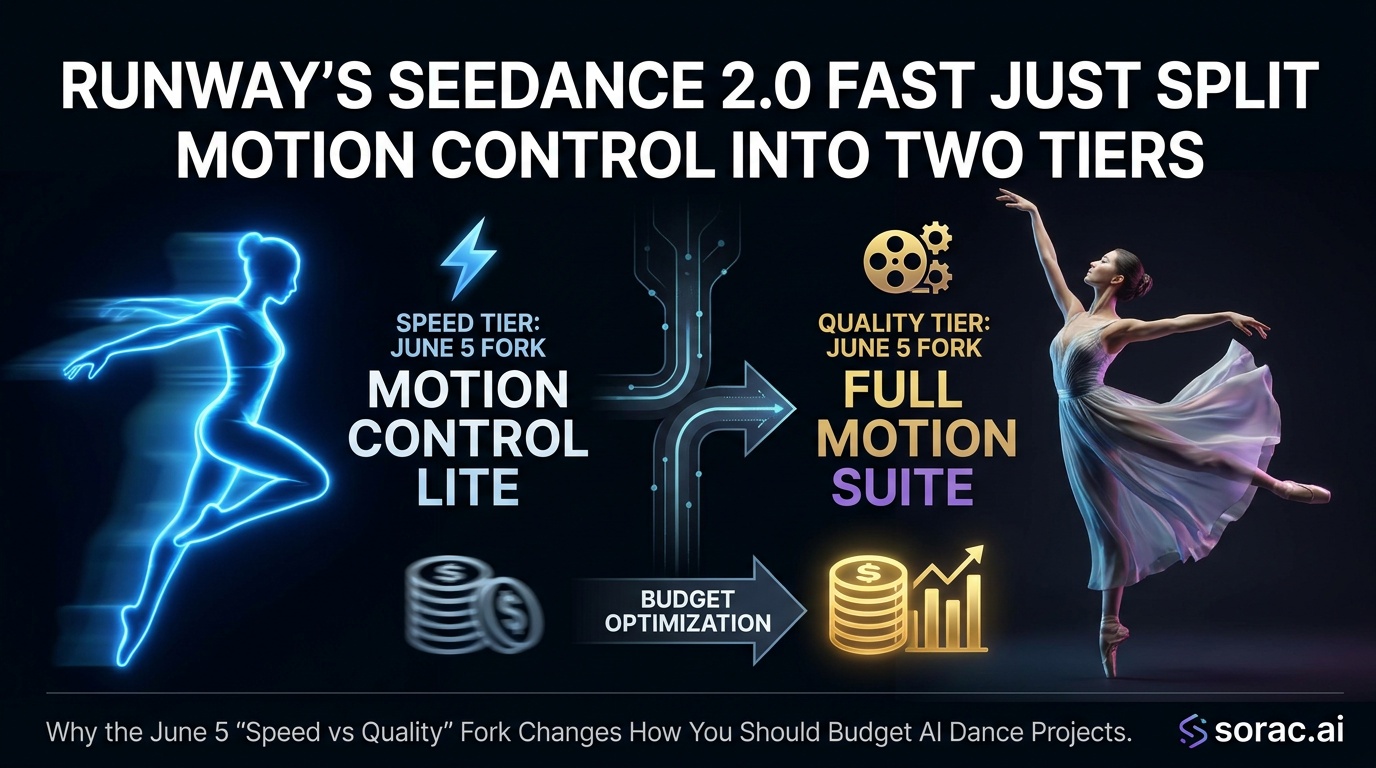
The News: Runway Just Quietly Changed the AI Dance Game
On June 5, 2026, Runway dropped a seemingly minor update that's actually a huge deal if you're making AI dance videos or any motion-controlled content: Seedance 2.0 Fast. This isn't a new model—it's a speed-optimized variant of the Seedance 2.0 they released just eight days earlier on May 28.
Here's what matters: Runway now offers two versions of the same motion control technology. Seedance 2.0 (the original) focuses on maximum fidelity and quality. Seedance 2.0 Fast trades some of that polish for significantly faster turnaround times and lower resolution options (480p-720p instead of full HD).
Both generate 4-15 second videos from text, images, or video inputs. Both support keyframe control, reference images/videos, and even generated audio. The difference? One is built for your final output; the other is built for iteration hell—when you need to test 20 variations before you find the one that works.
Background: Motion Control Has Always Been About Trade-Offs
Let's rewind. AI dance videos exploded in late 2024 when Kling released their motion control features, letting creators upload a reference dance video and have any photo copy those exact moves. Suddenly, your grandma could twerk, your cat could breakdance, and baby photos became viral TikTok gold.
The problem? These tools were slow and expensive. Every iteration cost you credits and 2-5 minutes of waiting. If your first attempt had weird hand movements or wonky facial expressions (and it usually did), you'd burn through your budget just finding something usable.
That's why platforms like Soracai's AI Dance tool became popular—they streamlined the process with 23+ pre-built dance templates (Hip-hop, Robot, Shake It To Max, etc.) powered by Kling 2.6 motion control. Upload a photo, pick a style, wait 2-5 minutes, done. At 8 coins per video, you knew exactly what you were paying for.
But professional creators and studios needed more control. They wanted custom choreography, specific keyframe edits, and the ability to iterate quickly without going broke. That's where Seedance 2.0 comes in—and why the "Fast" variant matters so much.
Analysis: Why the Speed vs. Quality Split Changes Everything
Runway's decision to fork Seedance into two tiers isn't just a technical update—it's a fundamental shift in how AI video tools are priced and positioned.
The Old Model: One Size Fits Nobody
Before June 5, you had one option: pay full price for full quality, even if you were just testing. Want to see if your concept works before committing to a high-res render? Too bad. Burn those credits.
This is like being forced to print every draft of your essay on expensive glossy paper. Wasteful and dumb.
The New Model: Draft Mode vs. Final Render
Seedance 2.0 Fast introduces a two-tier workflow:
This mirrors how professional video editors work: proxy files for editing, full-res for export. It's obvious in retrospect, but nobody in AI video has done it at the API level until now.
The Real Innovation: API-First Means Developer Control
Here's what most people miss: Runway exposed both Seedance variants through their API, not just a web interface. That means developers can build custom workflows where:
This is huge for platforms that need to manage costs at scale. Instead of every user burning premium credits on throwaway tests, you route 90% of requests through Fast and reserve quality renders for final output.
Impact on Creators: Your Budget Just Got Smarter
If you're making AI dance videos for TikTok, Instagram Reels, or YouTube Shorts, here's what this means practically:
For Casual Creators
Honestly? You probably don't need to touch Runway's API directly. The Fast/Quality split is most useful for people generating dozens of variations.
If you're making one-off dance videos with your dog or turning baby photos into viral content, template-based tools like Soracai's AI Dance are still your best bet. Pick from 23+ styles (Chanel, Dance Baby, Milkshake, Robot, etc.), upload your photo, and you're done in minutes for 8 coins. No iteration needed because the templates already work.
For Power Users & Studios
This is where the Fast tier shines. If you're:
...then Fast lets you prototype at 1/3 the cost and time. Run 15 tests in Fast, pick the best three, render those in full quality. Your budget just stretched 5x.
The Catch: Resolution Matters for Platforms
Seedance 2.0 Fast maxes out at 720p. That's fine for:
It's not fine for:
So the workflow becomes: Fast for social media tests, Quality for anything you're getting paid for.
The Broader Industry Shift: Everyone's Splitting Into Tiers
Runway isn't alone. Look at what else dropped recently:
The pattern is clear: AI video is maturing into a multi-tier market. Budget/Fast for iteration and testing, Premium/Quality for final output. Just like cloud computing has spot instances vs. reserved capacity, or streaming has 480p vs. 4K.
What This Means for Your Workflow Right Now
If You're Just Starting Out
Don't overthink it. Use template-based tools:
Get comfortable with the basics before diving into API workflows and tier optimization.
If You're Scaling Up
Think in terms of draft → test → finalize:
This is how studios will work by end of 2026. Budget 70% of your credit spend on iteration, 30% on final renders.
The Soracai Advantage: Simplicity Still Wins
Here's the thing: most creators don't need API access and tier management. They need results.
That's why Soracai's coin-based system makes sense. No subscriptions, no tier confusion. AI Dance is 8 coins whether it's your first attempt or your tenth. Nano Banana 2 Pro is 1 coin standard, 4 coins PRO. Sora 2 video is 5 coins. Simple.
For 90% of creators making viral TikToks, Instagram Reels, or YouTube Shorts, that predictability beats having to choose between Fast and Quality every single time.
What to Watch For Next
The Seedance 2.0 Fast release tells us where AI video is headed:
1. More Tier Splits Are Coming
Expect every major AI video platform to offer Draft/Fast/Quality tiers by Q4 2026. The economics are too compelling—users get cheaper iteration, platforms get more total usage (and revenue).
2. Automatic Quality Upgrading
Someone (probably Runway, maybe Soracai) will build "auto-upgrade" workflows: generate in Fast, and if it gets X likes in the first hour, automatically re-render in Quality and swap the video. Set-it-and-forget-it viral optimization.
3. Template Libraries Will Explode
Why iterate from scratch when you can start with a proven template? Soracai's 23+ dance styles and 1000+ image prompts library are just the beginning. Expect marketplace ecosystems where creators sell "verified working" templates and choreographies.
4. Resolution Will Keep Dropping for Fast Tiers
Don't be surprised if we see 360p "ultra-fast" tiers by 2027. For pure iteration and testing, you don't need pixels—you need speed. The Fast tier will keep getting faster and cheaper.
The Bottom Line: Speed vs. Quality Is Now a Choice, Not a Compromise
Runway's Seedance 2.0 Fast isn't just a technical update—it's a business model shift that acknowledges how creators actually work. We iterate, we test, we fail fast, and we only polish what works.
For casual creators, this doesn't change much. Stick with template-based tools like Soracai's AI Dance and Nano Banana 2 Pro that already optimize the workflow for you.
For power users and studios, this is game-changing. Your iteration budget just stretched 5x, and your creative process can finally match the speed of your ideas.
The AI video revolution isn't slowing down—it's just getting more efficient. And in 2026, efficiency is the new creativity.
---
Ready to try AI dance videos without the tier confusion? Check out Soracai's AI Dance tool—23+ styles, 8 coins per video, results in 2-5 minutes. No Fast vs. Quality decisions needed; just upload and dance.