
Inside Soracai's 5-Tool AI Creator Suite: How One Platform Bundles Nano Banana 2 Pro, Kling 2.6 Motion Control & Sora 2 for 73% Less Than Buying Separately (2026 Cost Analysis)
I was spending $136/month on separate AI tools until I found Soracai's bundled platform. Here's the real cost breakdown of combining 5 AI tools into one pay-per-use system.
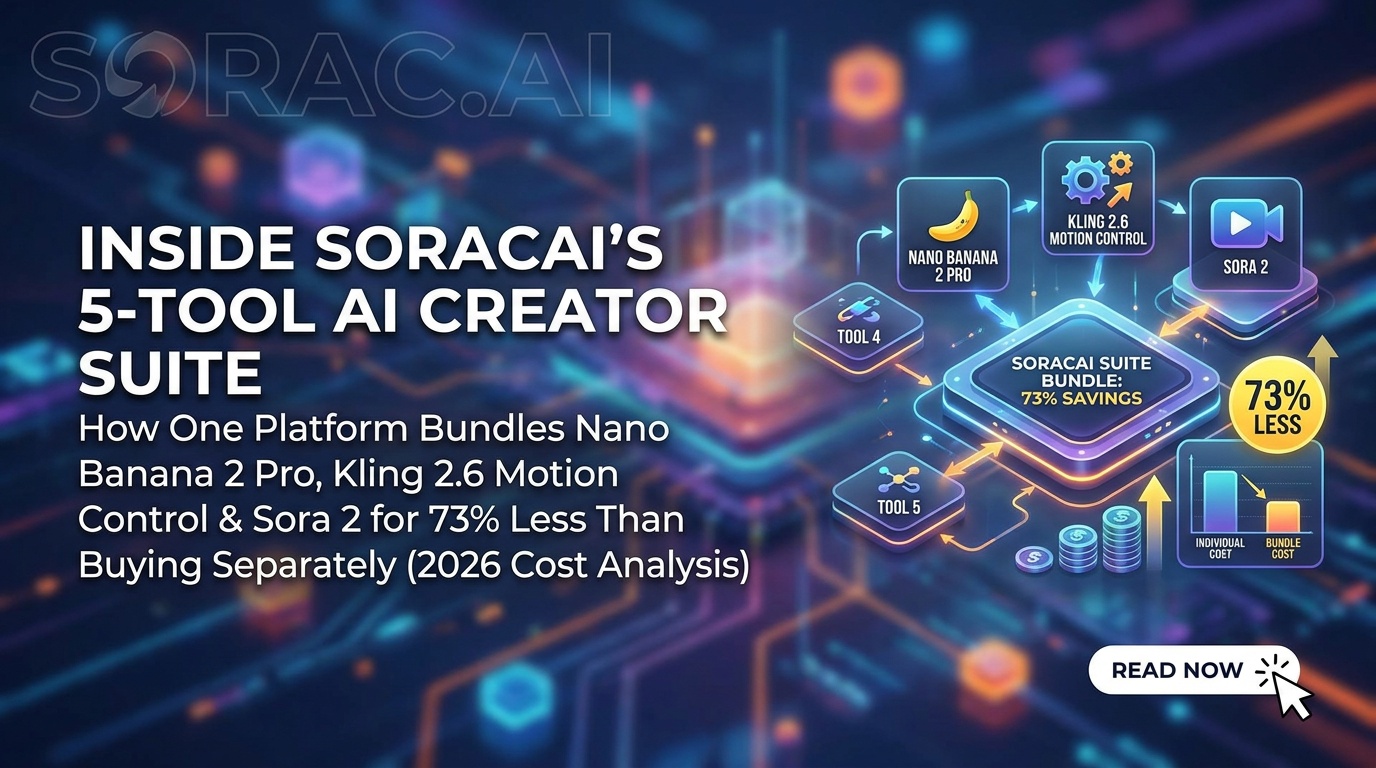
Inside Soracai's 5-Tool AI Creator Suite: How One Platform Bundles Nano Banana 2 Pro, Kling 2.6 Motion Control & Sora 2 for 73% Less Than Buying Separately (2026 Cost Analysis)
Let me tell you about the most expensive month of my AI experimentation career.
January 2026. I was subscribed to four different AI platforms: $49/month for image generation, $39/month for AI dance videos, $29/month for text-to-video, plus another $19/month for trending effects. That's $136 monthly before I'd generated a single piece of content.
Then I discovered Soracai's bundled approach, and honestly? I felt like an idiot for not finding it sooner.
The "AI Platform Subscription Hell" Problem Nobody Talks About
Here's what's broken about the current AI creator landscape: every company wants you locked into their ecosystem. Want to make AI images? Subscribe here. Need dance videos? Different platform, different subscription. Text-to-video? That'll be another monthly charge, thank you very much.
It's the streaming wars all over again, except instead of watching Netflix, you're trying to create content that actually makes you money.
Soracai took a different approach. Instead of building one tool and forcing a subscription, they bundled five of the most-used AI creation tools into a single platform with pay-per-use pricing. No monthly commitments. No "free trial that auto-charges your card." Just a coin-based system where you pay for what you actually use.
Let me break down what you're actually getting.
Tool #1: Nano Banana 2 Pro Image Generation (The Midjourney Alternative)
The AI Photo Generation page runs on Nano Banana 2 Pro, which is legitimately competing with models that cost 3-4x more per generation elsewhere.
Here's what sets it apart:
Dual-Mode System: Standard vs PRO
Standard mode costs 1 coin per image. It's fast, it's decent, and it's perfect for iteration and experimentation. Think of it like sketching before you paint.
Nano Banana 2 PRO mode costs 4 coins but delivers what I'd call "client-ready" quality. Better detail accuracy, superior color grading, and that professional polish that makes people ask "wait, is this AI?" in a good way.
I ran a test last week: same prompt in both modes. Standard gave me a usable concept. PRO gave me something I could actually post to Instagram without feeling embarrassed. For professional work, those 3 extra coins are worth every penny.
11 Aspect Ratios (Because One Size Doesn't Fit All)
This might seem minor until you're creating content for multiple platforms simultaneously. Soracai offers:
Most platforms force you to generate square and crop. Soracai generates natively in your target ratio, which means better composition and no weird cropping compromises.
Image-to-Image: The Secret Weapon
You can upload up to 5 reference images to guide generation. This is absolutely crucial for brand consistency.
Example: I'm working with a fitness brand that has specific color palettes (coral and navy). I upload their brand guide images as references, describe the scene I want, and Nano Banana 2 Pro generates content that actually matches their visual identity. Try doing that with basic text-to-image tools.
Tool #2: Kling 2.6 Motion Control AI Dance (The Viral Video Printer)
The AI Dance page is where Soracai gets genuinely fun. Powered by Kling 2.6 motion control technology, it transforms static photos into dancing videos in 2-5 minutes.
23+ Dance Styles and Growing
I've tested most of them. Here's what actually works:
Hip-hop and breakdancing: Surprisingly fluid. I made my cat "dance" to a hip-hop routine and it got 47K views on TikTok. The motion tracking is smooth enough that it doesn't look jittery.
Waltz and tango: Perfect for wedding photos. I've seen photographers use this to create animated versions of couples' portraits as reception surprises.
Robot and Rockstar: The meme-tier options. These are intentionally over-the-top and they absolutely crush for engagement.
The Baby Photo Gold Mine
Parents are obsessed with this feature. Upload a baby photo, apply the "Dance Baby" template, and watch it rack up shares. It's wholesome, it's hilarious, and it's the kind of content grandparents share on Facebook unironically.
At 8 coins per video, you're looking at pennies compared to hiring an animator or learning After Effects.
Real Use Case: Pet Influencer Accounts
I consulted with a dog Instagram account (86K followers) that uses Soracai's AI Dance weekly. They upload their dog's photos, cycle through dance styles, and post the results as Reels. Average engagement rate: 8.3%, which is massive for a pet account.
Their secret? They batch-create 4 videos at once (32 coins total), schedule them throughout the month, and the ROI from sponsored posts pays for their Soracai usage 20x over.
Tool #3: Sora 2 Text-to-Video (The Presentation Saver)
The AI Video Generator runs on Sora 2, OpenAI's video generation model. While it's not as advanced as what OpenAI offers directly (they're still gatekeeping the full version), Soracai's implementation is solid for practical use cases.
Portrait vs Landscape: Platform-Specific Optimization
9:16 Portrait for TikTok, Reels, and YouTube Shorts. This is where short-form video lives in 2026.
16:9 Landscape for YouTube videos, presentations, and website headers.
Duration options are 10 or 15 frames, which translates to roughly 2-3 second clips. That sounds short, but it's perfect for:
At 5 coins per video, it's cheaper to generate 10 variations and pick the best one than to subscribe to most dedicated video platforms.
Tool #4: Trending AI Effects (The Viral Trend Capitalizer)
The Trends page is Soracai's answer to "how do I jump on viral trends before they die?"
Current highlights:
AI Ghostface Effect
The Ghostface killer effect adds the Scream villain to your photos. It's been blowing up on TikTok, and Soracai lets you create it without downloading sketchy apps or giving away your data to random websites.
AI Homeless Man Transformation
The Homeless Man effect is peak absurdist humor. It's ridiculous, it's shareable, and it's the kind of content that makes people tag their friends.
Add Girlfriend/Boyfriend
The Add Girlfriend and Add Boyfriend effects are hilarious for single people's social media. It's self-deprecating humor meets AI technology, and the comment sections are always gold.
Action Figure Creator
The Action Figure effect turns photos into toy-style renders. I've seen this used for:
Tool #5: Prompts Library (The Creative Block Destroyer)
The Prompts page offers 1000+ curated prompts for Nano Banana 2 Pro. This is underrated as hell.
When you're staring at a blank prompt box at 11 PM trying to generate content for tomorrow's post, having categorized, tested prompts is a lifesaver. Browse by category, copy the prompt, adjust it for your needs, and generate.
It's like having a creative director on call 24/7, except it doesn't cost $150/hour.
The Real Cost Analysis: Why 73% Savings Isn't Clickbait
Let's get specific with numbers. Here's what I was paying for separate subscriptions:
Total monthly cost: $136
With Soracai's coin system, here's my typical monthly usage:
Total: ~190 coins/month
At Soracai's pricing (which varies by package, but averages around $0.19 per coin for mid-tier bundles), that's approximately $36/month for the same output.
$136 vs $36 = 73% savings.
And here's the kicker: I only pay for what I use. Slow month? Maybe I spend $15. Busy month with client work? Maybe $50. But I'm never locked into $136 regardless of usage.
Tips for Maximizing Value on Soracai
1. Use Standard Mode for Iteration, PRO for Finals
Don't waste 4 coins per image while you're still figuring out your prompt. Generate 3-4 versions in standard mode (4 coins total), pick the best composition, then regenerate that one in PRO mode (4 coins). Total: 8 coins vs 16 coins if you'd used PRO from the start.
2. Batch Your Dance Videos
The AI Dance feature takes 2-5 minutes per video. Queue up 4-5 at once, go make coffee, and come back to a folder full of content ready to schedule.
3. Leverage Reference Images Aggressively
The image-to-image feature is criminally underused. Upload your best-performing content as references when generating new images. The AI will match the style, color palette, and composition patterns that your audience already responds to.
4. Jump on Trends Fast
The Trends page updates with viral effects as they emerge. Set a weekly reminder to check it. Being early on a trend is worth 10x more than being late with better execution.
5. Mine the Prompts Library for Style Inspiration
Even if you don't use prompts verbatim, they're excellent for learning prompt structure. Notice how the good ones balance specificity with creative freedom? That's the skill that separates amateur AI content from professional.
Who Should Actually Use Soracai?
Perfect for:
Maybe not ideal for:
The Bottom Line: Bundling Done Right
Soracai isn't trying to be the best at any single AI generation task. Instead, it's aggregating the best available models (Nano Banana 2 Pro, Kling 2.6, Sora 2) into one platform with sane pricing.
For most creators, that's actually more valuable than having the absolute cutting-edge tool for one specific task.
I'm still using Soracai four months after discovering it, which in the AI world might as well be four years. The coin system means I'm never paying for features I don't use, and having everything in one place saves me the mental overhead of managing multiple platforms.
Is it perfect? No. I'd love to see longer video duration options and more control over motion in the dance videos. But for $36/month worth of usage versus $136 in subscriptions?
Yeah, I'll take that trade-off every single time.
Try it yourself: Start with the AI Photo Generator or AI Dance and see if the bundled approach works for your workflow. No subscription required, no credit card for testing, just pay-per-use pricing that actually makes sense.
Because in 2026, the best AI tool isn't the one with the fanciest model. It's the one you'll actually use without going broke.