
How to Transform Anyone Into a Homeless Man Using AI in Under 3 Minutes: The Complete Soracai Tutorial (Photo Upload to Viral TikTok)
Turn any photo into a viral homeless transformation in under 3 minutes using Soracai's AI. Step-by-step tutorial with pro tips, troubleshooting, and TikTok strategies.
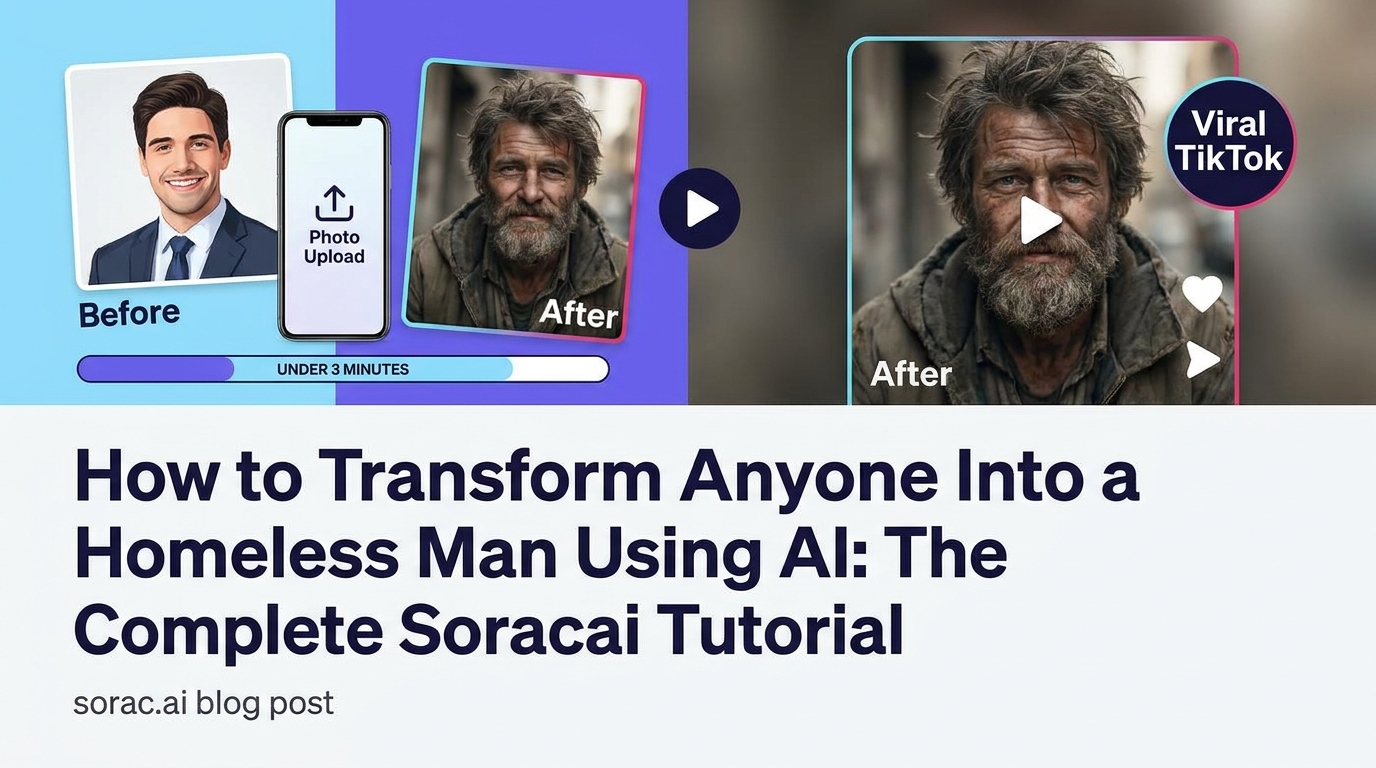
How to Transform Anyone Into a Homeless Man Using AI in Under 3 Minutes: The Complete Soracai Tutorial (Photo Upload to Viral TikTok)
Look, I'm not here to judge your sense of humor. If you've scrolled through TikTok lately, you've seen the viral AI Homeless Man effect turning everyone from babies to celebrities into hilariously disheveled street dwellers. It's absurd, it's ridiculous, and it's absolutely everywhere.
The good news? You don't need a PhD in AI or expensive software to join the fun. With Soracai's AI Homeless Man effect, you can transform any photo in literally under 3 minutes. I've done this dozens of times, and I'm going to walk you through the exact process that gets the best results.
What You're About to Learn
By the end of this tutorial, you'll know how to:
This isn't rocket science, but there are definitely tricks to making your homeless transformation look authentic instead of like a bad Photoshop job from 2005.
What You'll Need Before Starting
Here's your shopping list (spoiler: it's short):
Pro Tip: The AI works best with clear, front-facing photos where the face takes up at least 40% of the frame. That blurry group photo from your cousin's wedding? Probably not ideal.
Step 1: Get Your Photo Ready
Before you even log into Soracai, spend 30 seconds prepping your image. This makes a massive difference.
Choose the Right Photo
The AI Homeless Man effect analyzes facial features and applies realistic weathering, beard growth, and environmental details. Here's what works:
File Format Matters (Kind Of)
JPG, PNG, HEIC - they all work. Just keep your file under 10MB. If you're pulling from Instagram, those files are already compressed and perfect.
Pro Tip: Want to go viral? Use a photo people recognize. Your CEO's LinkedIn headshot, a local politician, or yes, your own professional headshot. The contrast between polished and homeless is comedy gold.
Step 2: Navigate to the AI Homeless Man Effect
Head to soracai.com and look for the Trends section in the navigation menu. You can also go directly to soracai.com/trends/homeless-man.
The Trends page is where Soracai keeps all the viral AI effects - you'll also find the Ghostface effect, Action Figure creator, and the hilariously awkward Add Girlfriend/Boyfriend features here. But today, we're focused on creating digital vagrants.
Click on AI Homeless Man and you'll land on the effect page with upload options.
Step 3: Upload Your Photo
Click the upload area and select your prepared image. The platform accepts:
Once uploaded, you'll see a preview. This is your last chance to swap photos if something looks off.
What Happens Behind the Scenes
Soracai uses advanced AI models (similar to the technology powering their Nano Banana 2 Pro image generator) to analyze facial structure, skin texture, and lighting. It then applies multiple transformation layers:
This all happens in 2-3 minutes. Wild, right?
Step 4: Generate Your Transformation
Hit that generate button. The effect costs 8 coins - the same as creating an AI dance video on their platform.
You'll see a progress bar. This is actually processing, not fake loading. The AI is genuinely working through the transformation layers I mentioned above.
Average processing time: 2-3 minutes, though I've seen it done in 90 seconds during off-peak hours.
Pro Tip: Don't refresh the page. I know it's tempting, but you'll lose your spot in the queue and waste coins. Just let it cook.
Step 5: Download and Share
Once processing completes, you'll see your transformation. And honestly? The results are usually shockingly good.
You get a high-resolution download that's perfect for:
Making It TikTok-Ready
Here's the formula I've seen go viral repeatedly:
The contrast is what makes people share. Clean-cut businessman to street philosopher in 3 seconds? That's engagement bait.
Pro Tips for Maximum Realism (and Laughs)
After running this effect on probably 50+ photos, here's what I've learned:
Tip #1: Professional Photos Transform Better
LinkedIn headshots, corporate photos, and wedding pictures create the most jarring (and hilarious) transformations. The AI has more "clean" data to work with, so the homeless conversion looks more dramatic.
Tip #2: Lighting Consistency
The AI tries to match lighting between the original and transformed version. Photos taken in bright, even lighting give more realistic results than moody, dramatic shots.
Tip #3: Age Matters
The effect works on all ages, but middle-aged subjects (30-60) tend to look most realistic. Baby photos can look weird because the AI struggles with adding facial hair to infant faces (thankfully).
Tip #4: Combine with Other Effects
Once you've got your homeless transformation, you could theoretically use Soracai's AI Dance feature to make your homeless character bust a move. Is it tasteful? Absolutely not. Will it get views? Probably.
Troubleshooting Common Issues
Even with good photos, sometimes things go sideways. Here's how to fix the most common problems:
Problem: The Face Looks Distorted
Solution: Your original photo probably had the face too small in the frame. Crop closer to the subject and try again. The AI needs facial features to take up at least 30-40% of the image.
Problem: The Transformation Looks Fake
Solution: This usually happens with heavily filtered original photos. Instagram filters confuse the AI. Use the original, unfiltered version from your camera roll.
Problem: Processing Failed
Solution: File size issue. Compress your image to under 10MB or try a different format. Also, check that faces are clearly visible - sunglasses and masks can cause failures.
Problem: Not Homeless Enough
Solution: Honestly? The AI has guardrails to prevent overly offensive outputs. What you get is what you get. If you want more control, you could use Soracai's Nano Banana 2 Pro image generator at soracai.com/create with detailed prompts, but that's a different workflow entirely.
Taking It to the Next Level
Once you've mastered the basic homeless transformation, here are some creative directions:
Create a Transformation Series
Transform the same person through multiple effects. Start with the homeless transformation, then try the Ghostface effect, then the Action Figure creator. Post them as a carousel - "Choose your fighter" style.
Make It Move
Use your homeless transformation as the starting image for Soracai's AI Dance feature at soracai.com/ai-dance. Pick something dignified like a waltz or tango for maximum comedic contrast. The Kling 2.6 motion control technology they use creates surprisingly smooth dance videos.
Build a Narrative
Create a whole character backstory in the caption. "This is Gerald. Gerald used to be a hedge fund manager. Then he discovered cryptocurrency in 2022." People eat this stuff up.
Why This Effect Keeps Going Viral
Let's be real - the AI Homeless Man effect is borderline offensive. But it keeps spreading because:
The same technology that powers serious tools like Sora 2 for professional video creation or Nano Banana 2 Pro for commercial image generation is being used to turn your boss into a disheveled street person. That's the internet in 2025.
Final Thoughts
The AI Homeless Man transformation on Soracai is stupid simple to use, produces genuinely impressive results, and costs less than a cup of coffee. Whether you're making content for TikTok, pranking friends, or just exploring what AI can do, it's worth the 3 minutes.
Just maybe don't transform your actual homeless neighbors. That's where this crosses from funny to just mean.
Ready to create your first transformation? Head to soracai.com/trends/homeless-man and start uploading. And while you're there, check out the other trending effects - the Ghostface one is legitimately creepy, and the Action Figure creator makes everyone look like they belong in a Toy Story movie.
Now go forth and create some delightfully tasteless content. The algorithm awaits.